Lifecycle Email Specialist for Ecommerce & Retention Agencies

I take retention briefs from strategy to Figma to Klaviyo-ready execution—without the handoff chaos.

Self-Initiated System — Dot & Key

Campaigns

Campaigns built around a customer action. I use strategy, merchandising, education, proof, and offer mechanics to give each send a clear job.

An end-to-end lifecycle system I built to demonstrate how I think across the full retention production loop—not just how I design individual emails.

The work is self-initiated, not client work.

I built the system across acquisition, lifecycle flows, campaigns, personalization, Klaviyo logic, design systems, and QA so the work could be evaluated as a production system.

Figma Designs — 4th of July

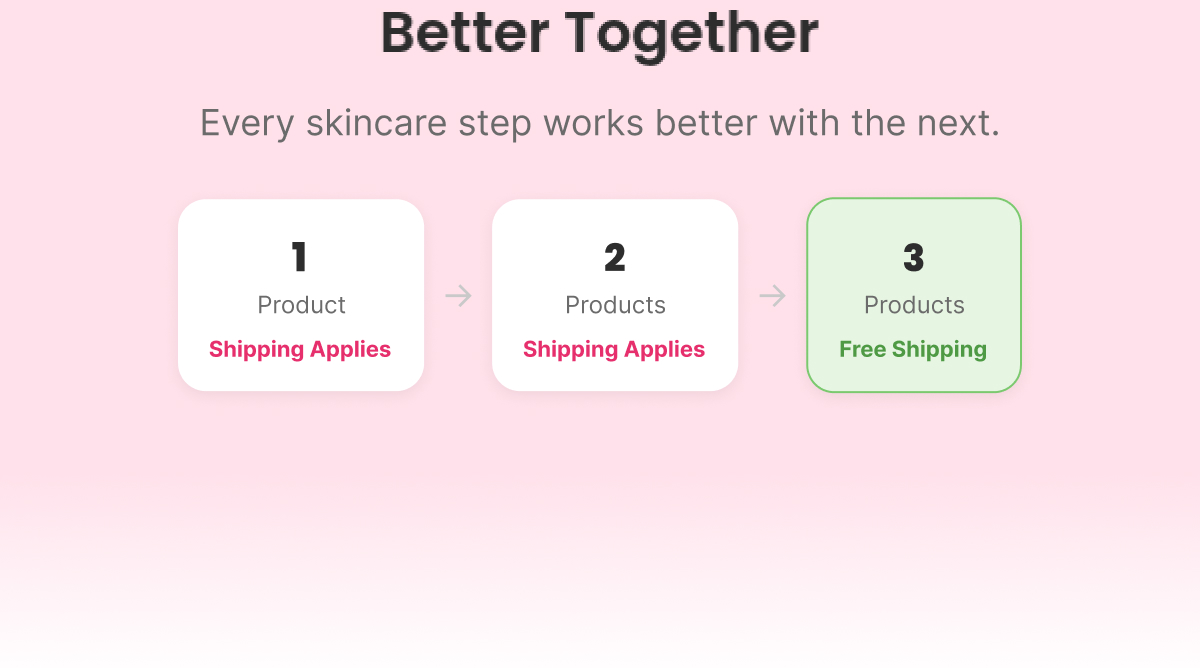
Business goal: increase AOV by moving customers from single products to complete routines. Offer mechanic: free shipping unlocked at a 2-product threshold, chosen over a straight discount specifically to reward routine-building behavior without cutting margin on every order. Each email has a distinct job and visual identity — teach, prepare, celebrate, close — so the sequence reads as a story, not four reminders of the same thing.

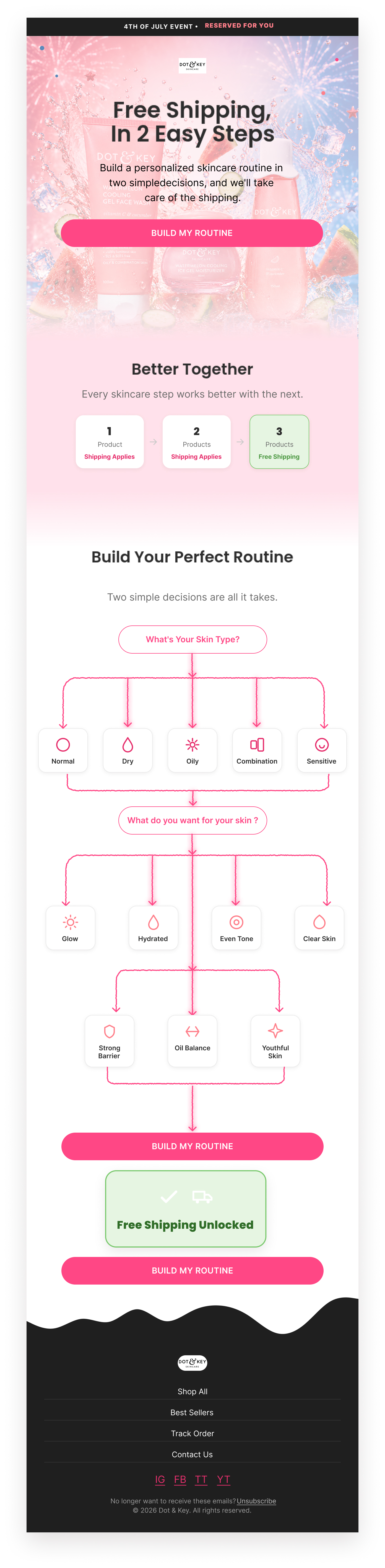
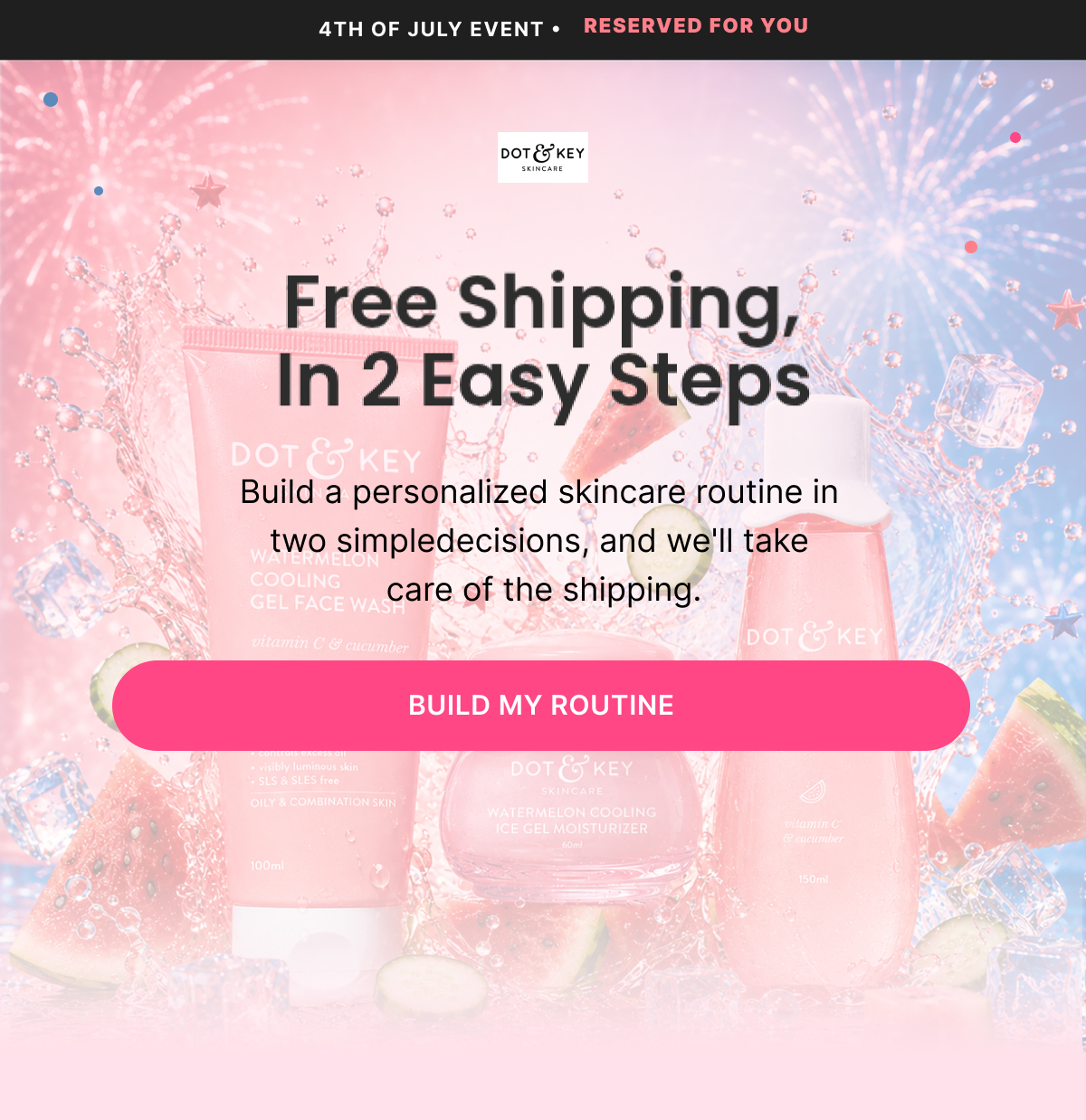
Email 1 — Opener (Free Shipping In 2 Easy Steps)

Subject: “Free Shipping In 2 Easy Steps”

Preview: “Reserved for you... but not forever”

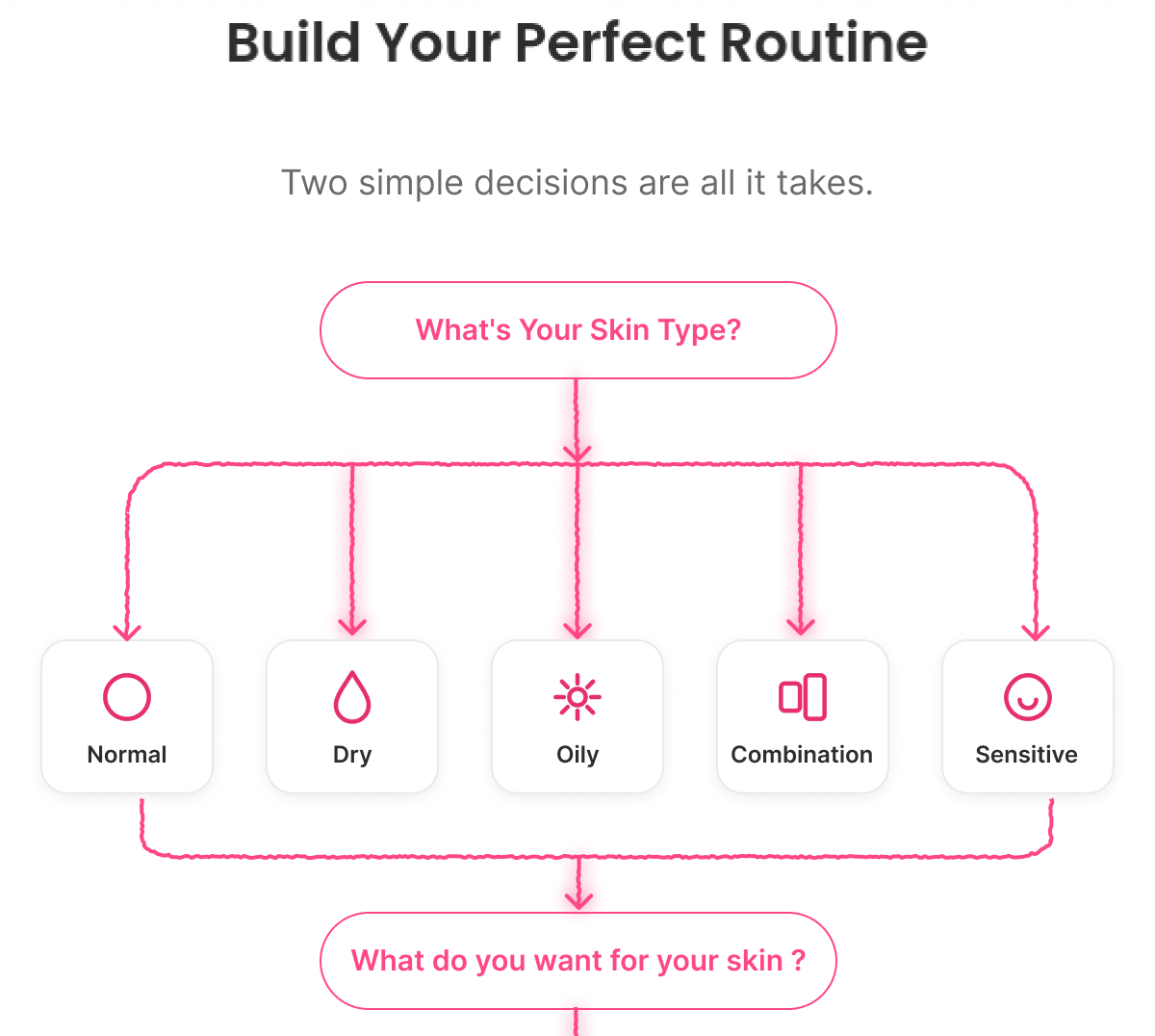
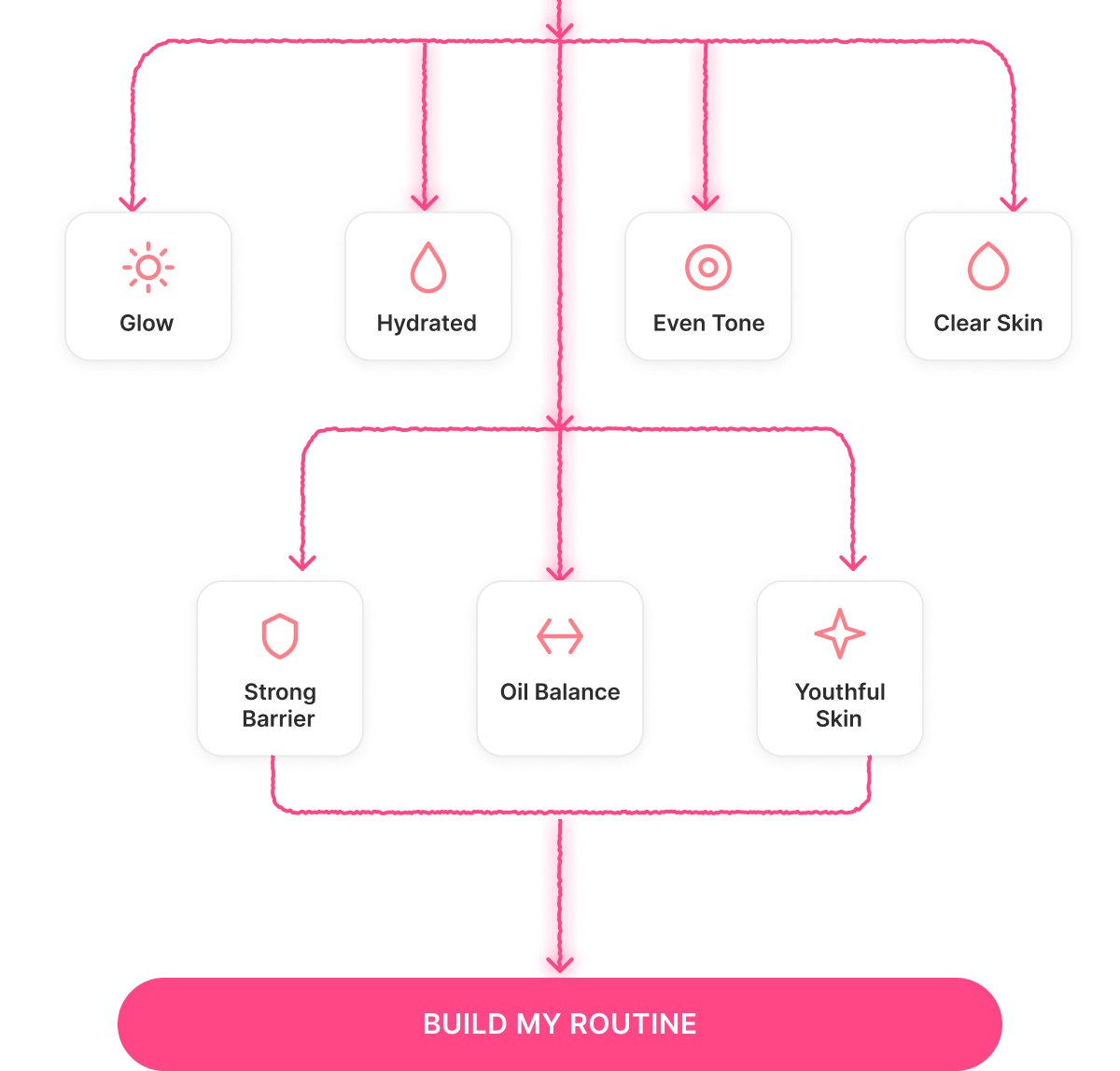
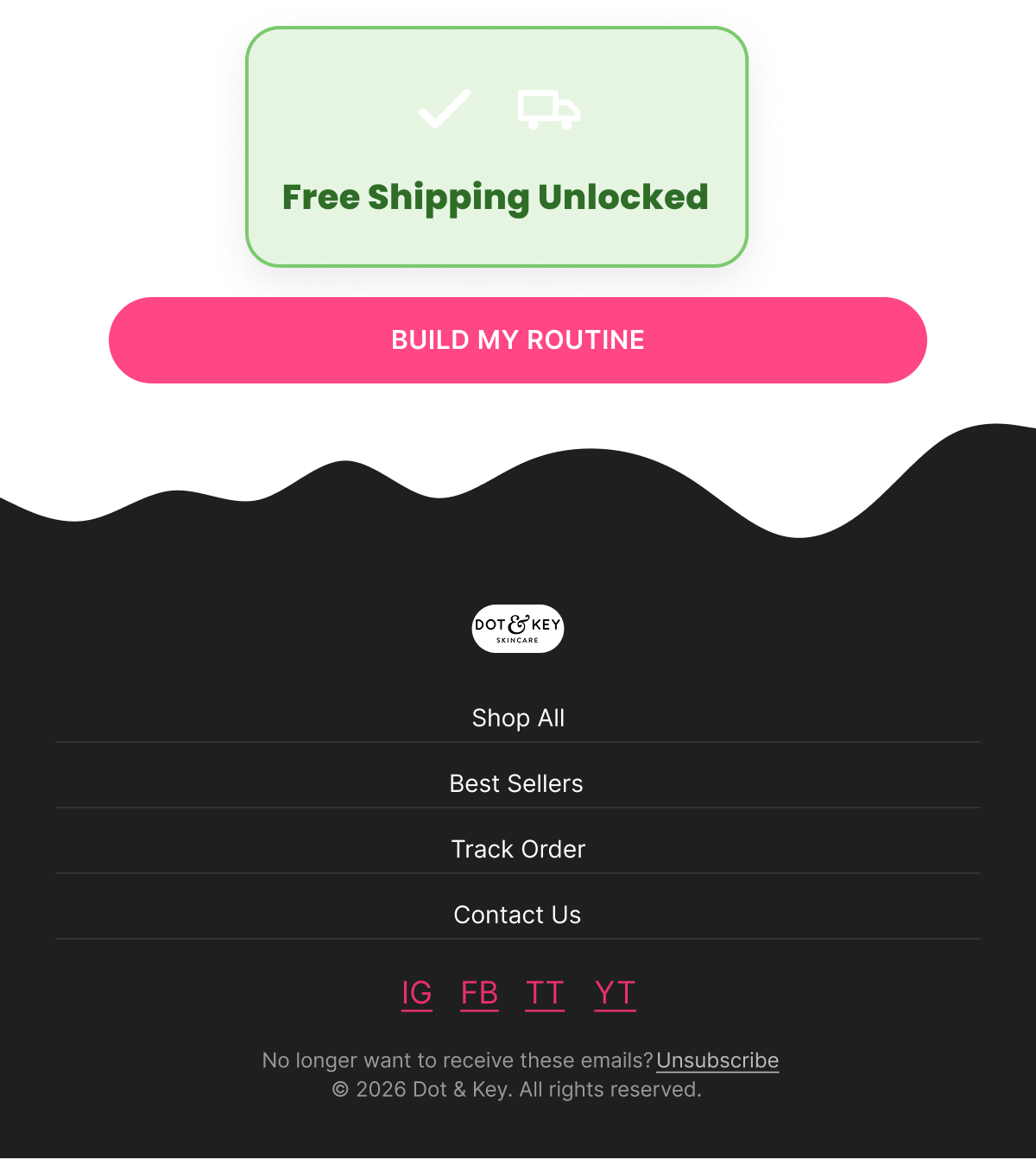
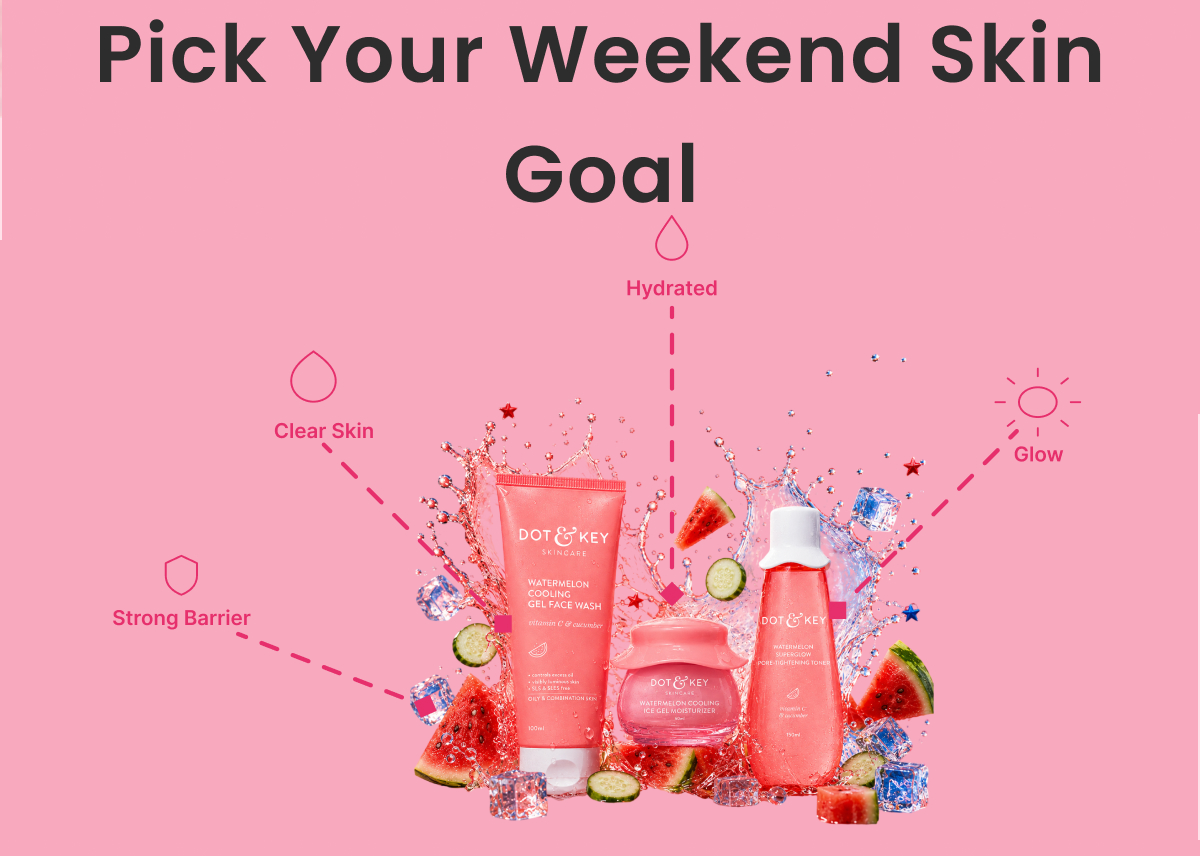
Introduces the offer as a reserved holiday perk, using a two-question flowchart (skin type → skin goal) that visually walks the customer to a routine recommendation and "FREE SHIPPING UNLOCKED," closing on "Build My Routine." Educational, zero urgency.

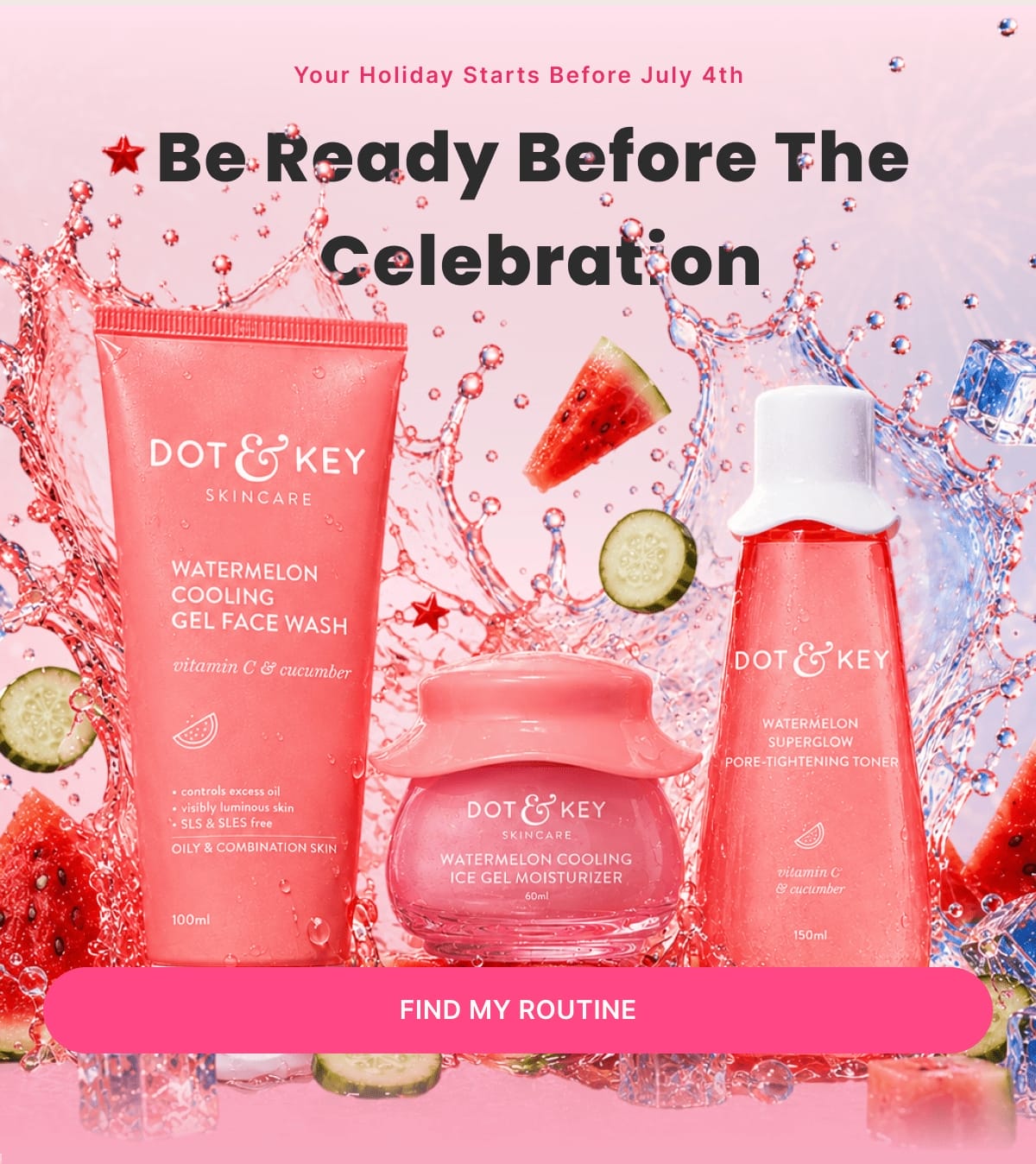
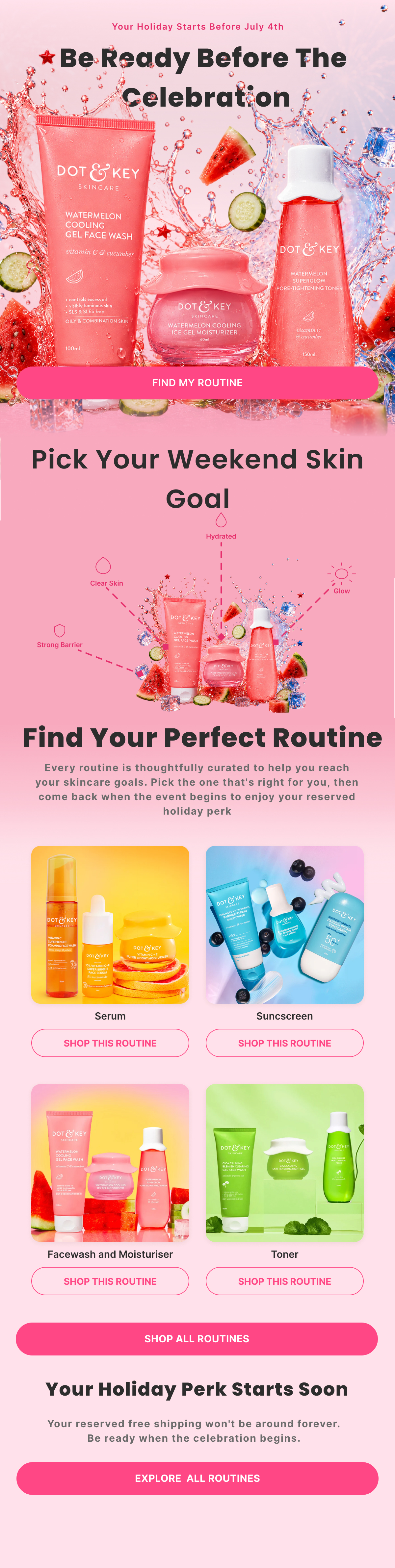
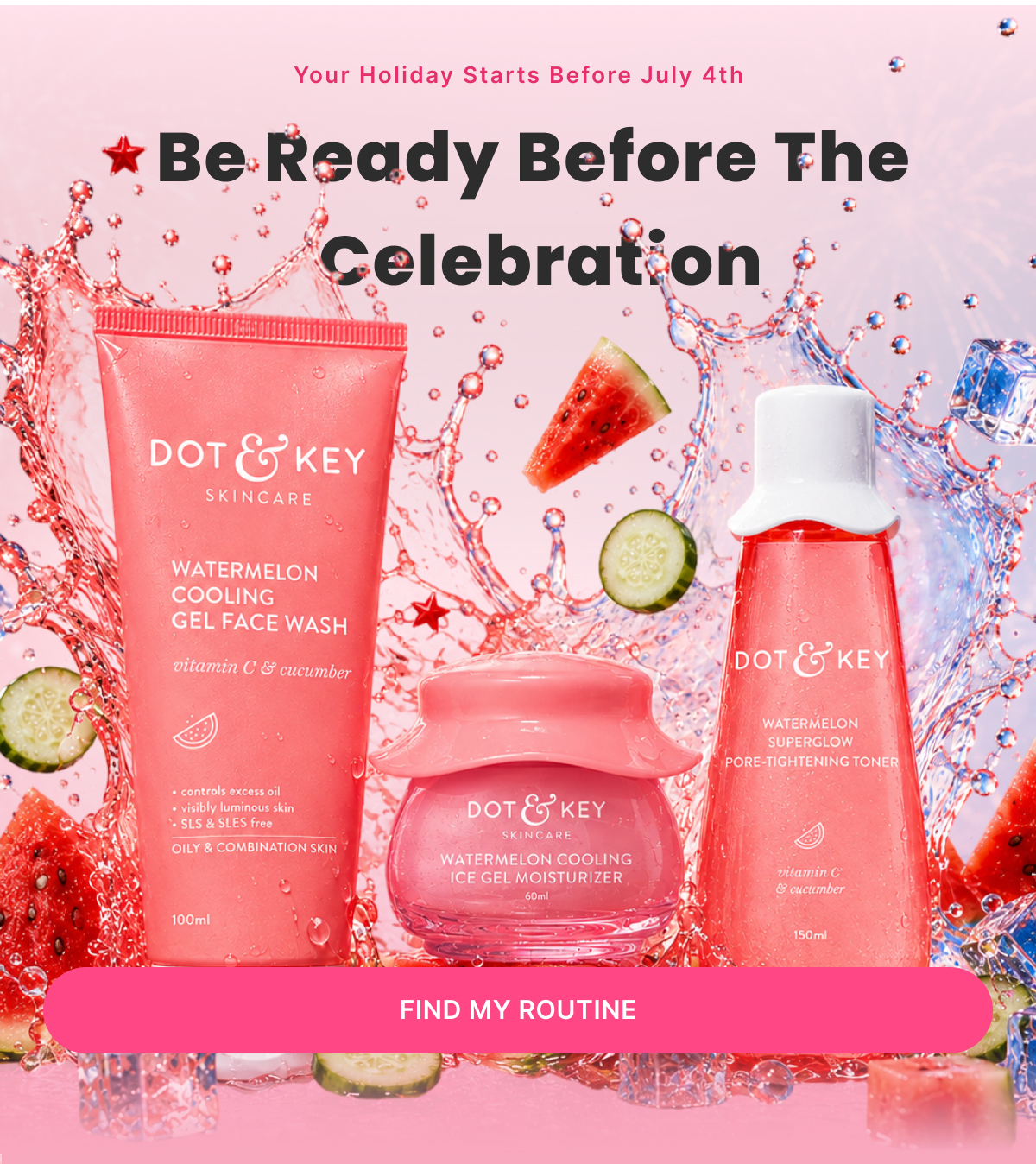
Email 2 — Pre-Event (Be Ready Before The Celebration)

Subject: “Be Ready Before The Celebration”

Preview: “The best routines are picked before the celebration begins”

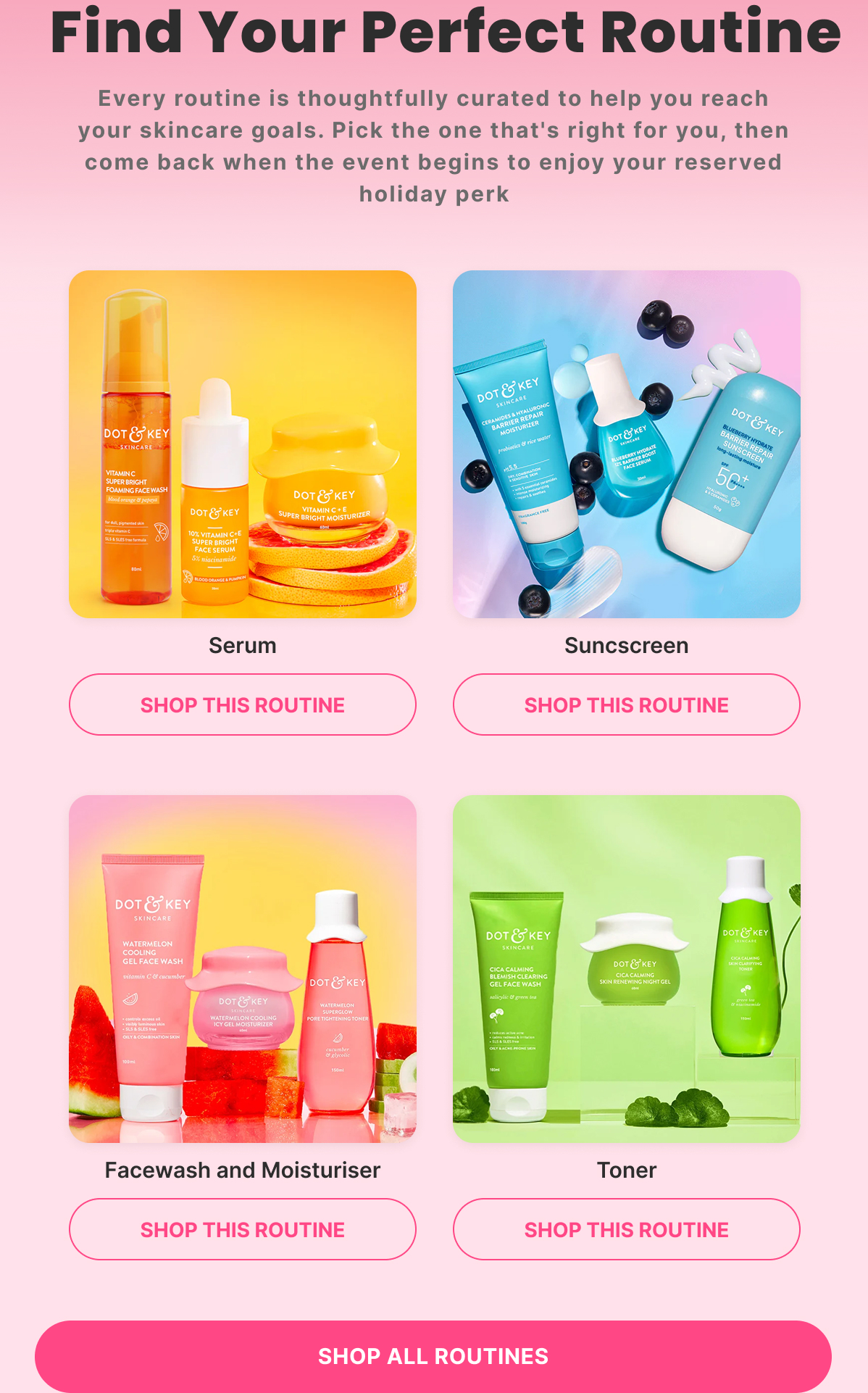
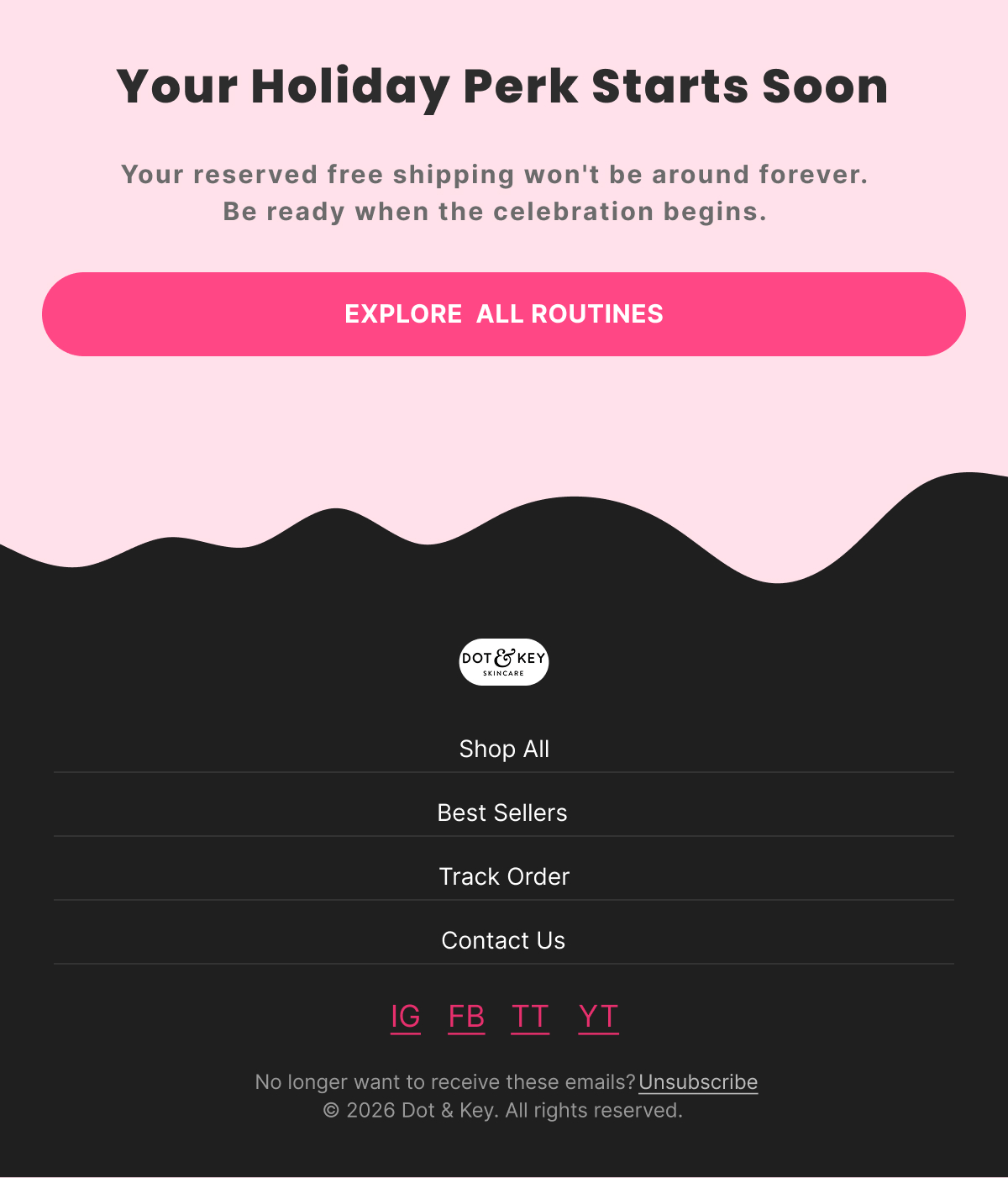
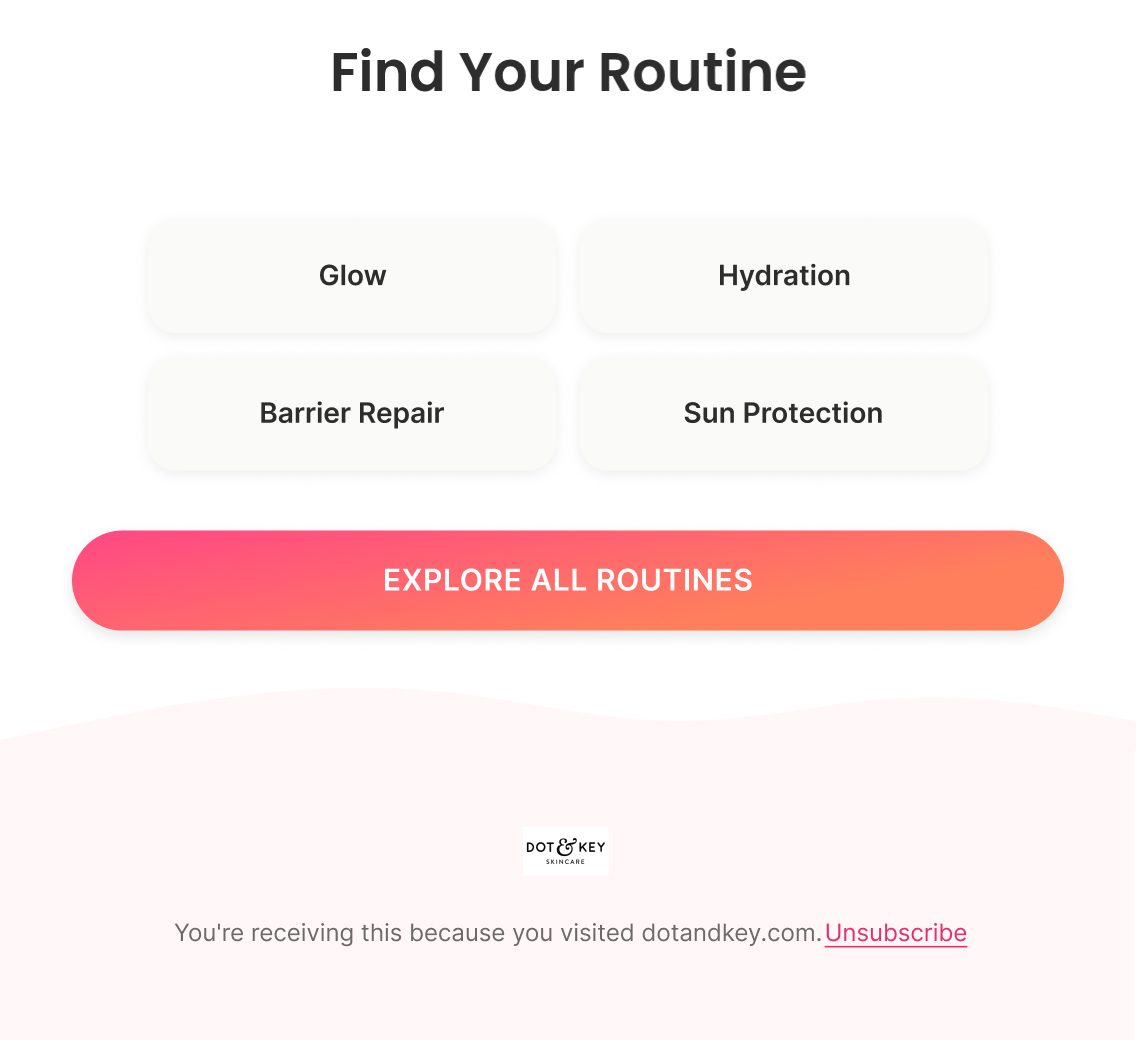
Shifts from teaching the offer to helping the customer decide what to buy — four curated routine categories (Serum, Sunscreens, Face Wash & Moisturisers, Toner), closing on "Shop All Routines" so they're ready the moment the event goes live.

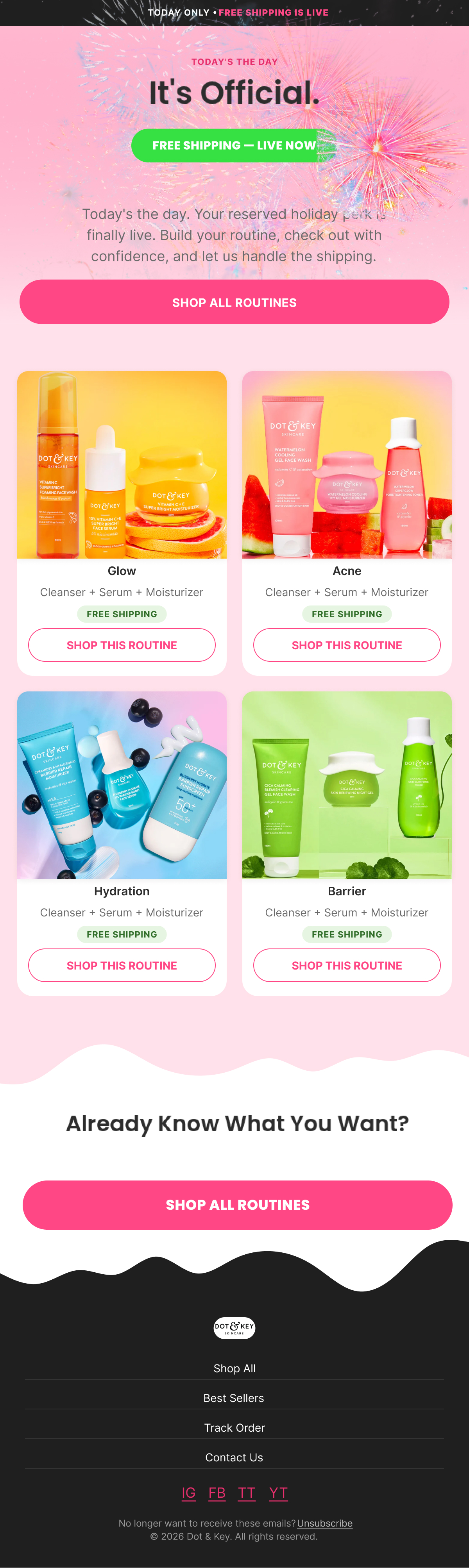
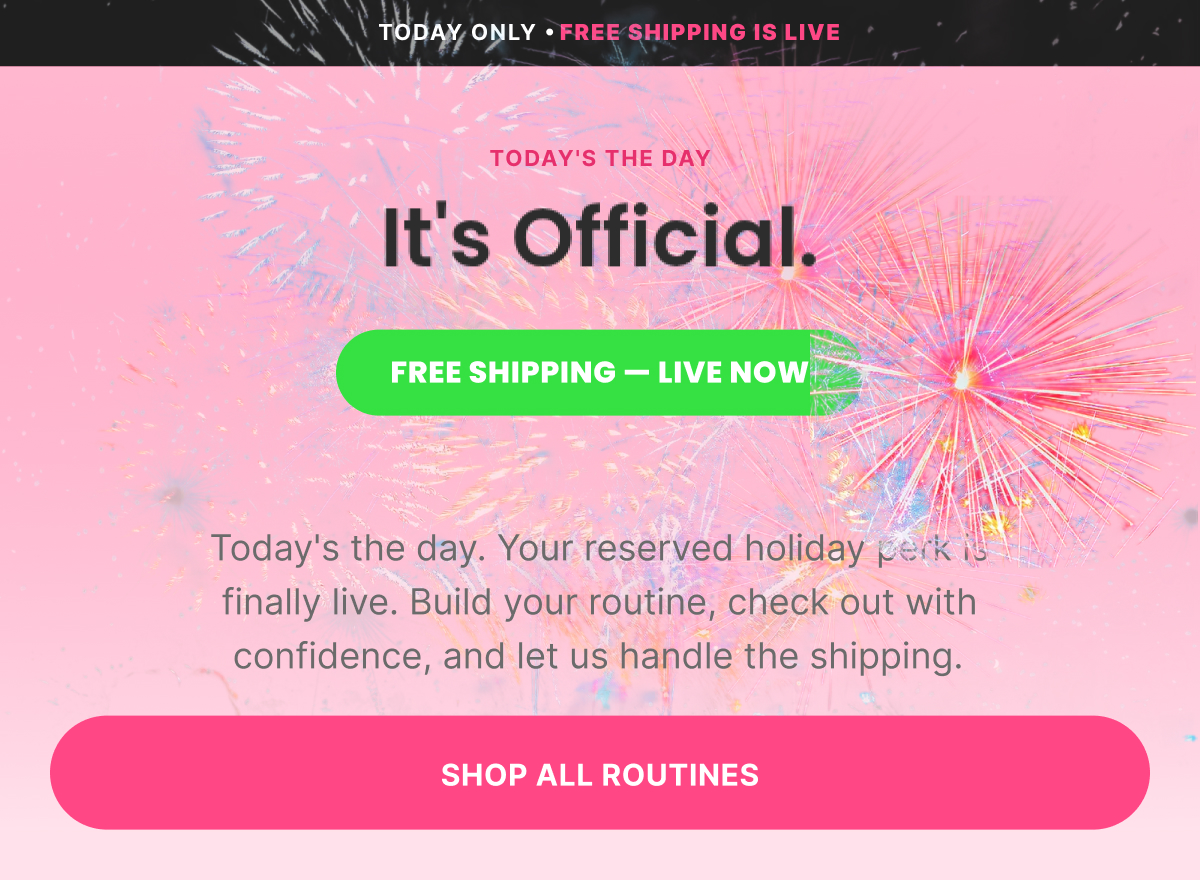
Email 3 — Event Live (It's Live: Free Shipping Starts Now)

Subject: “🎆 It's Live: Free Shipping Starts Now”

Preview: “Your reserved holiday perk is ready to claim”

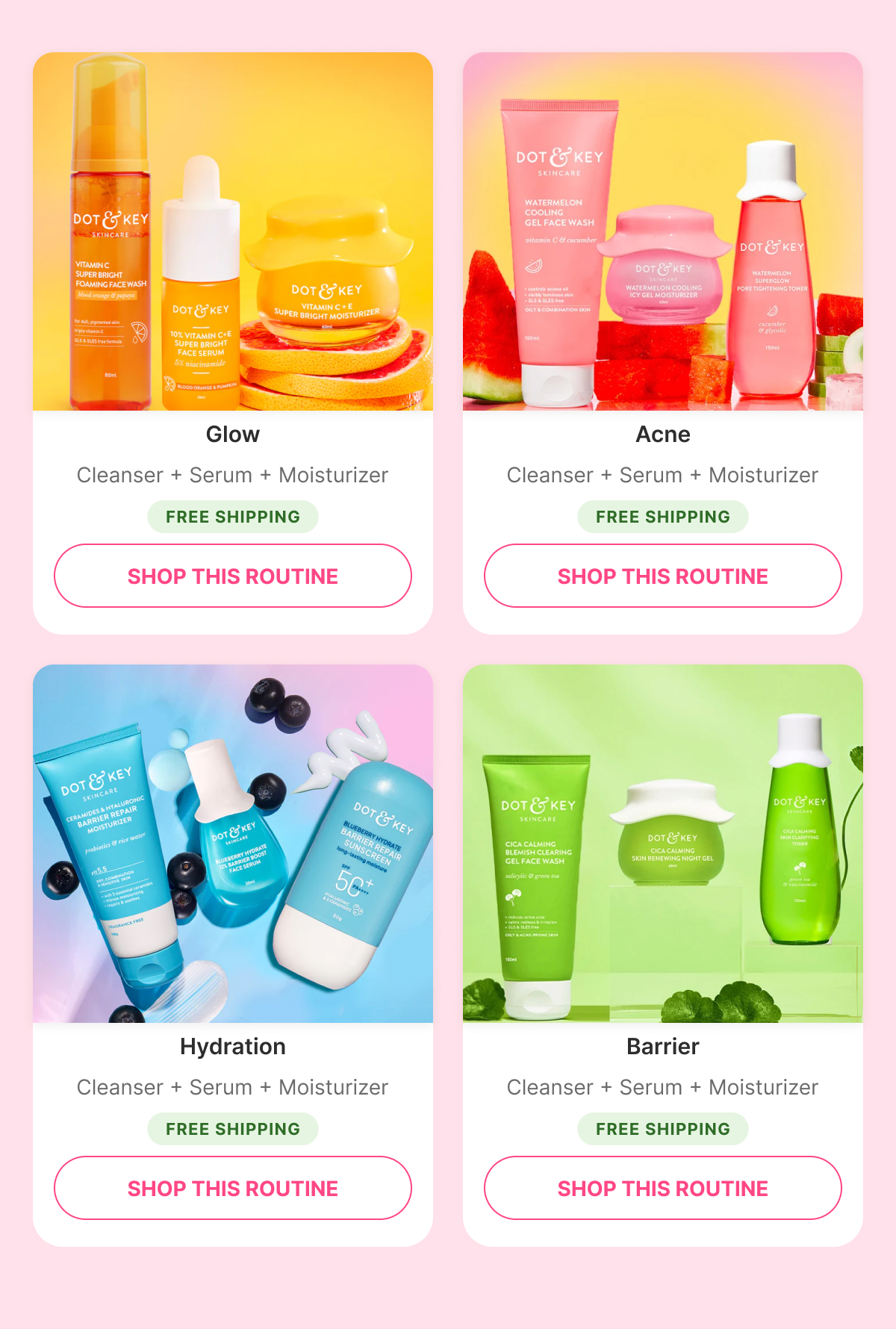
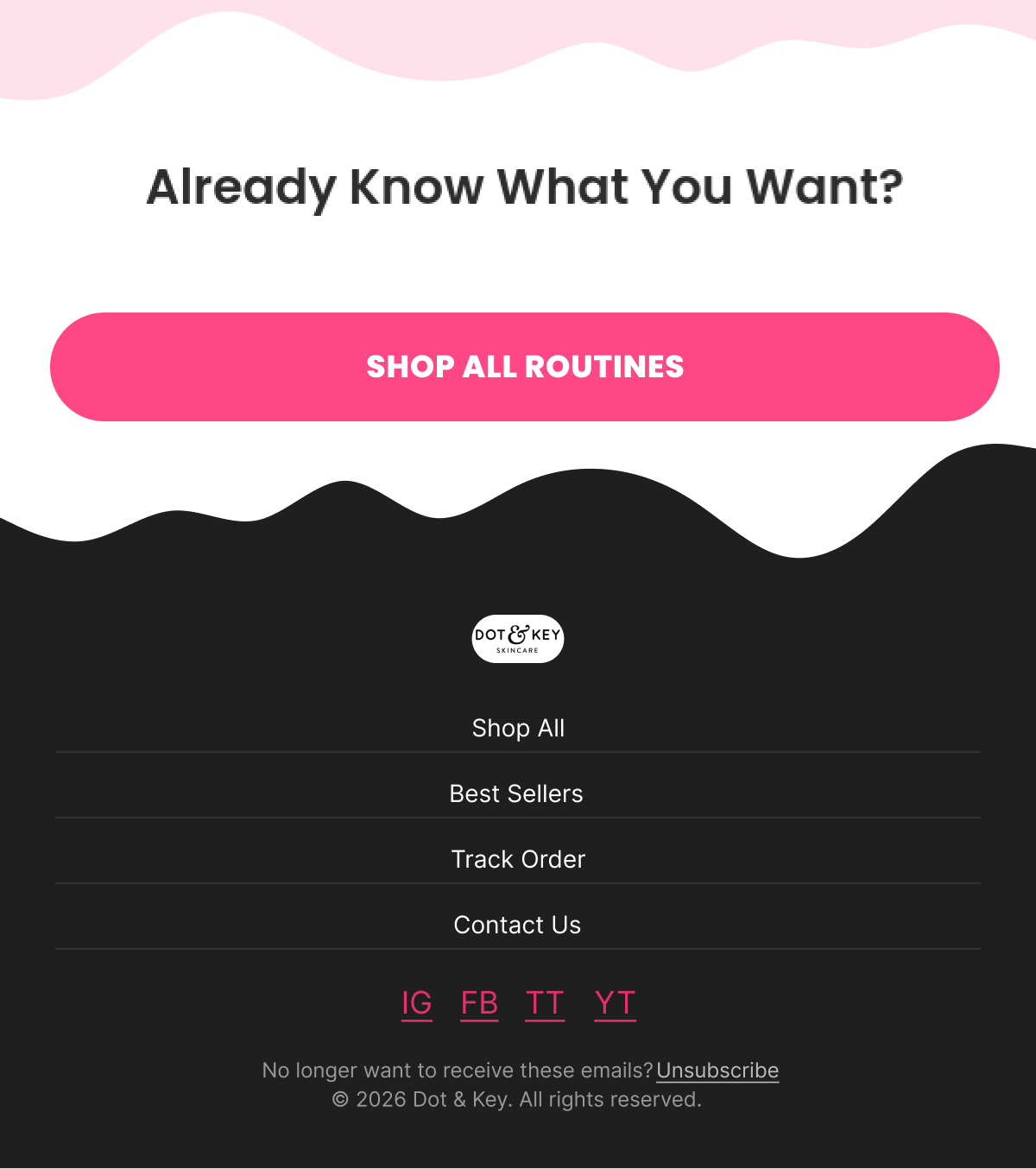
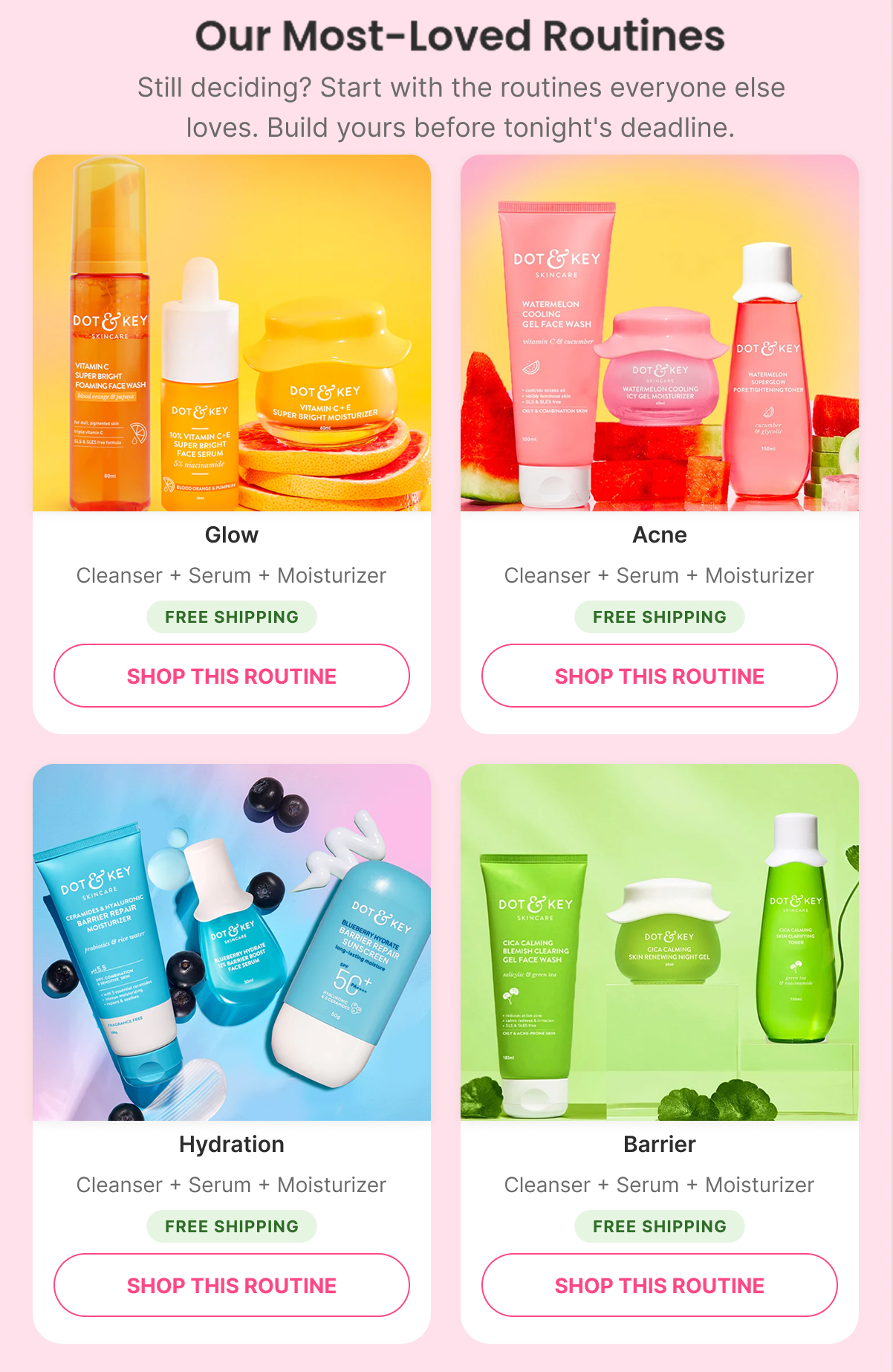
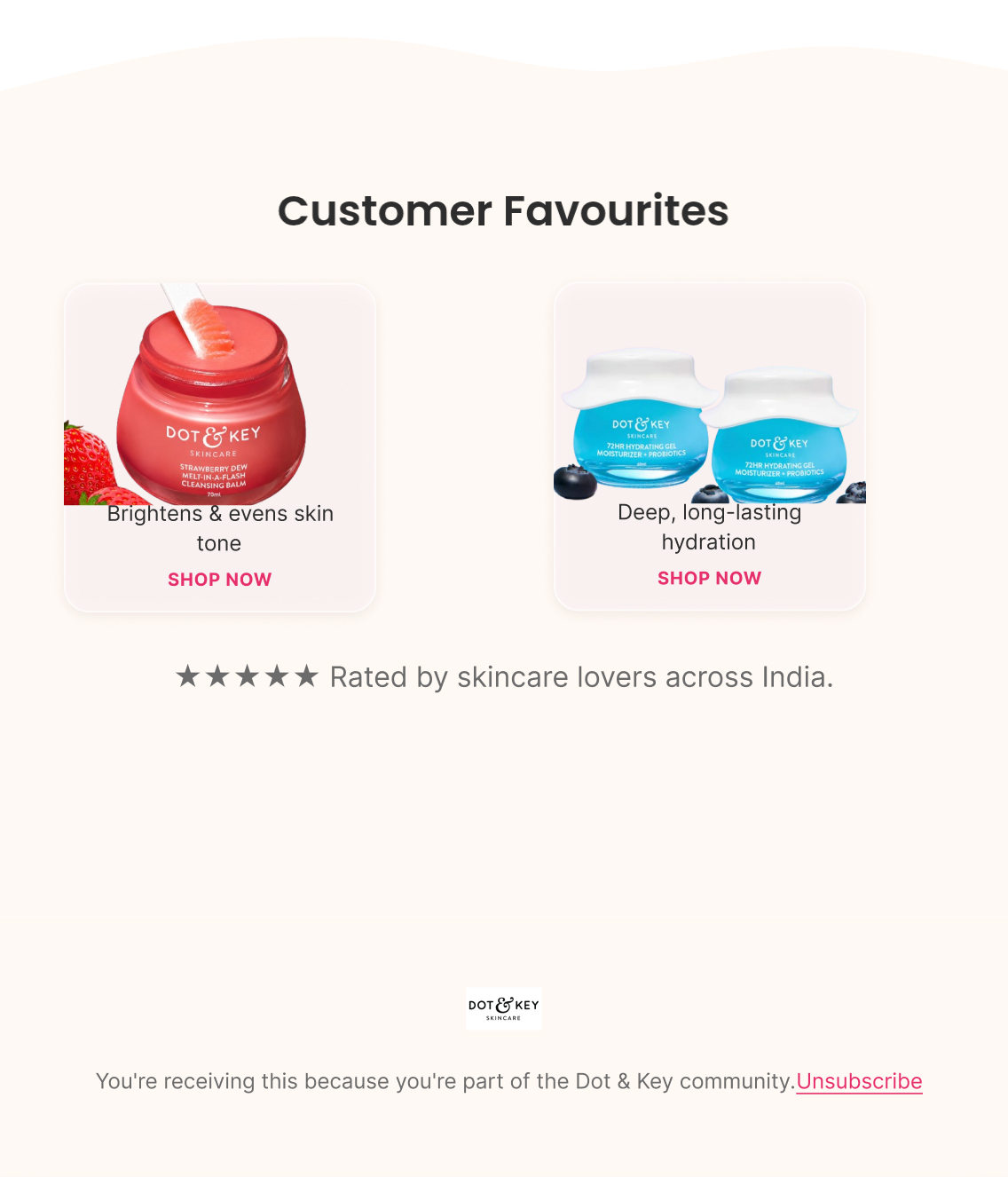
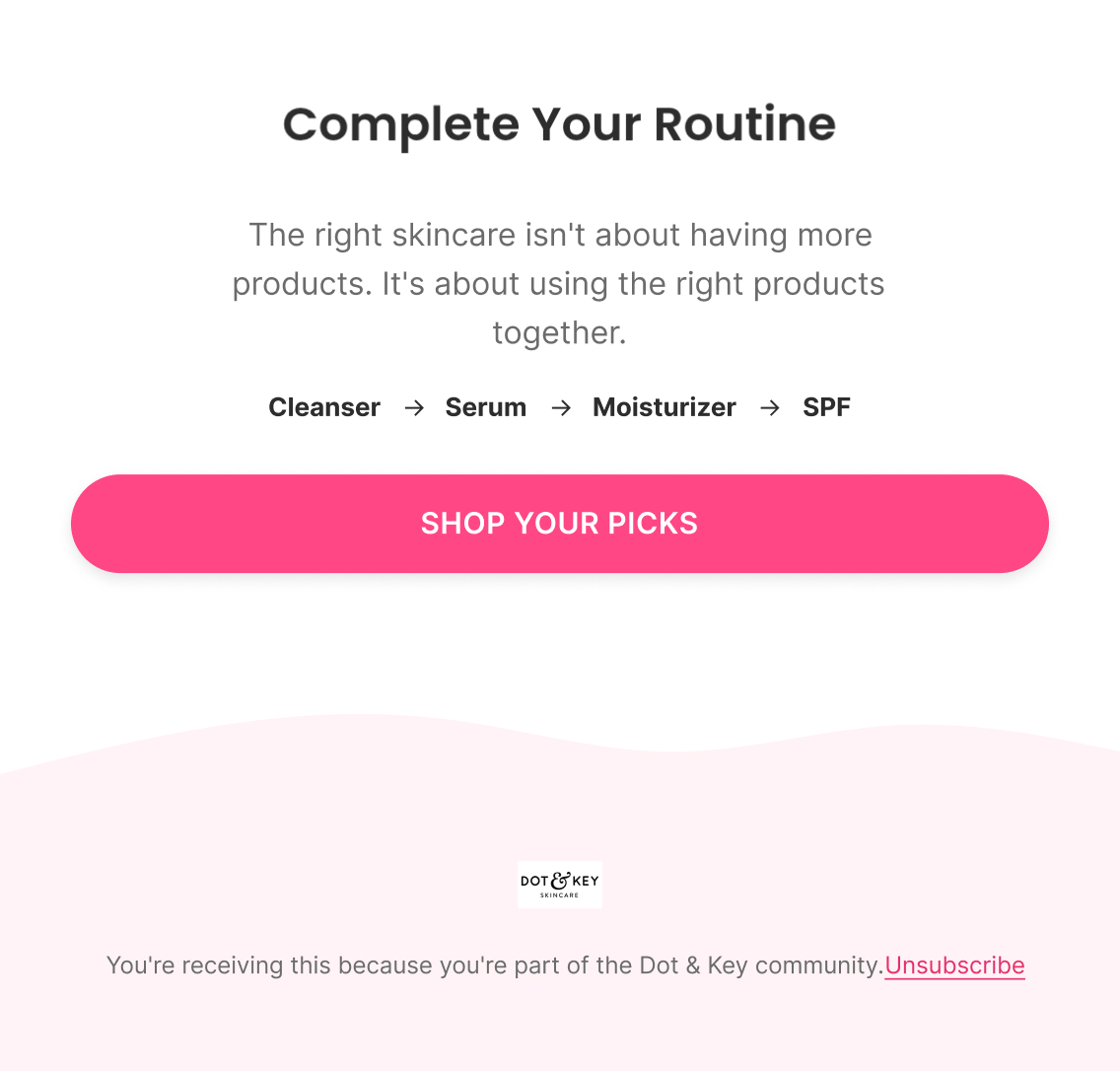
Pure merchandising — no education, no explanation. Customer Favourites (four best-selling products) followed by Complete Your Routine bundles (Cleanser → Serum → Moisturizer), closing on "Shop All Routines."

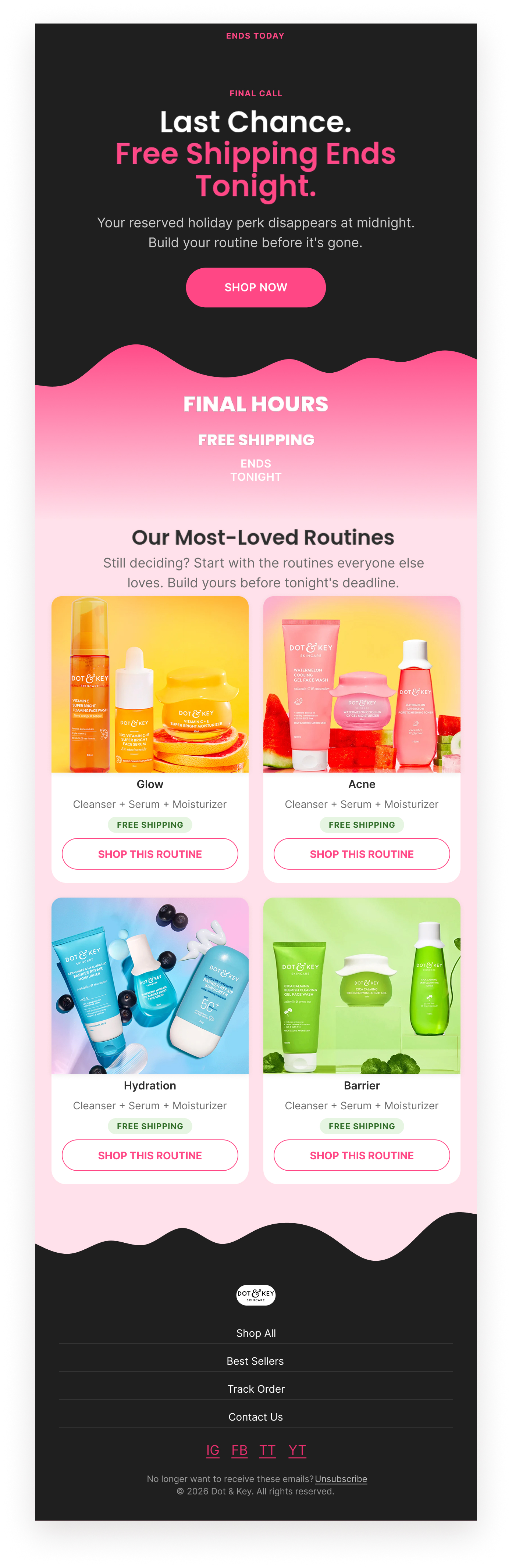
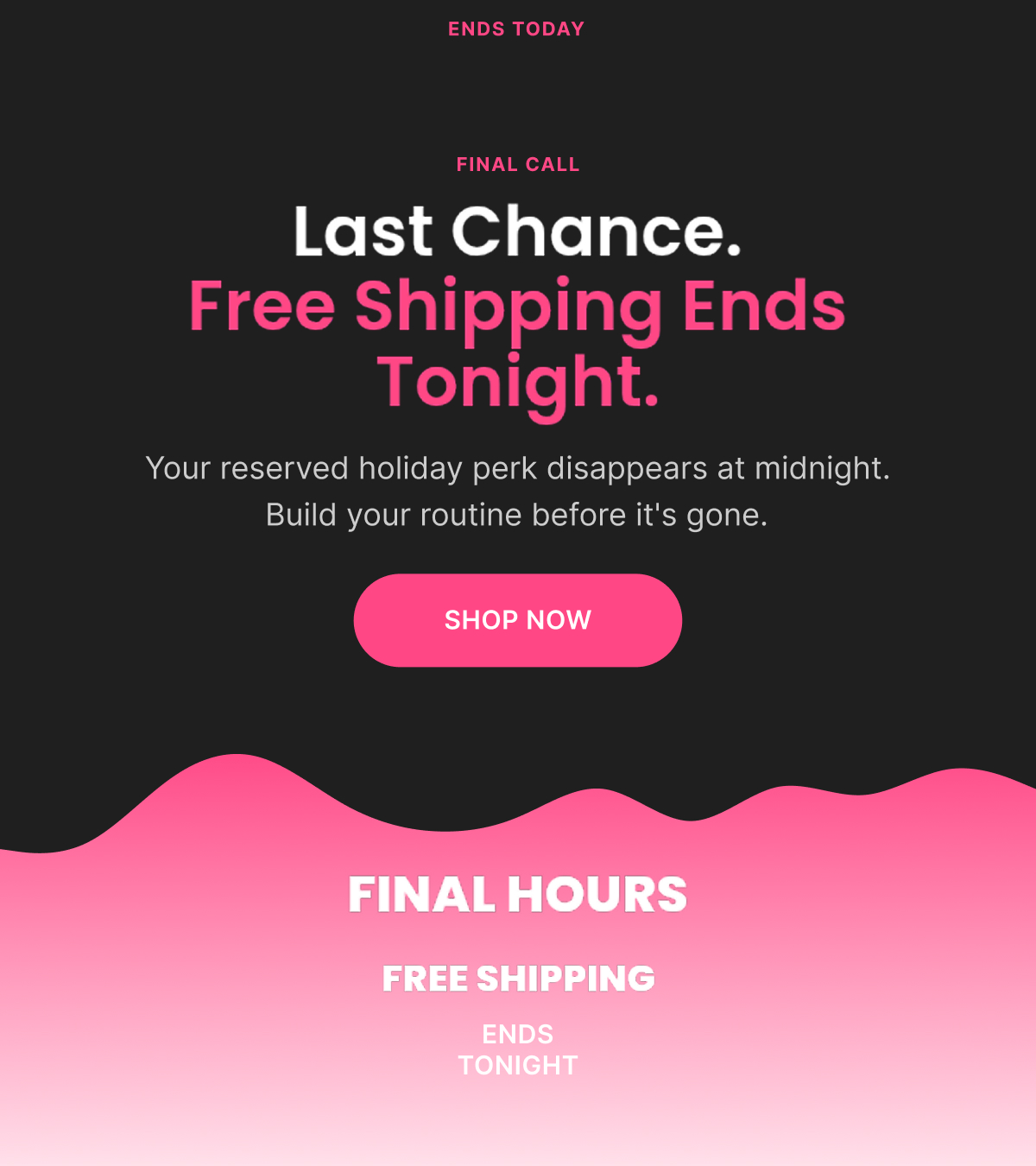
Email 4 — Closing (Last Chance: Free Shipping Ends Tonight)

Subject: “Last Chance: Free Shipping Ends Tonight”

Preview: “Your reserved holiday perk disappears at midnight”

Maximum urgency, minimum new information — three featured routines only (to avoid decision fatigue), a large "FINAL HOURS — FREE SHIPPING ENDS TONIGHT" banner, single CTA.

Detailed Figma — 4th of July
Figma Designs — Sunscreen — MT Series

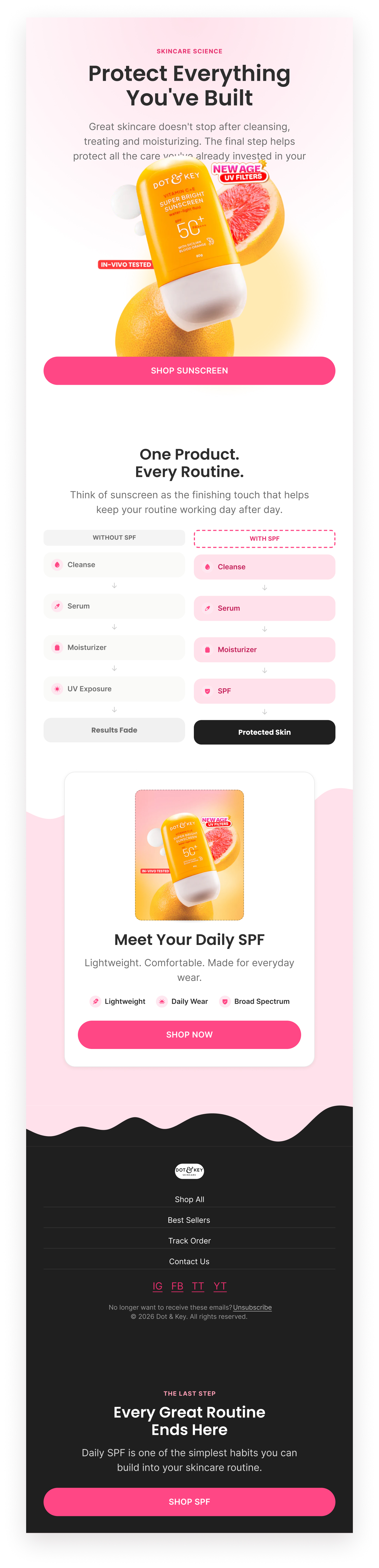
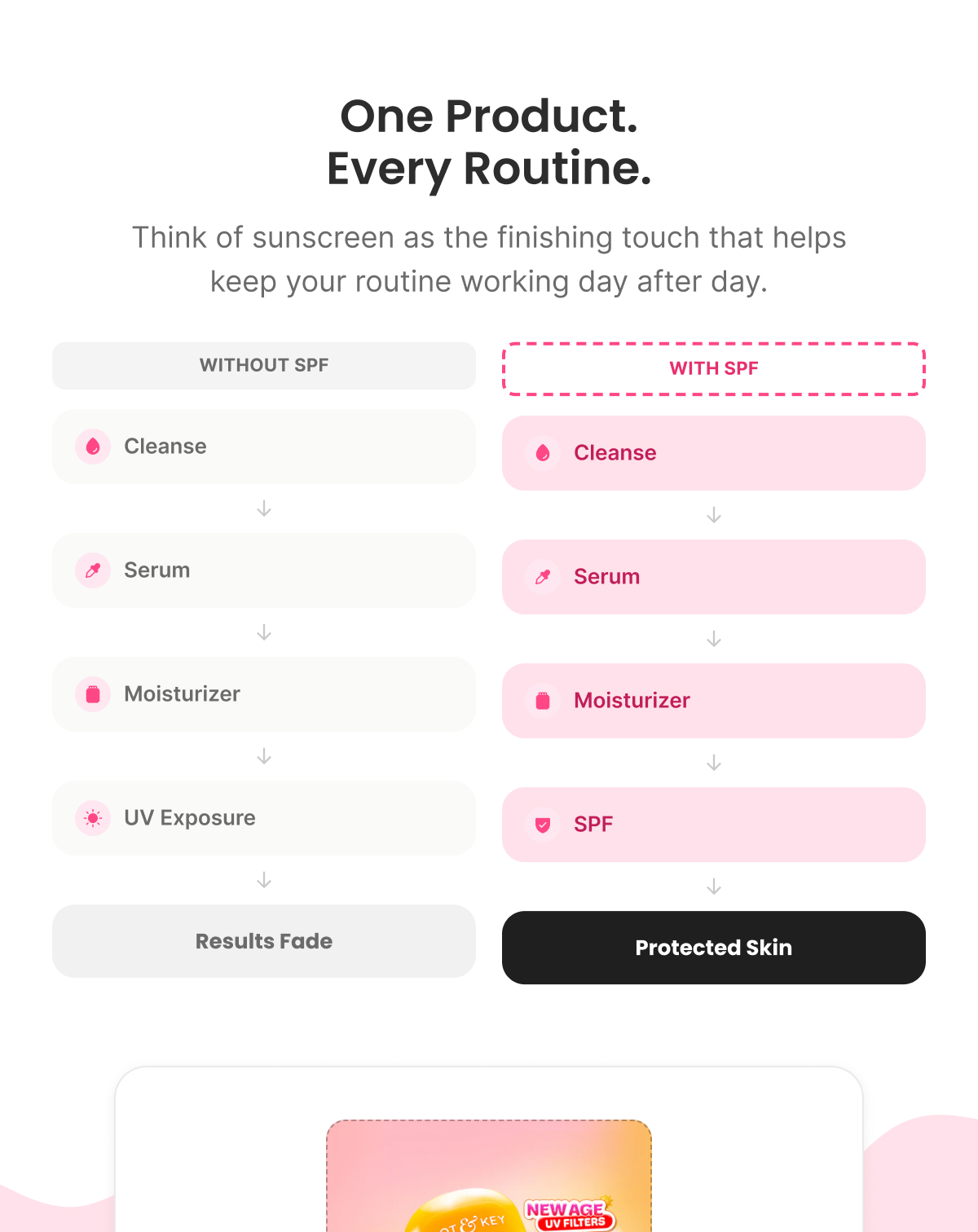
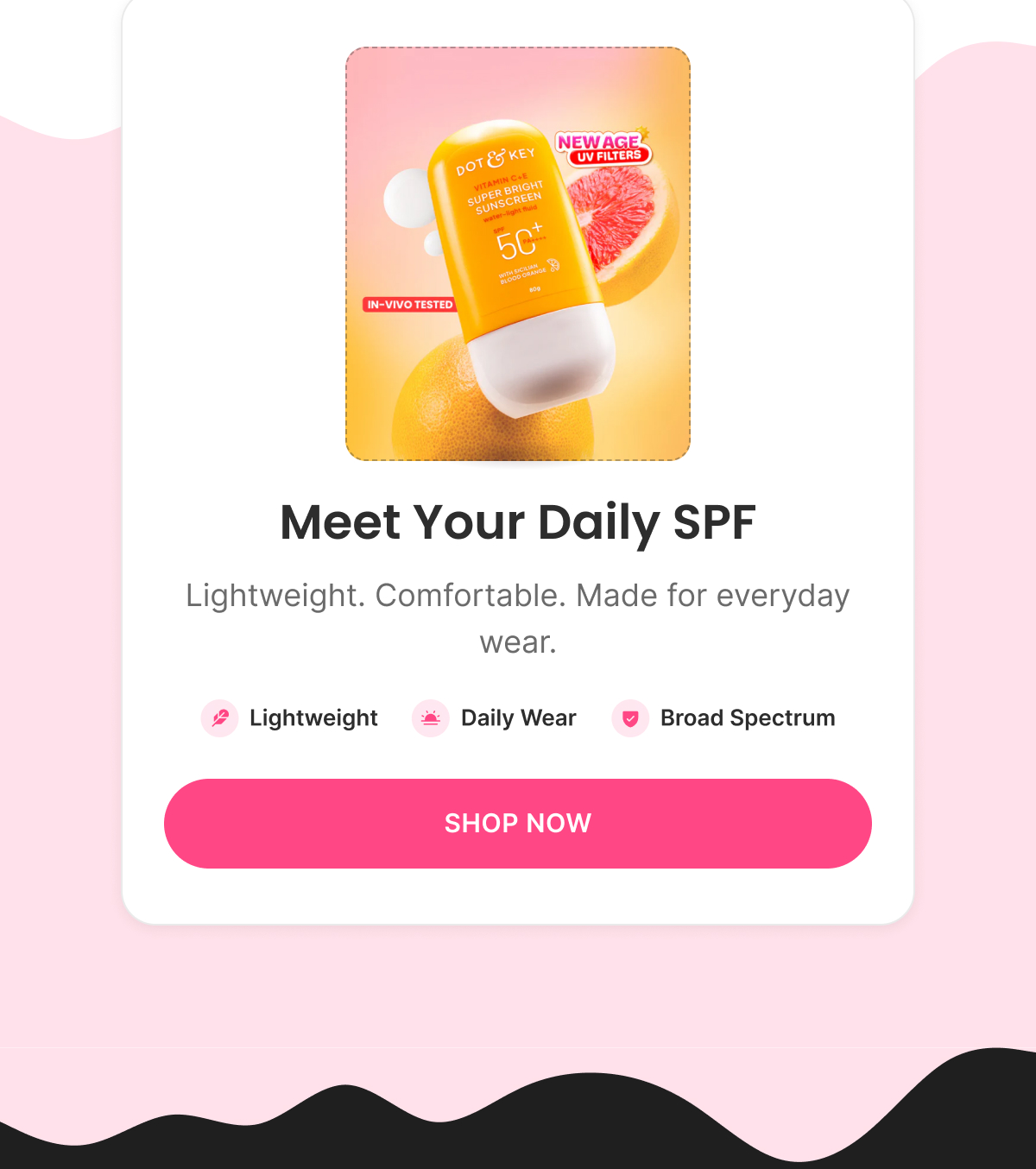
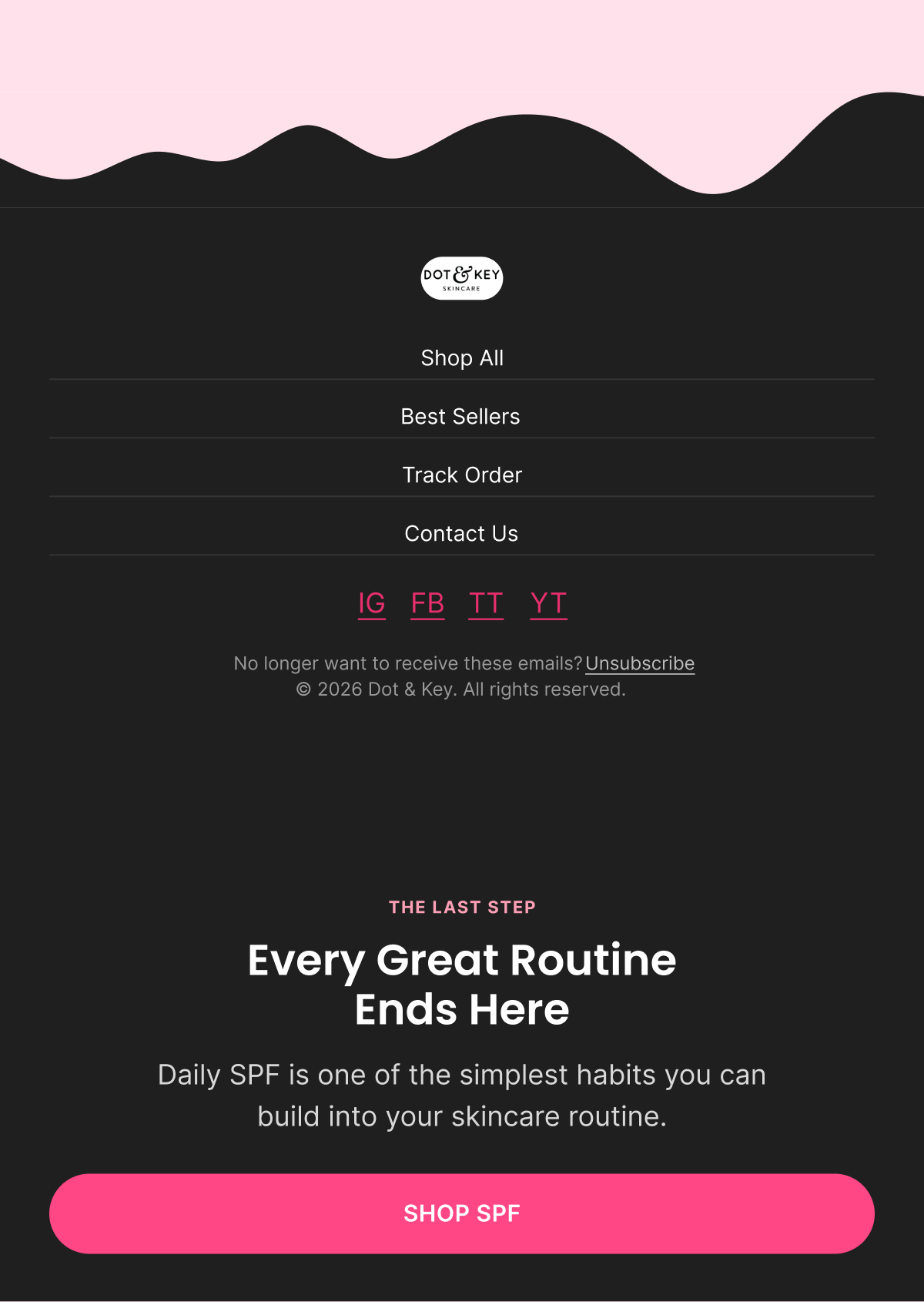
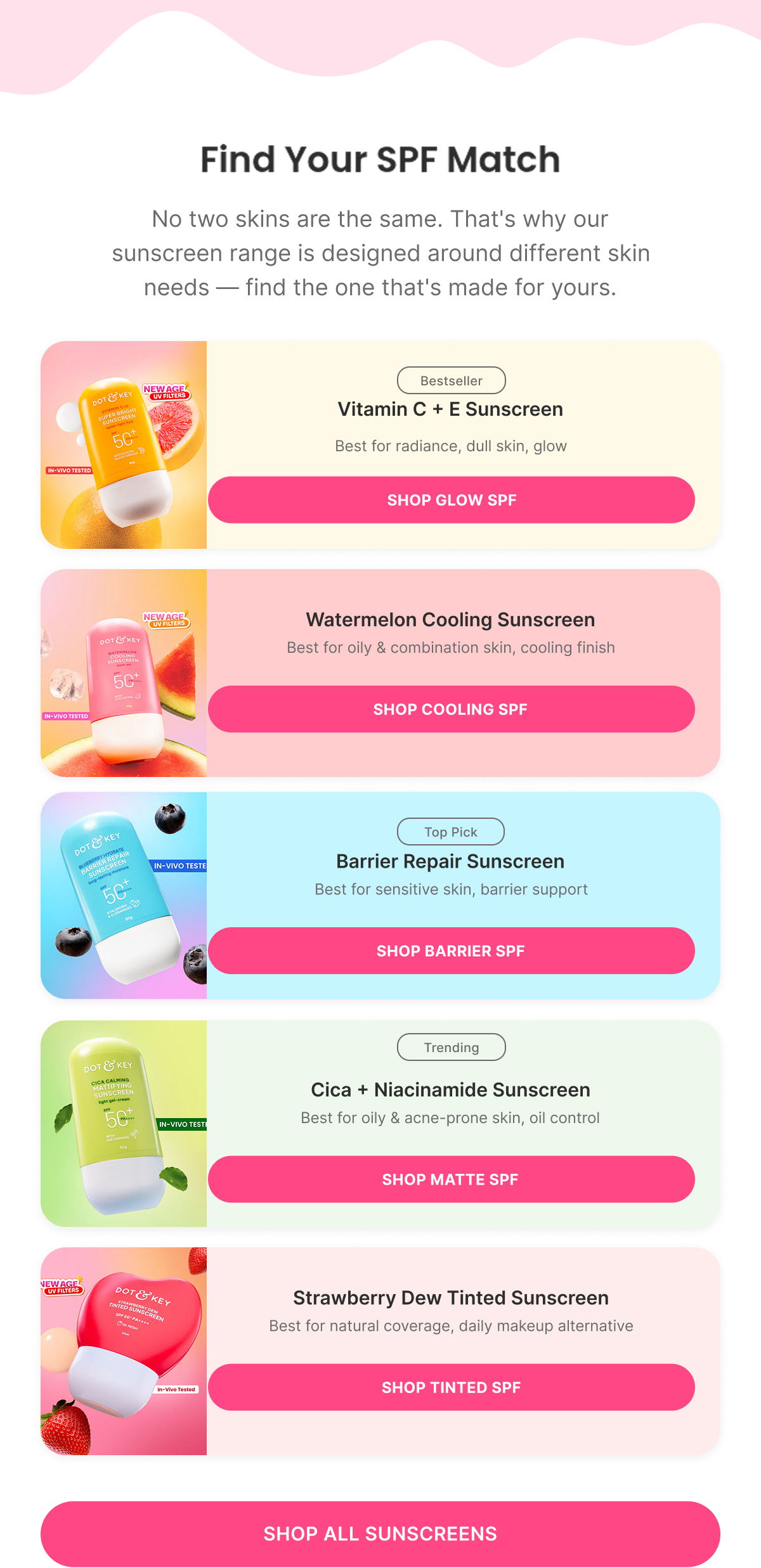
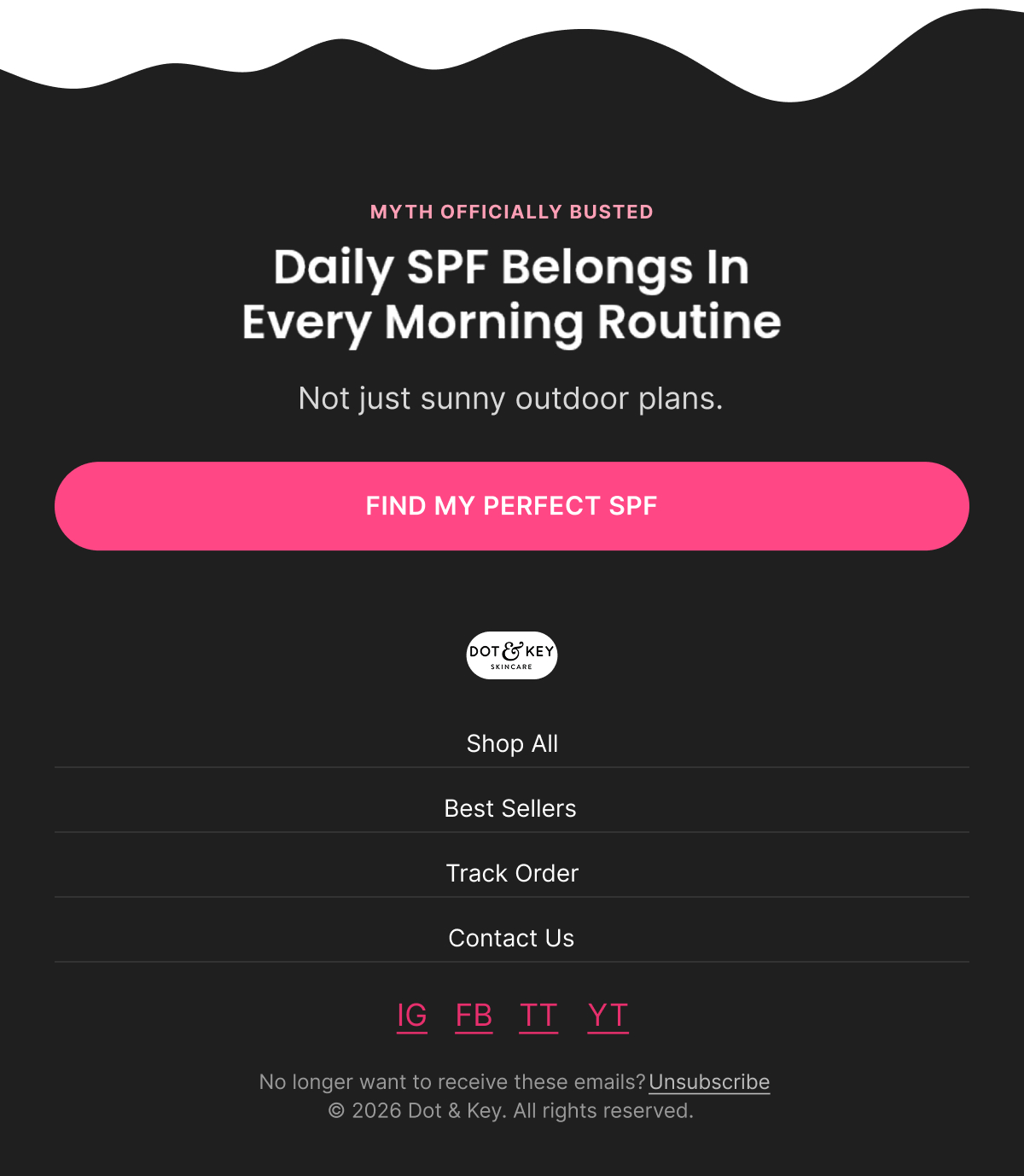
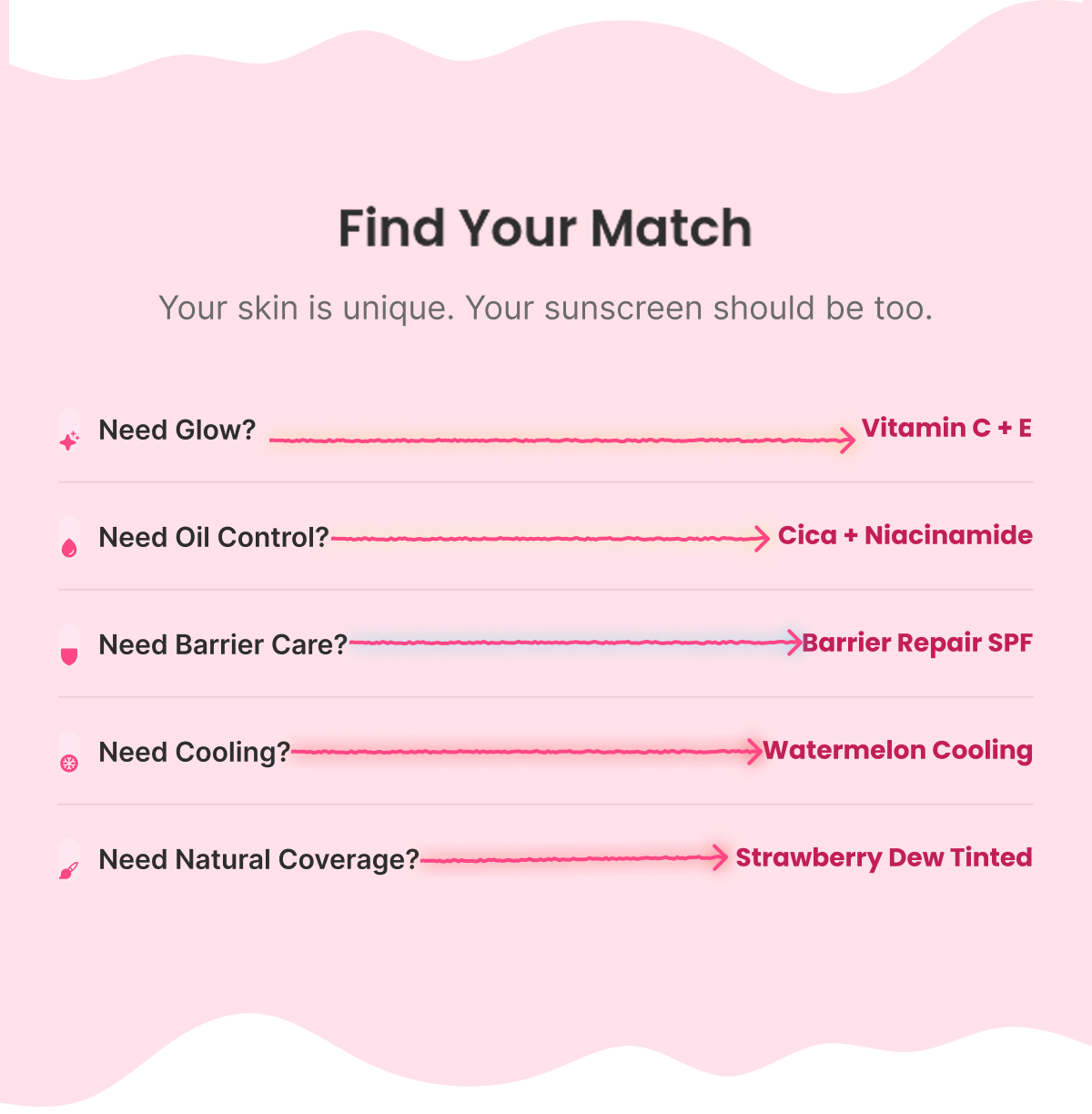
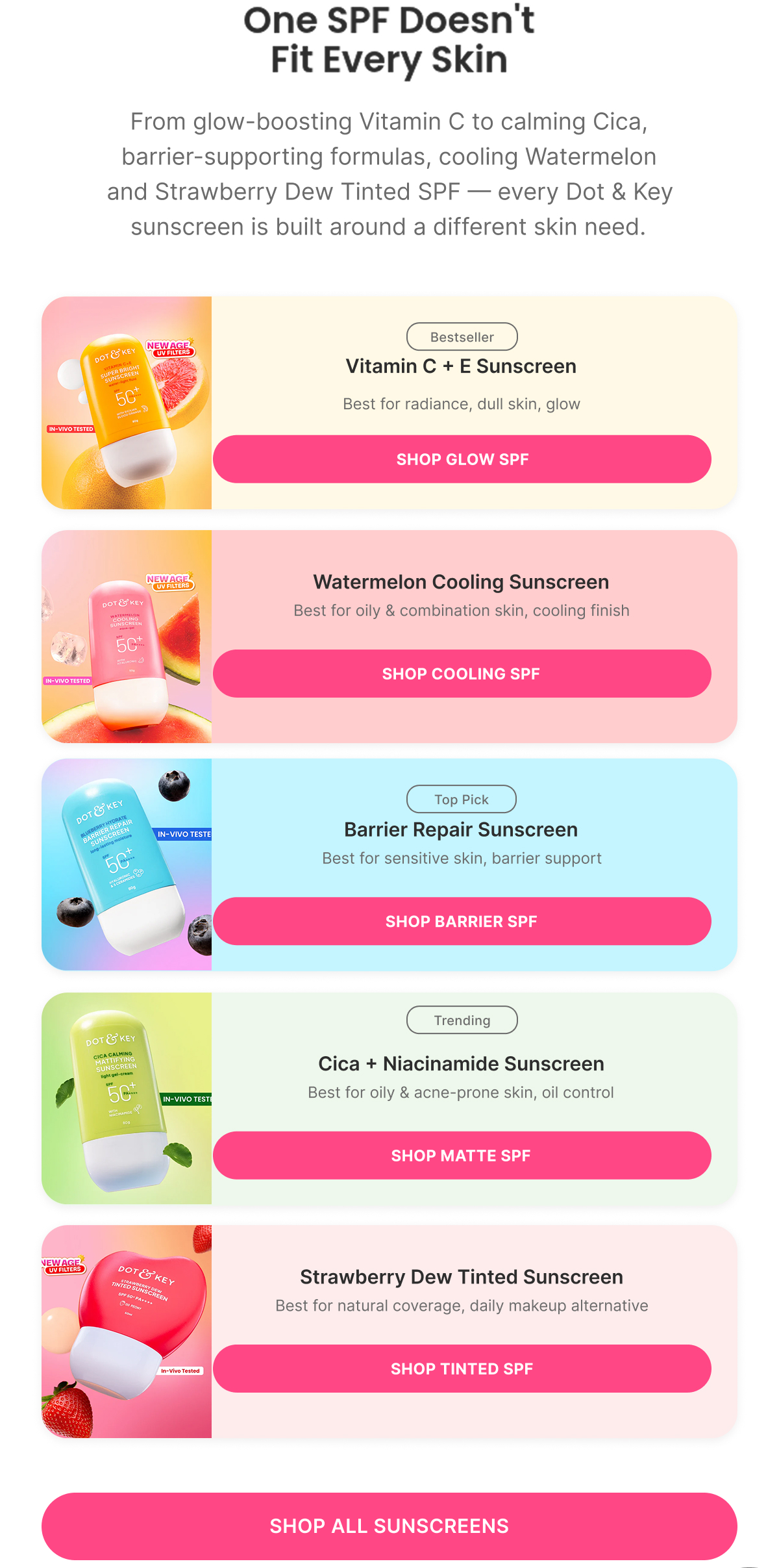
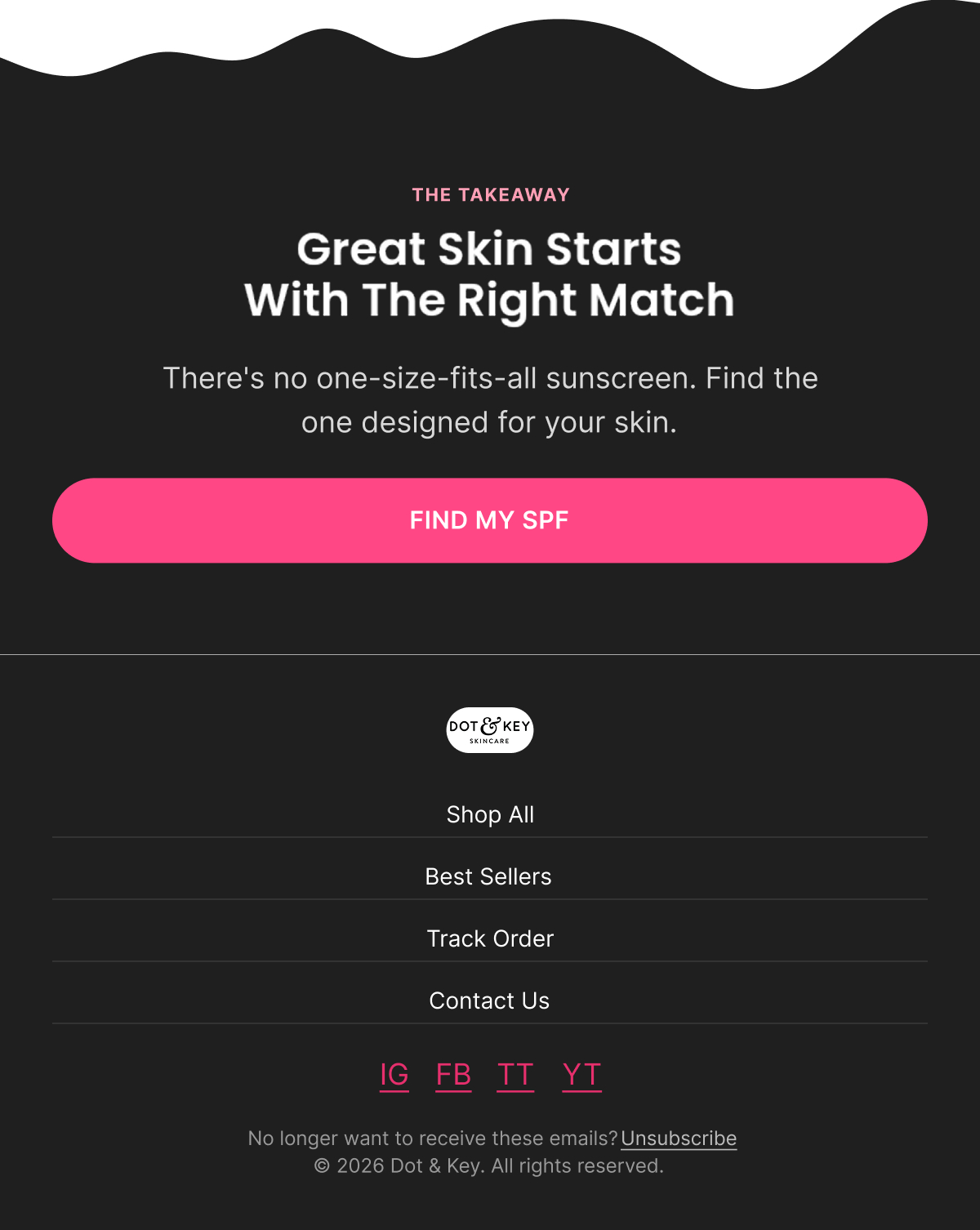
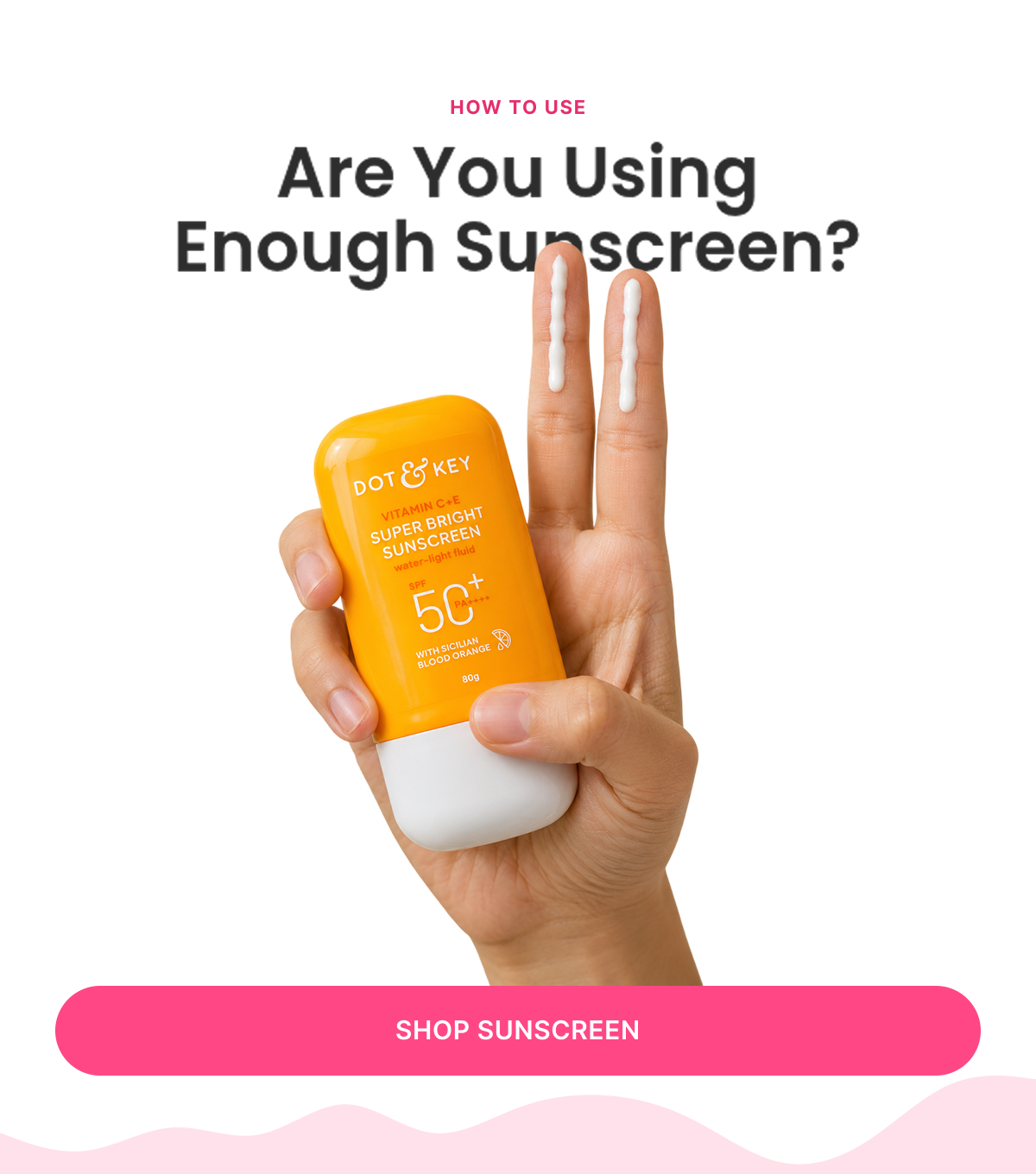
Eight self-contained microtopic campaigns, each isolating one sunscreen belief, habit, or decision point rather than repeating the same "buy sunscreen" message eight times — the format (One Benefit, Myths vs Facts, FAQ, How To Use, Us vs Them, Tips & Tricks, What's Inside) changes with the angle so the series reads as genuinely different emails, not eight variations of one template.

8 Microtopic Emails

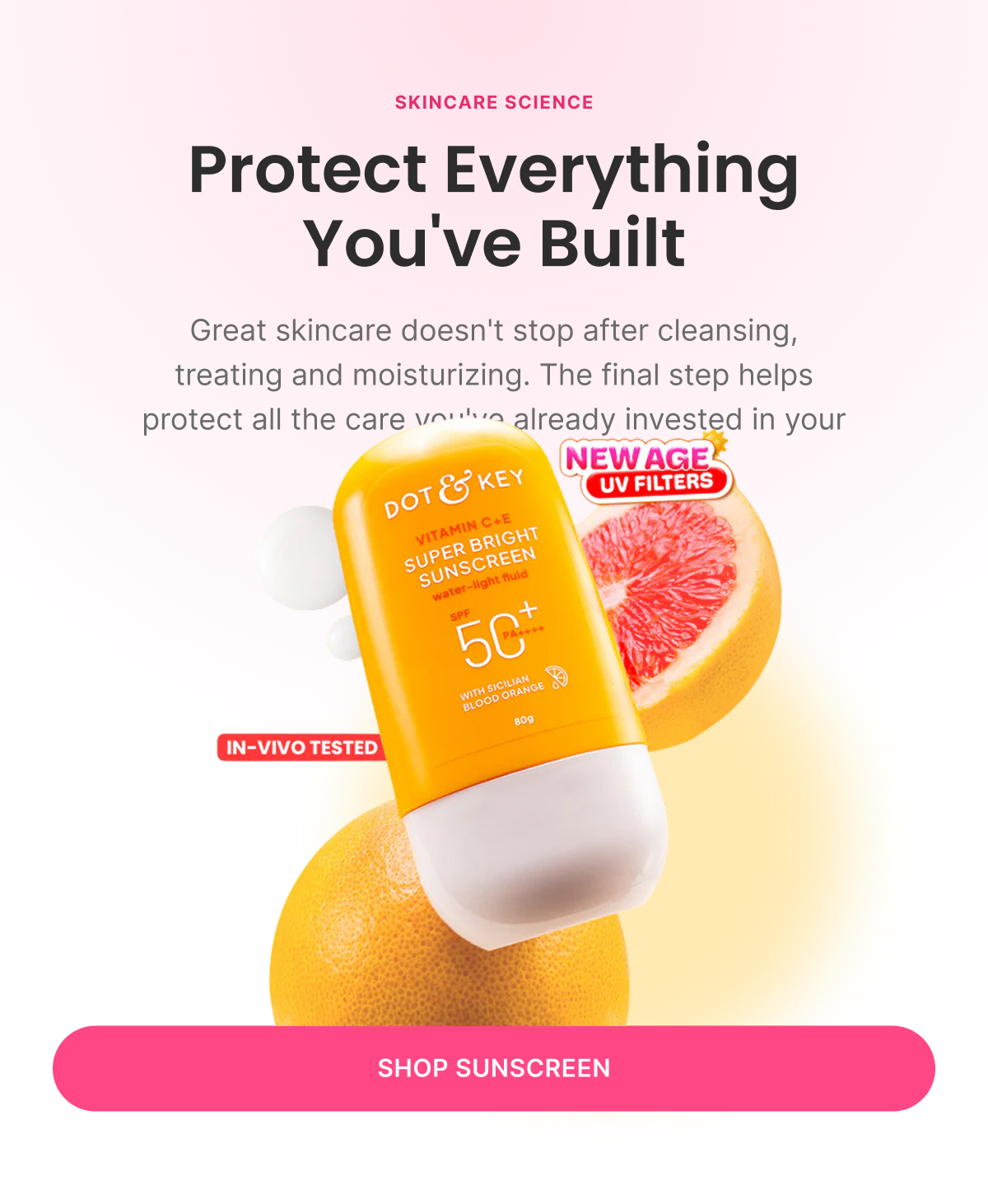
One Benefit

“The Most Important Step In Your Routine ☀️”

Sunscreen isn't an optional last step — it's what protects every other product's results. "The One Step That Protects Every Other Step." One hero product, one idea, one CTA (Shop Sunscreen).

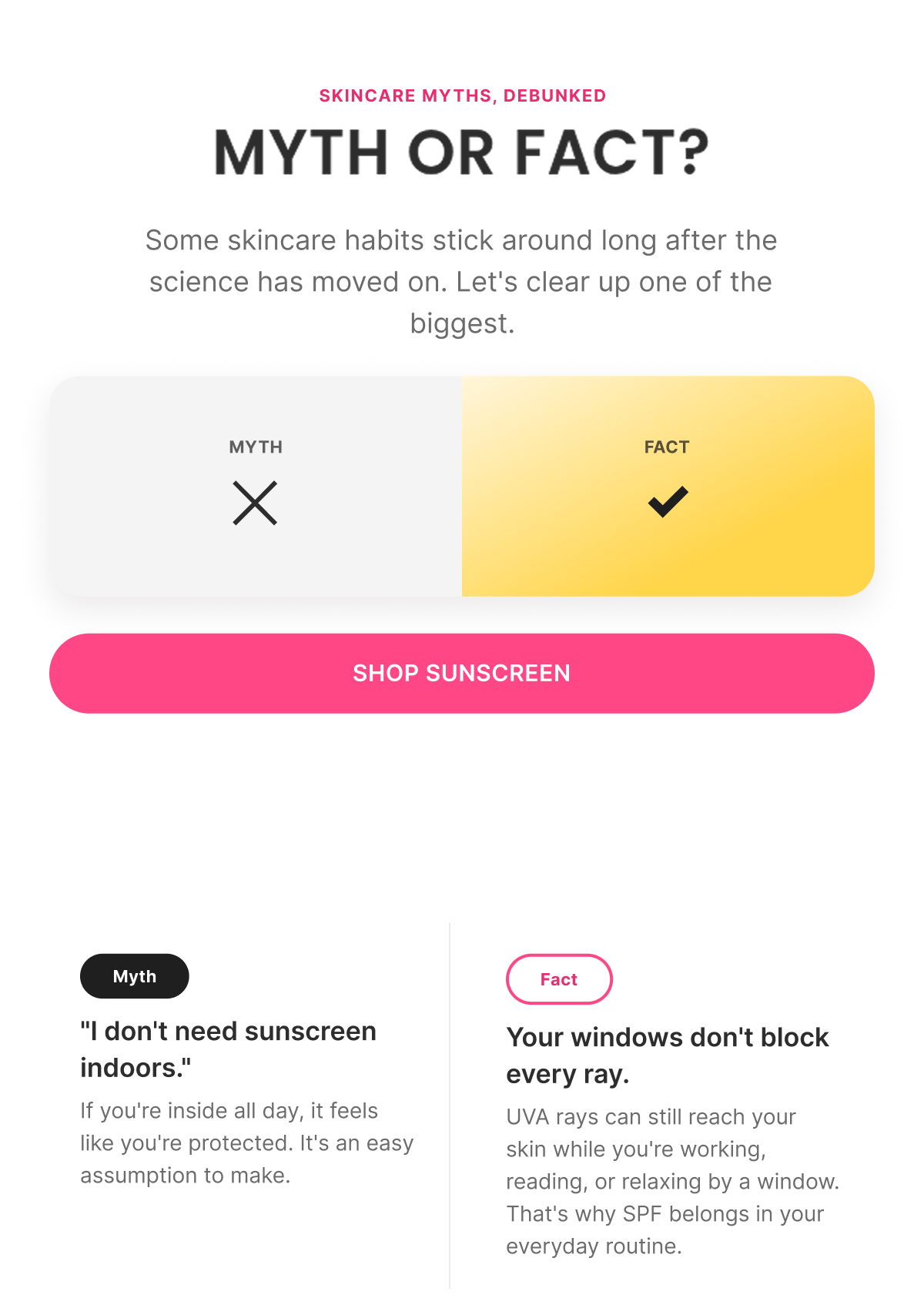
Myths vs Facts

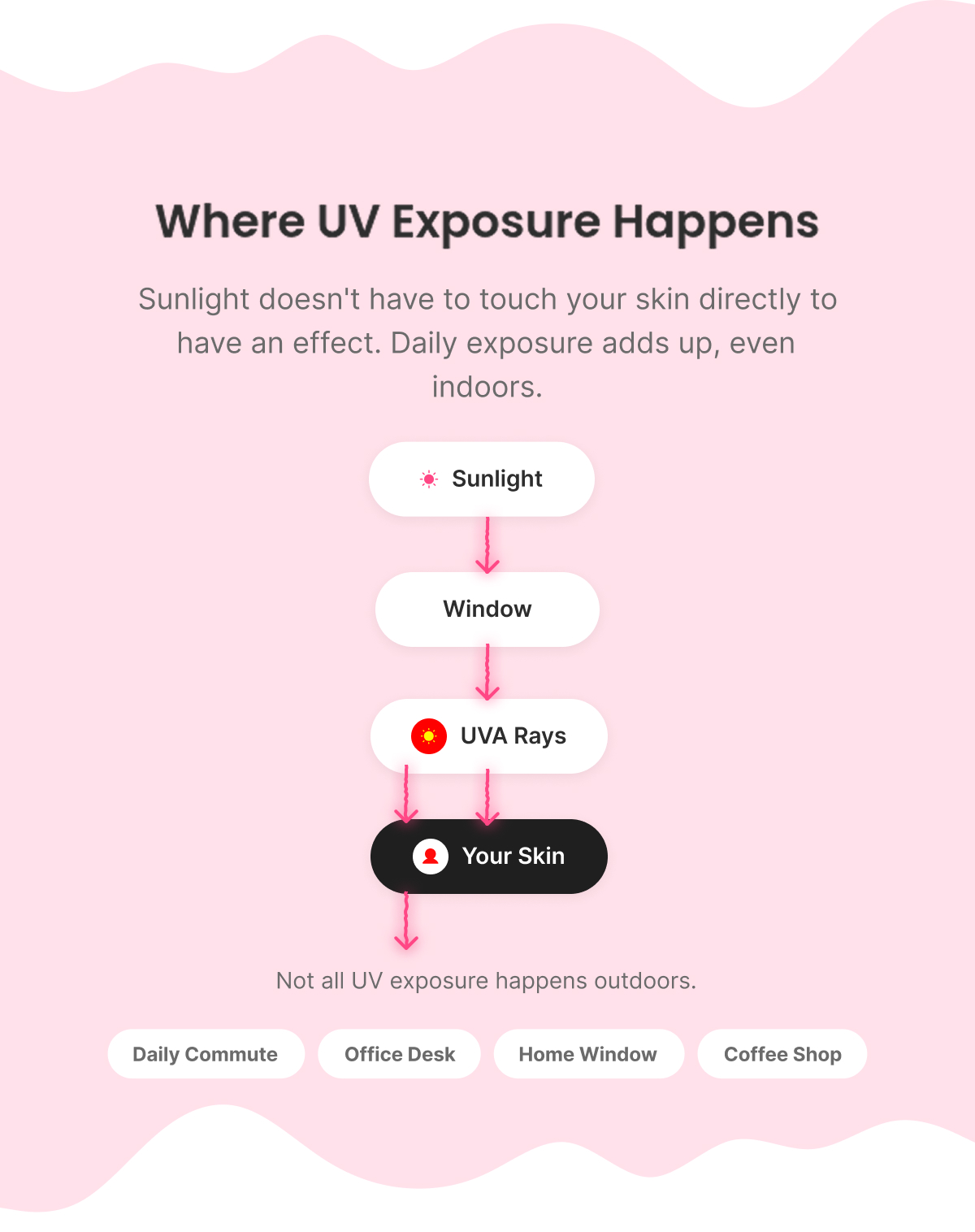
“Think You're Safe Indoors?”

Myth: "I don't need sunscreen indoors." Fact: UV rays reach skin through windows. A simple Sun → Window → Skin visual carries the argument; the product is introduced only after the myth is resolved, not before.

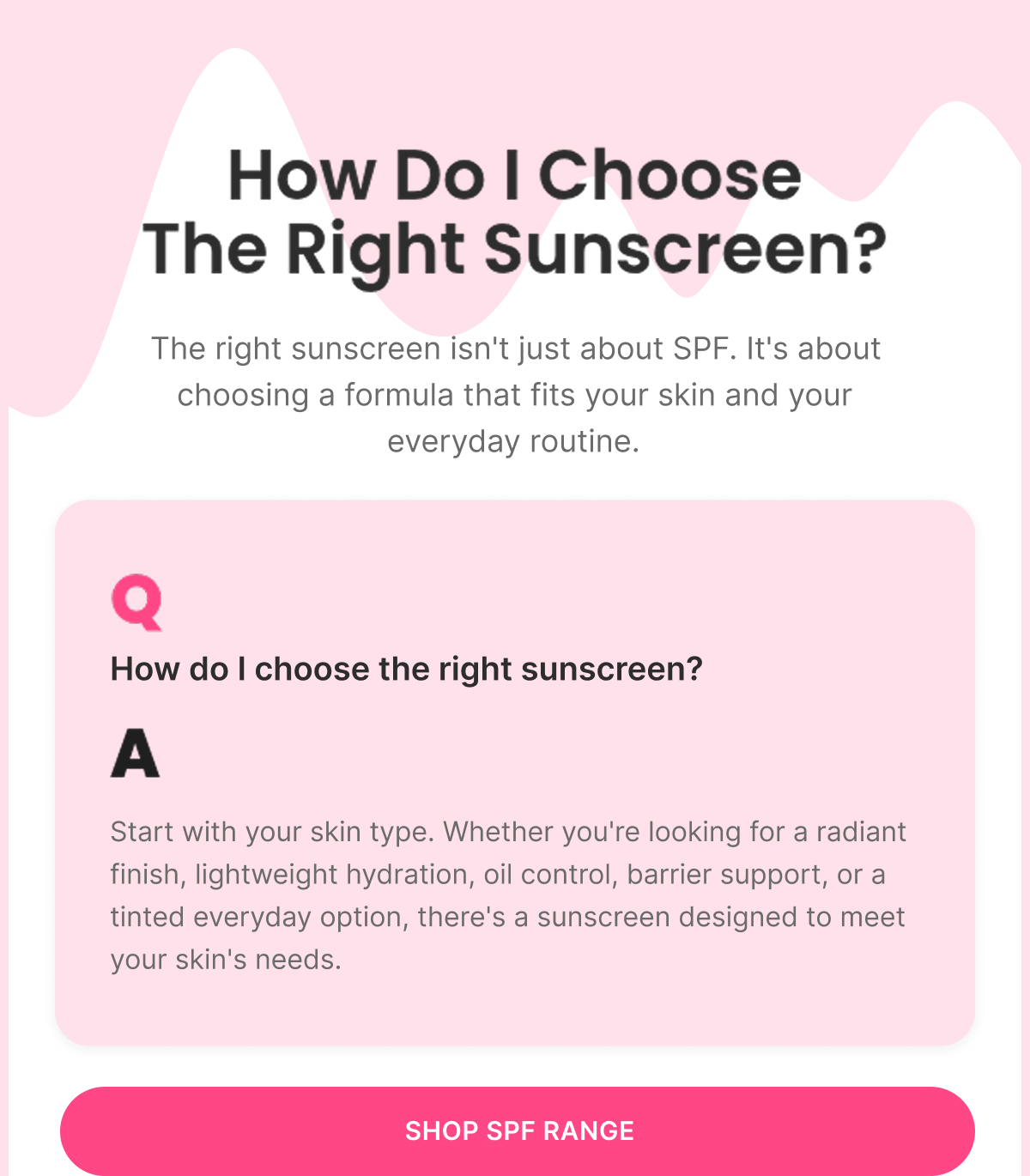
FAQ

“Not All Sunscreens Are Made For The Same Skin”

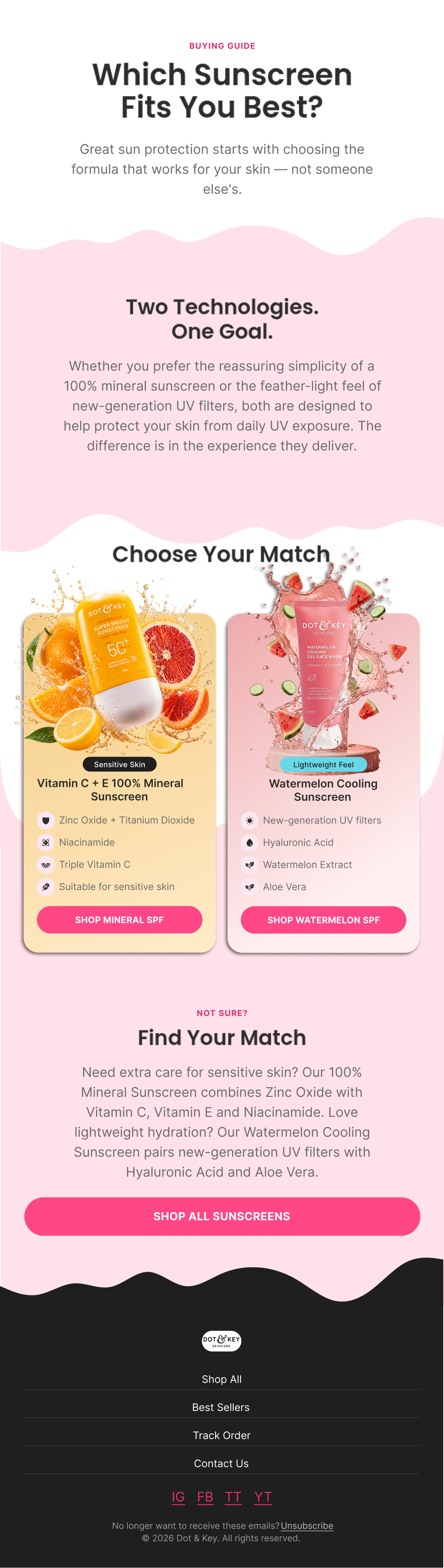
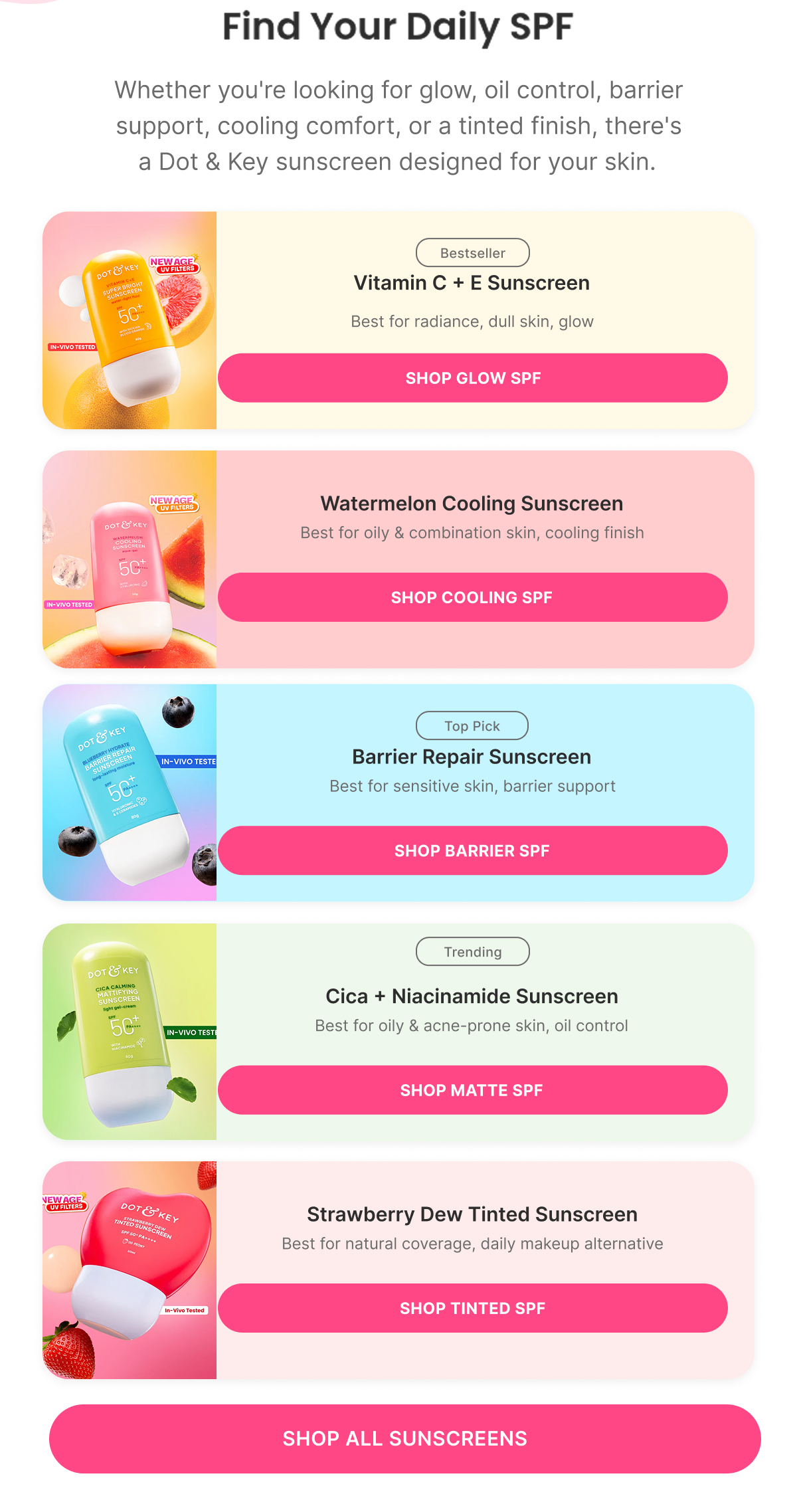
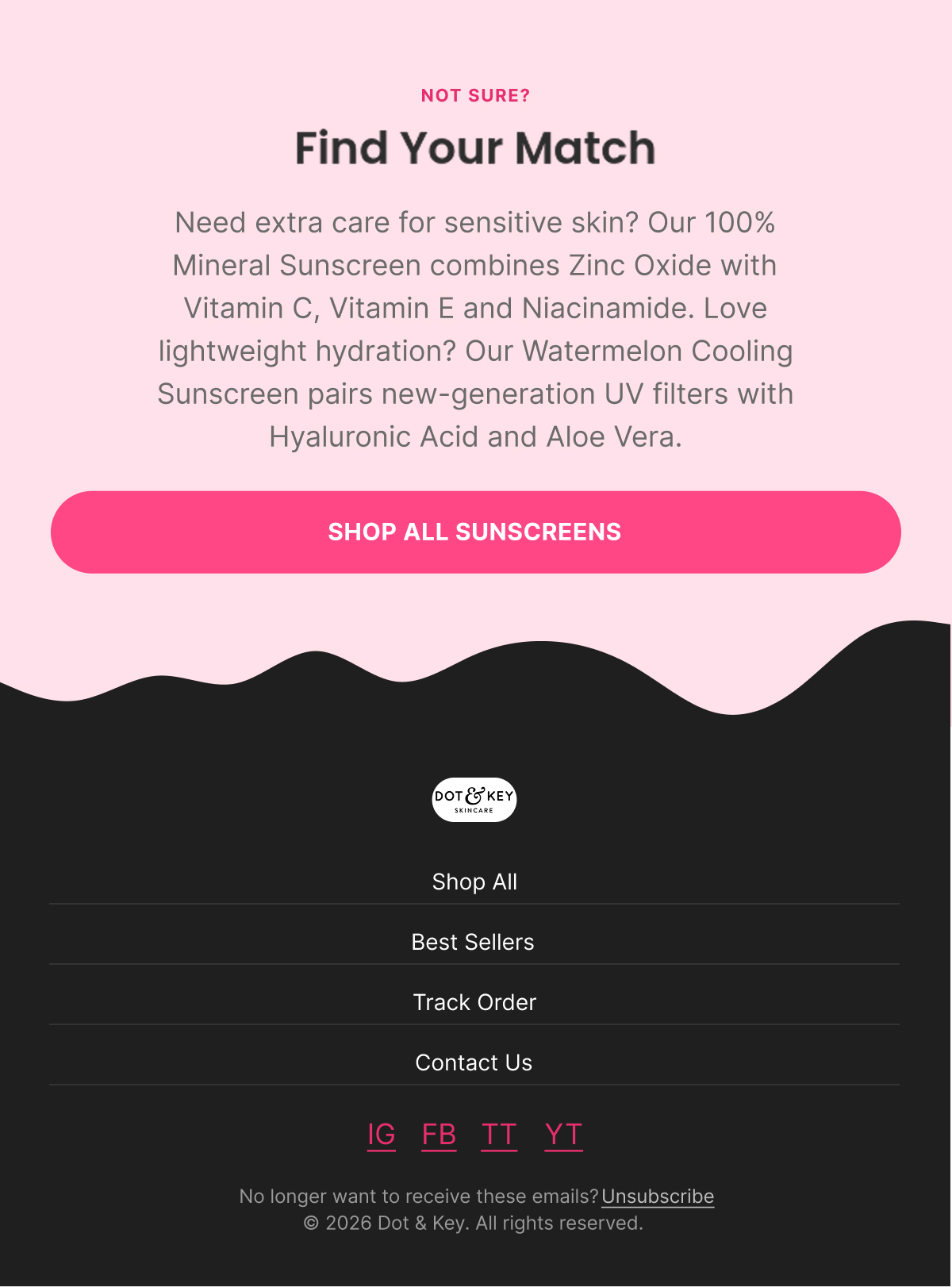
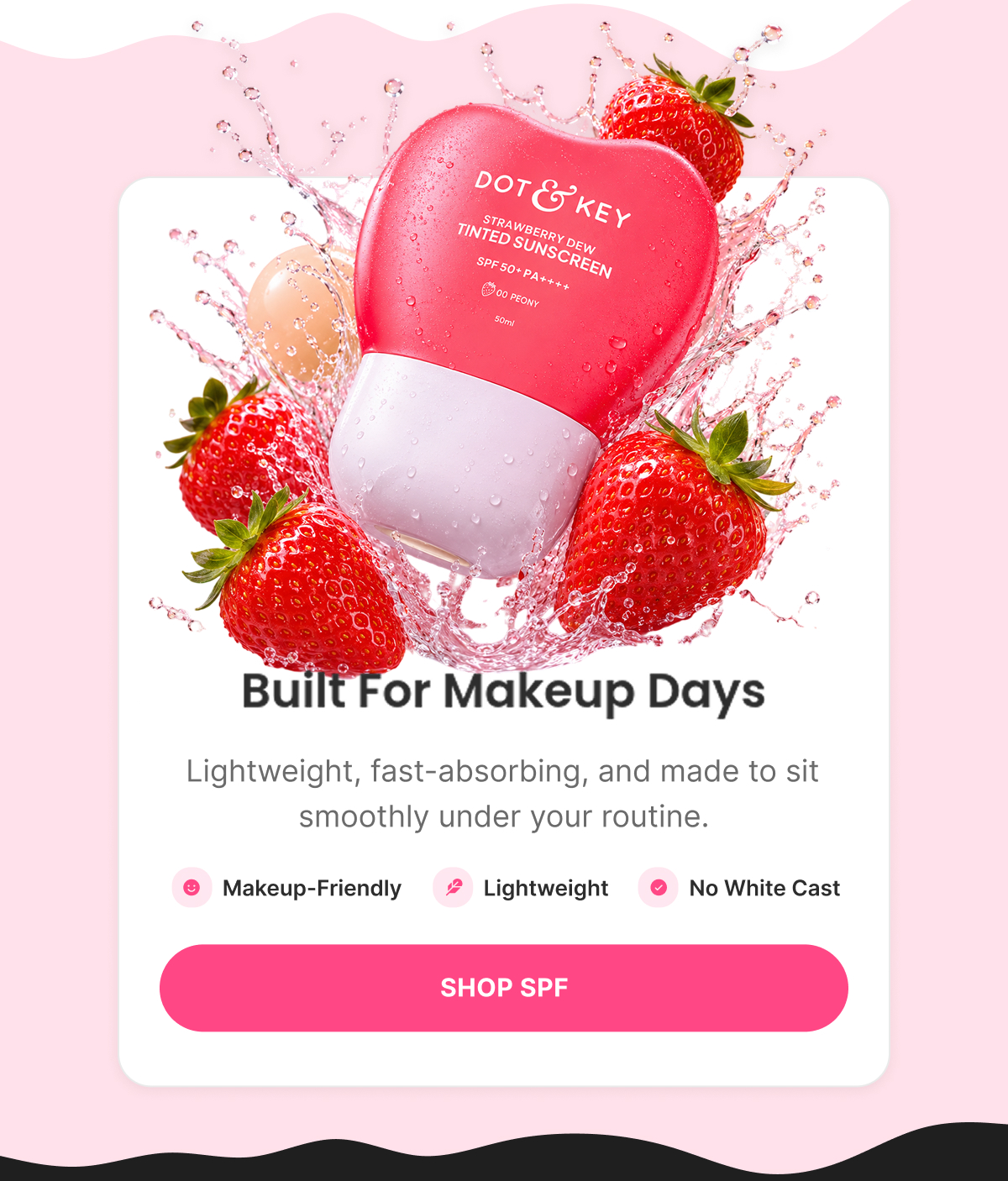
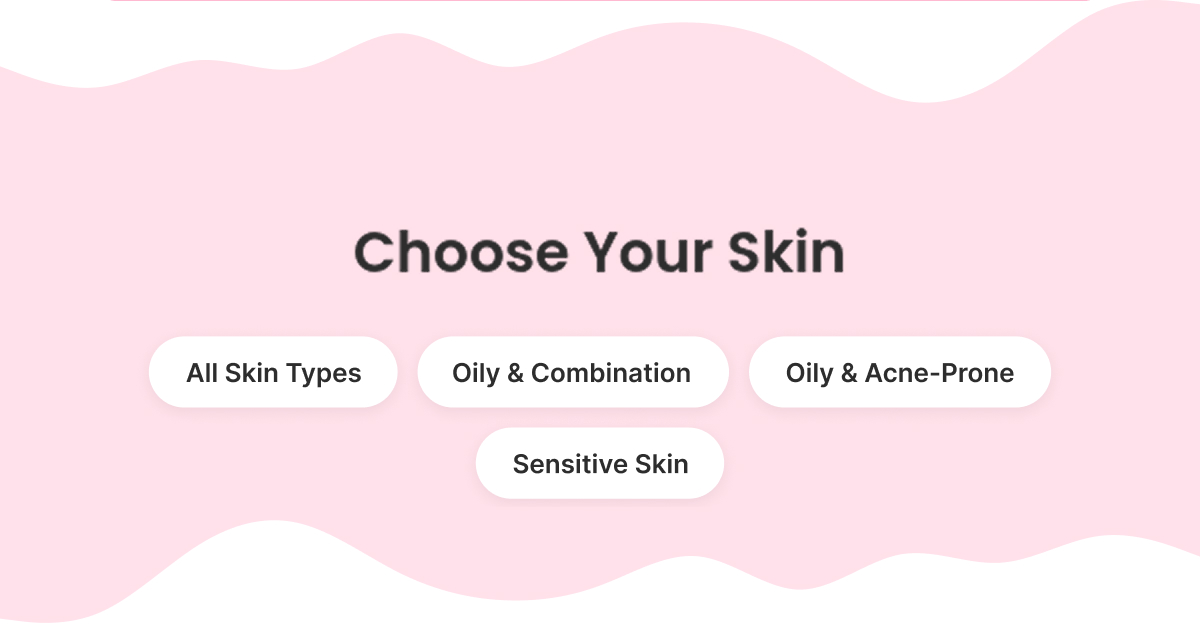
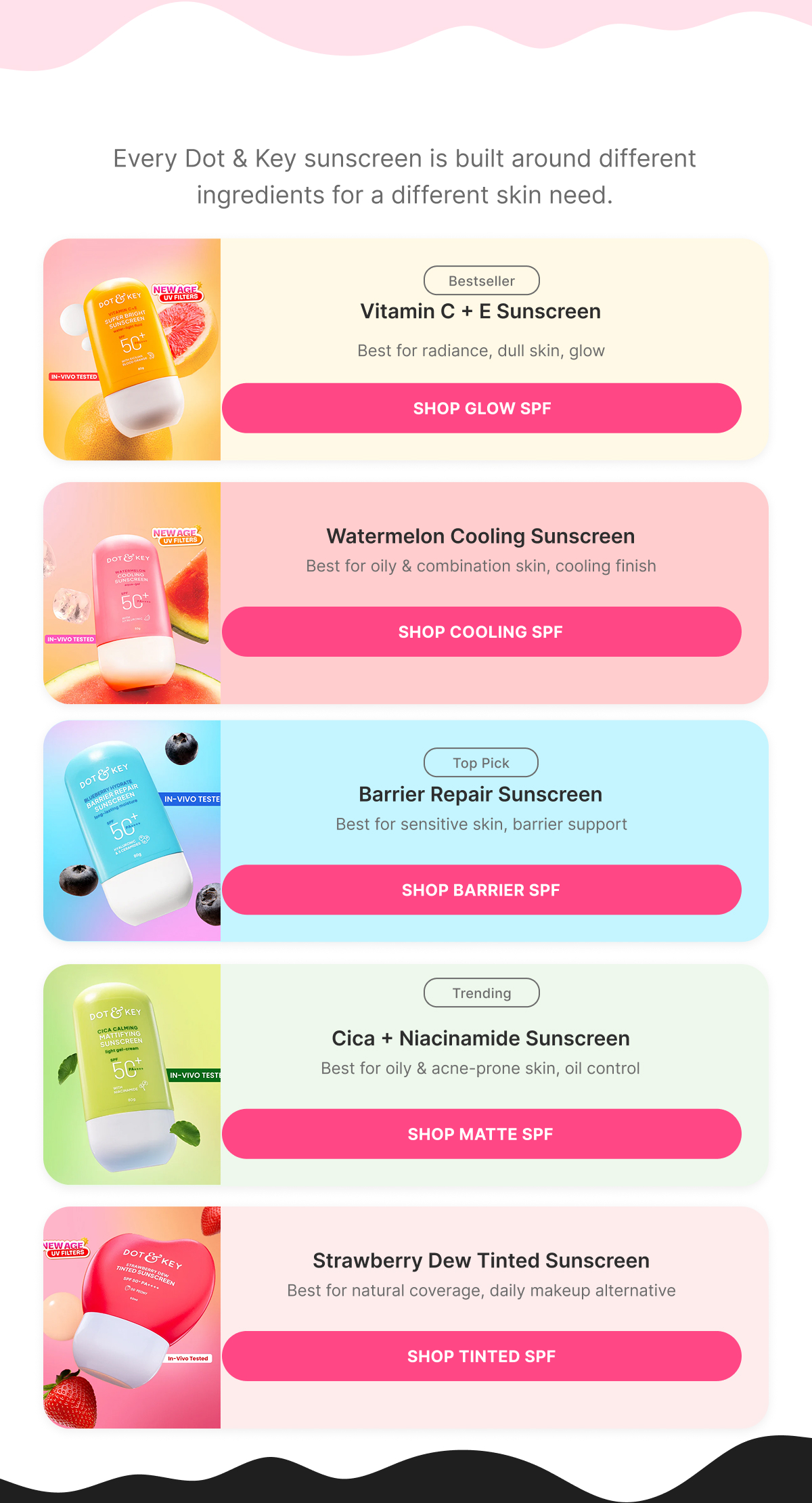
"How do I choose the right sunscreen?" answered as a decision guide mapped to Dot & Key's actual range — Vitamin C + E (glow), Cica + Niacinamide (oil control), Barrier Repair (sensitive/barrier), Watermelon Cooling (combination), Strawberry Dew Tinted (natural coverage) — each with a "Best For" callout instead of a generic feature list.

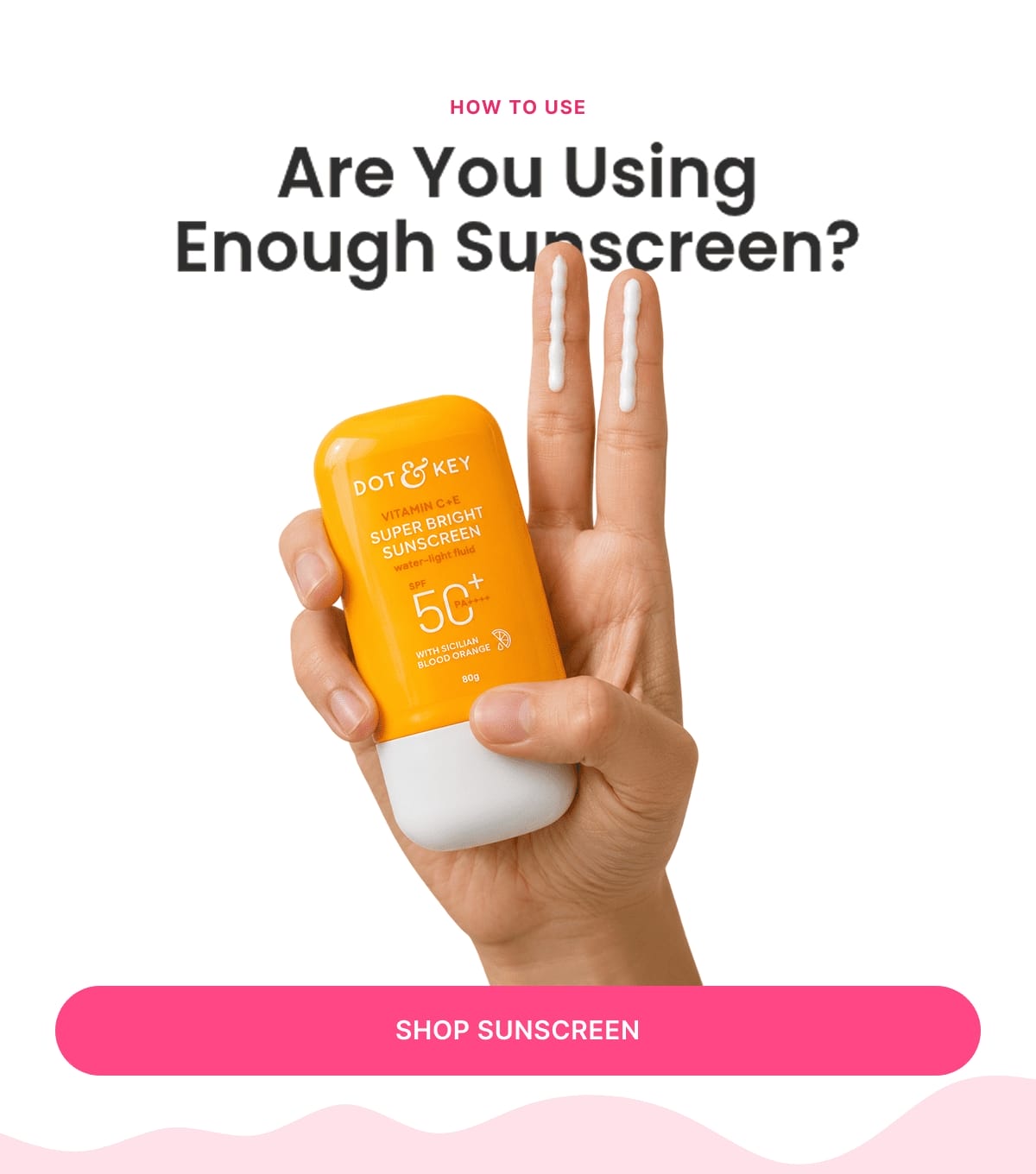
How To Use

“You're Probably Using Less SPF Than You Think”

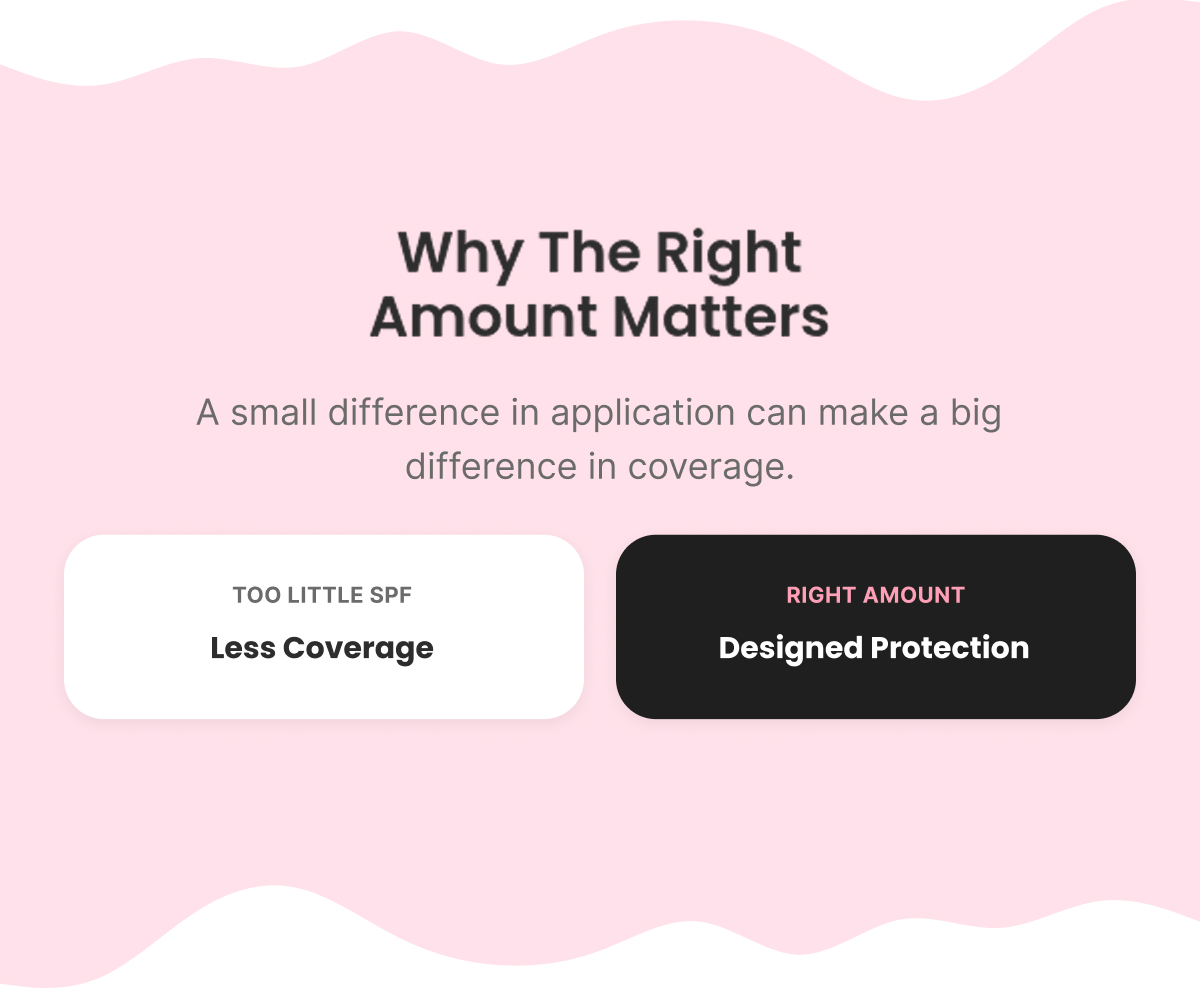
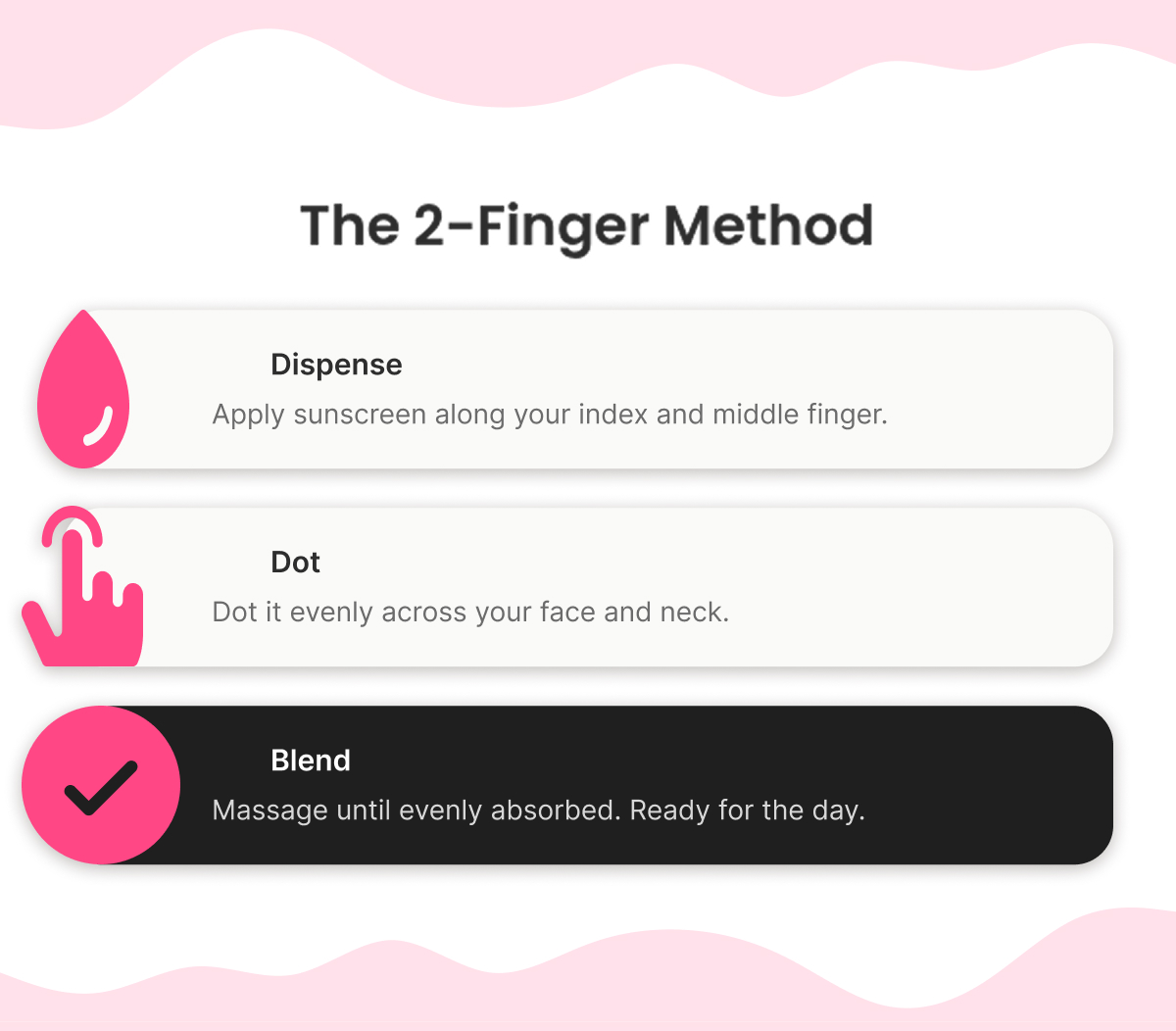
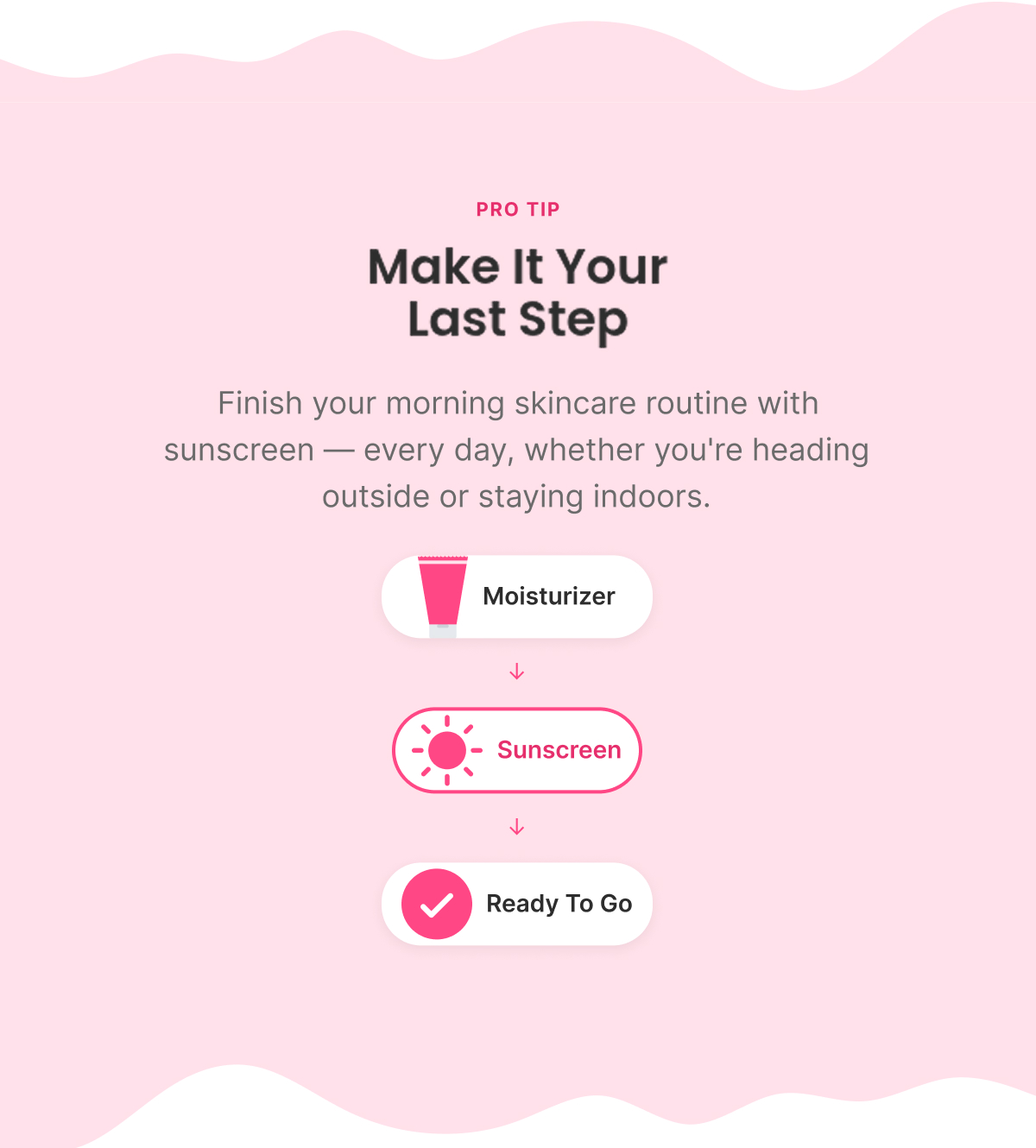
The "2-Finger Method" — dispense along two fingers, dot evenly, blend — as a memorable, named application habit. Closes by routing into the SPF range by need (glow / oil control / barrier care / cooling / coverage) rather than ending on a single product.

Us vs Them

“Sensitive Skin Or Lightweight Finish?”

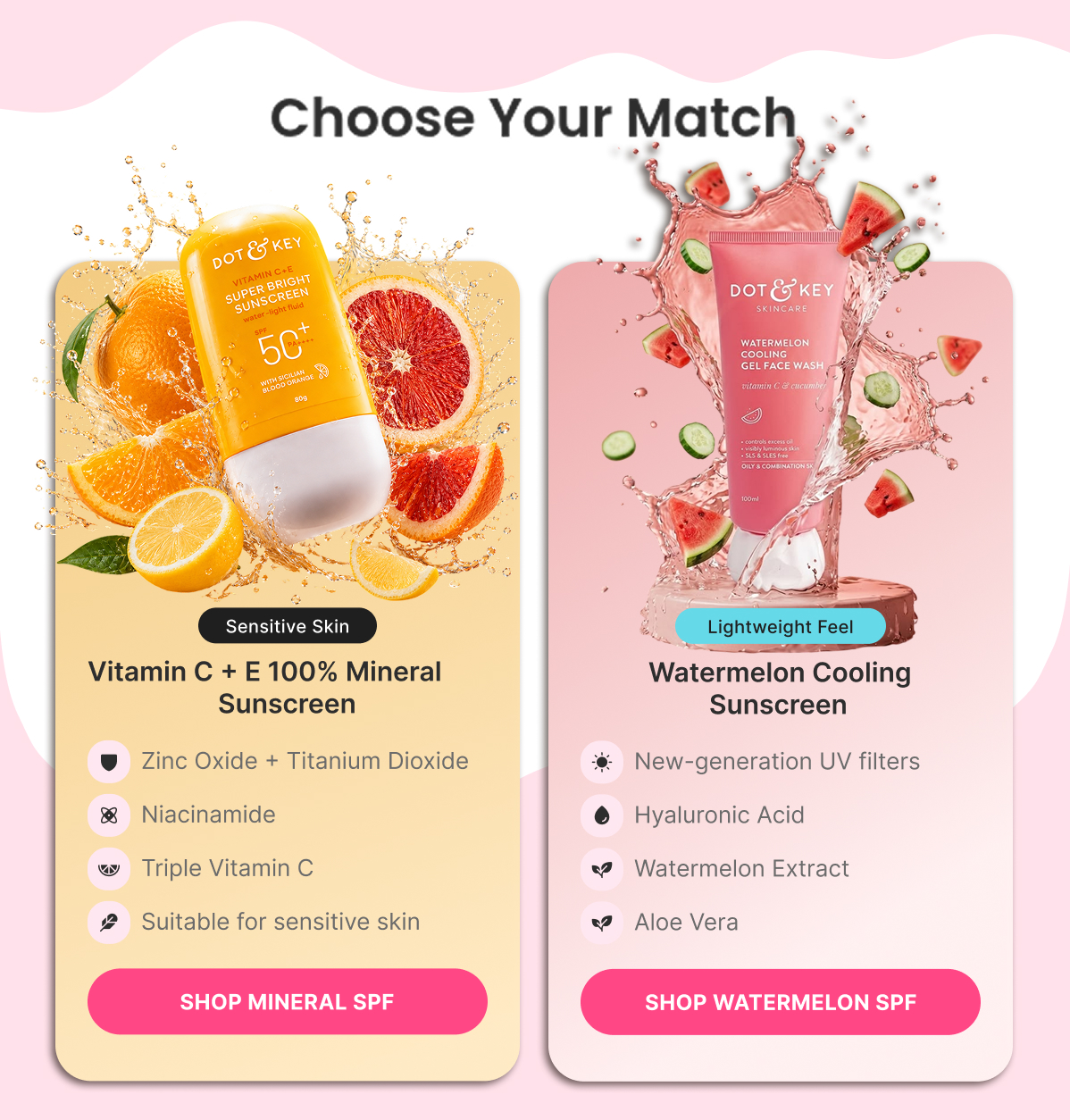
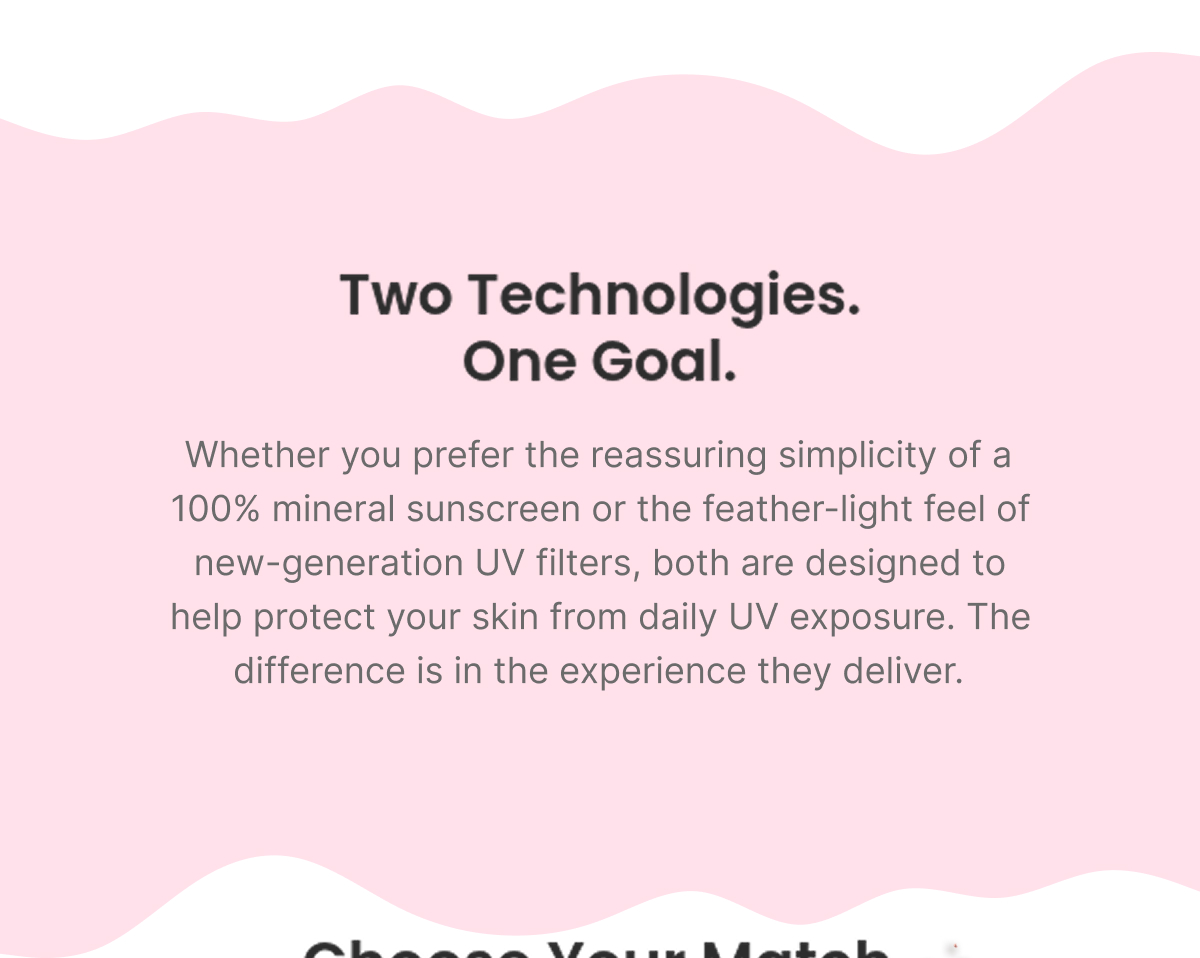
Compares two real Dot & Key formulations — 100% Mineral Sunscreen (Zinc Oxide + Titanium Dioxide, built for sensitive skin, kids, pregnancy) vs. Watermelon Cooling Sunscreen (new-generation UV filters, Hyaluronic Acid, lightweight) — framed as "which fits your skin," not "which one wins."

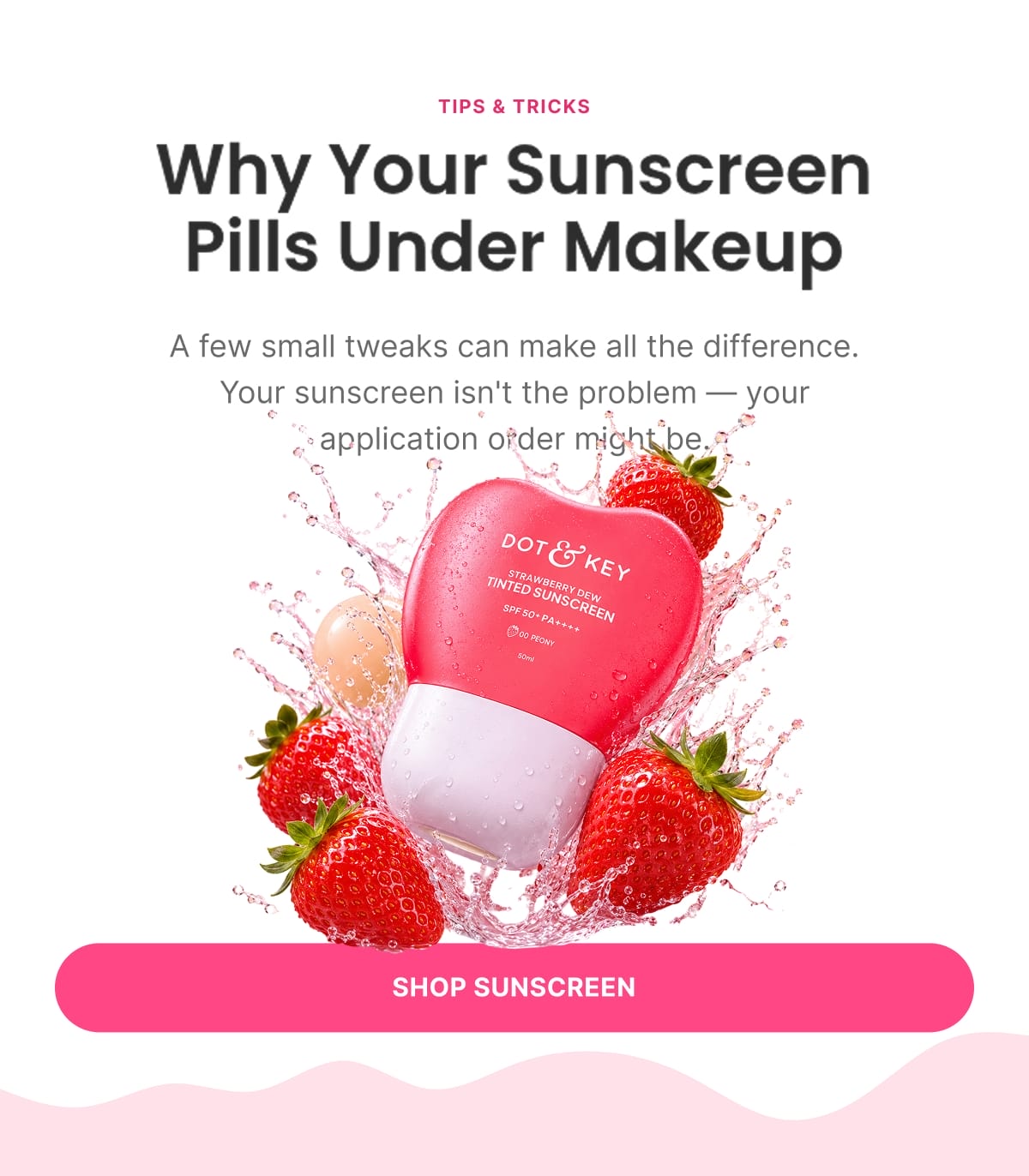
Tips & Tricks

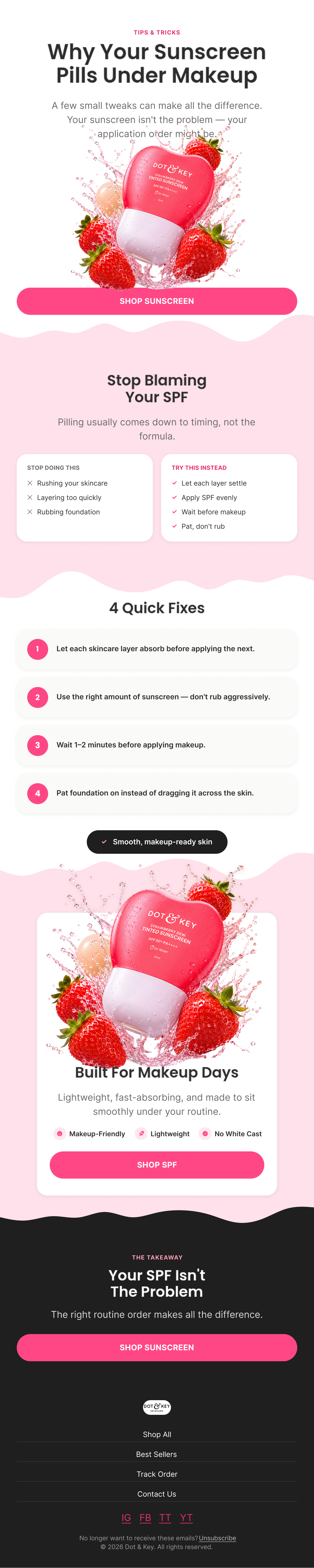
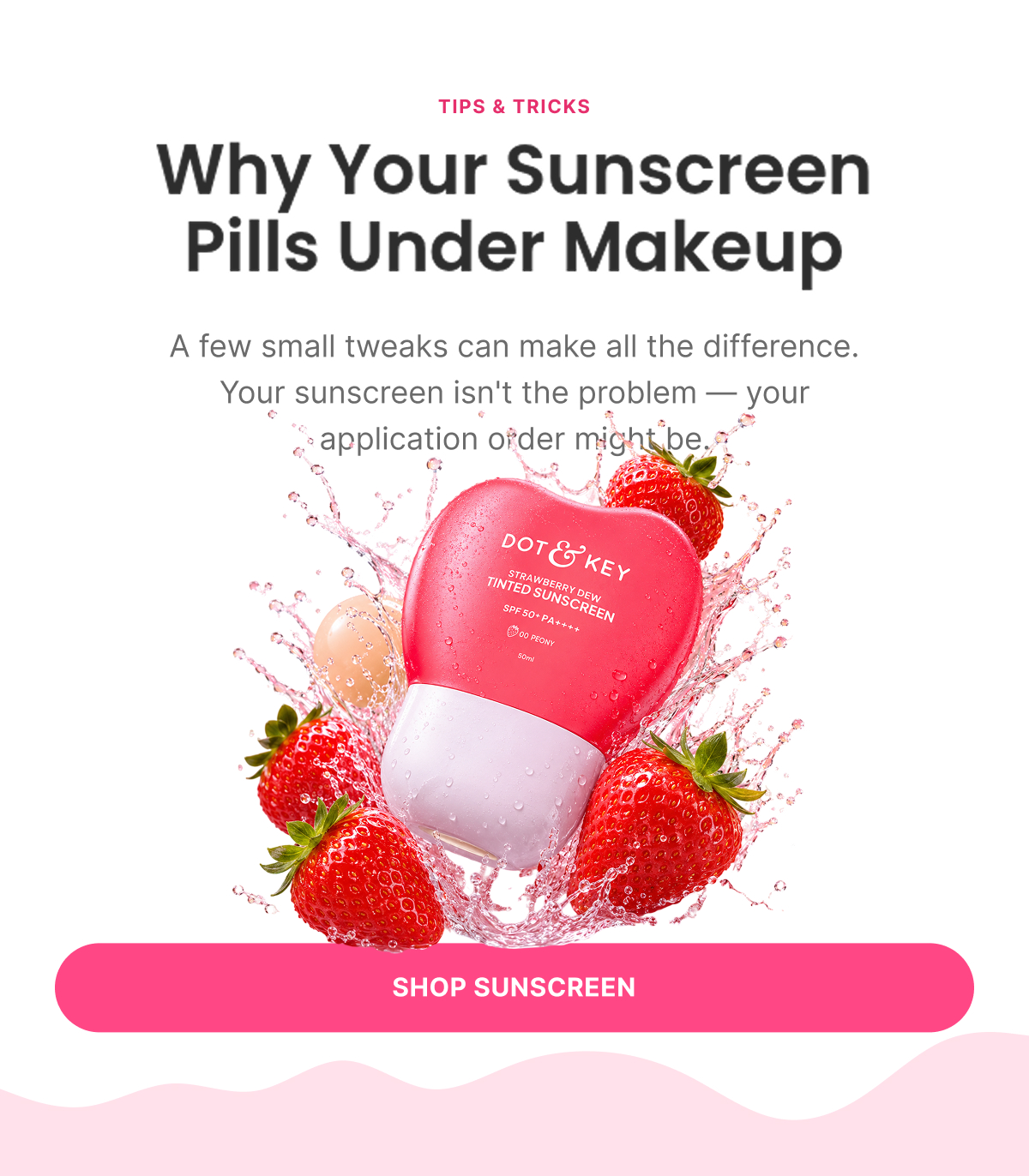
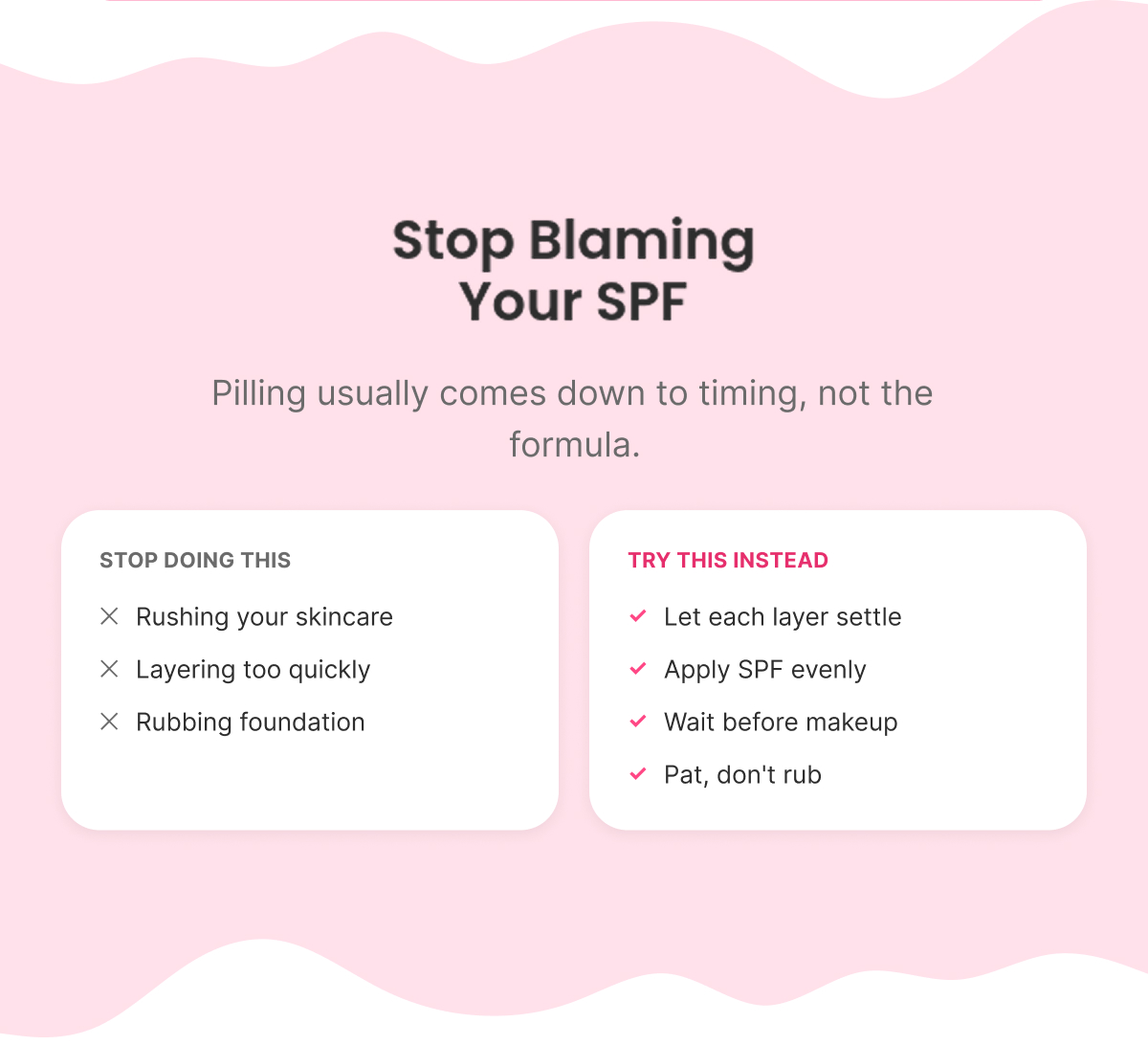
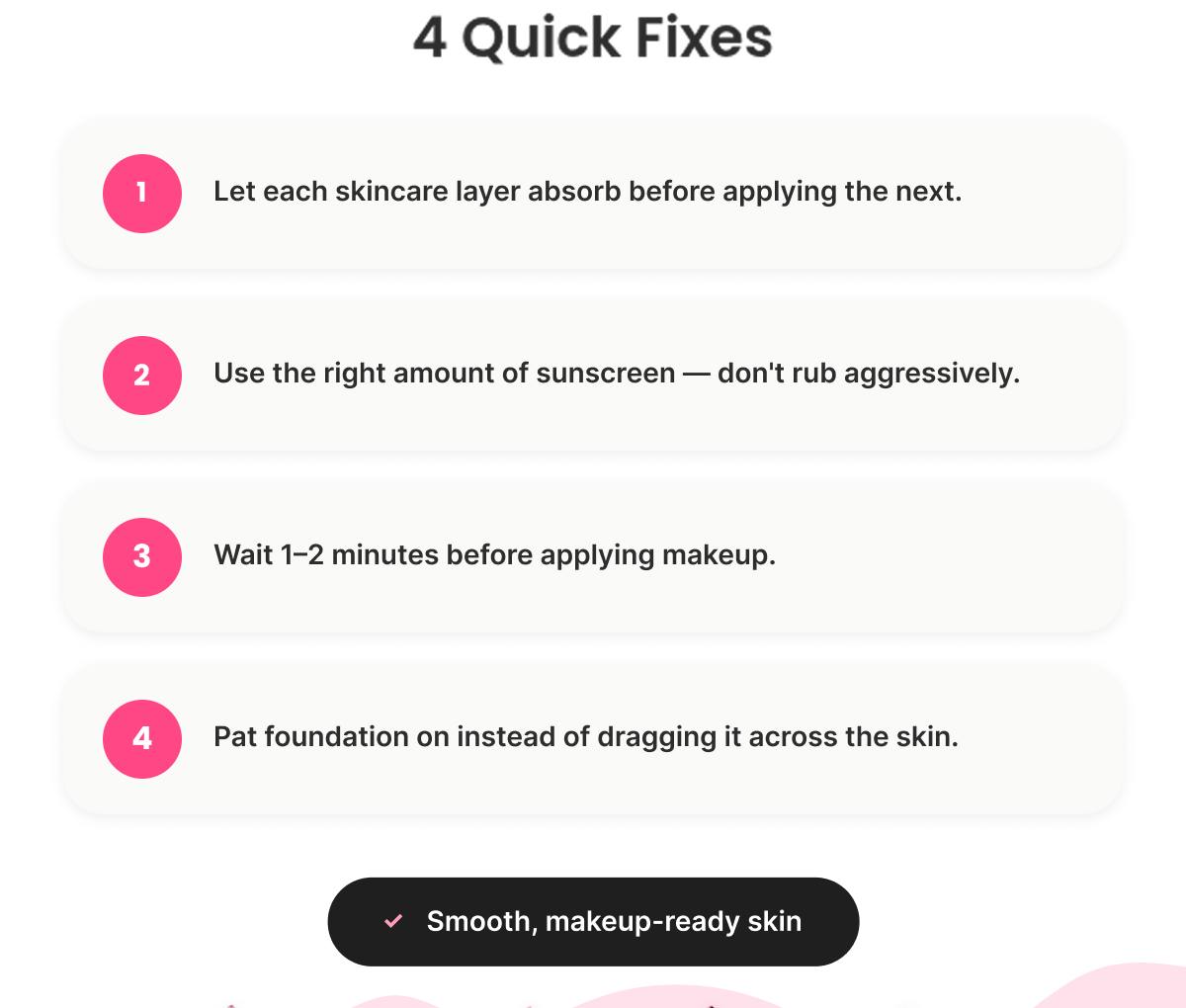
“Why Your Sunscreen Pills Under Makeup”

Removes a practical objection ("it ruins my makeup") rather than re-explaining UV protection — four tips: let each layer absorb, use the right amount, wait 1-2 minutes before makeup, pat instead of rub.

One Benefit

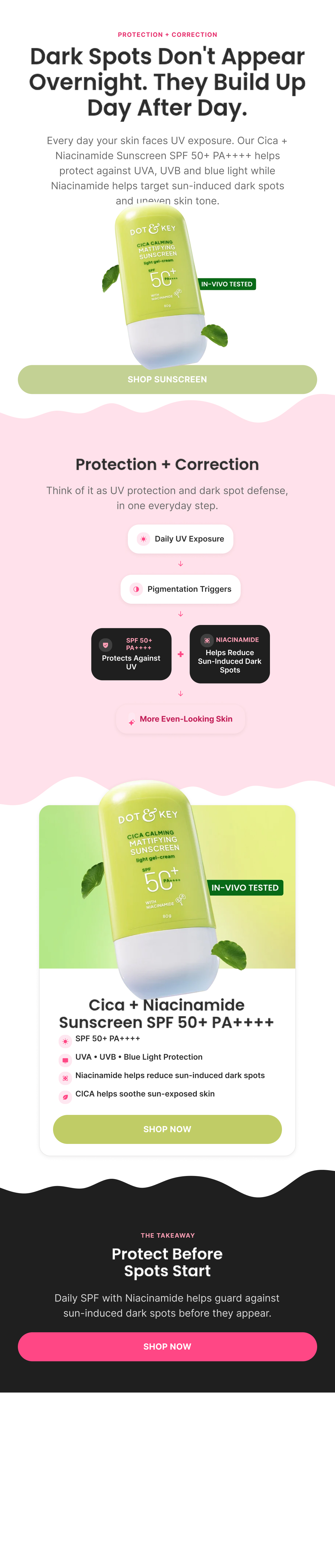
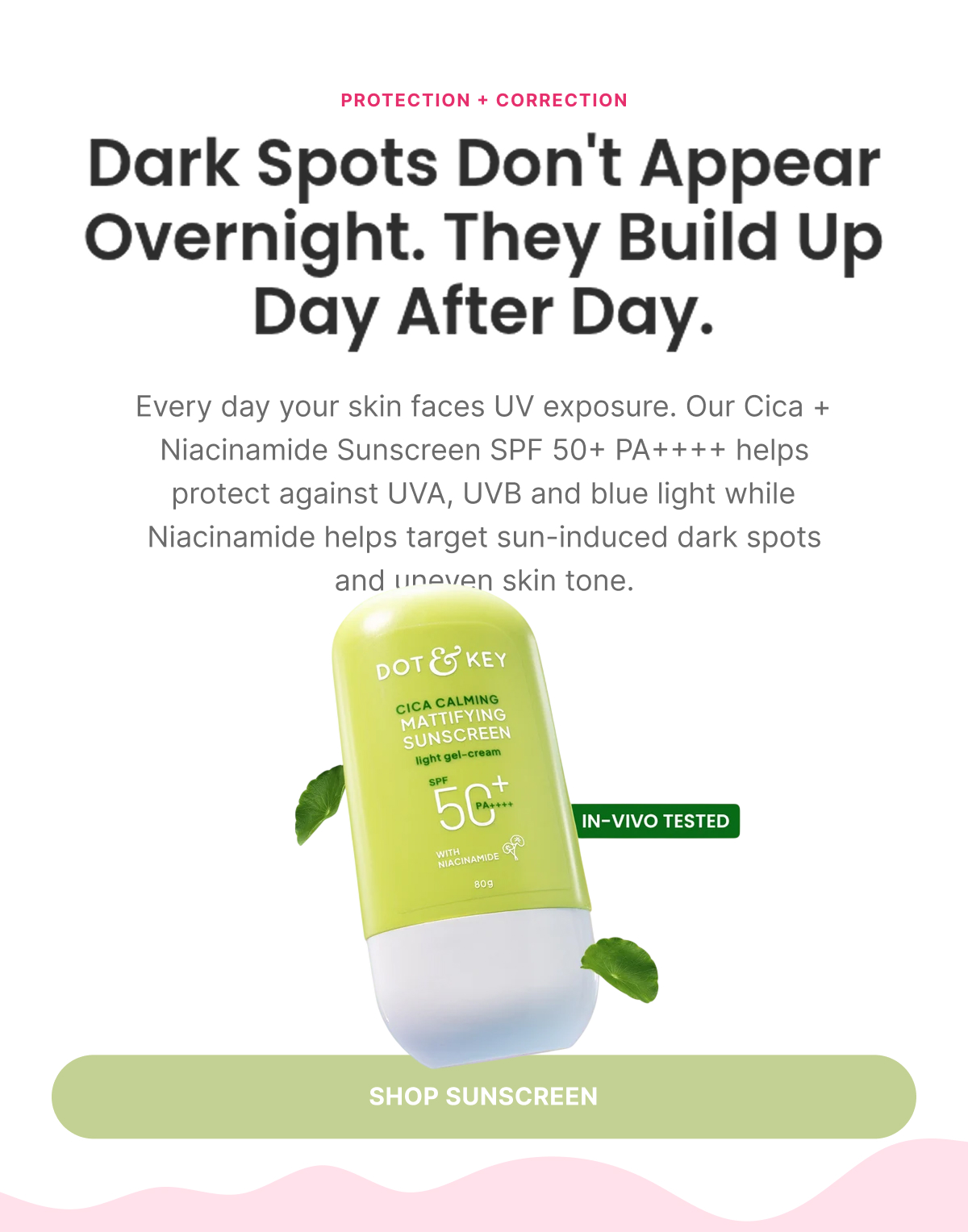
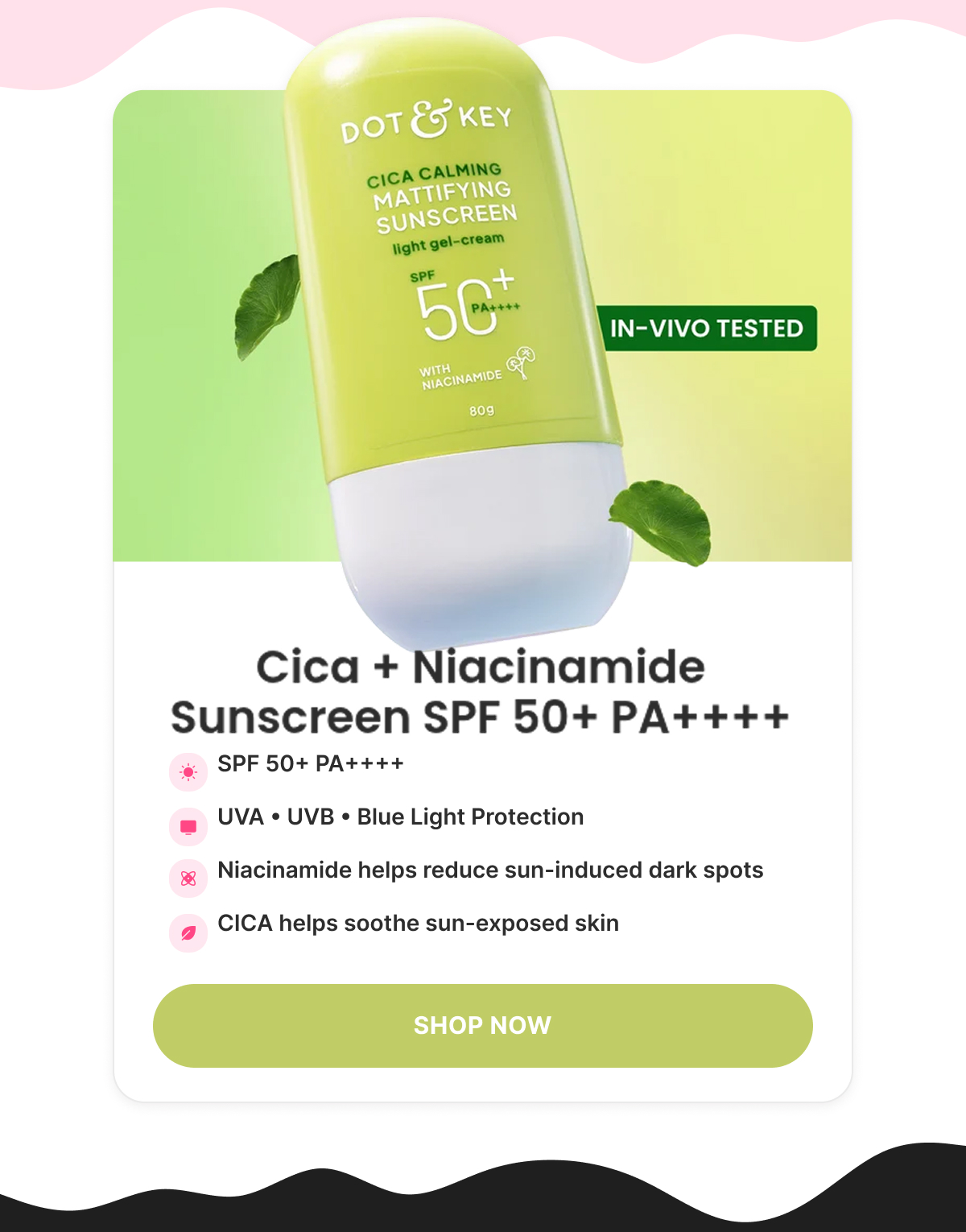
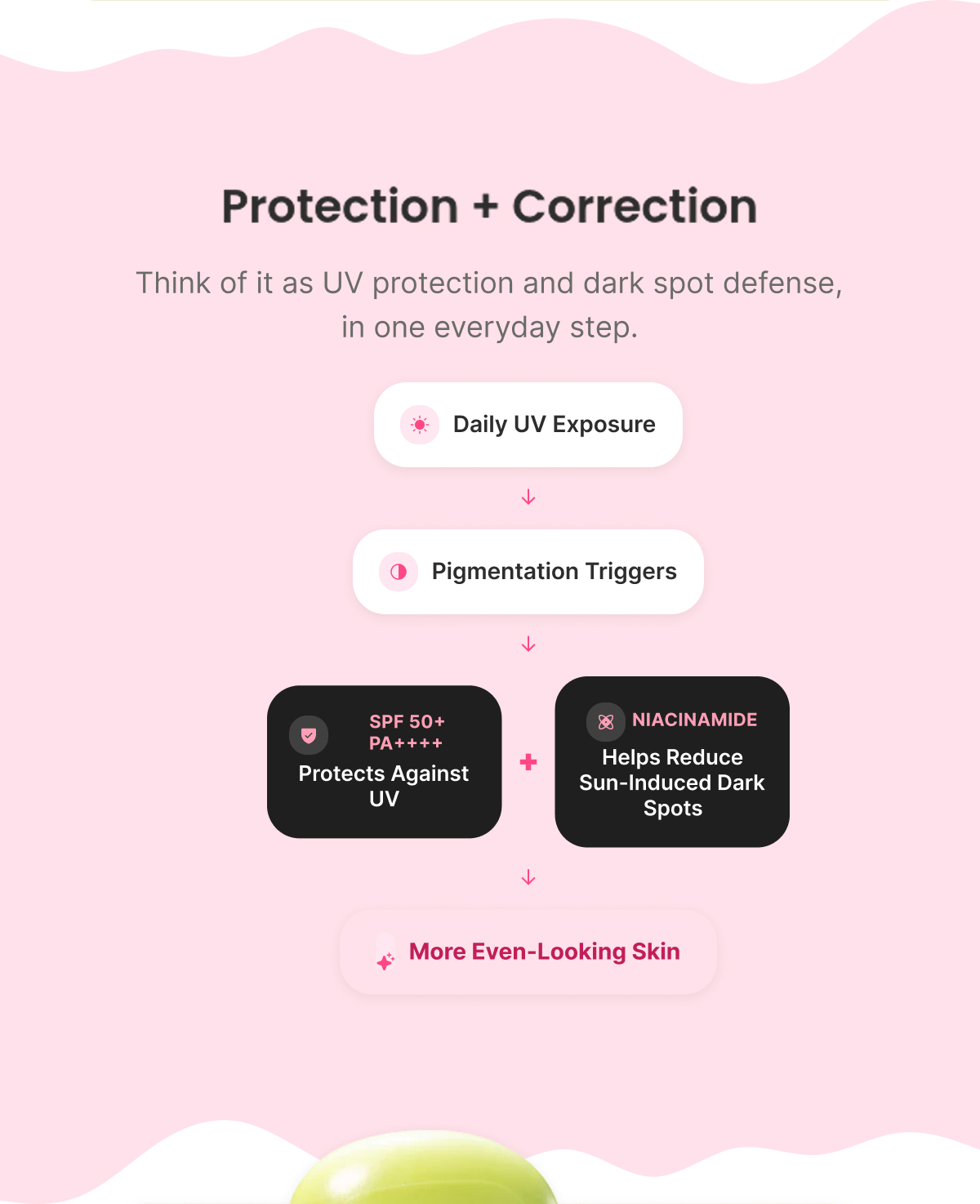
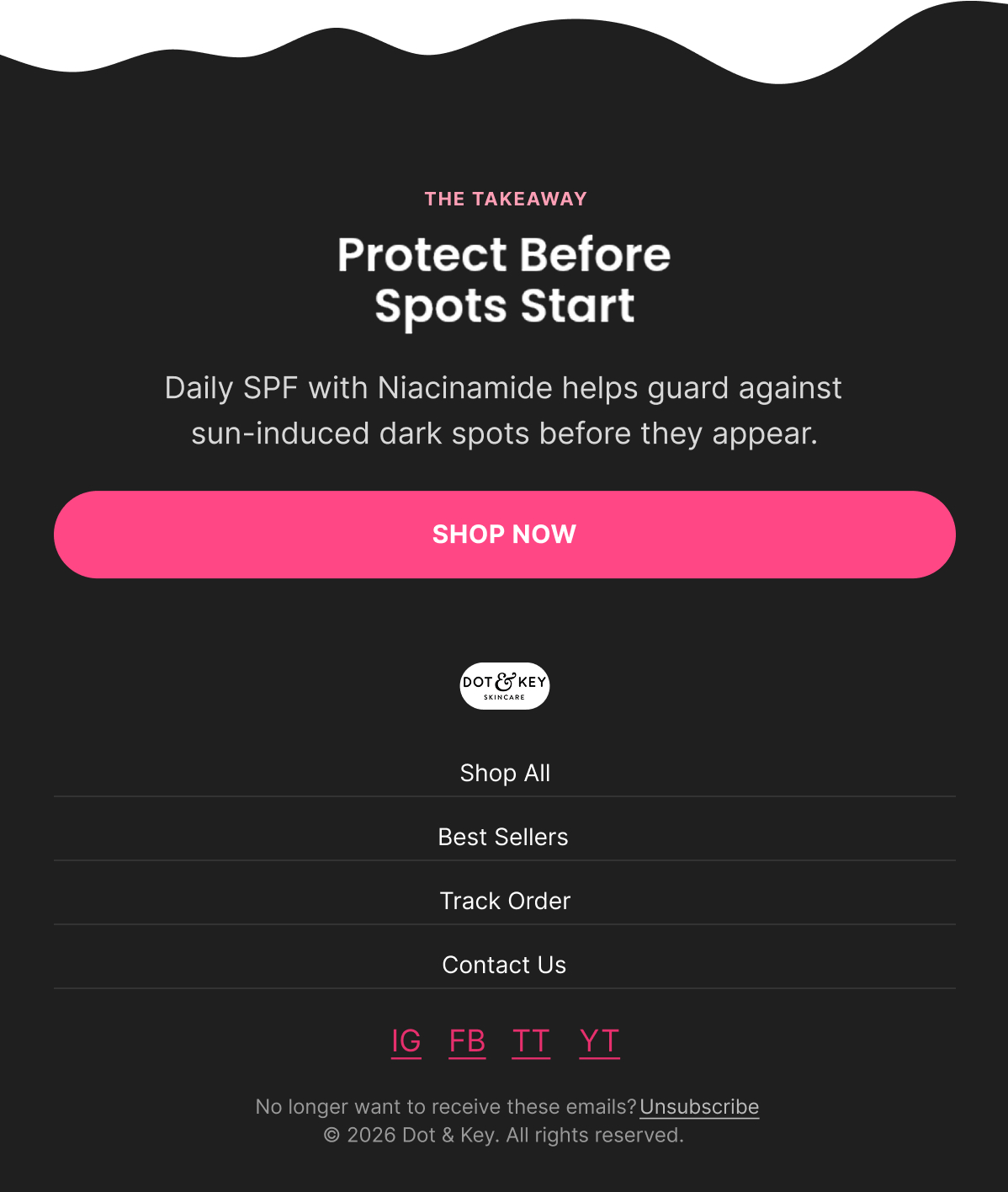
“Dark Spots Don't Appear Overnight”

Reframes Niacinamide from a reactive, after-the-fact treatment to a preventive one when paired with daily SPF — anchored to the Cica + Niacinamide Sunscreen SPF 50+ PA++++, which protects against UVA/UVB/blue light while Niacinamide targets sun-induced dark spots and CICA soothes exposed skin.

What's Inside

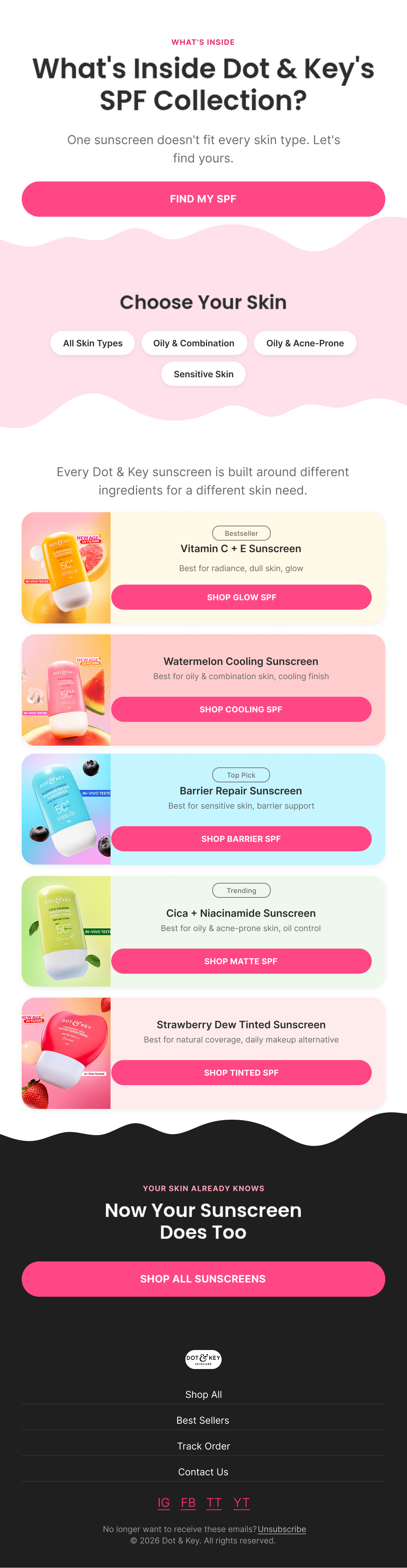
“What's Inside Your Perfect SPF?”

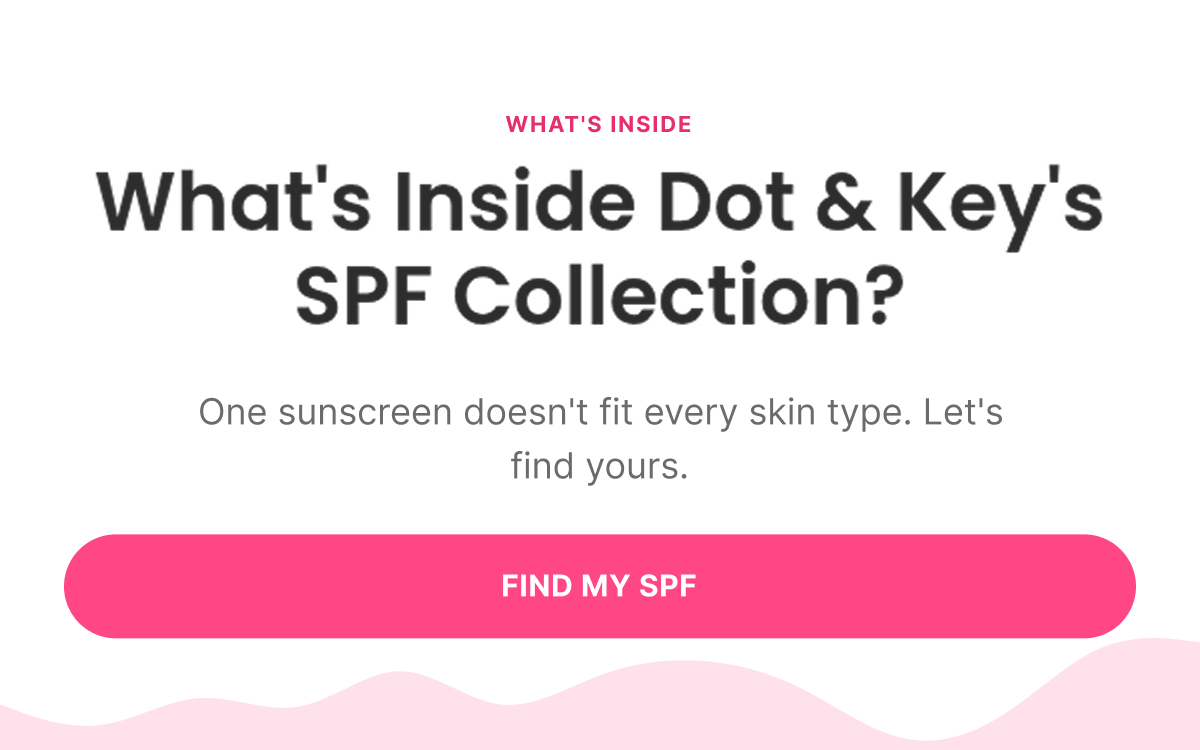
Structured as a sequence of reveals rather than a comparison table — each sunscreen "opens" to show what's inside (ingredients), how it feels (texture), and who it's for (skin type/concern), covering the full range: Vitamin C + E, Watermelon Cooling, Cica + Niacinamide, Barrier Repair, and Strawberry Dew Tinted as a bonus reveal.

Detailed Figma — Sunscreen — MT Series

Flows

Lifecycle and automation work across the customer journey. Each flow is approached as a production system: what happened, what should happen next, how the message changes, how it gets built in Klaviyo, and what needs to be checked before send.

Welcome Flow

5 emails
Figma — What I Designed
Strategy — Why It Exists

Objective

Convert a new subscriber into a first-time customer by building trust and urgency around the welcome offer.

Flow Progression

  • Welcome + Offer
  • Ingredient Education
  • Social Proof + Best Sellers
  • Urgency + Routine Build
  • Founder Note + Final Extension

Outcome

Move the subscriber from "interested in the brand" to "confident enough to place a first order" before the welcome code expires.

Copy — What The Customer Sees

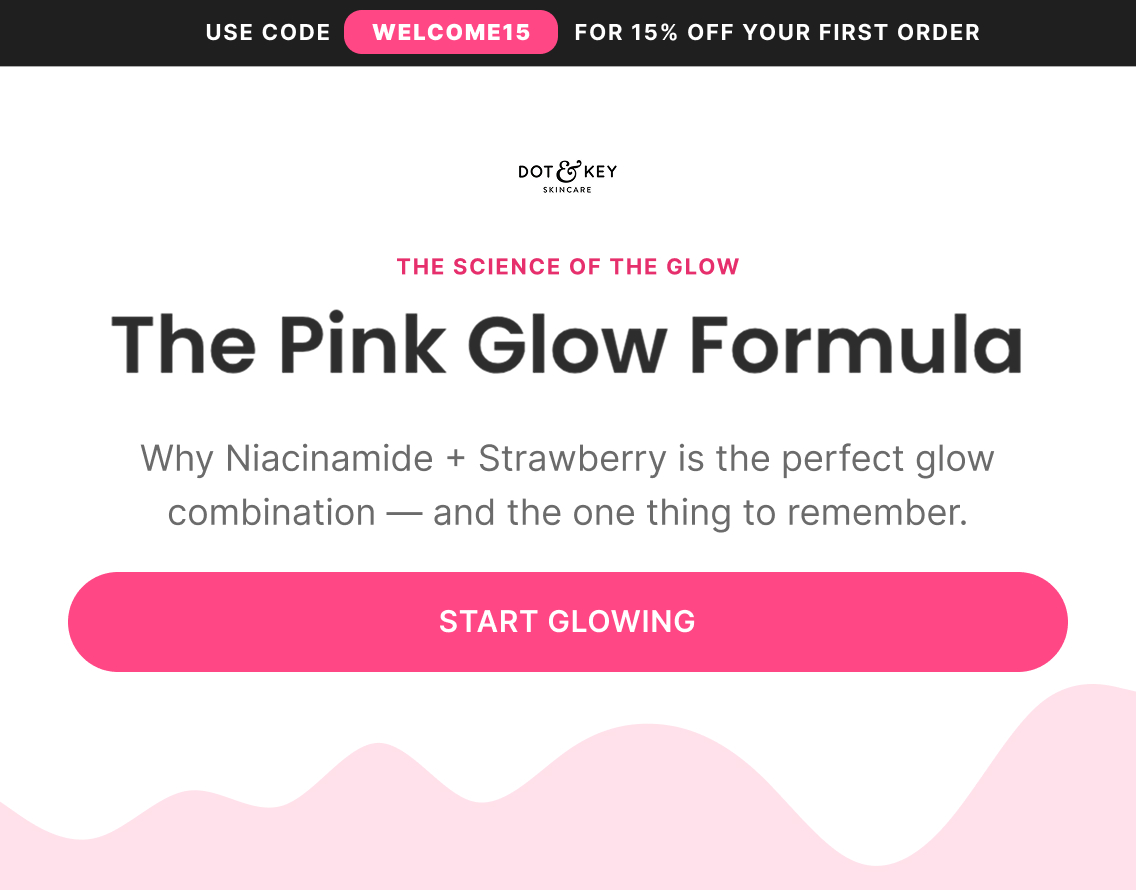
Email 2 — Ingredient Education

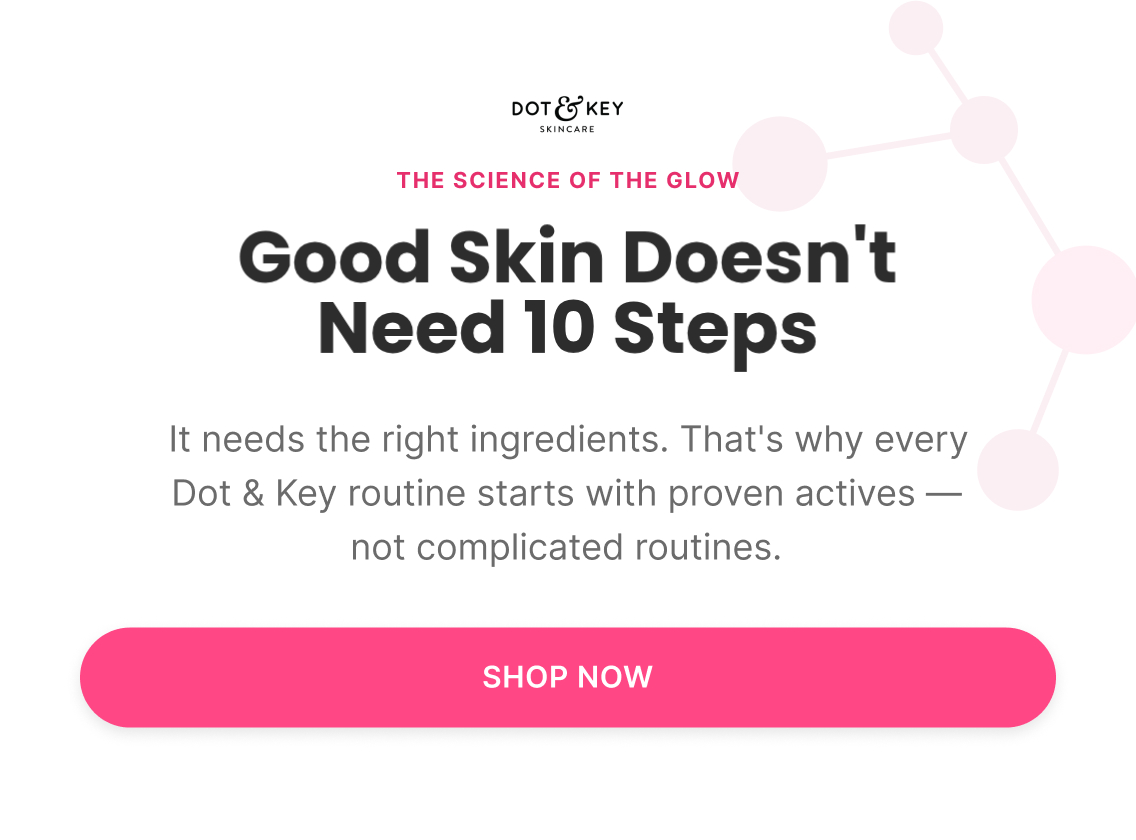
Subject: “The science of the glow”

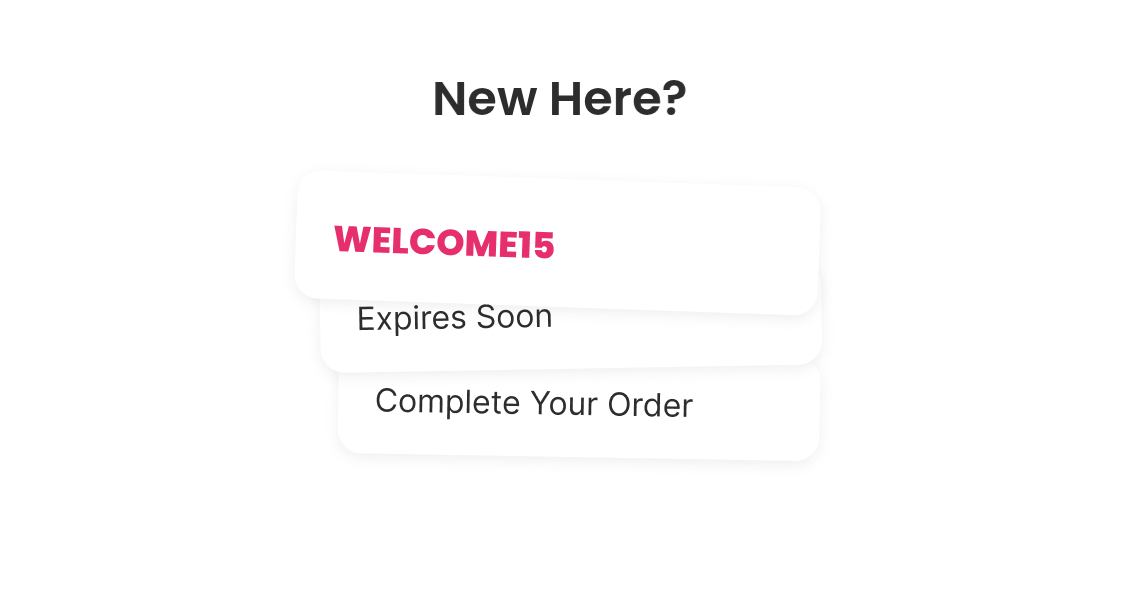
Preview: “Use code WELCOME15 for 15% off your first order”

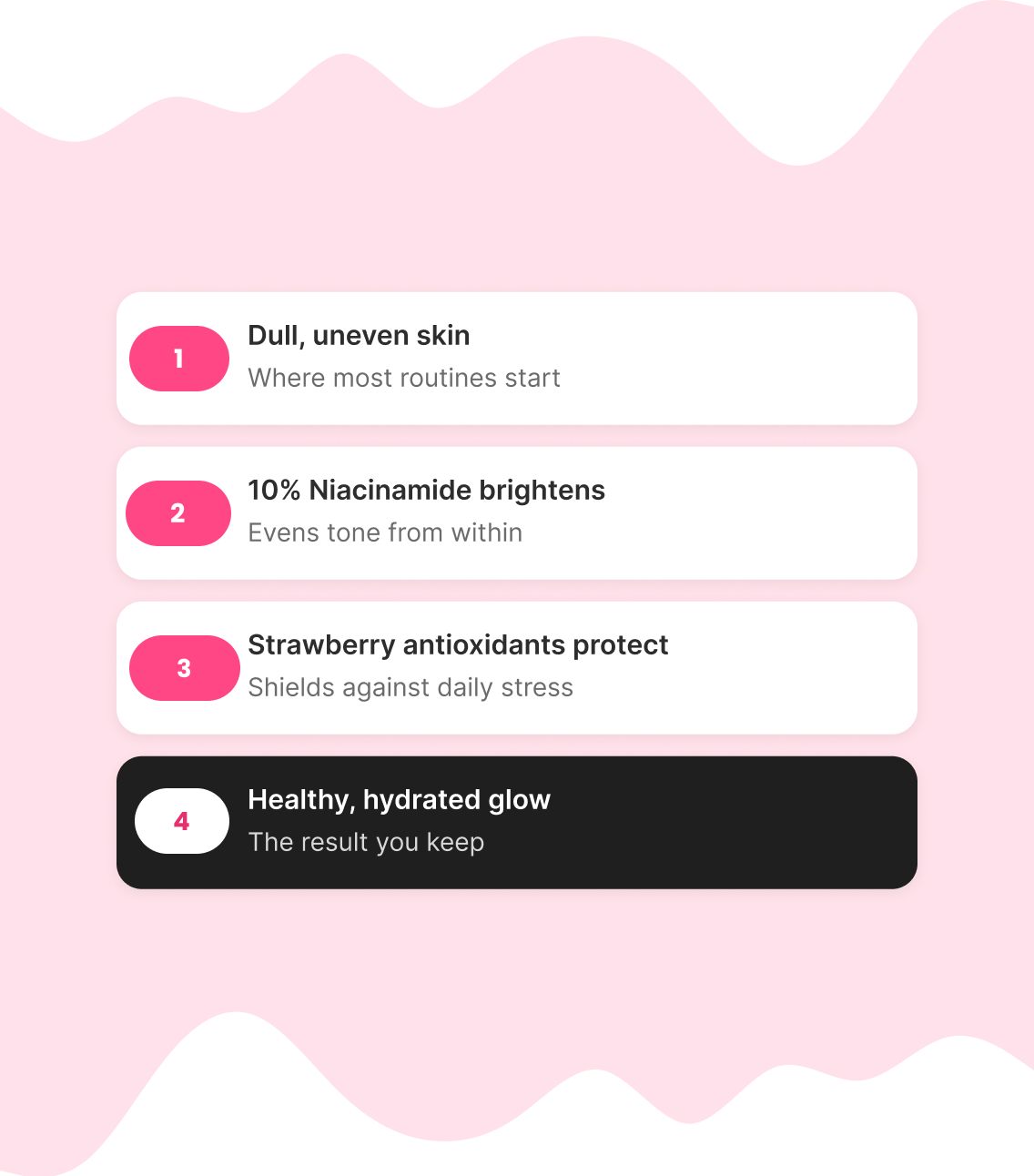
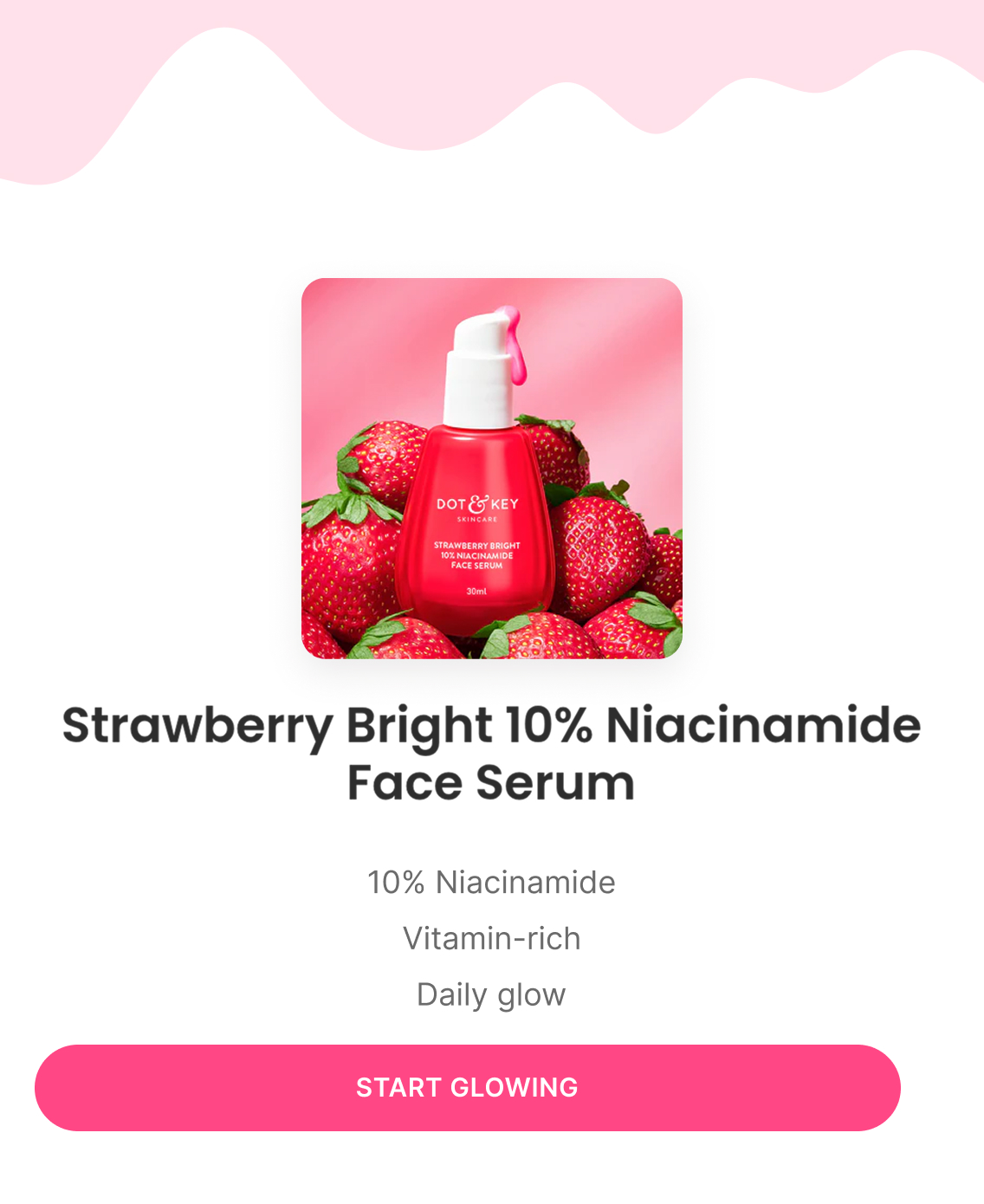
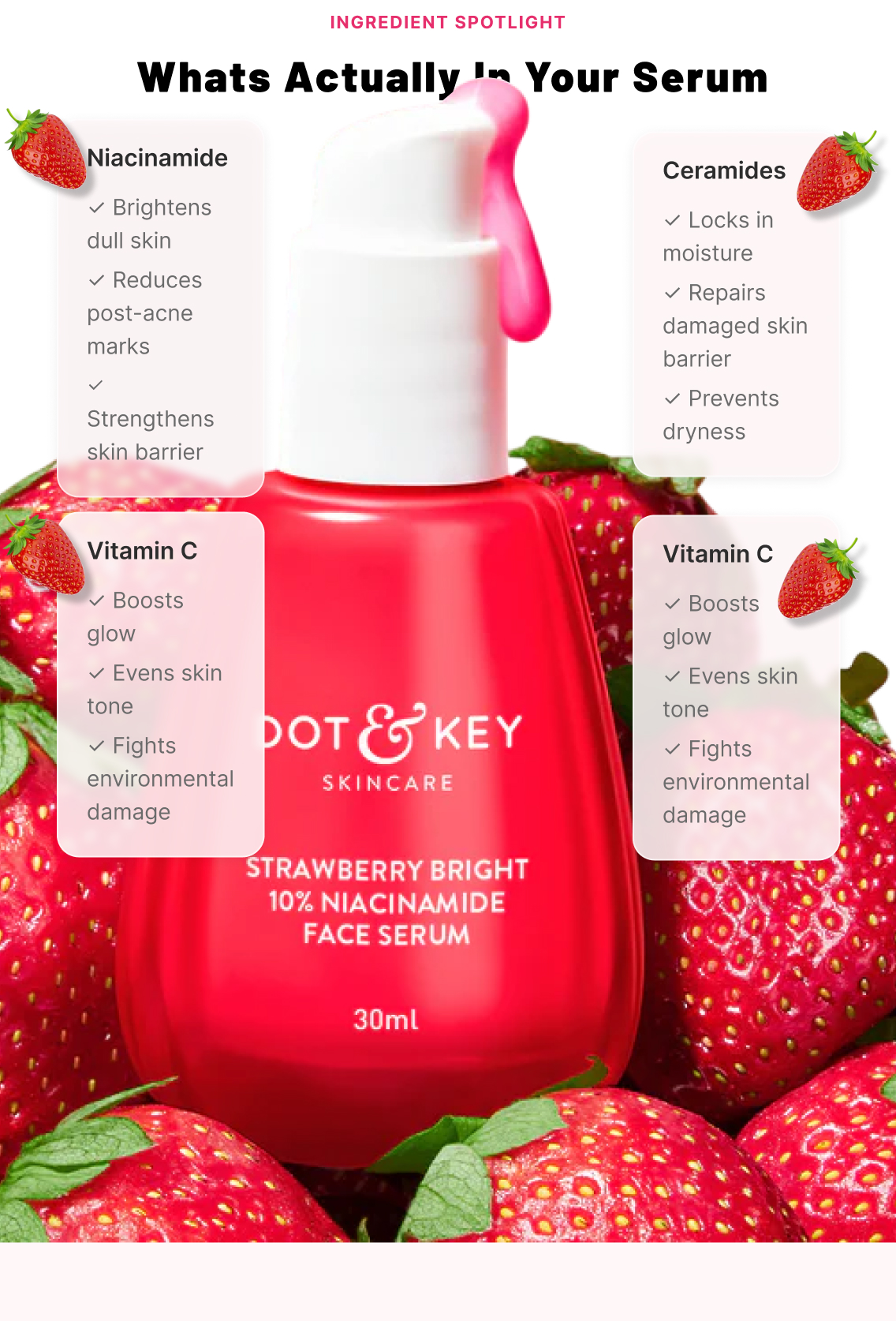
Explains why Niacinamide + Strawberry work together as a formula, walked through as a 4-step visual (dull/uneven skin → Niacinamide brightens → Strawberry antioxidants protect → healthy hydrated glow), anchored to the Face Serum as hero product.

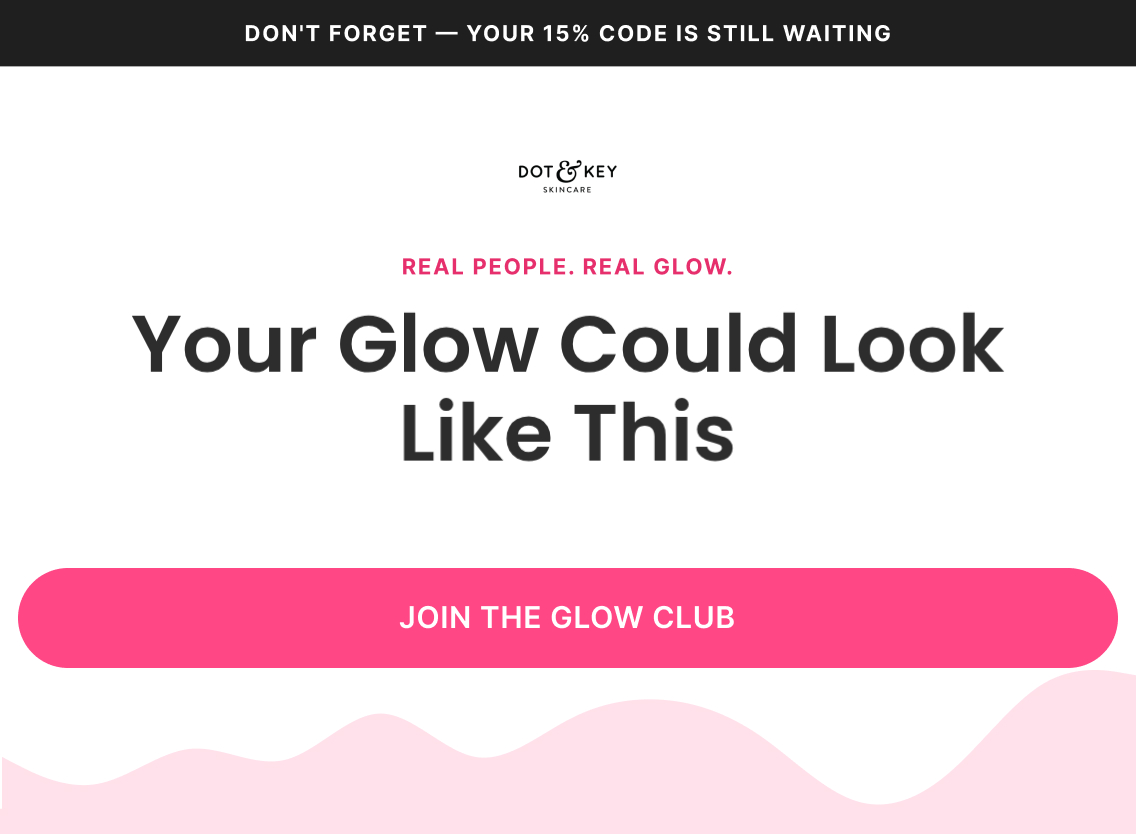
Email 3 — Social Proof + Best Sellers

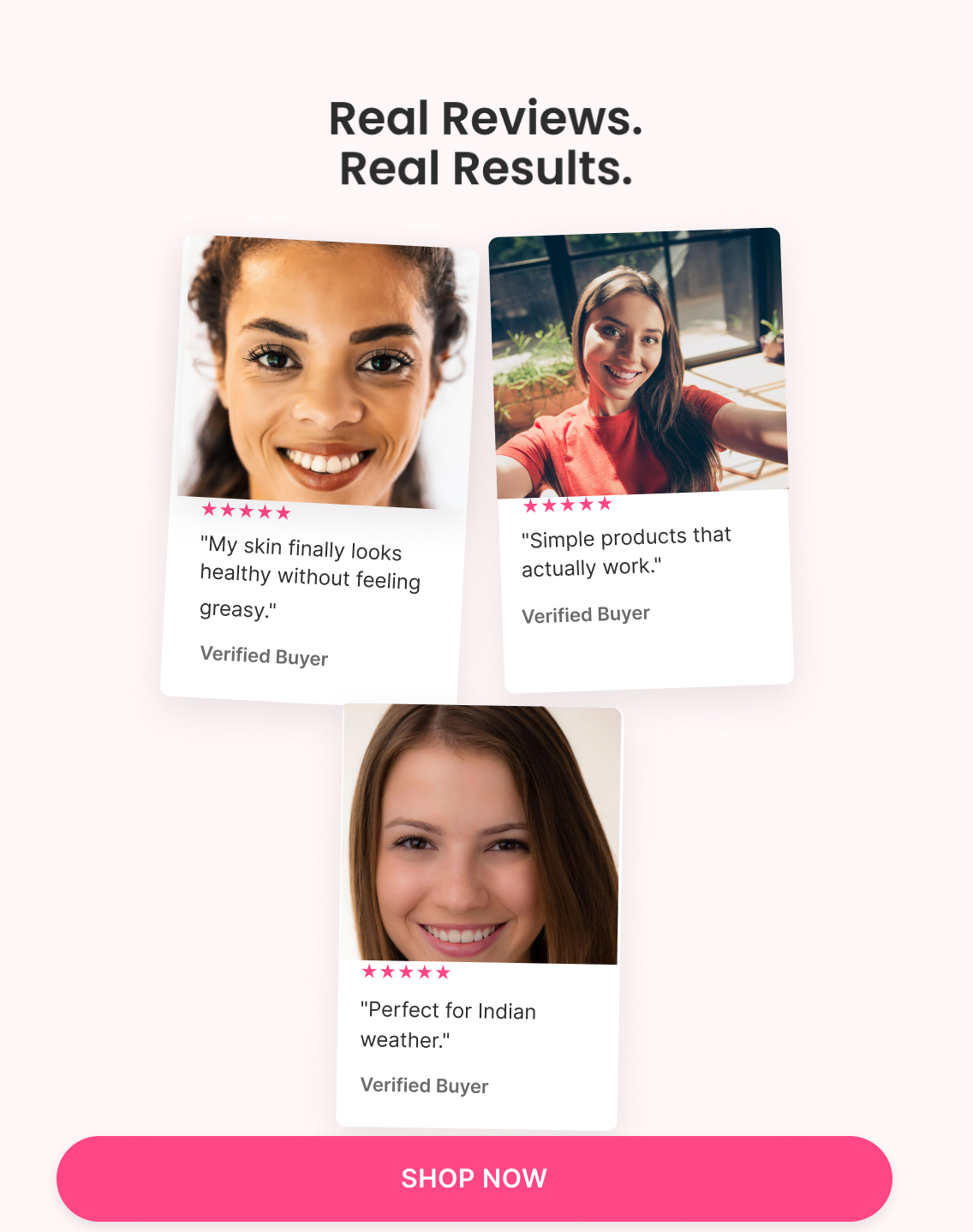
Subject: “Real people. Real glow.”

Preview: “Don't forget — your 15% code is still waiting”

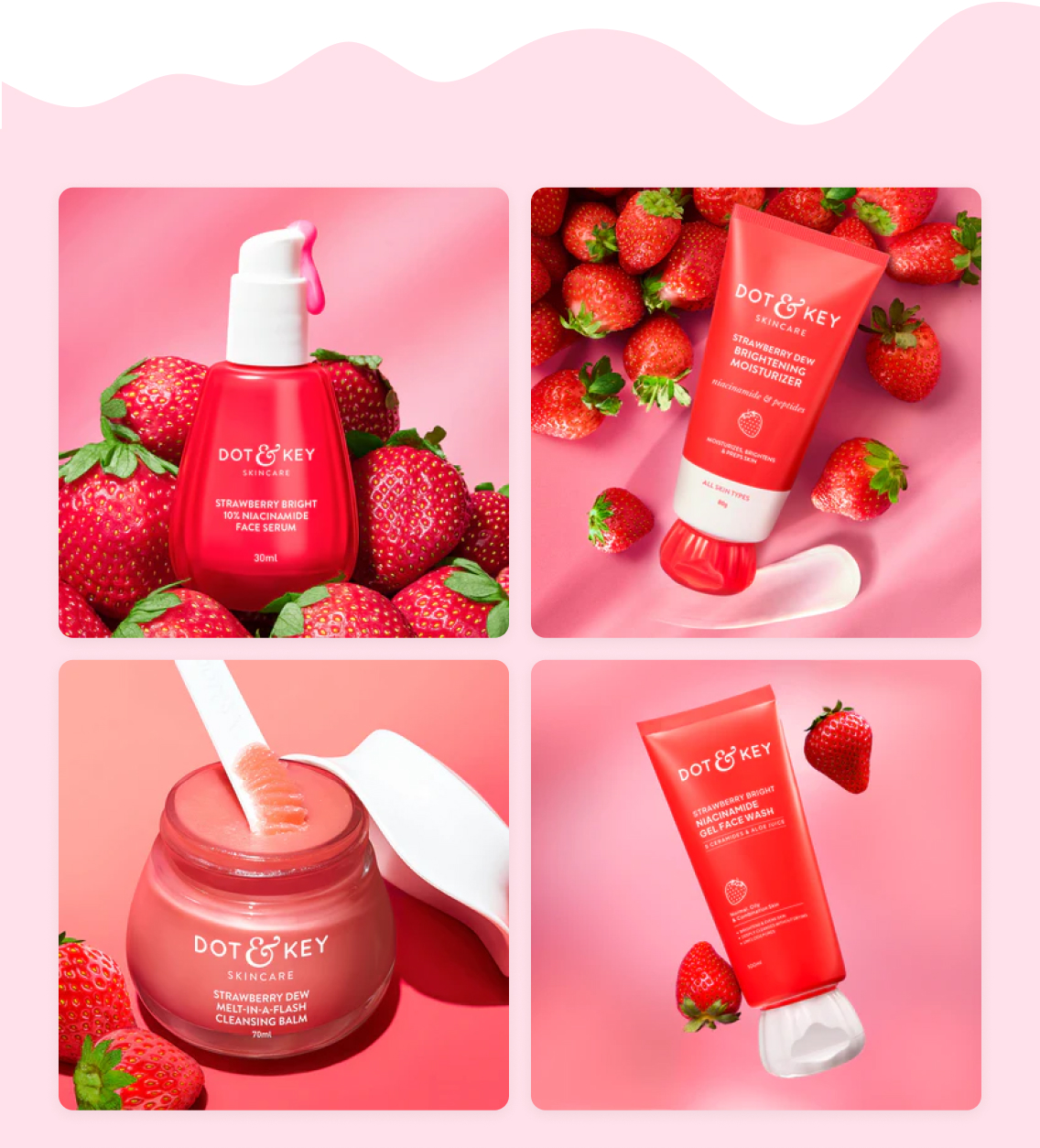
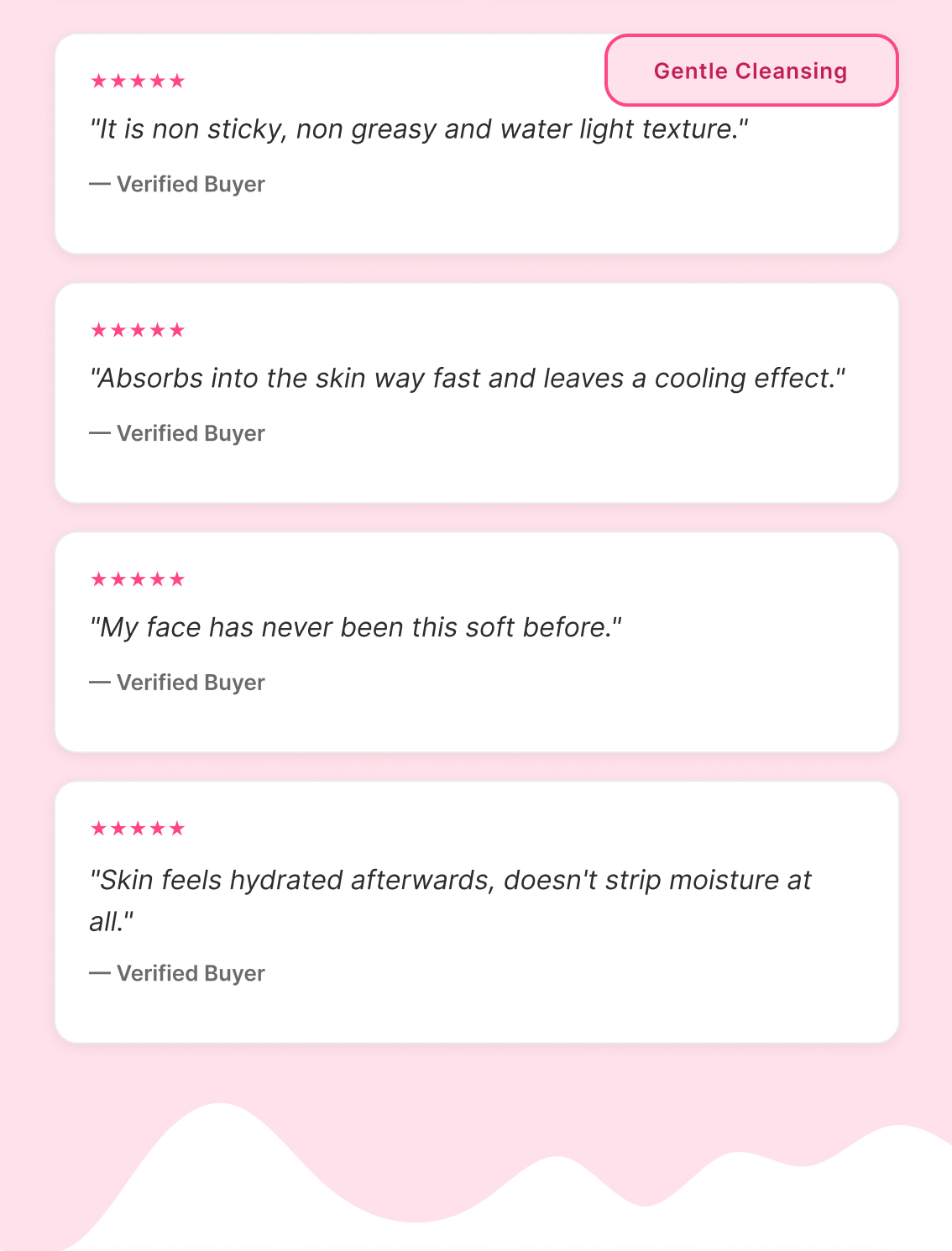
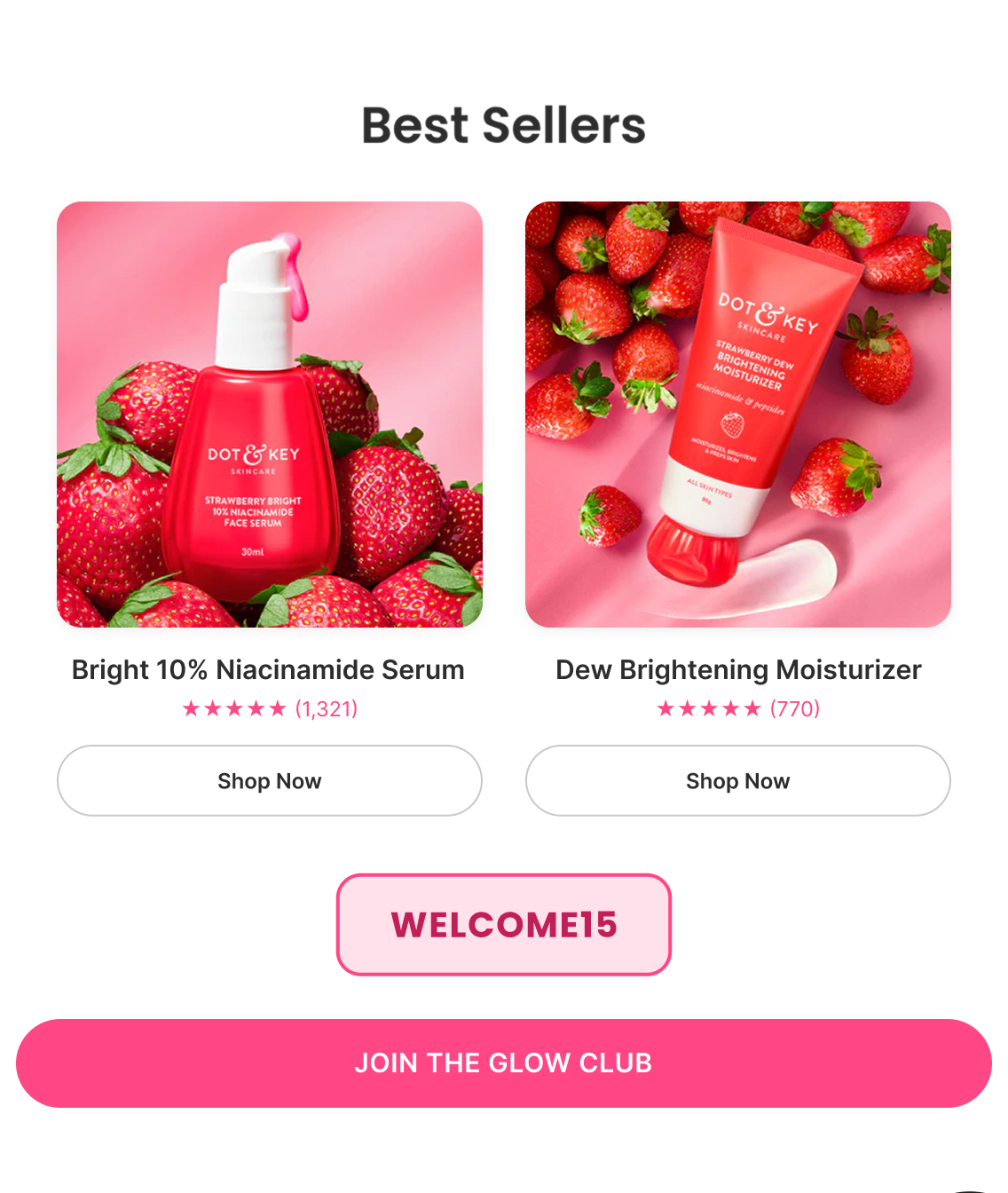
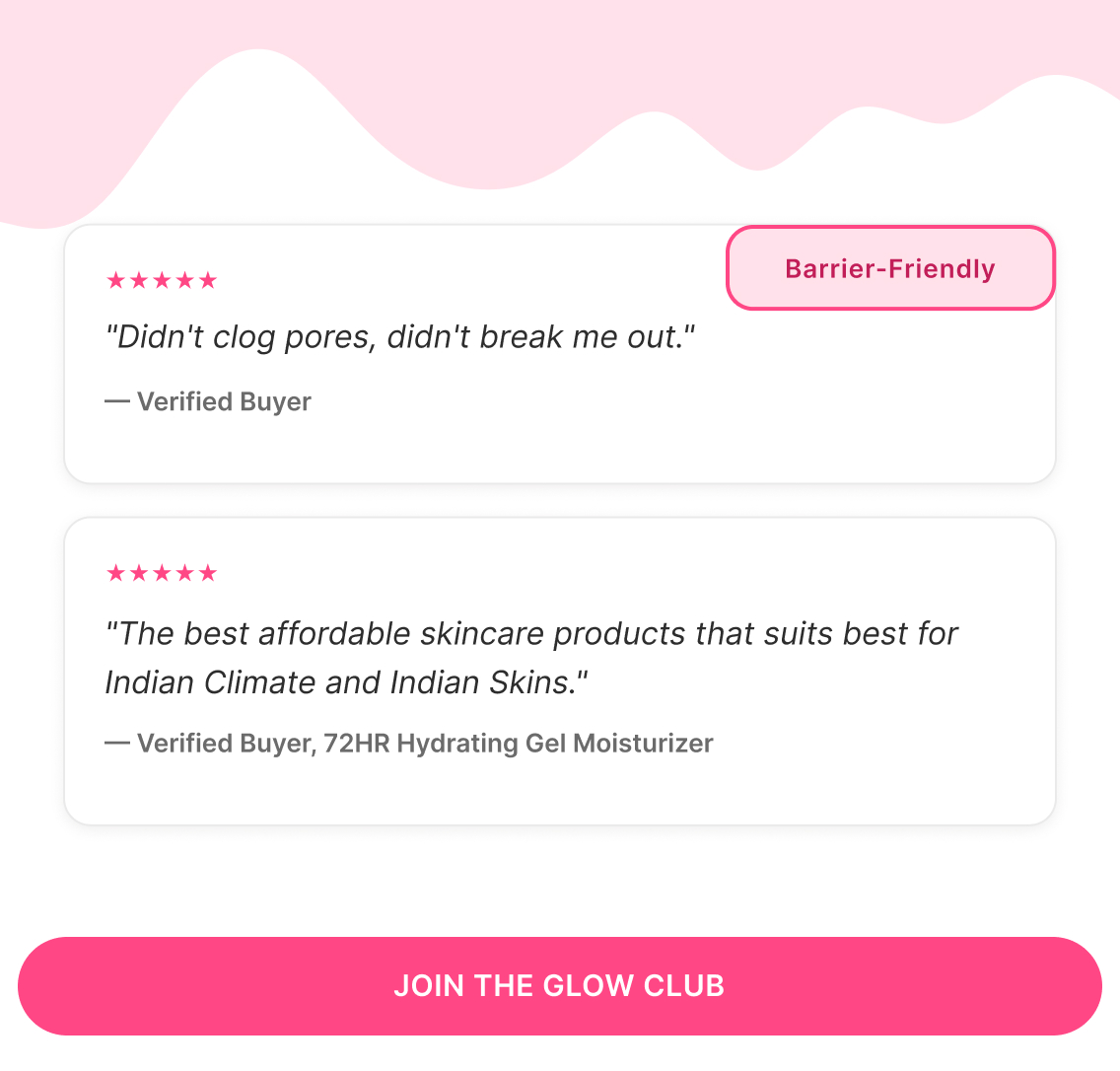
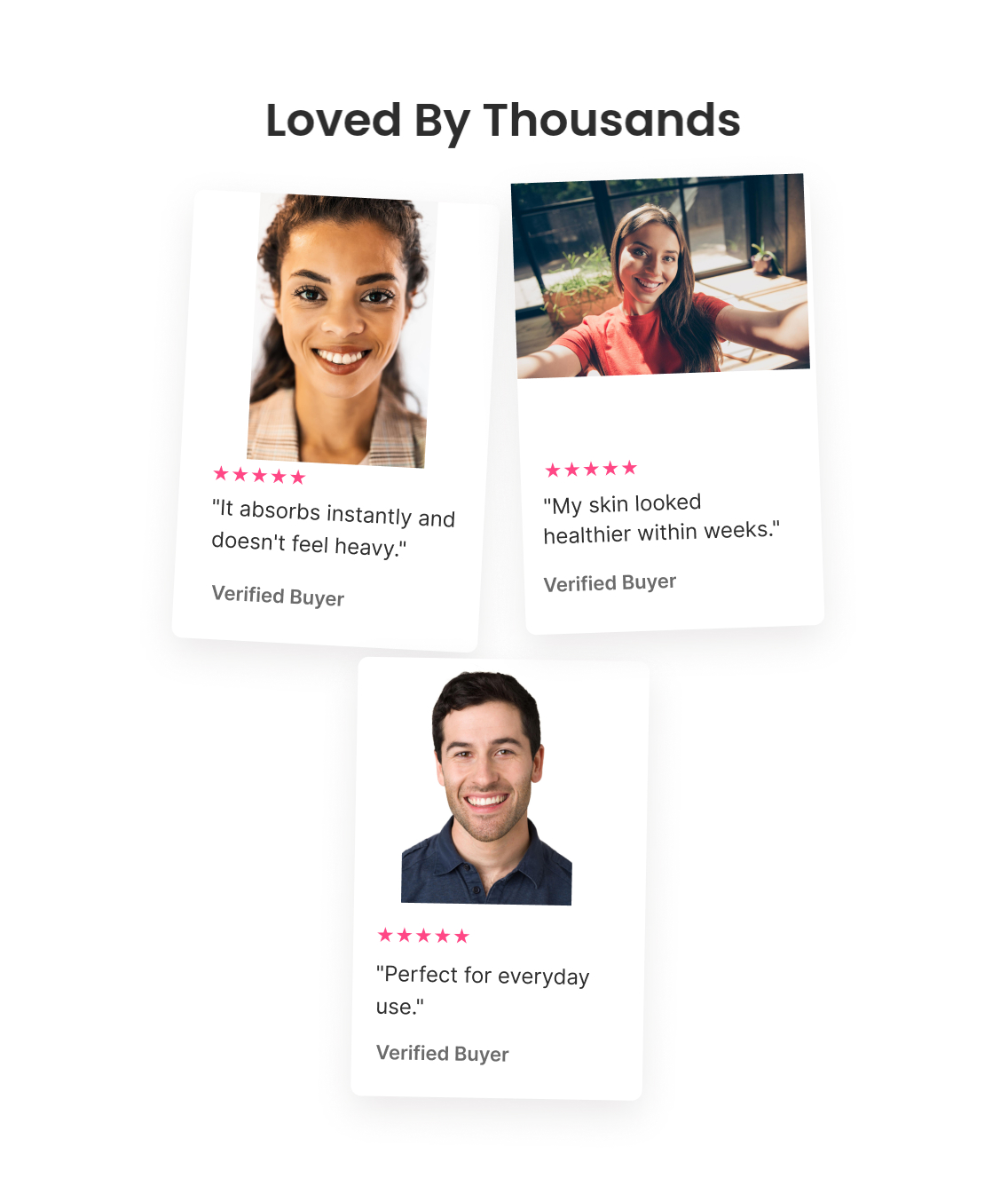
Customer photos and five-star reviews across multiple products, gentle skin/barrier callouts, then the two best sellers (Face Serum, Moisturizer) with review counts, closing on WELCOME15.

Email 4 — Urgency + Routine Build

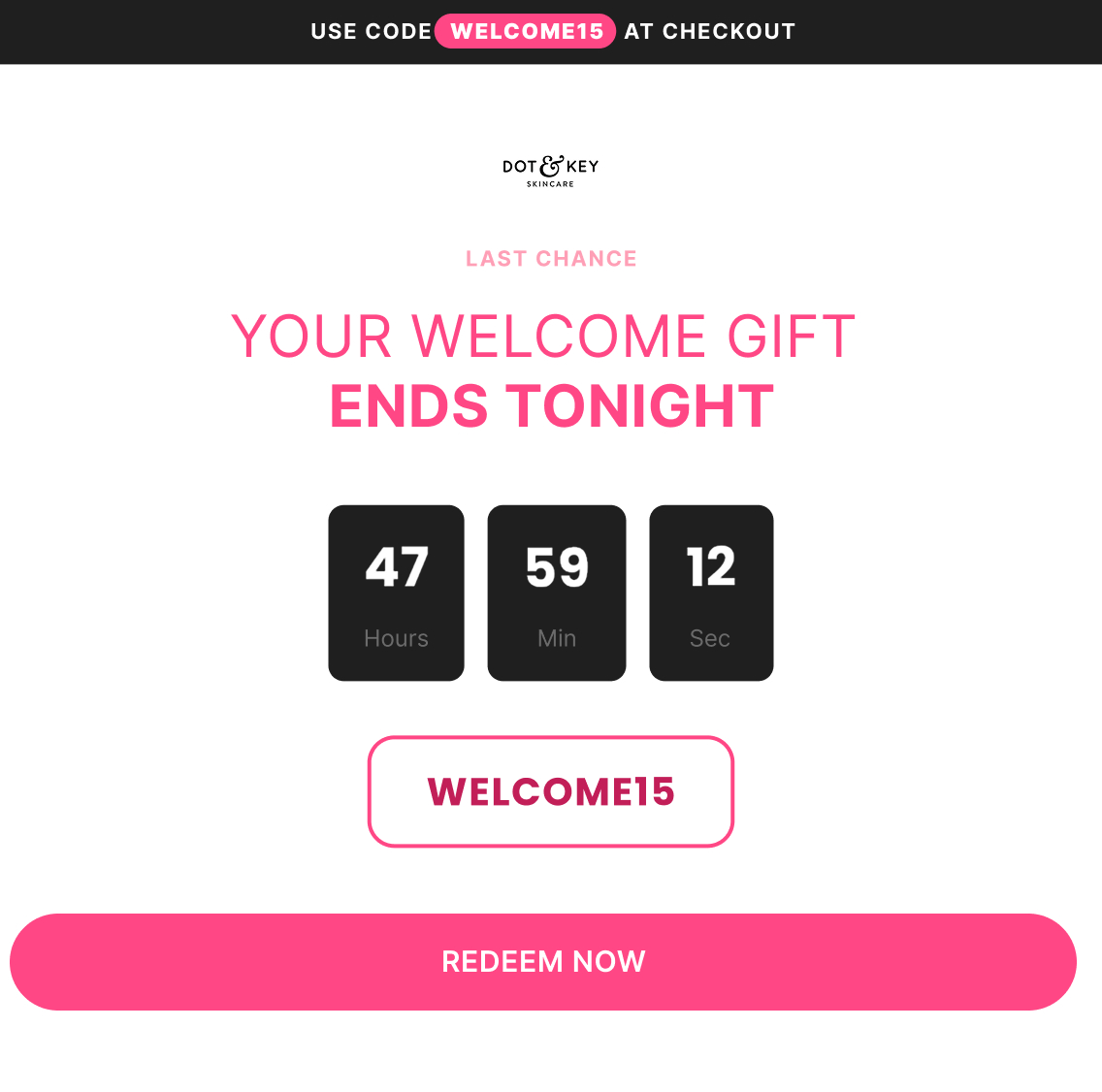
Subject: “Your welcome gift ends tonight”

Preview: “Use code WELCOME15 at checkout”

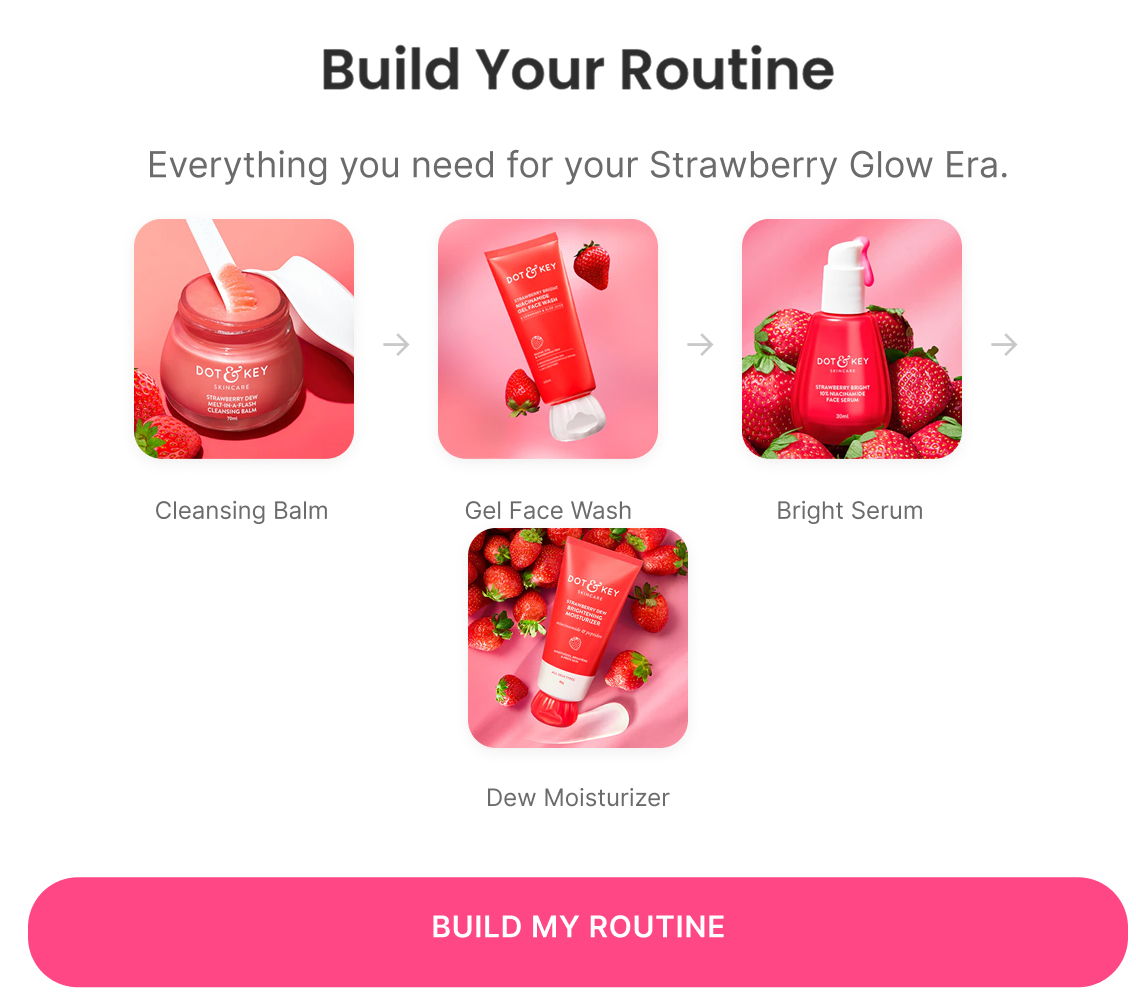
Countdown timer on the expiring code, then a 4-step routine builder (Cleansing Balm → Gel Face Wash → Face Serum → Moisturizer) so the offer is framed around completing a routine, not just buying one item.

Email 5 — Founder Note + Final Extension

Subject: “Need help deciding?”

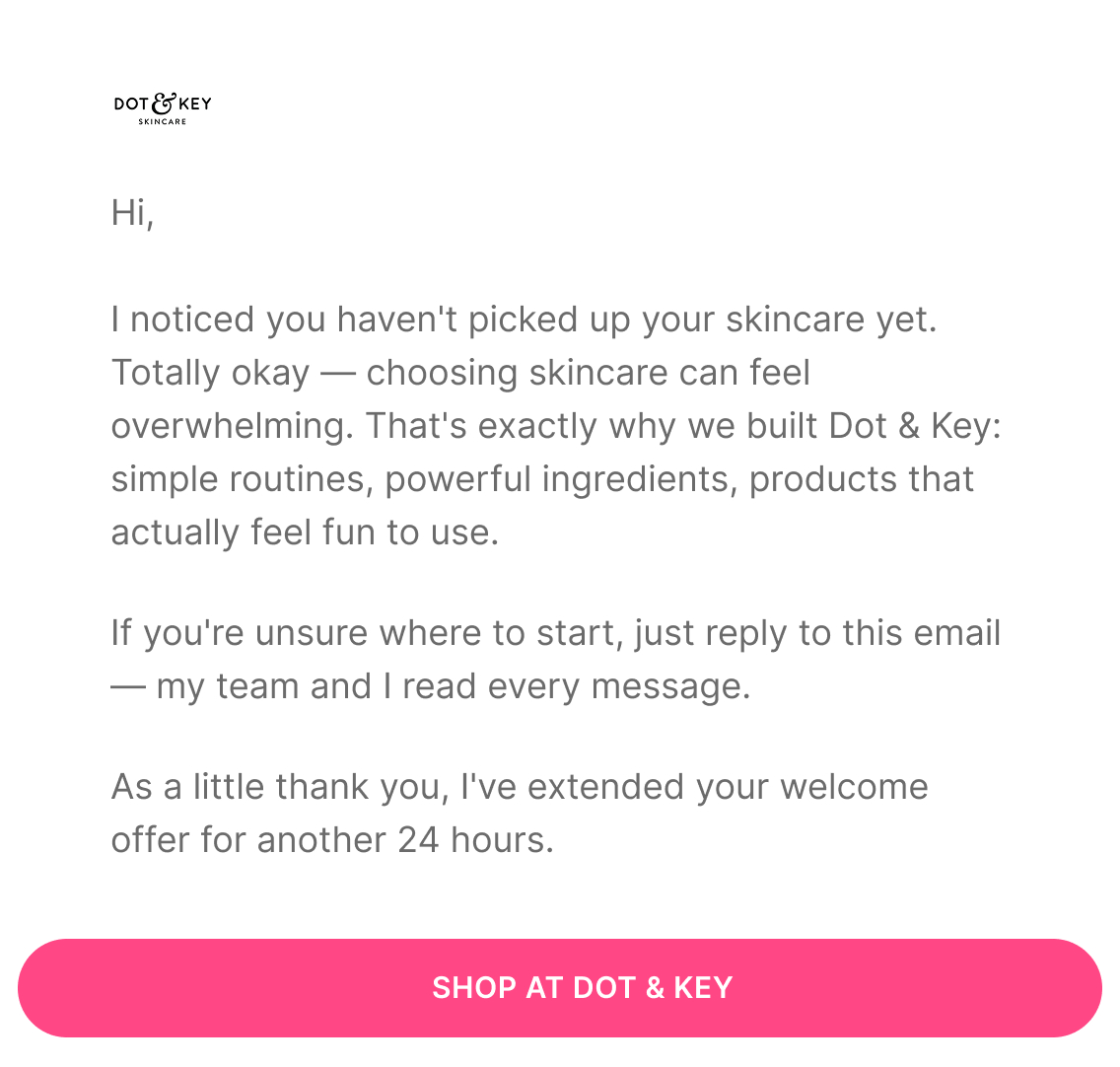
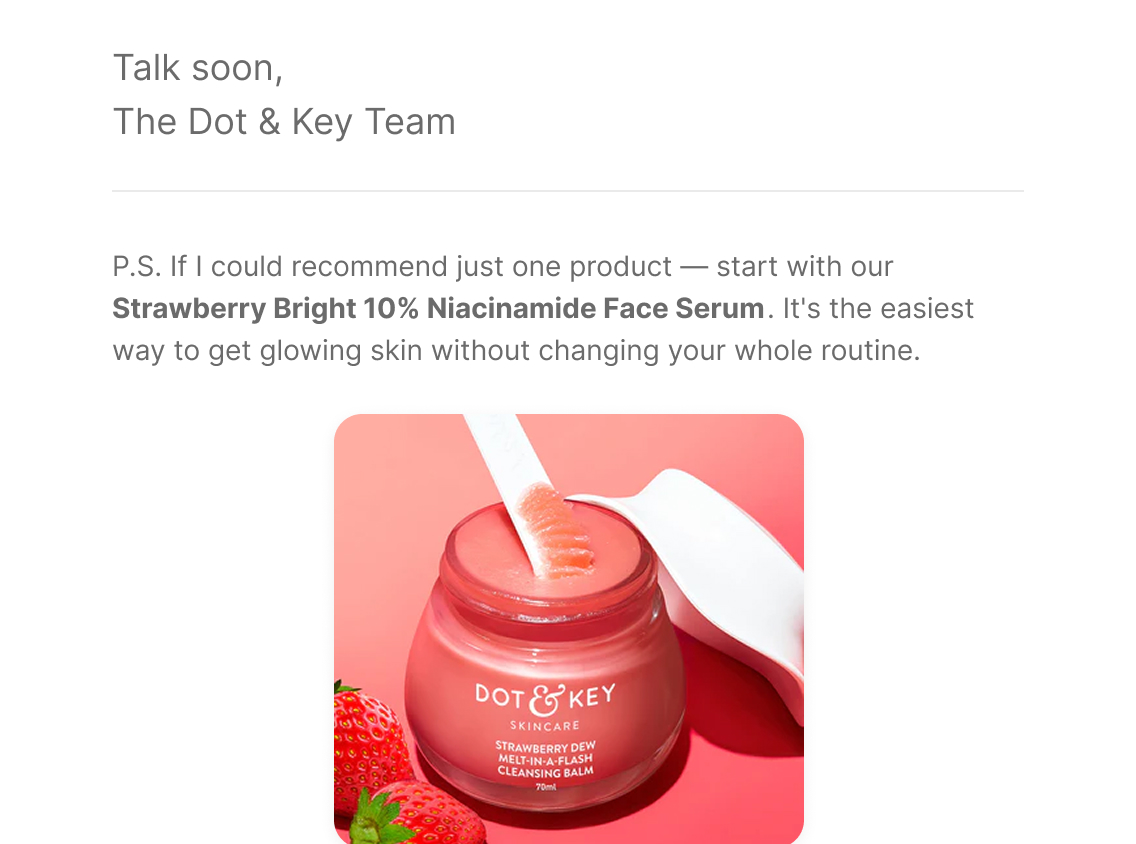
Personal, first-person note acknowledging that choosing skincare can feel overwhelming, invites a direct reply, and extends the welcome offer 24 hours as a genuine final opportunity rather than a manufactured deadline.

Subject line:
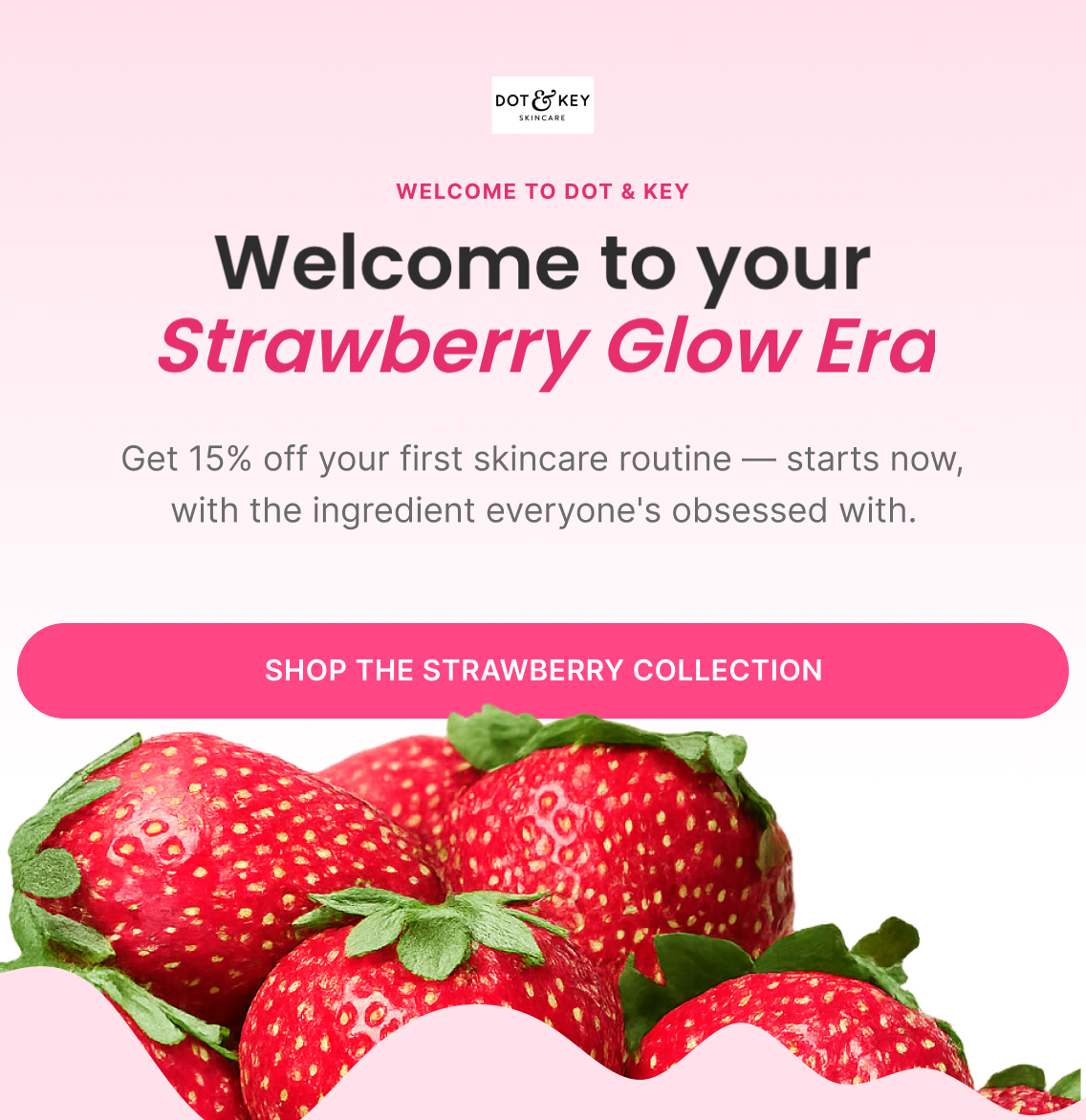
“Welcome to your Strawberry Glow Era”
Preview text:
“Code WELCOME15 expires in 48 hours”
Hook:
Want 15% off your first skincare routine? — the micro-commitment from the popup that led here
Headline:
“Welcome to your Strawberry Glow Era”
Body-copy direction:
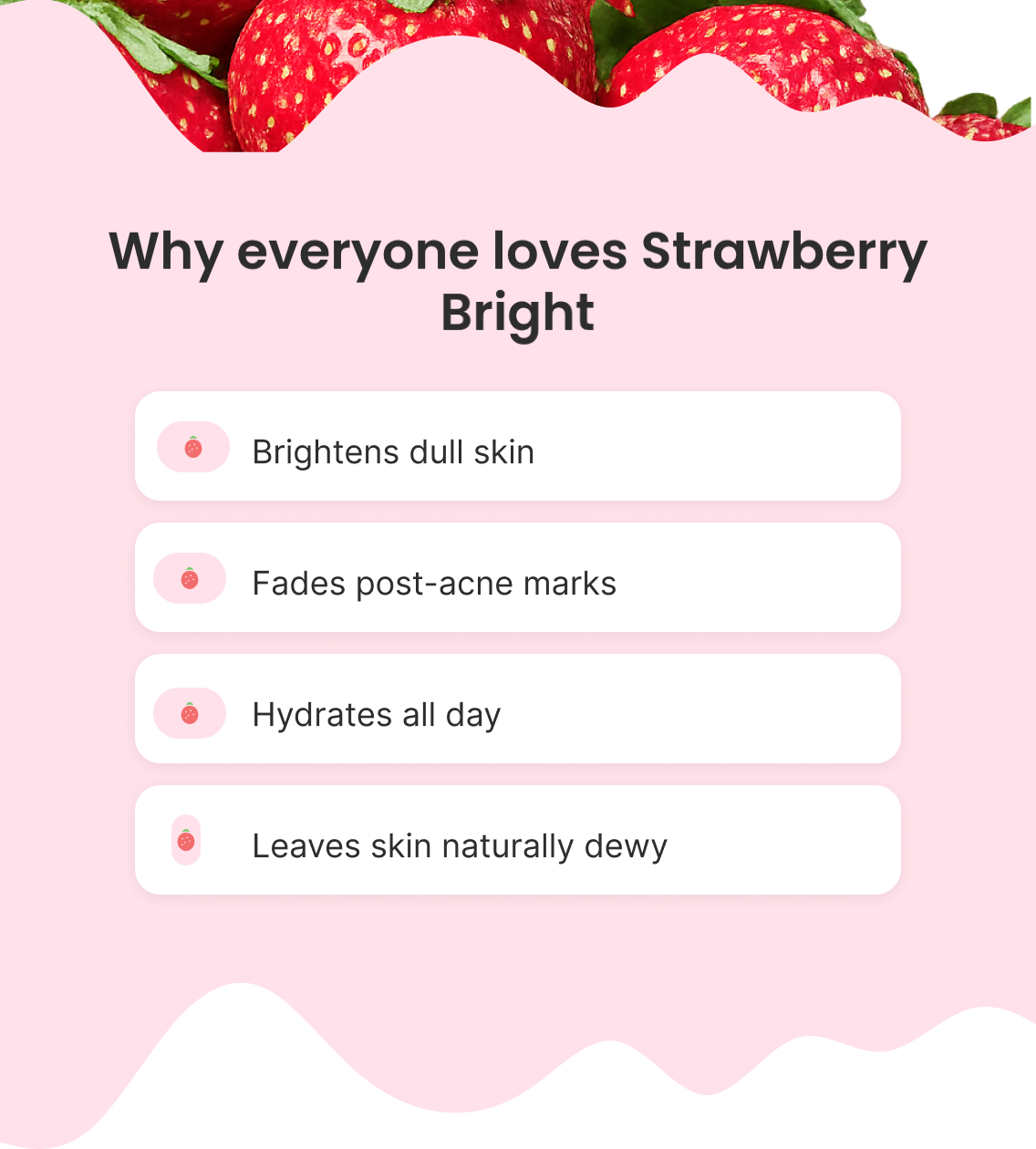
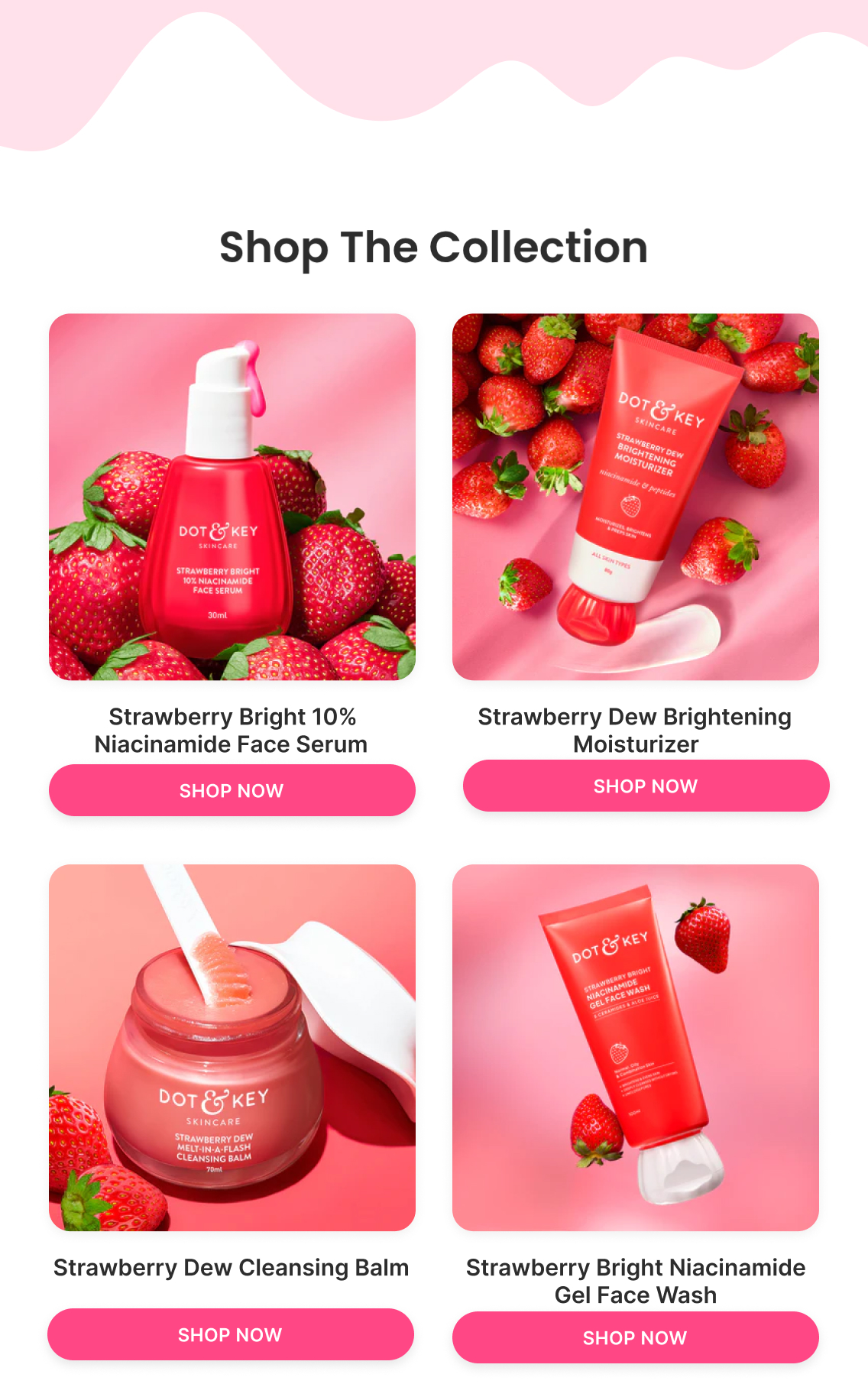
Welcomes the subscriber, introduces the Strawberry Bright collection as the hero range, delivers the WELCOME15 code immediately, and features the four core products (Face Serum, Moisturizer, Cleansing Balm, Gel Face Wash) with direct shop links.
Primary CTA:
Shop The Strawberry Collection
Offer / angle:
WELCOME15 — 15% off first order, code expires in 48 hours
Klaviyo — How It Actually Works

Trigger

Subscribes to the list (popup, footer form, or checkout opt-in)

Delay

Immediate → 24h → 48-72h → 96h → 120-144h

Flow filters

  • Removed from the flow if a purchase is placed since entering — a converted subscriber is no longer a prospect and shouldn't keep receiving welcome-offer messaging

Re-entry

Not applicable — a profile only needs to go through Welcome once

Conditional splits

  • No conditional split in the base flow — every new subscriber gets the same 5 emails
  • A split only becomes worth adding if a meaningful percentage of subscribers arrive with already-known preferences (e.g. skin-type quiz data) that would change which hero product Email 1 leads with

Segments

  • New subscribers
  • Email subscribers only
  • No purchase

Exclusions

  • Existing customers
  • Unsubscribed profiles
  • Suppressed profiles

Dynamic product blocks

  • Best Sellers
  • Personalized recommendations
  • Recently viewed products (if available)

Personalisation

  • First Name
  • Discount Code
  • Signup Source
  • Quiz Result (optional)
A/B Testing — How It Improves

Top priority tests

  • E1 offer: 15% off vs. fixed amount / free gift / bundle / mystery offer / store credit
  • E1 hero angle: aspiration ("Strawberry Glow Era") vs. problem ("Dull skin? Start here.") vs. routine vs. product/ingredient
  • E2 education angle: ingredient combination vs. customer problem vs. product mechanism vs. outcome
  • E4 urgency framing: deadline vs. personal allocation vs. direct vs. final opportunity
  • E5 hesitation angle: overwhelm vs. questions vs. risk vs. personal assistance

Primary metric

Flow revenue per recipient + flow purchase rate

Testing order

Baseline → E1 offer → E1 angle/merchandising → E2 education → E3 proof → E4 urgency → E5 hesitation removal → flow architecture (timing, email count, sequence)

Read the detailed A/B testing playbook — popups and all flows

Site Abandonment Flow

2 emails
Figma — What I Designed
Strategy — Why It Exists

Objective

Re-engage visitors who left the website early

Flow Progression

  • Come Back + Best Sellers
  • Founder / Help + Need Assistance?

Outcome

Bring visitors back to the site, highlight popular products, and offer assistance before purchase intent disappears.

Copy — What The Customer Sees

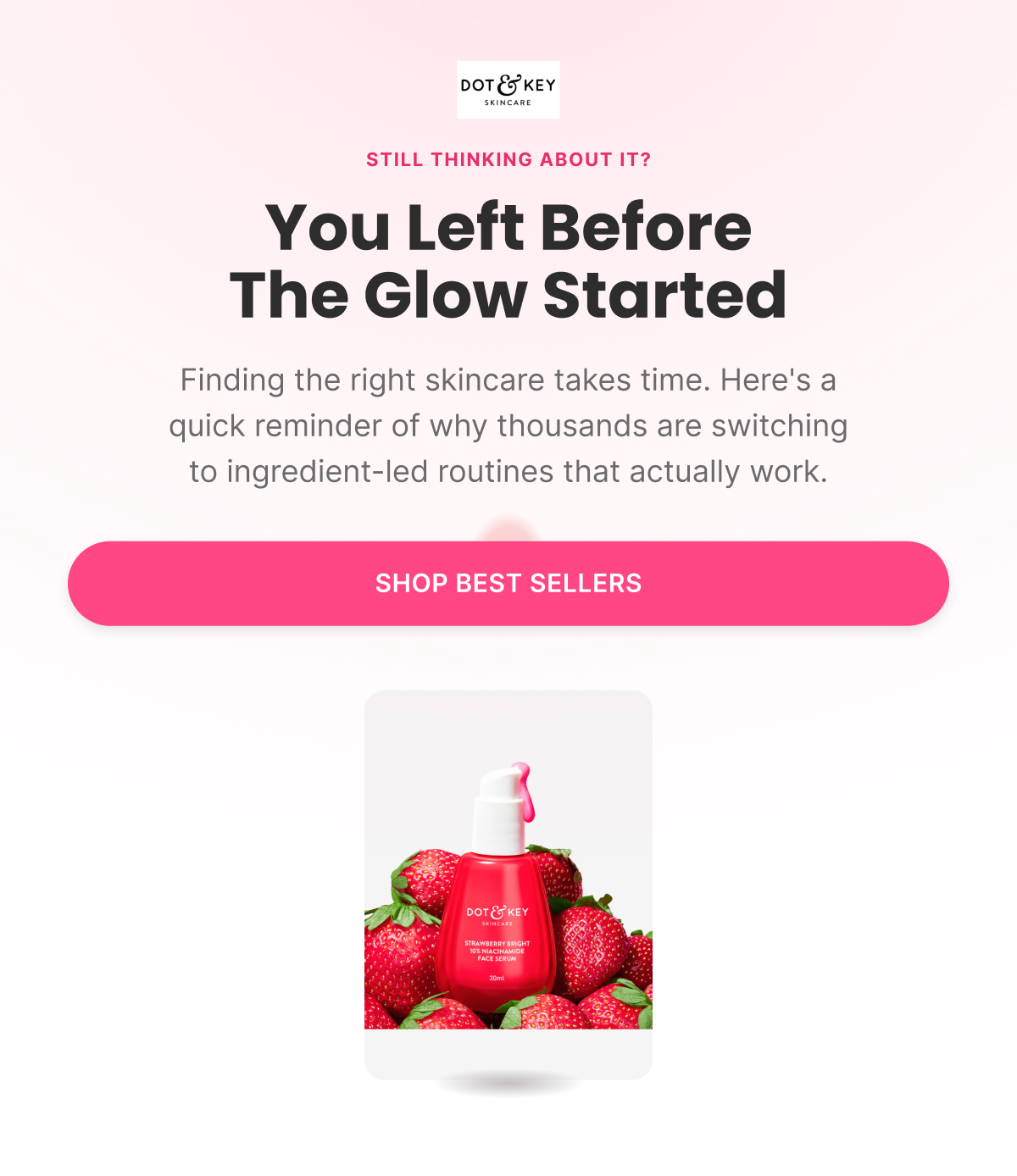
Email 1 — Come Back + Best Sellers

Subject: “You left before the glow started”

Preview: “Still thinking about your skincare?”

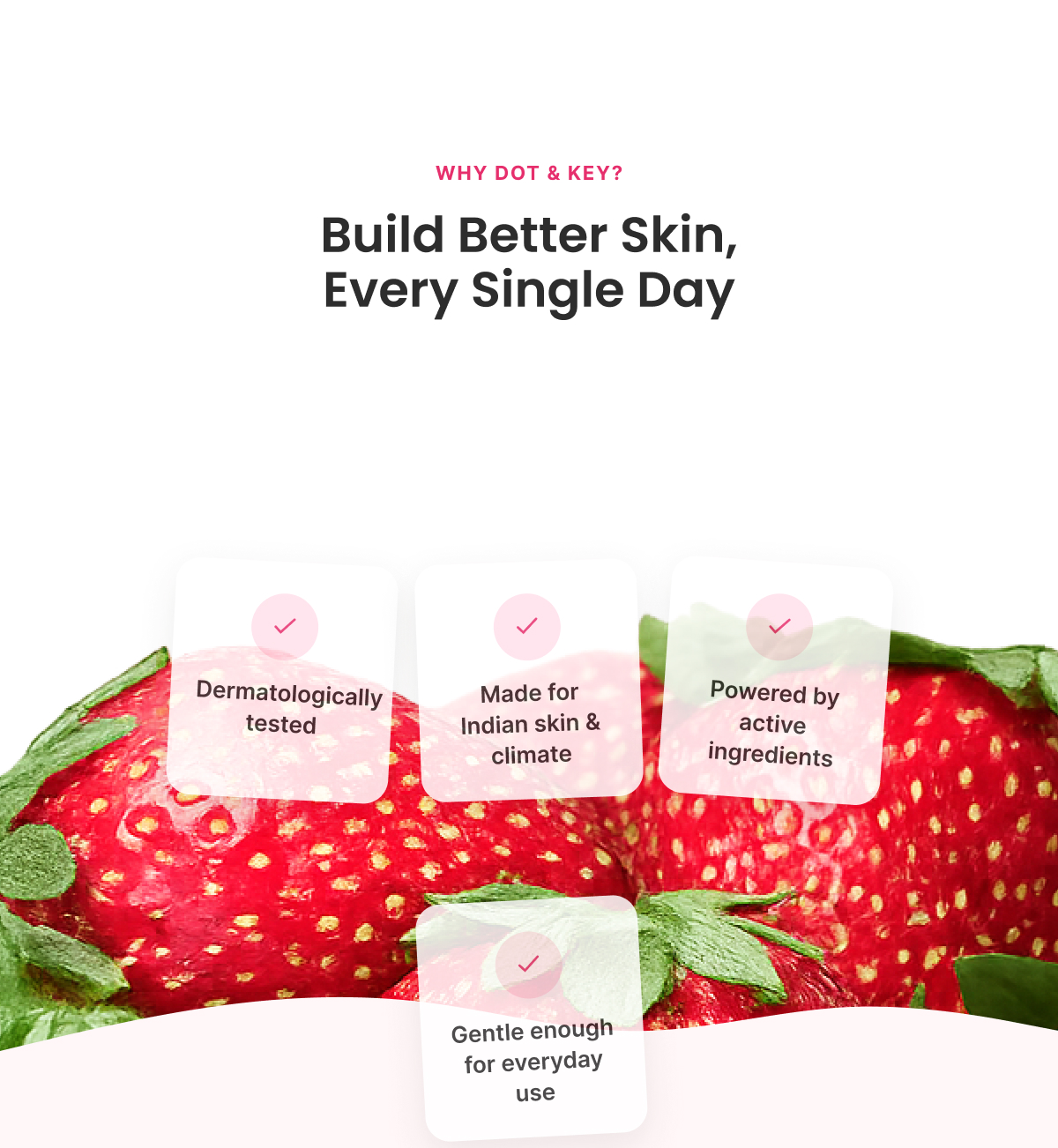
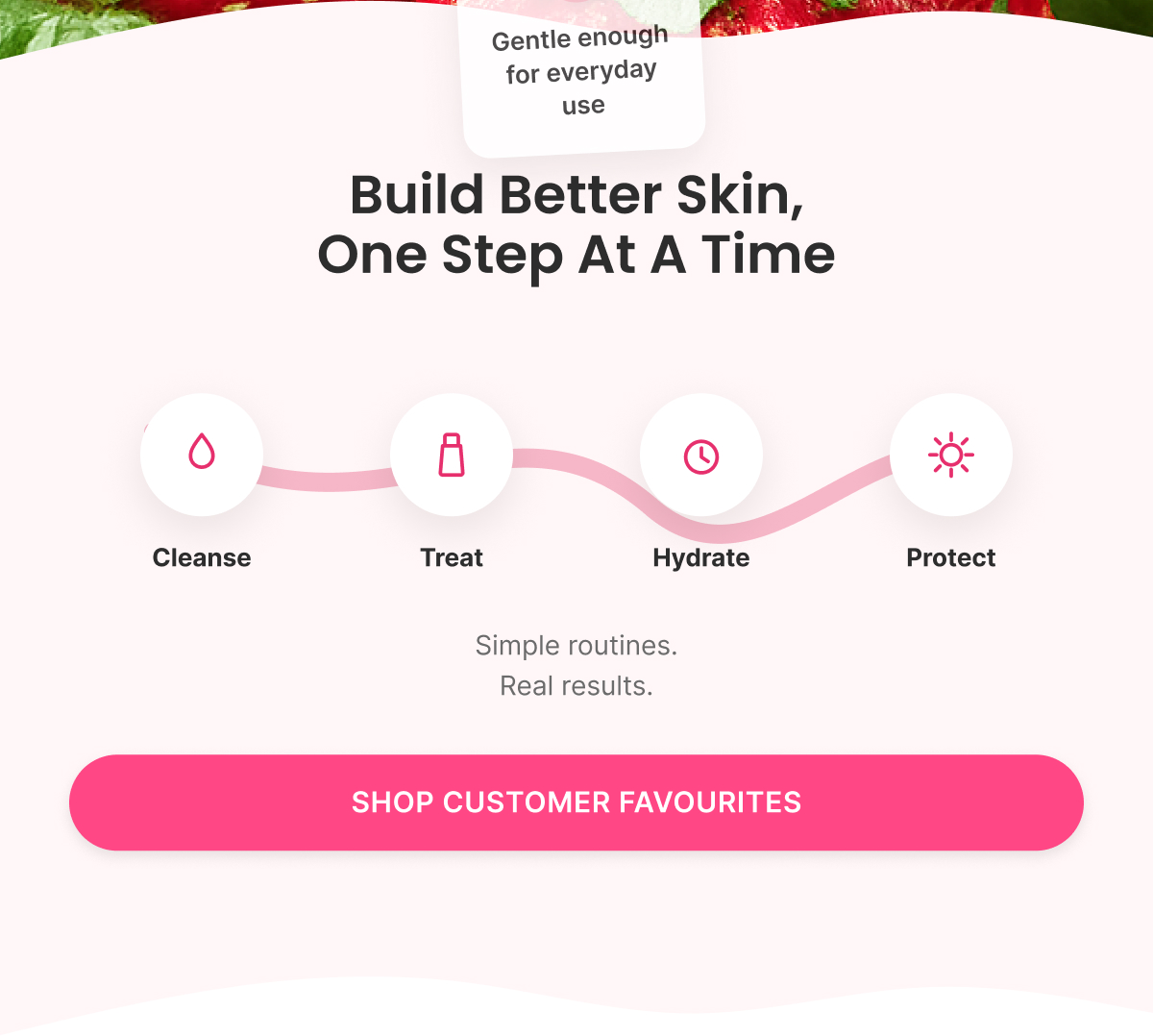
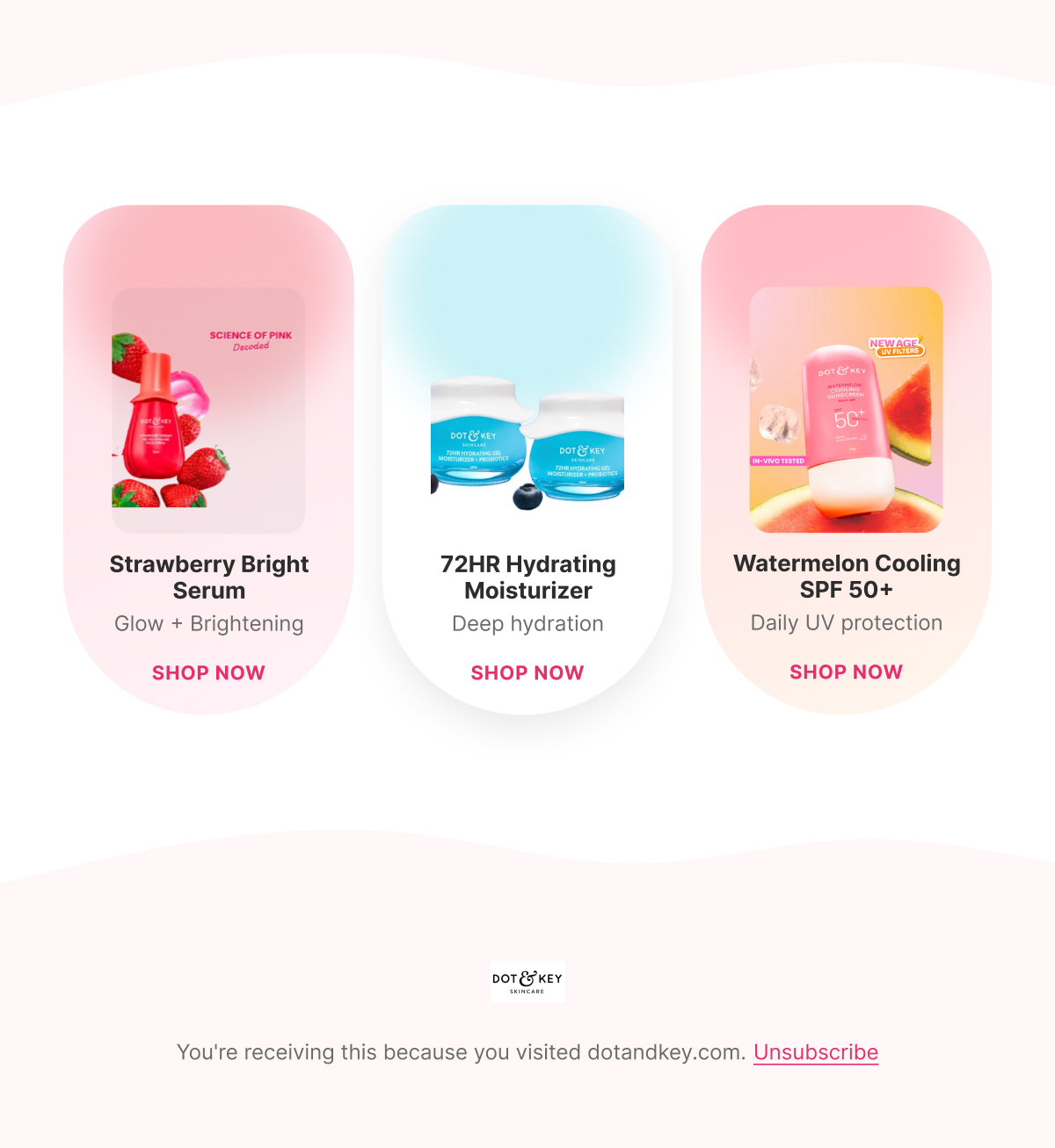
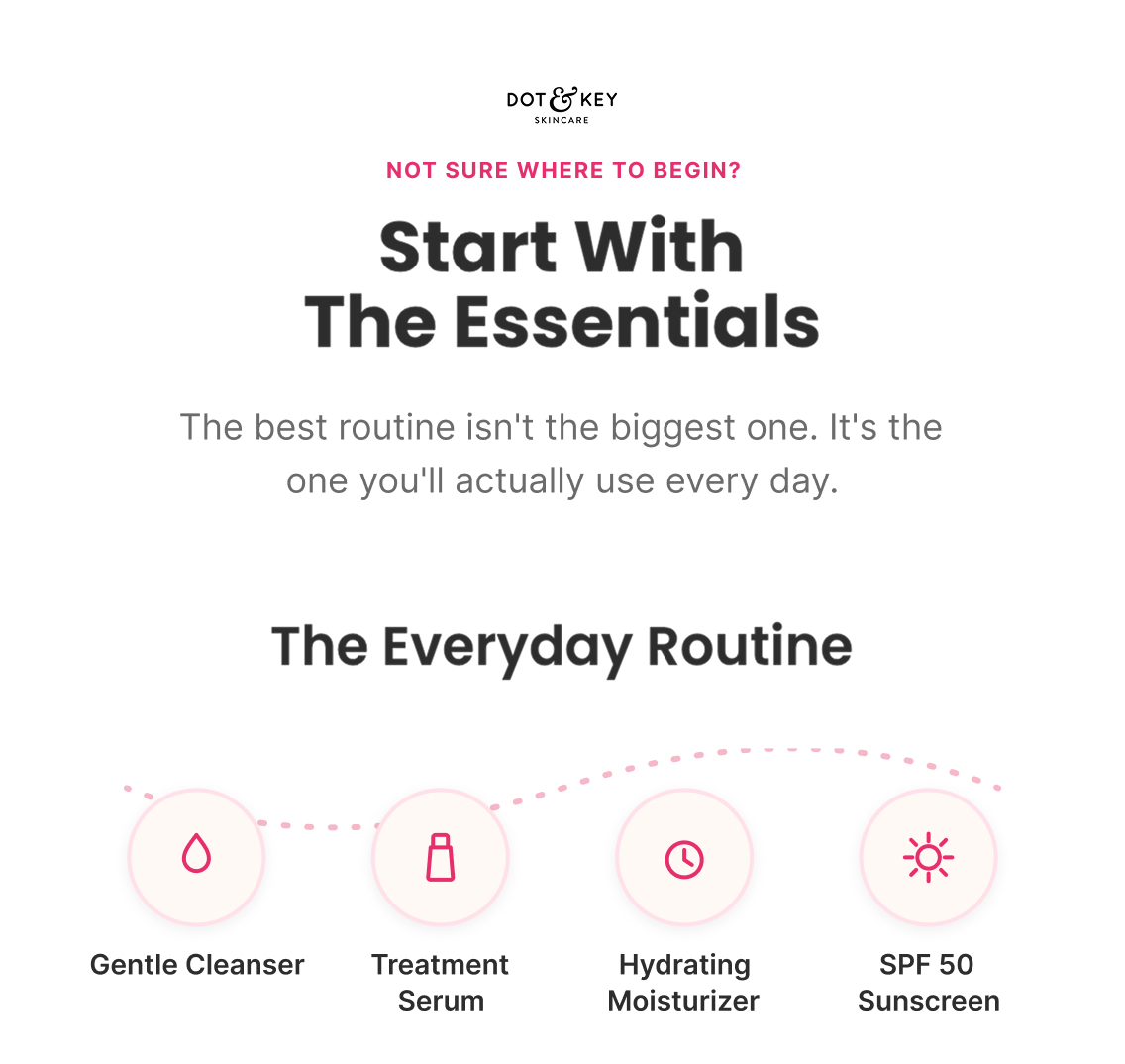
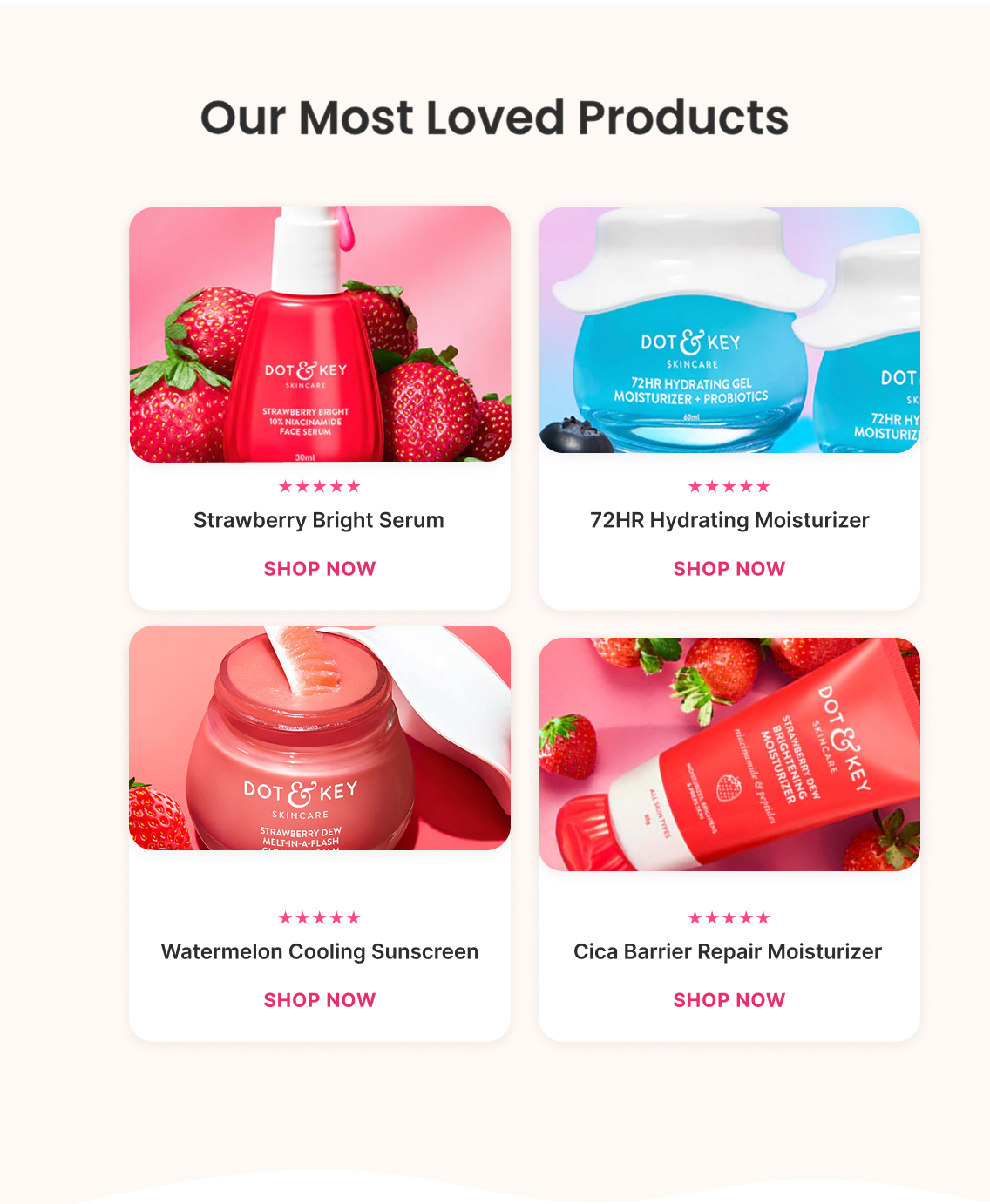
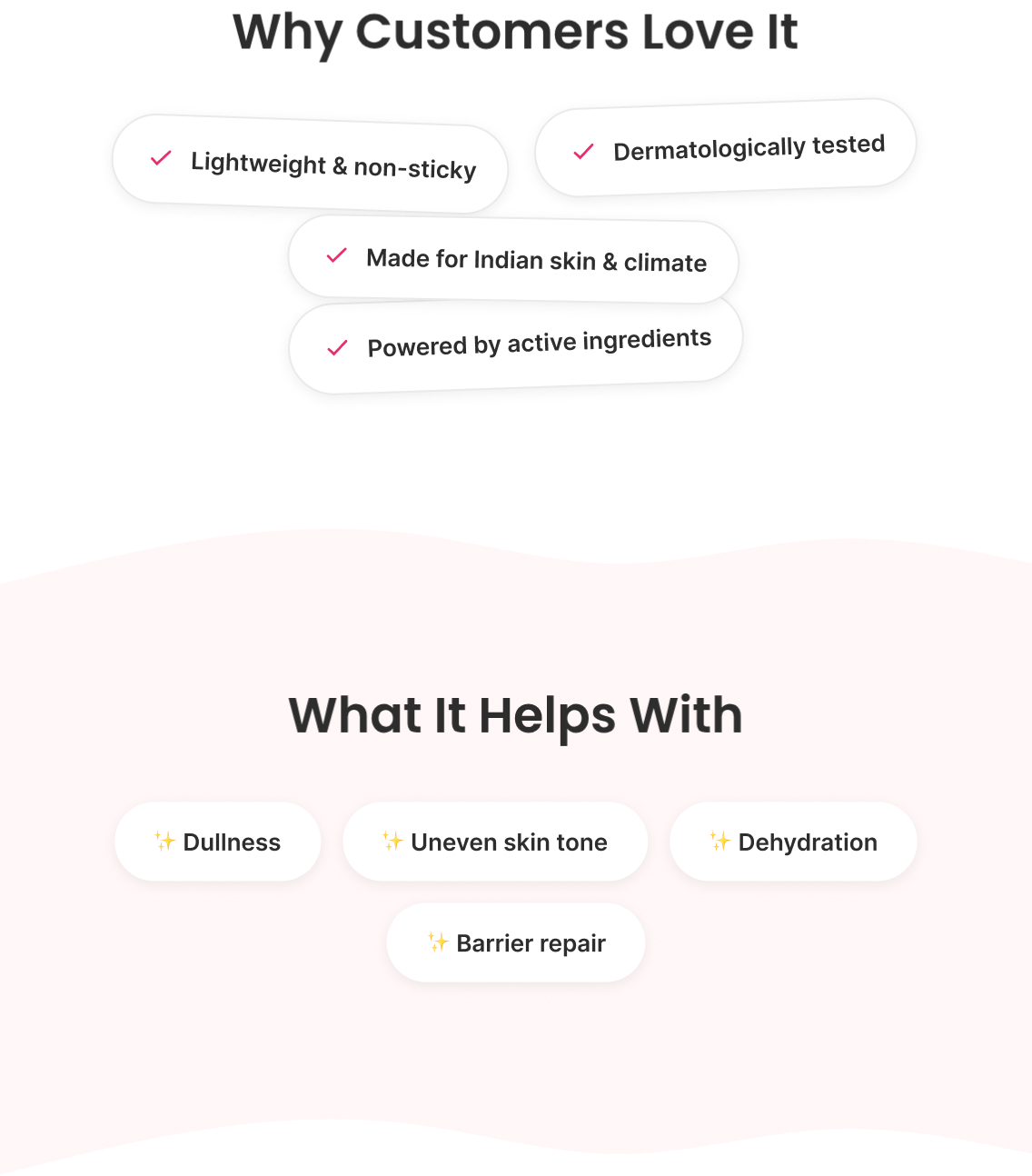
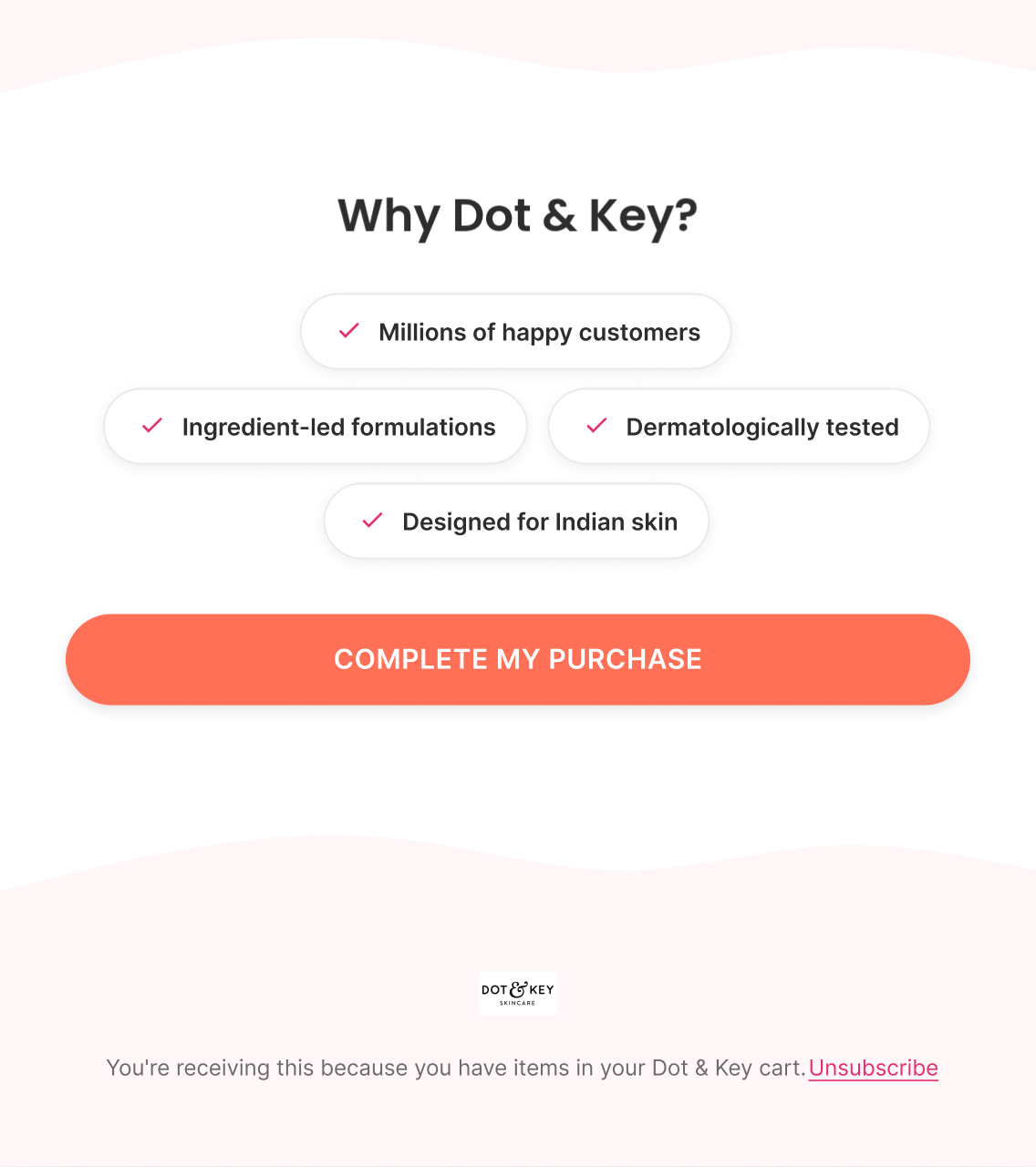
A low-pressure reminder that finding the right skincare takes time, brand credibility markers (dermatologically tested, made for Indian skin and climate, active-ingredient-led), a simple cleanse → treat → hydrate → protect visual, then three best sellers (Face Serum, Moisturizer, Sunscreen) as an easy entry point.

Email 2 — Founder / Help + Need Assistance?

Subject: “Not sure where to start?”

Preview: “A quick note, just for you”

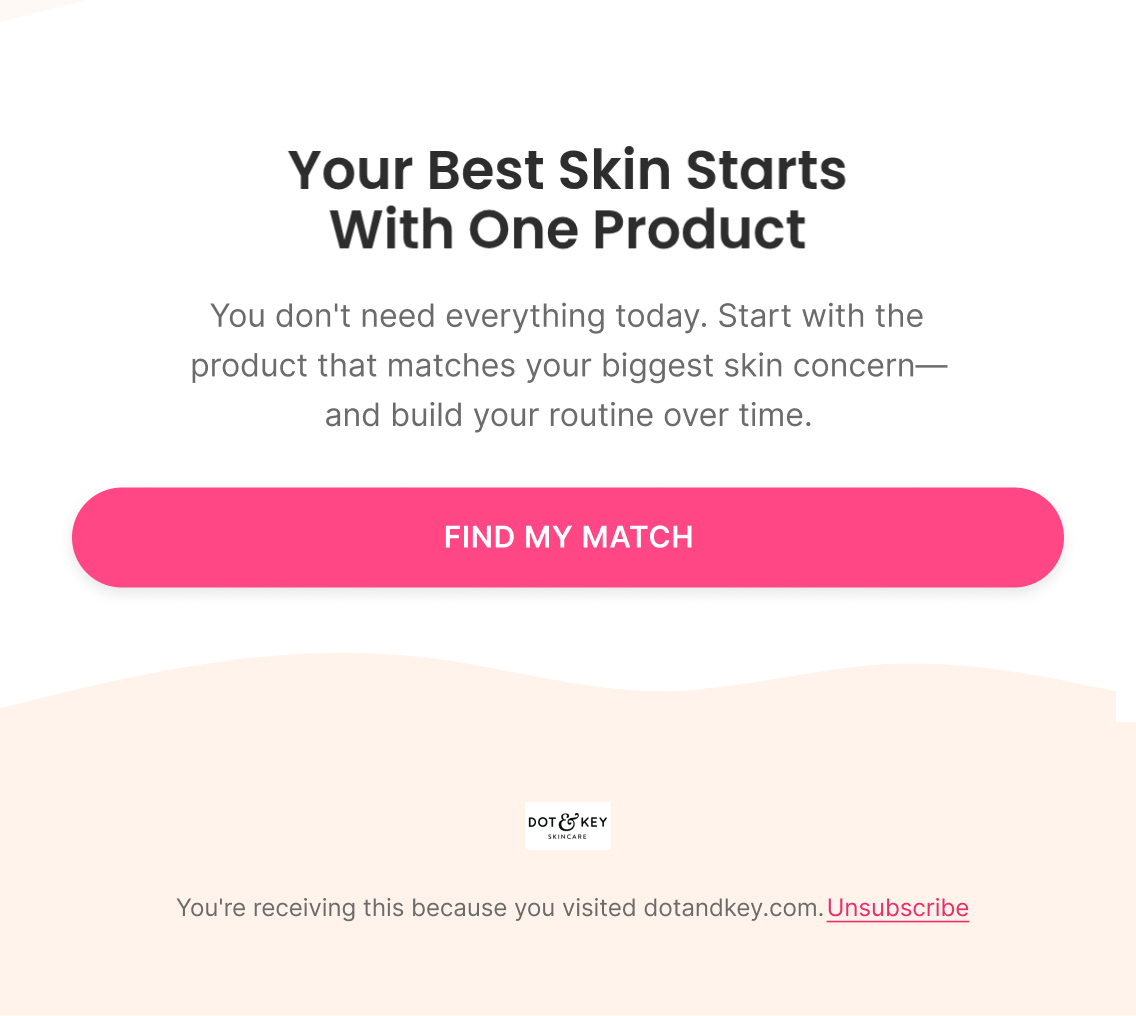
A first-person note from the team acknowledging that a first visit without a clear next step usually means uncertainty, not disinterest — "we'd rather help you find the right starting point than guess for you." Offers a direct reply option for skin-concern questions, then narrows the decision down to one low-commitment next step: "start with the one product that matches your biggest concern" (Everyday Routine visual: Cleanser → Serum → Moisturizer → SPF), closing on "Find My Match" rather than a storewide push.

Klaviyo — How It Actually Works

Trigger

Active on Site

Delay

2-4 hours → 24-48 hours

Flow filters

  • Removed if they view a product, add to cart, start checkout, or purchase since entering — any of those means they've progressed past "site abandonment" and belong in a more specific flow instead

Re-entry

Not within 30 days of a previous Site Abandonment entry

Conditional splits

  • No conditional split in the base flow — the whole point of this stage is that there isn't enough behavioral data yet to personalize by product or category

Segments

  • Site visitors
  • No product viewed

Exclusions

  • Purchased after trigger
  • Entered Browse Abandonment
  • Existing customers (optional)

Dynamic product blocks

  • Best Sellers
  • Trending Products
  • New Arrivals

Personalisation

  • First Name
  • Homepage recommendations
A/B Testing — How It Improves

Top priority tests

  • Flow architecture: 2 emails vs. current 3 — confirm the 3rd email has an incremental job before testing it as copy
  • E1 offer: welcome 15% vs. an alternative offer mechanic
  • E1 angle: direct ("Still Looking For Your Skincare?") vs. current soft copy
  • E1: product discovery vs. brand-proposition angle
  • E2: ingredient education vs. social proof as the dominant persuasion mechanism

Primary metric

Revenue per recipient + purchase conversion rate

Note

Keep this flow lighter than Browse/Cart/Checkout — intent is lower here, so test whether each addition actually creates incremental revenue before adding urgency or product blocks.

Browse Abandonment Flow

4 emails
Figma — What I Designed
Strategy — Why It Exists

Objective

Move product viewers toward adding items to cart

Flow Progression

  • Viewed Product + Social Proof
  • Education + Handle Objections
  • Offer + Build Urgency
  • Last Chance + Final Push

Outcome

Reinforce product value, resolve hesitation, and encourage customers to return and continue shopping.

Copy — What The Customer Sees

Email 1 — Viewed Product + Social Proof

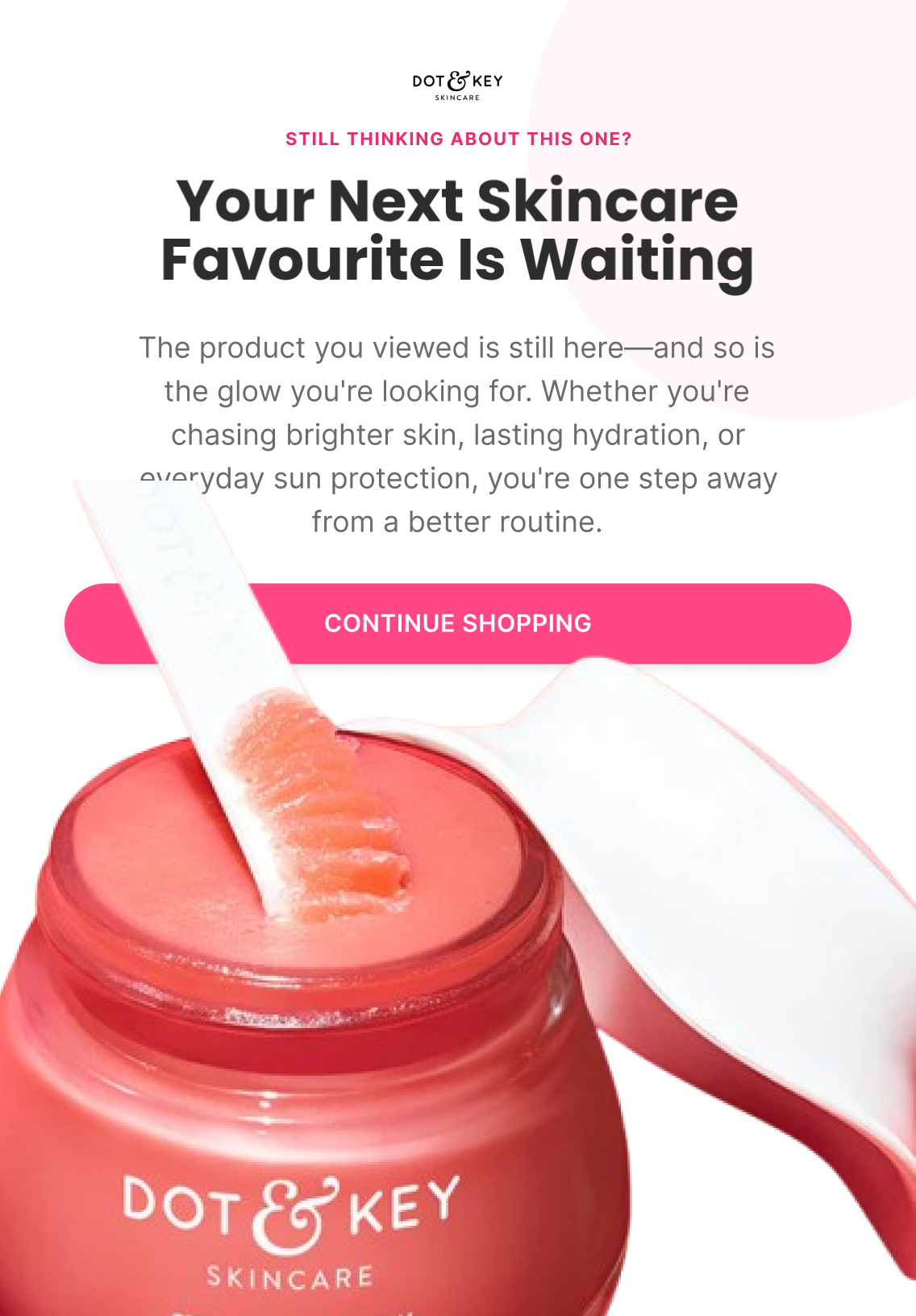
Subject: “Your next skincare favourite is waiting”

Preview: “Still thinking about this one?”

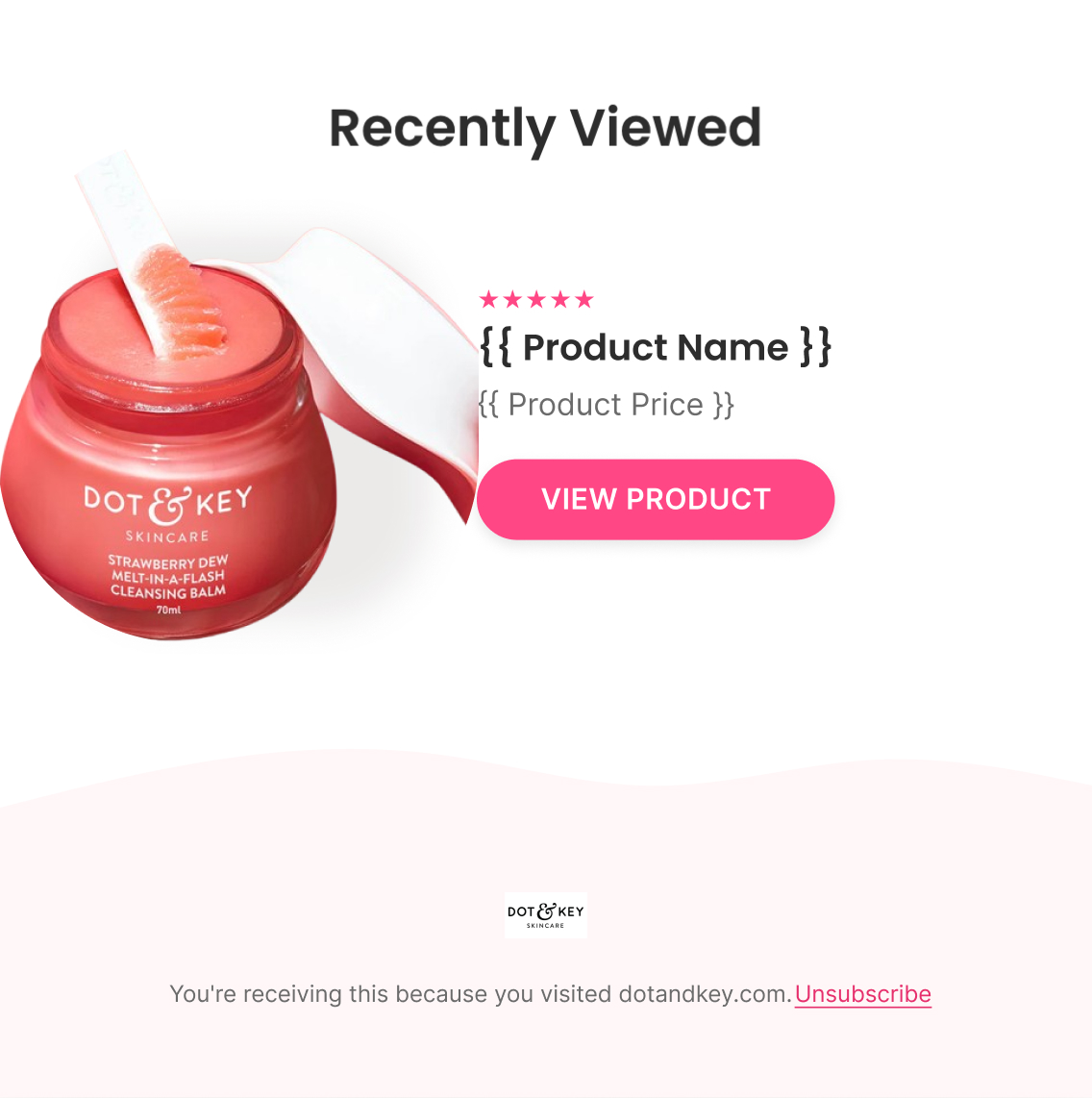
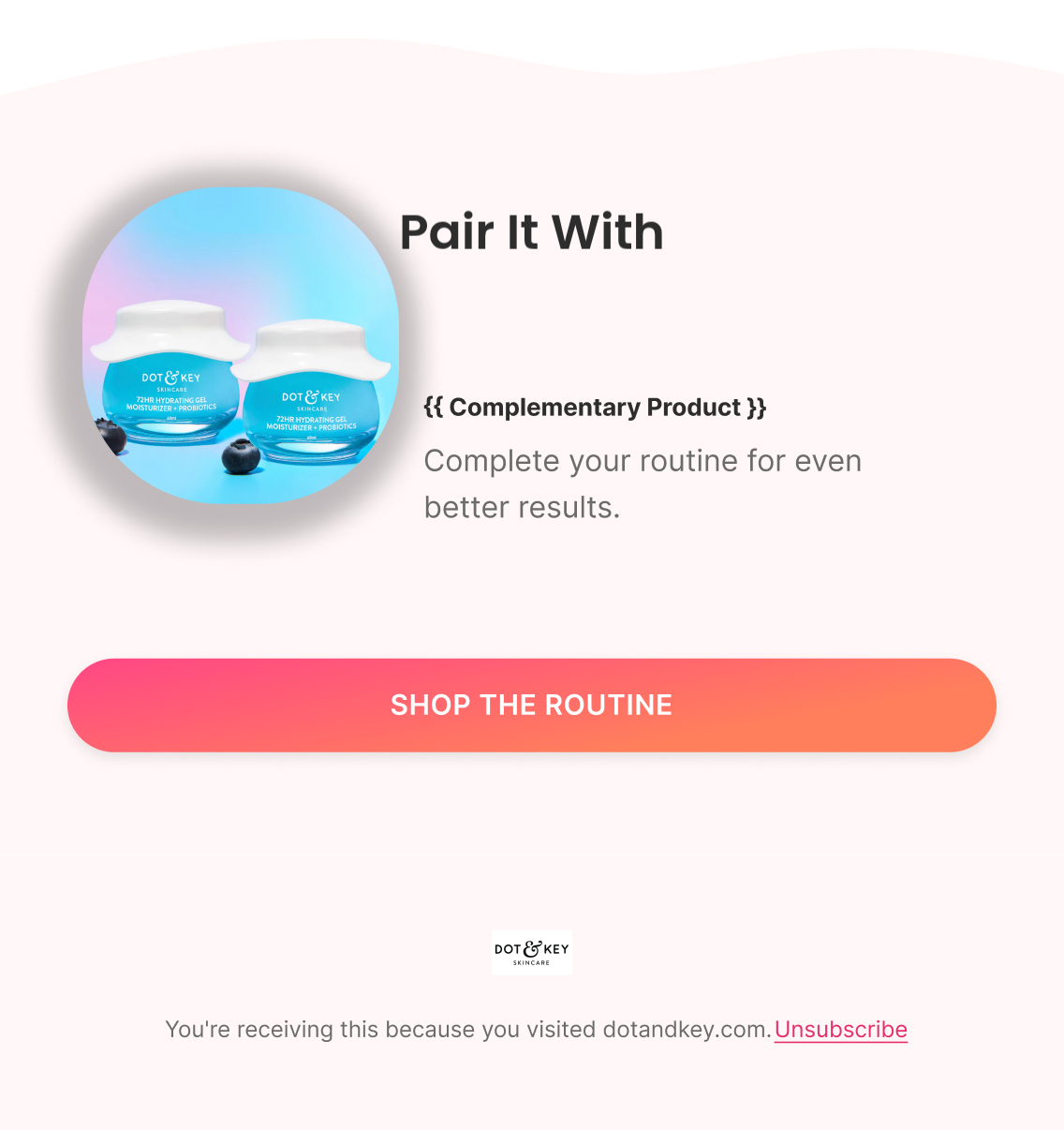
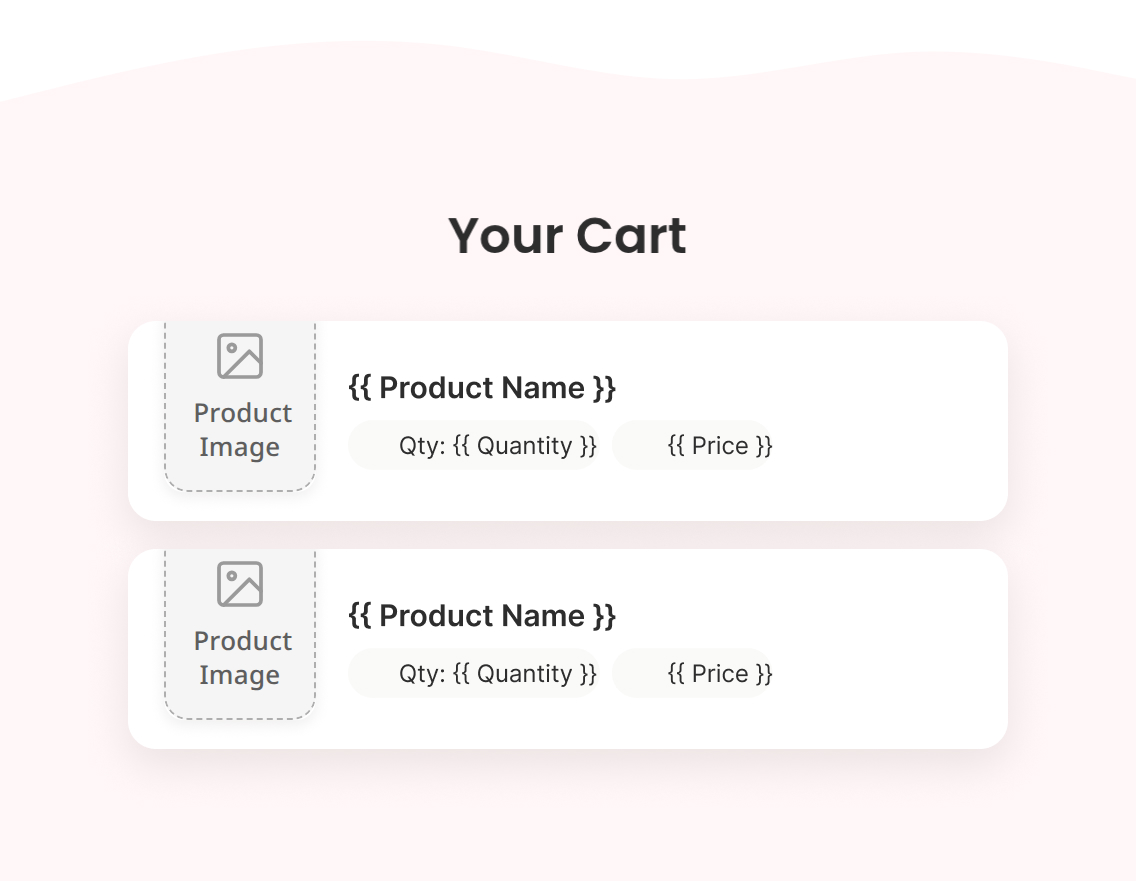
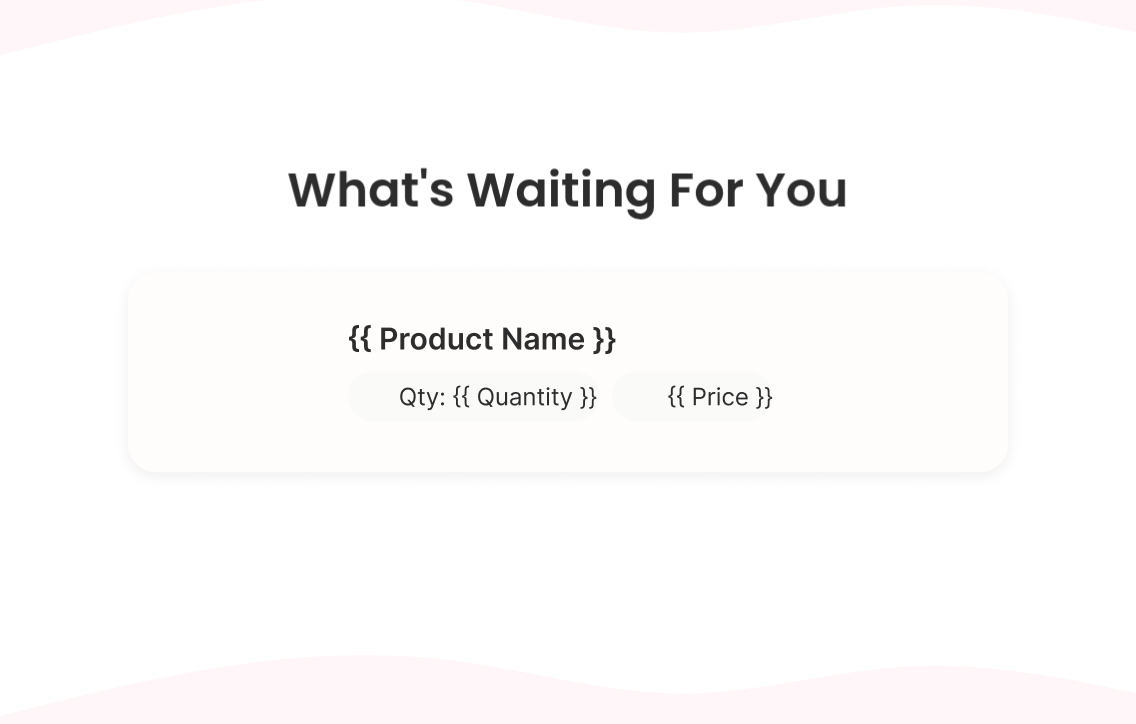
Dynamic reminder of the exact product viewed ({{ Product Image }}, {{ Product Name }}, {{ Product Price }}), why customers love it (lightweight, dermatologically tested, made for Indian skin), and a short review pulled in as social proof alongside the "Recently Viewed" block.

Email 2 — Education + Handle Objections

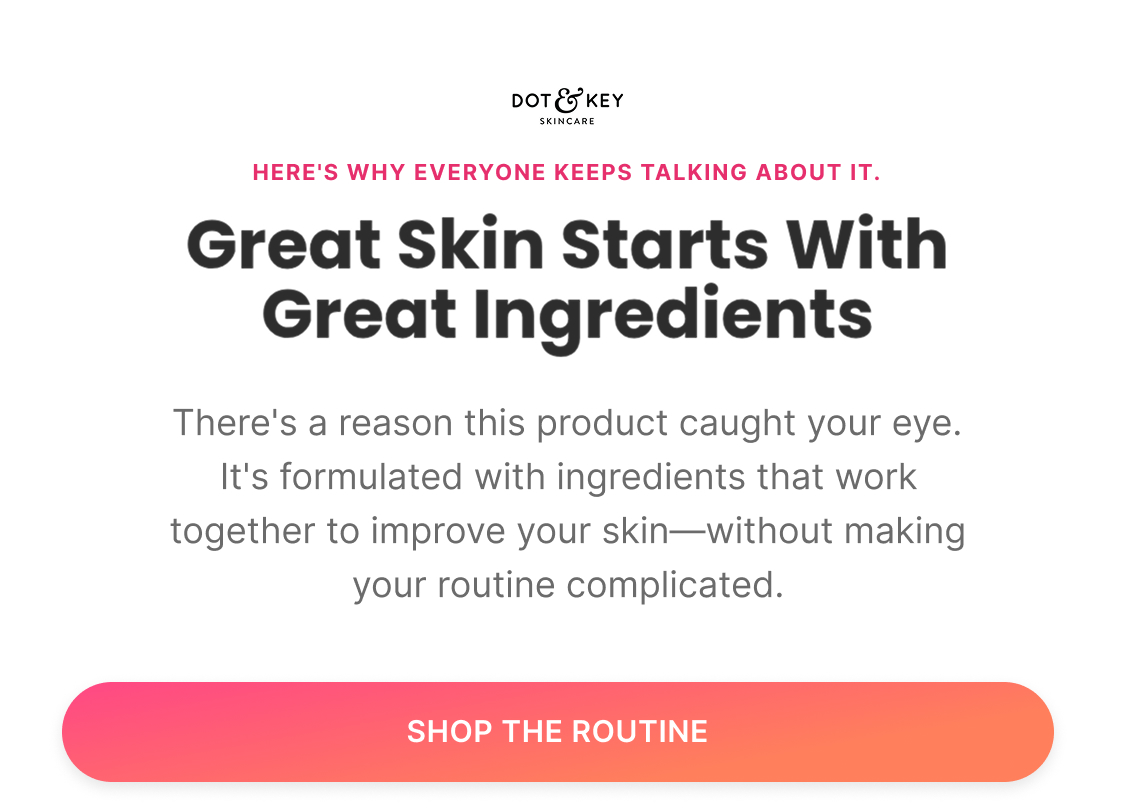
Subject: “Great skin starts with great ingredients”

Preview: “Here's why everyone keeps talking about it”

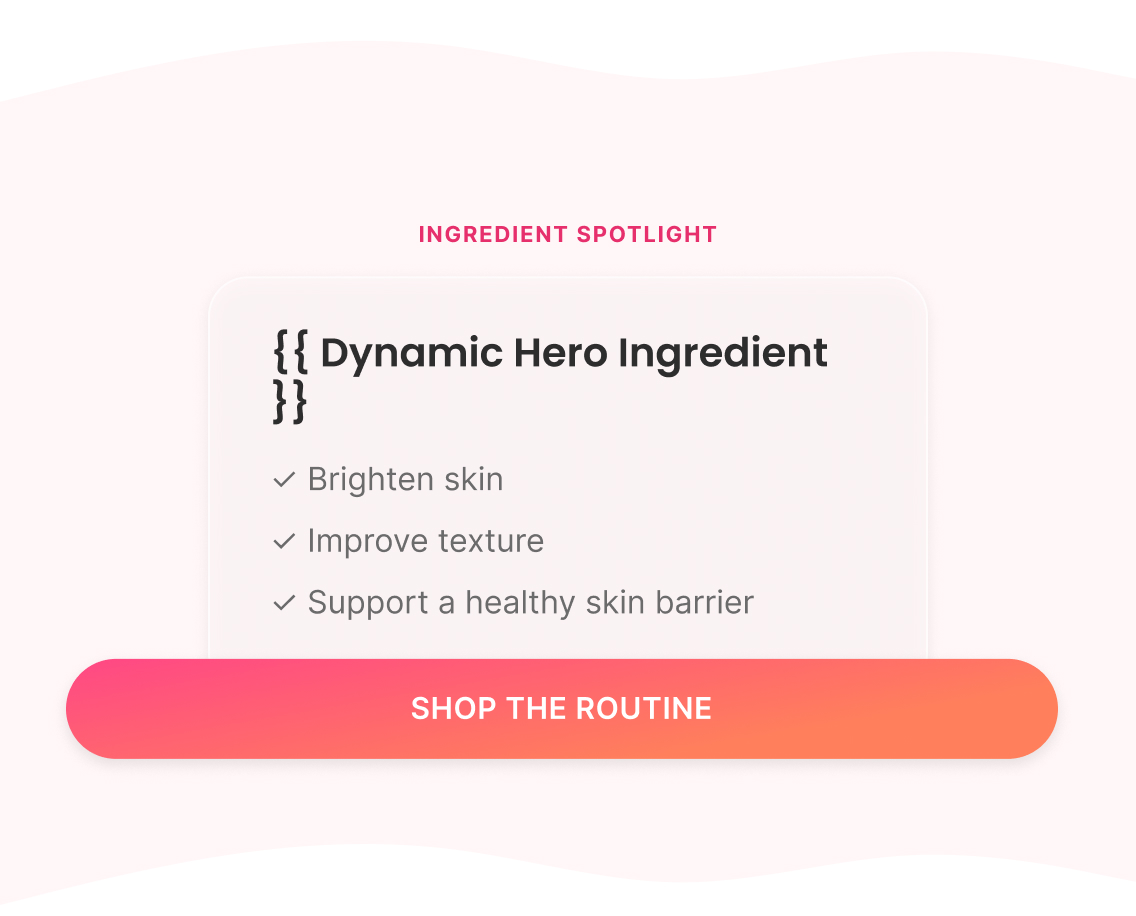
Ingredient spotlight on the viewed product's hero active (dynamic — Niacinamide, Vitamin C, or Ceramides depending on product), what it helps with, three more reviews addressing texture and absorption (the two most common hesitations), then a complementary product pairing to widen the consideration set.

Email 3 — Offer + Build Urgency

Subject: “Your welcome offer is still here”

Preview: “One step closer to your routine”

For eligible first-time visitors, resurfaces the WELCOME15 code tied specifically to the viewed product ("use your welcome code on the product you've already chosen") rather than a fresh discount — keeps the incentive consistent with the rest of the site instead of introducing a new one. Light urgency: "your code won't stay reserved indefinitely."

Email 4 — Last Chance + Final Push

Subject: “Better together”

Preview: “Complete your skincare routine”

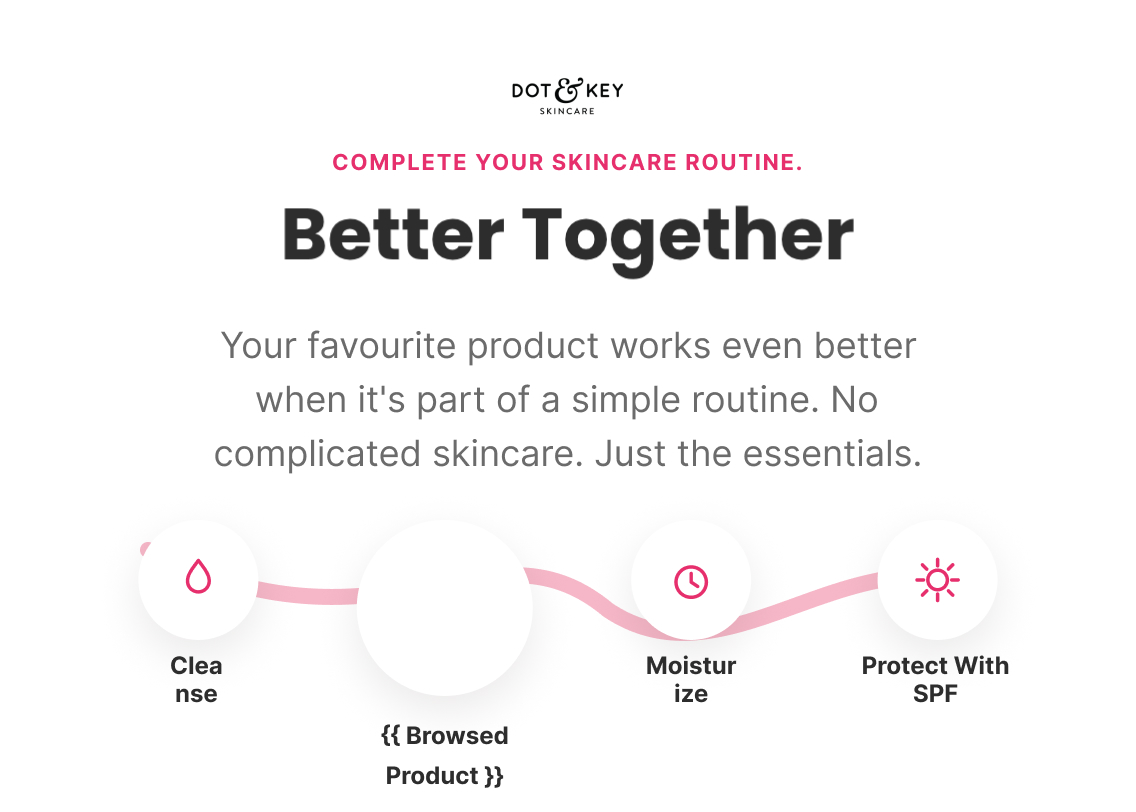
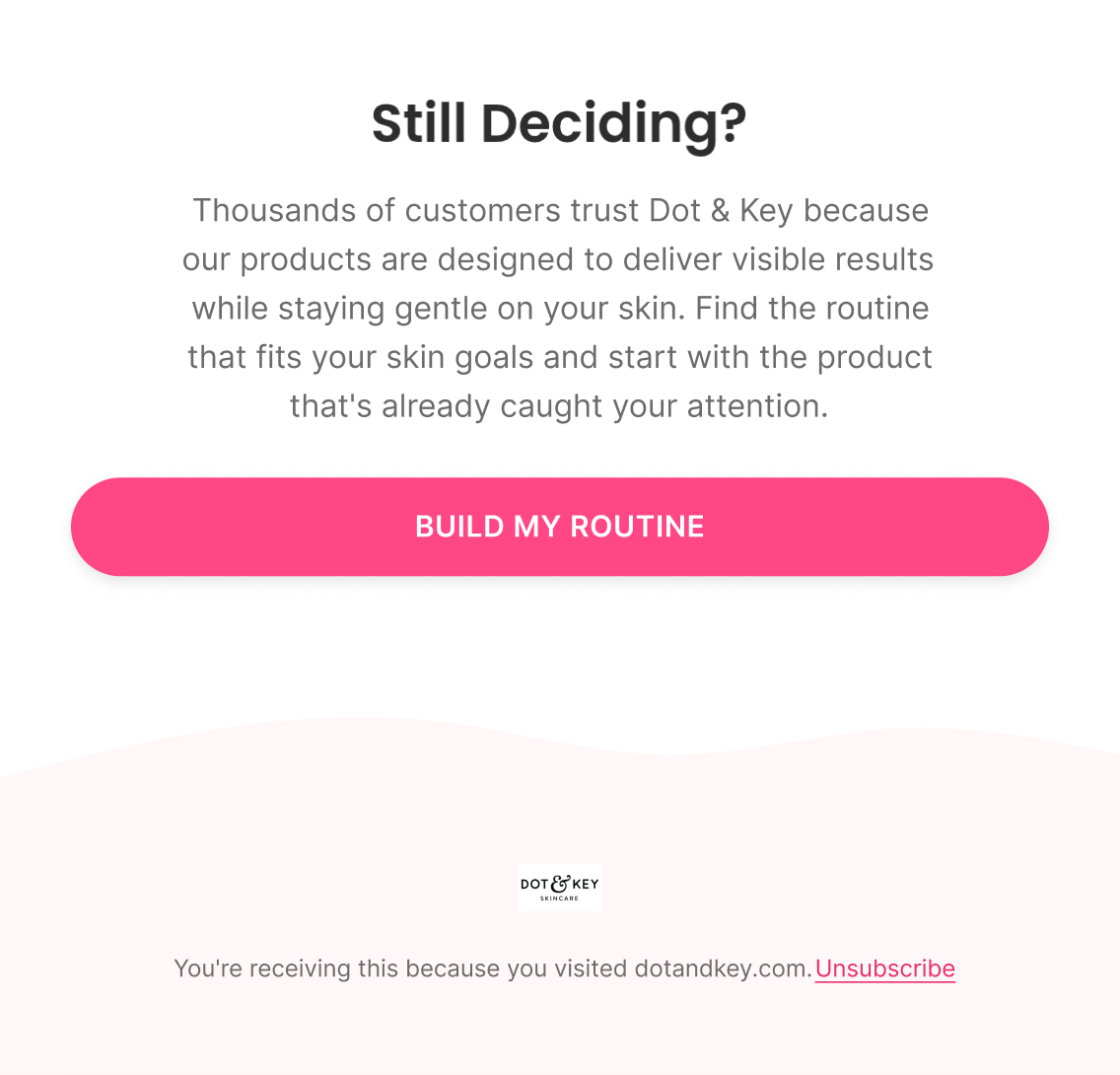
Positions the viewed product as step one of a simple 4-step routine (Cleanse → viewed product → Moisturize → Protect with SPF), reinforces brand trust one final time, and closes with "Build My Routine" as the final push before the flow ends.

Klaviyo — How It Actually Works

Trigger

Viewed Product

Delay

2-4 hours → 24 hours → 48 hours → 72 hours

Flow filters

  • Removed if they add to cart, start checkout, or purchase since entering — any of those means intent has climbed past browse-level and Cart/Checkout Abandonment is now the correct flow

Re-entry

Not within 30 days of a previous Browse Abandonment entry

Conditional splits

  • Dynamic content, not a split — every field that would normally require branching (product image, name, price, hero ingredient, complementary product) is pulled dynamically from the viewed product instead, which does the personalization work a conditional split would otherwise be needed for

Segments

  • Product viewers

Exclusions

  • Purchased viewed product
  • Added item to cart
  • Entered Cart Flow

Dynamic product blocks

  • Viewed Product
  • Related Products
  • Similar Products

Personalisation

  • First Name
  • Viewed Product Name
  • Product Image
  • Product Price
A/B Testing — How It Improves

Top priority tests

  • E1: exact product reminder ("Still thinking about {{Product Name}}?") vs. generic benefit-led hero
  • E1: product-specific objections vs. generic benefits — uses the browsing signal directly
  • E2: product-specific education ("Why 10% Niacinamide makes this serum different") vs. generic ingredient education
  • E2: dynamic reviews matched to the browsed product vs. static reviews
  • E3: browsed product only vs. routine/cross-sell — conversion vs. basket building

Primary metric

Browsed Product Purchase Rate + revenue per recipient

Diagnostic split

Did they click the browsed product? No → relevance/creative/CTA problem. Yes but no purchase → investigate product page, price, offer, reviews, objections.

Cart Abandonment Flow

4 emails
Figma — What I Designed
Strategy — Why It Exists

Objective

Recover abandoned carts before intent fades

Flow Progression

  • Cart Ready + Reminder
  • Benefits + Objections
  • Offer + Added Incentive
  • Last Chance + Urgency

Outcome

Address buying concerns, strengthen purchase motivation, and recover abandoned carts.

Copy — What The Customer Sees

Email 1 — Cart Ready + Reminder

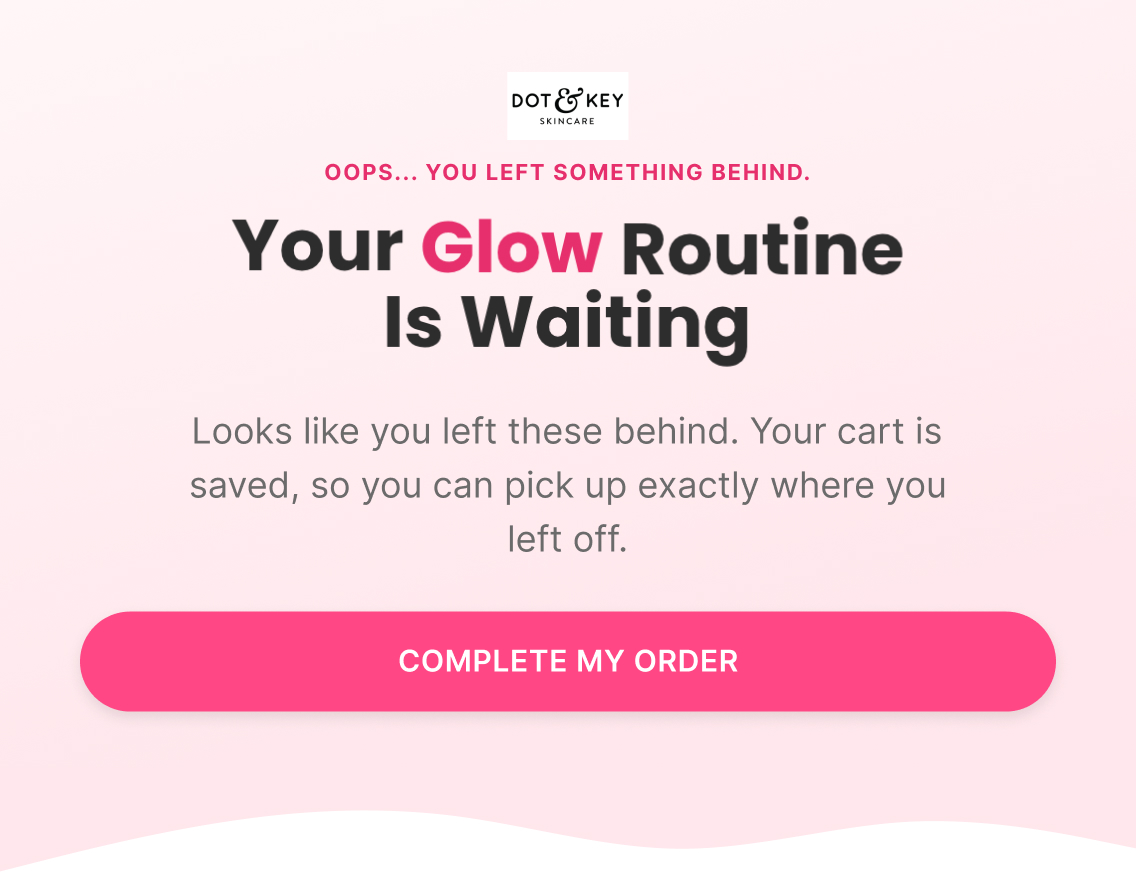
Subject: “Your glow routine is waiting”

Preview: “Oops... you left something behind”

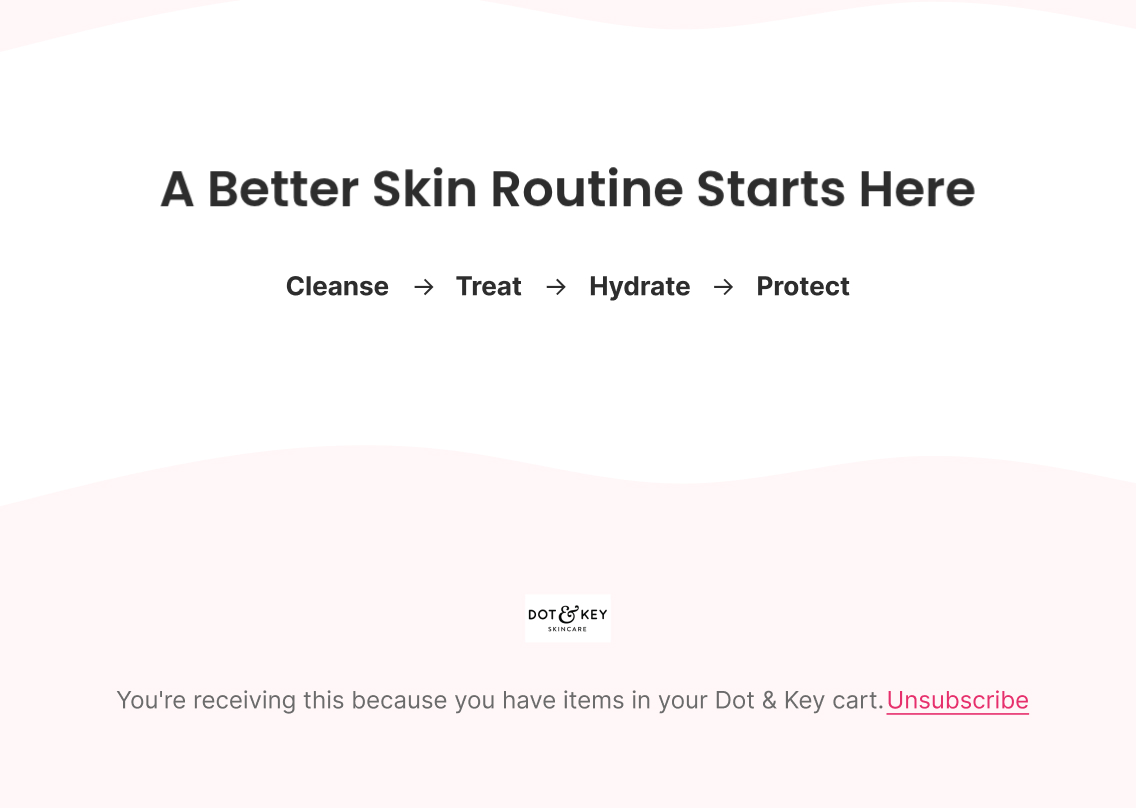
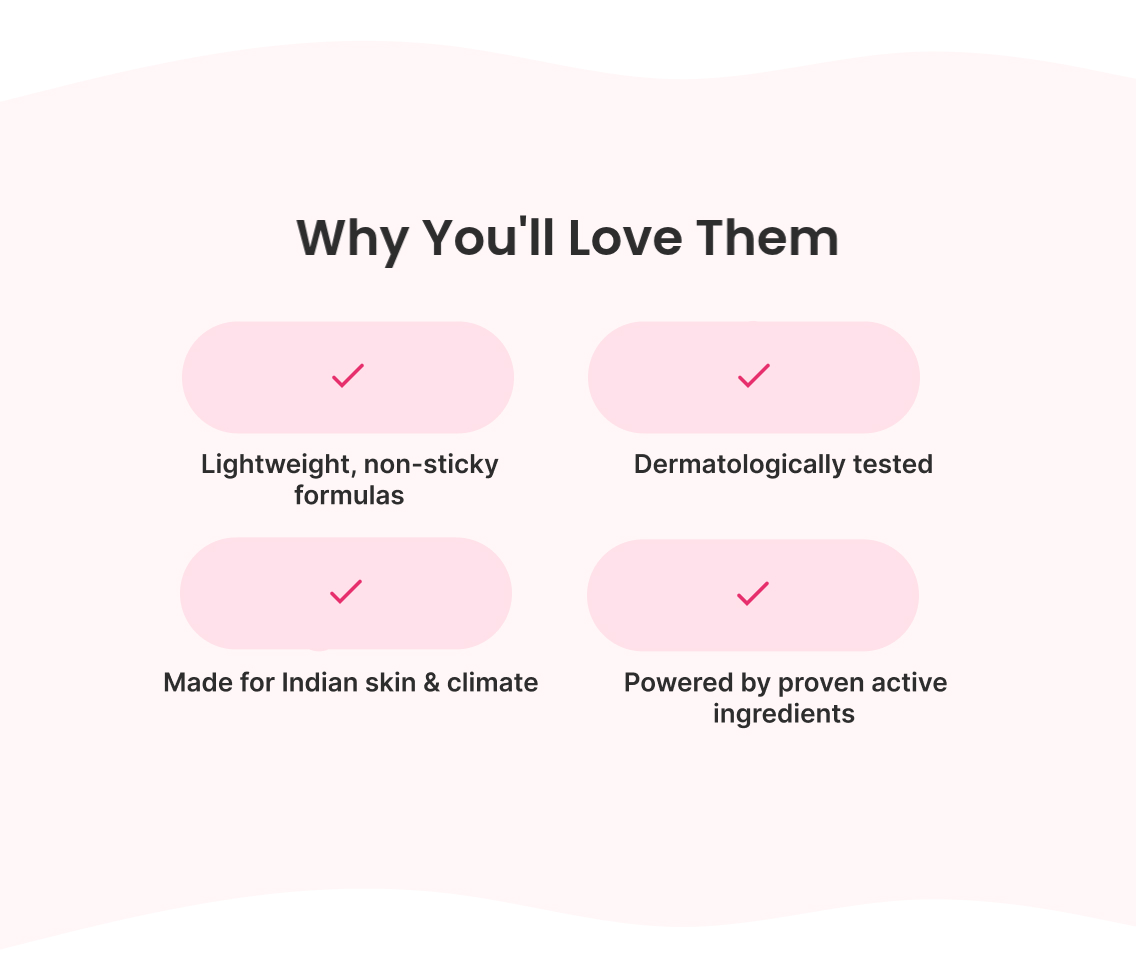
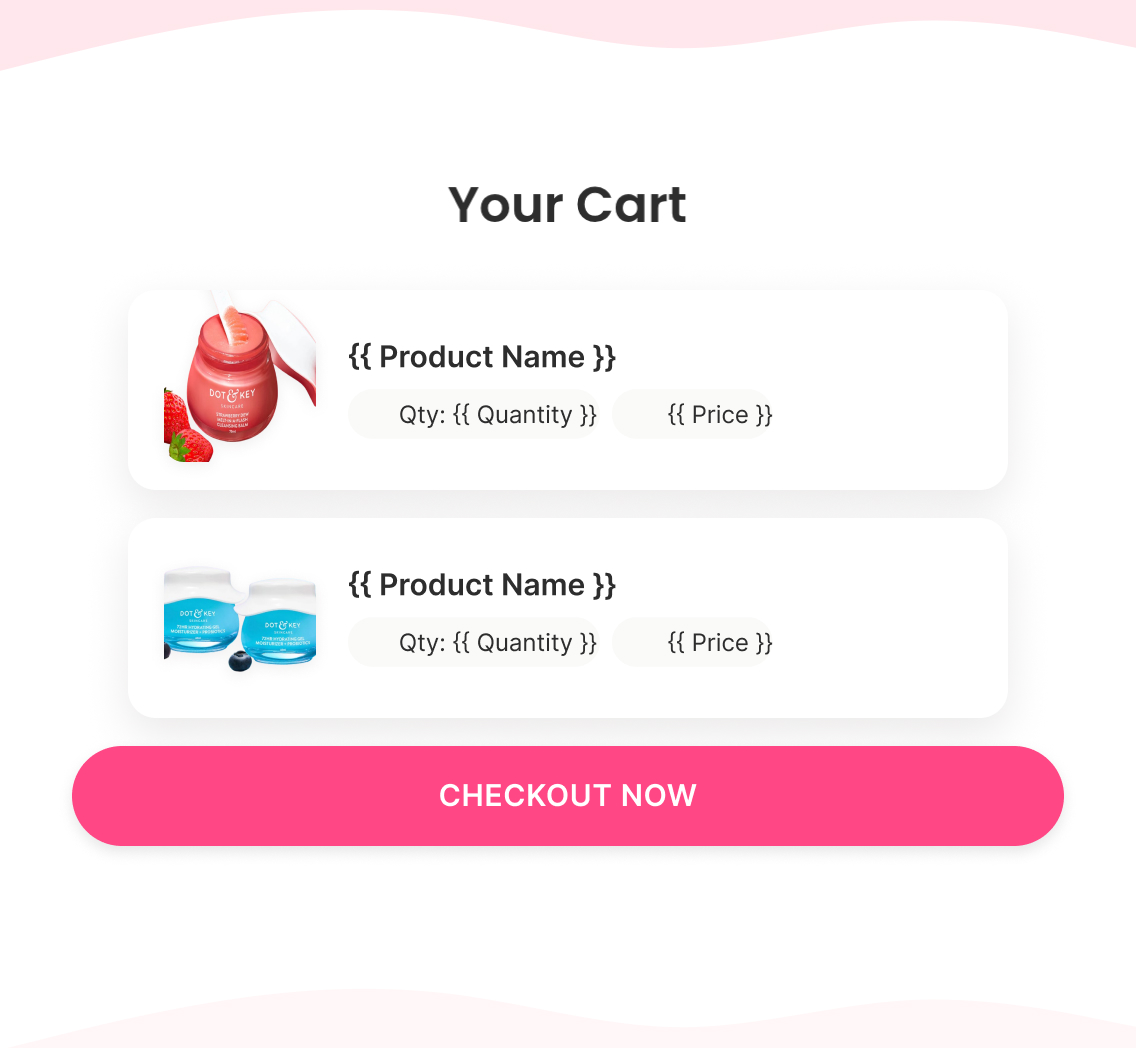
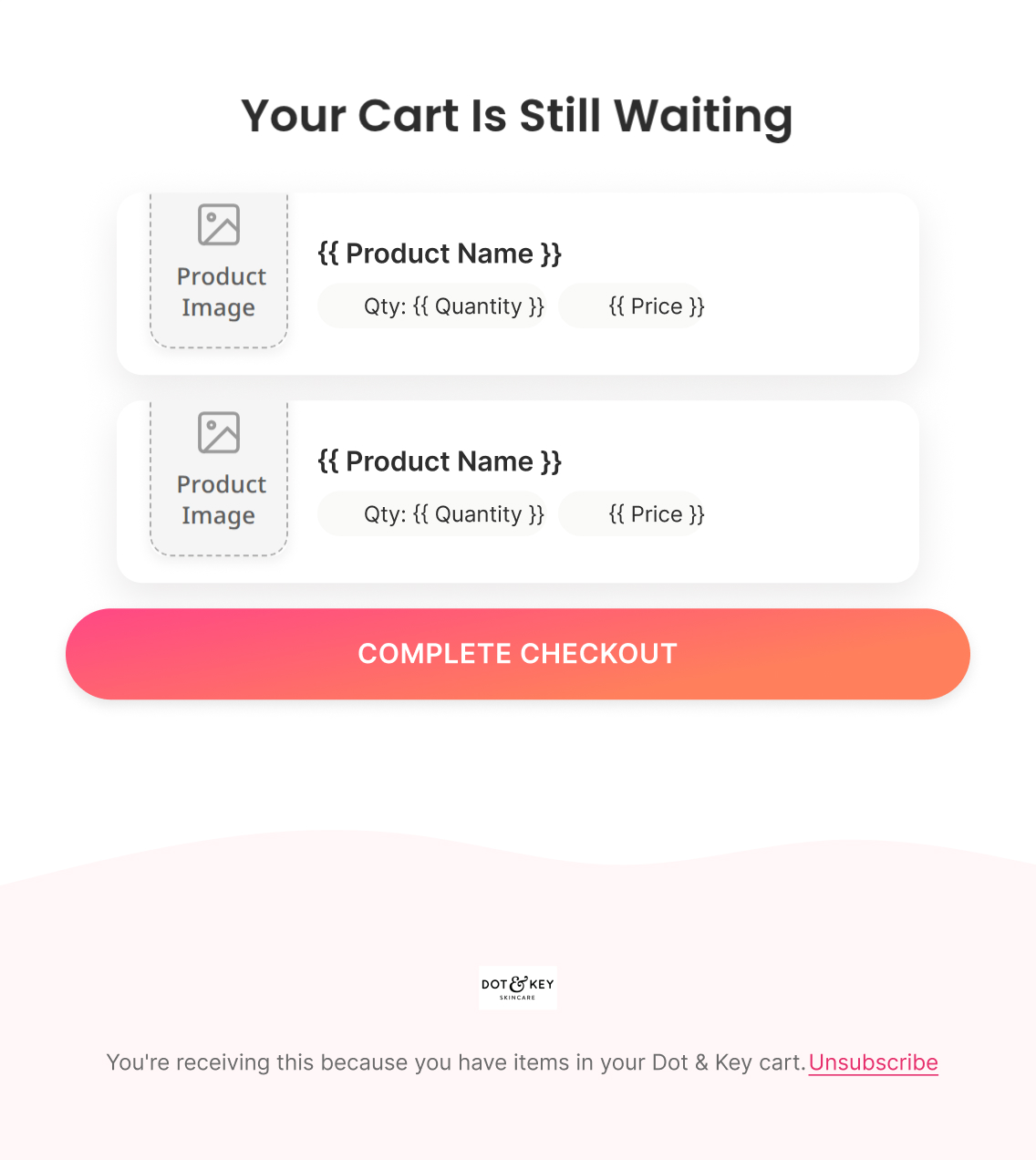
Straightforward reminder that the cart is saved, dynamic cart contents, brand credibility markers, and a simple cleanse → treat → hydrate → protect visual — no pressure yet.

Email 2 — Benefits + Objections

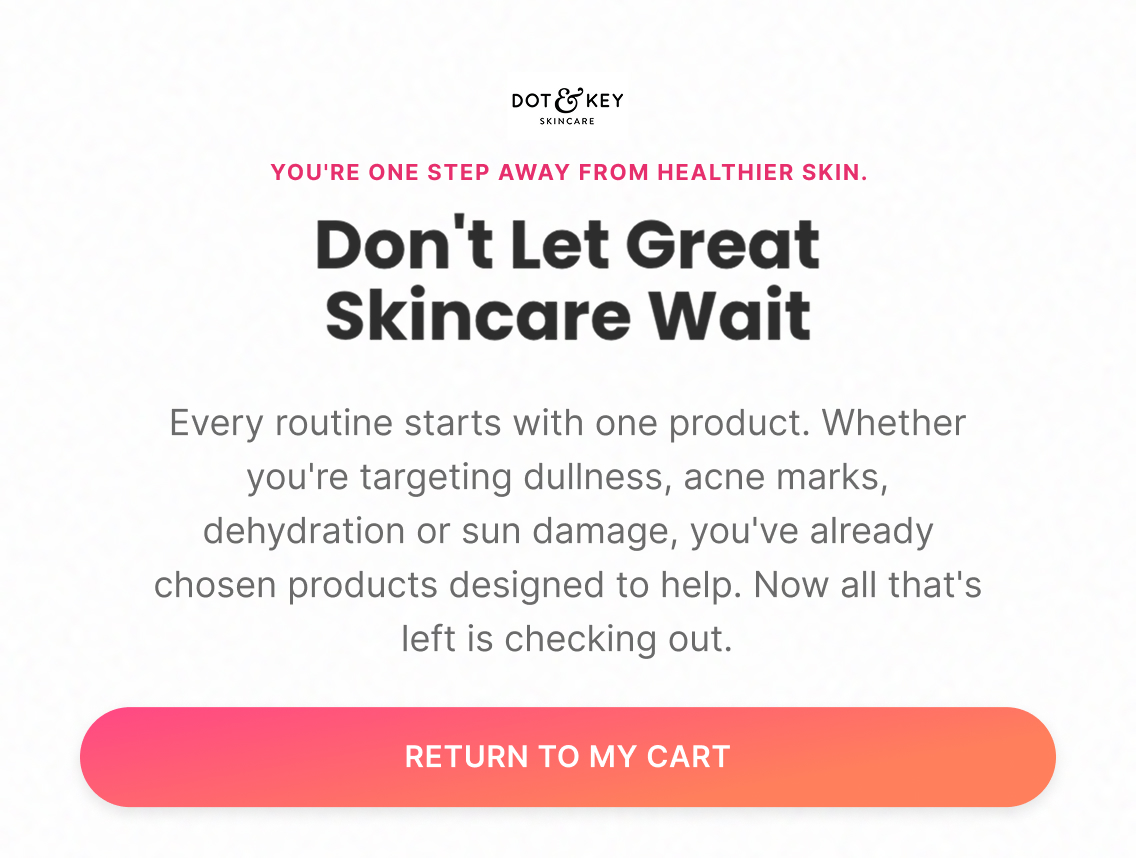
Subject: “Don't let great skincare wait”

Preview: “You're one step away from healthier skin”

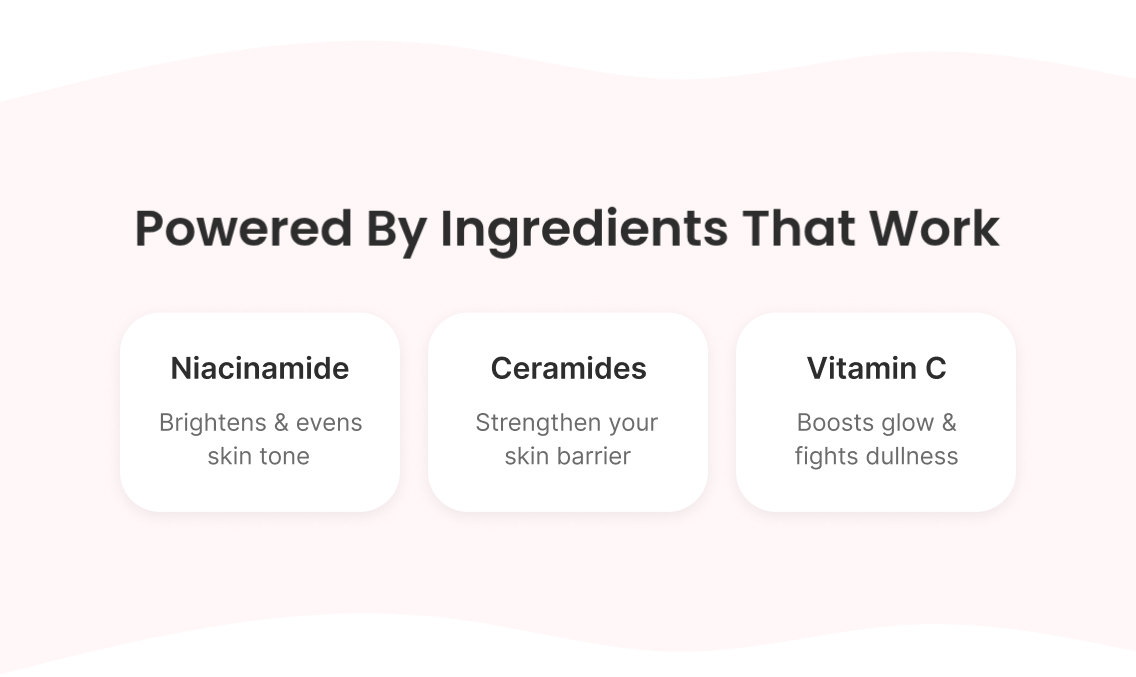
Reinforces the specific benefit of what's in the cart (Niacinamide brightens, Ceramides strengthen the barrier, Vitamin C boosts glow — whichever applies dynamically), addressing the most likely hesitation ("will this actually work for my skin") before it gets asked, then the dynamic cart again with a direct return-to-cart CTA.

Email 3 — Offer + Added Incentive

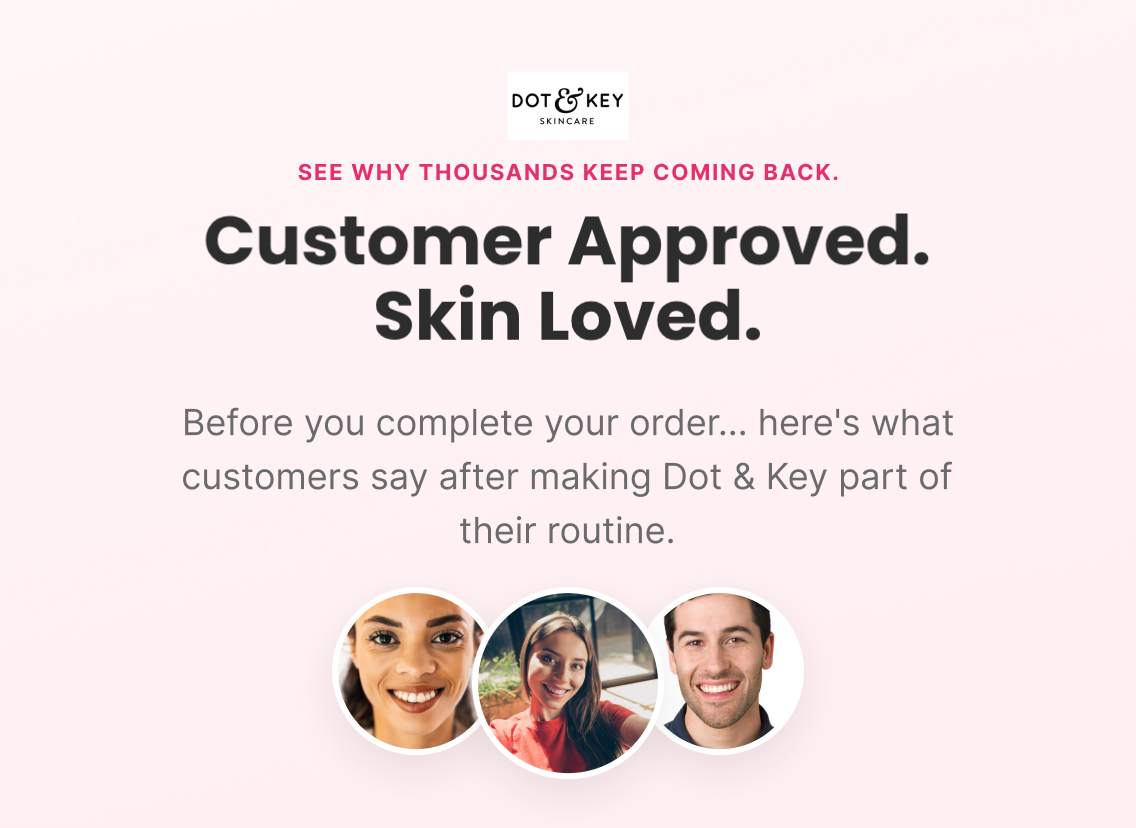
Subject: “Customer approved. Skin loved.”

Preview: “See why thousands keep coming back”

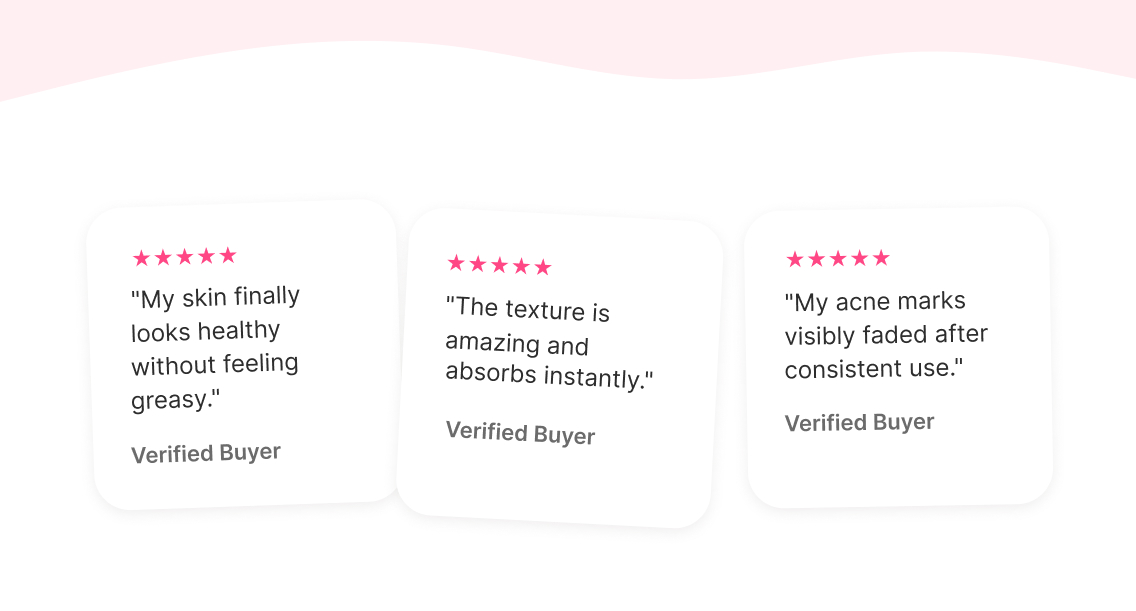
Leads with real reviews to build confidence, then — for eligible first-time customers only — introduces the WELCOME15 code as the added incentive to finish checkout, framed as "your welcome offer is still active" rather than a new discount created specifically for cart recovery.

Email 4 — Last Chance + Urgency

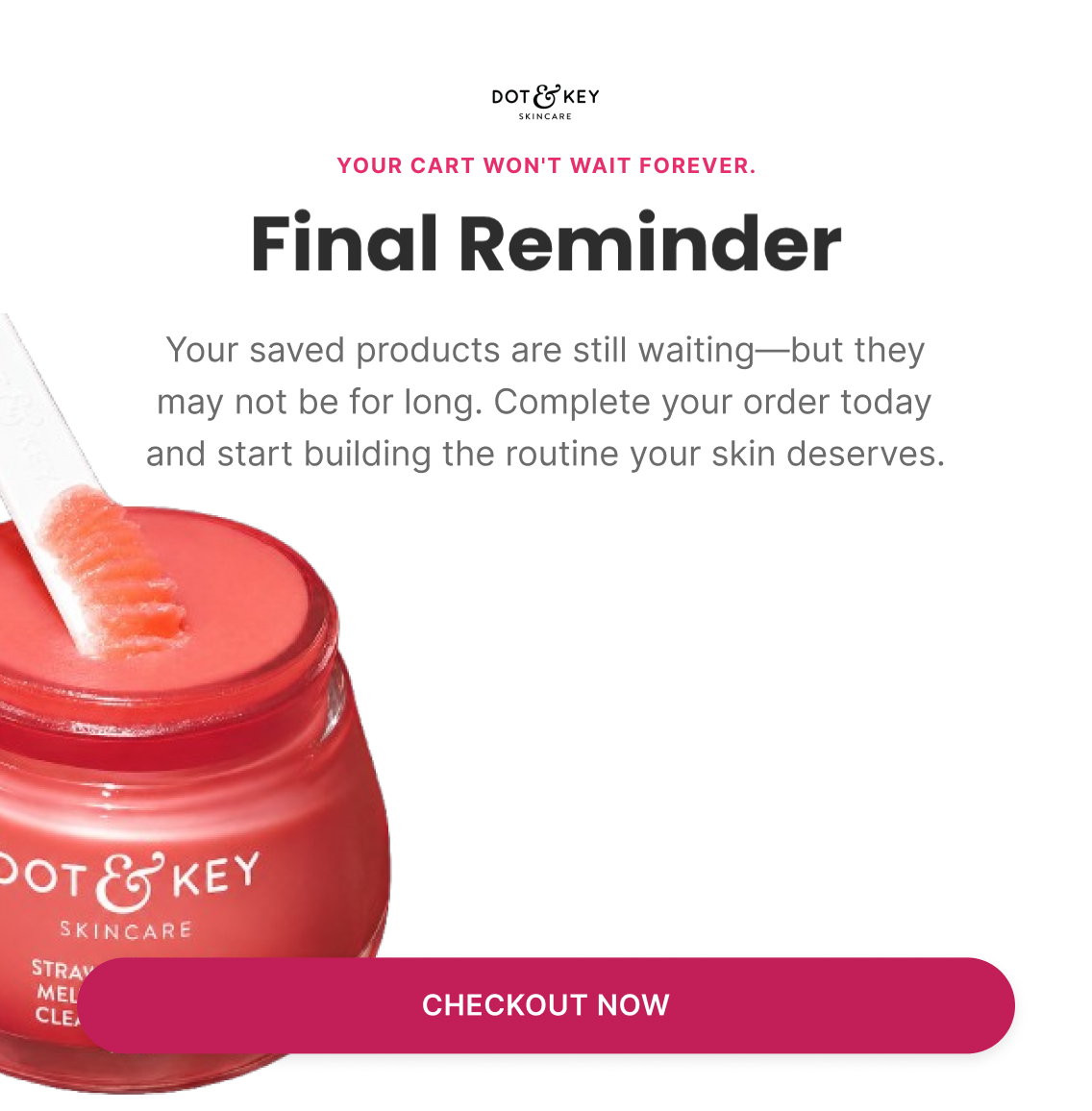
Subject: “Final reminder”

Preview: “Your cart won't wait forever”

Direct urgency — the saved cart may not hold indefinitely — dynamic cart contents, a final reminder of the WELCOME15 code for new customers, and a closing line on how consistency (not perfection) is what actually gets results, tying the purchase to the outcome rather than just the transaction.

Klaviyo — How It Actually Works

Trigger

Added to Cart

Delay

1 hour → 20-24 hours → 48 hours → 72 hours

Flow filters

  • Removed if checkout is started or an order is placed since entering — both represent progression past cart-level intent

Re-entry

Not within 30 days of a previous Cart Abandonment entry

Conditional splits

  • Purchased before? — First-time customers see the WELCOME15 incentive in Emails 3-4; returning customers see the same emails without the welcome-code mention, since it isn't relevant to them and referencing it would undercut trust rather than build it

Segments

  • Cart abandoners

Exclusions

  • Started checkout
  • Purchased
  • Empty cart

Dynamic product blocks

  • Cart Items
  • Complementary Products

Personalisation

  • First Name
  • Cart Items
  • Cart Value
  • Free Shipping Status
A/B Testing — How It Improves

Top priority tests

  • Move the dynamic cart block to the very top of every email — highest-priority test in this flow
  • E1 angle: "Your Glow Routine Is Waiting" vs. "Your Order Is Ready To Ship"
  • E2: ingredient education vs. objection-specific education ("Will it feel heavy?", "Will it cause breakouts?")
  • E4: WELCOME15 vs. no offer, plus offer placement (early vs. next to cart vs. above CTA)
  • Buyer vs. non-buyer split — non-buyers see the offer from E1; past buyers see no discount until E3

Primary metric

Cart Recovery Rate (recovered orders ÷ eligible cart abandoners)

Job map

E1 = get them back to the cart. E2 = remove the hesitation. E3 = prove other customers made the right choice. E4 = give a legitimate reason to act now.

Checkout Abandonment Flow

4 emails
Figma — What I Designed
Strategy — Why It Exists

Objective

Help customers complete checkout

Flow Progression

  • Order Ready + Finish Checkout
  • Objections + Reassurance
  • Incentive + Urgency Begins
  • Final Call + Last Chance

Outcome

Remove final barriers to purchase and encourage customers to complete their order.

Copy — What The Customer Sees

Email 1 — Order Ready + Finish Checkout

Subject: “You're almost there”

Preview: “You're only one step away”

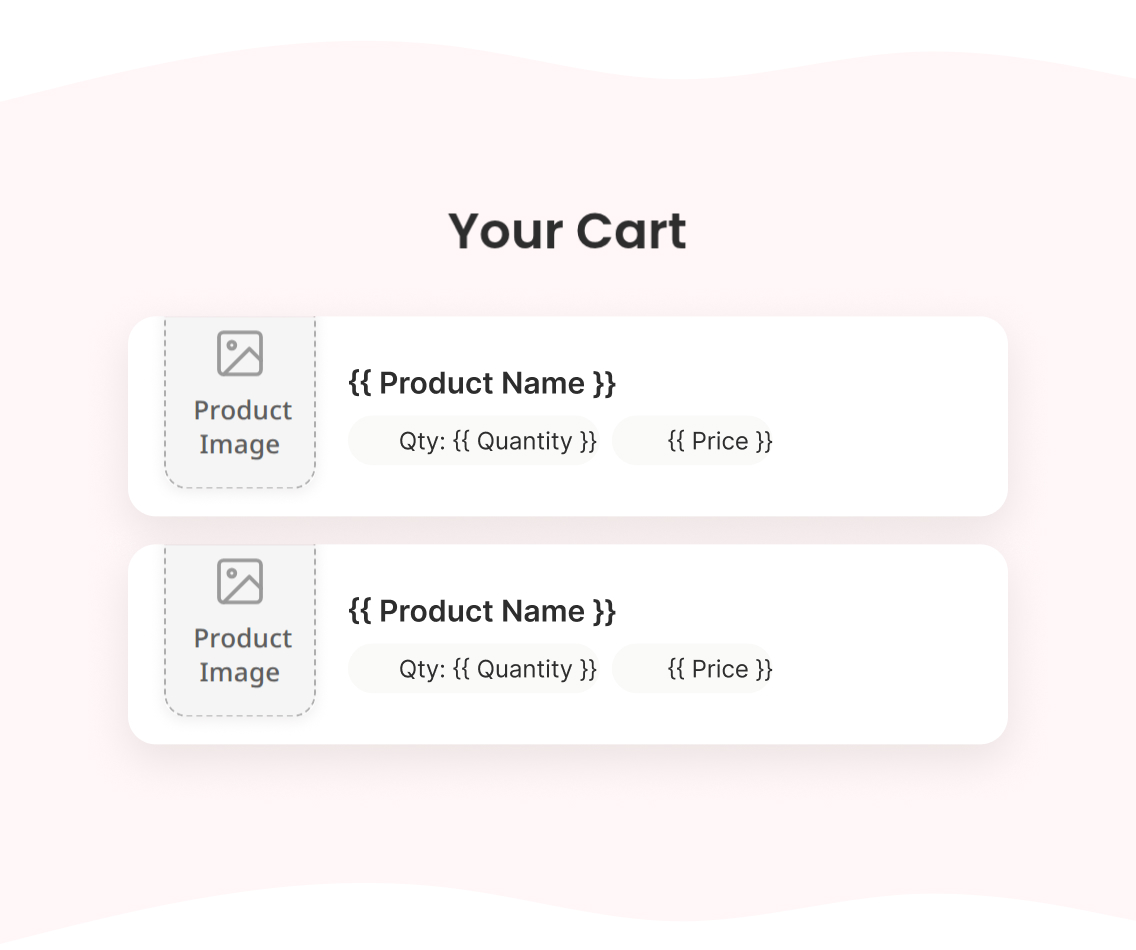
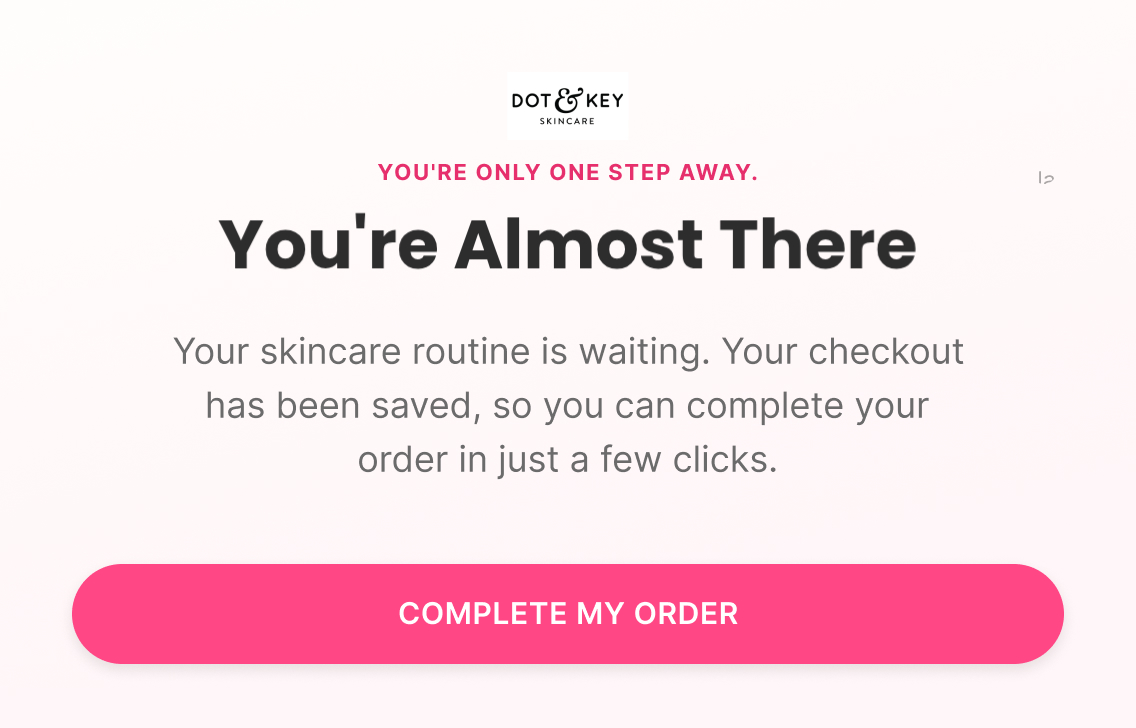
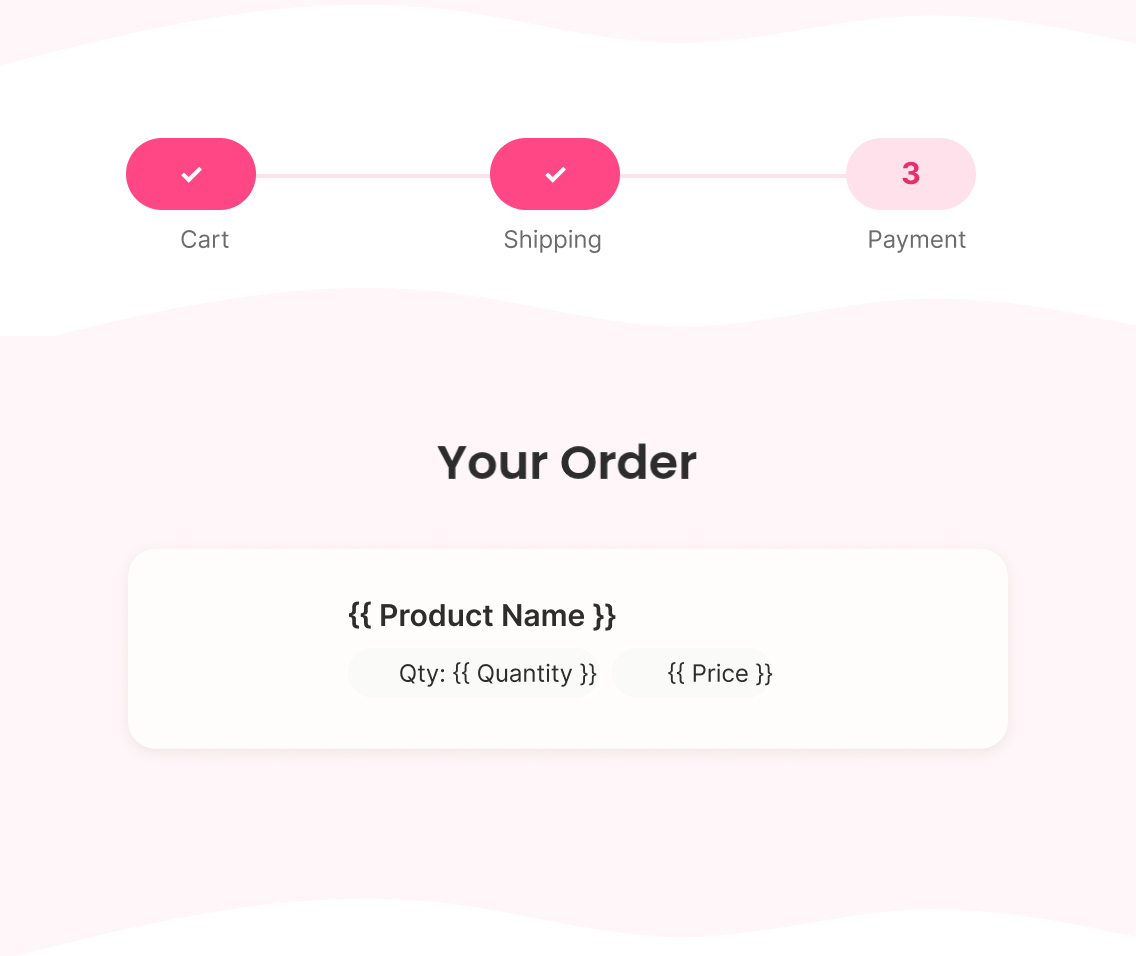
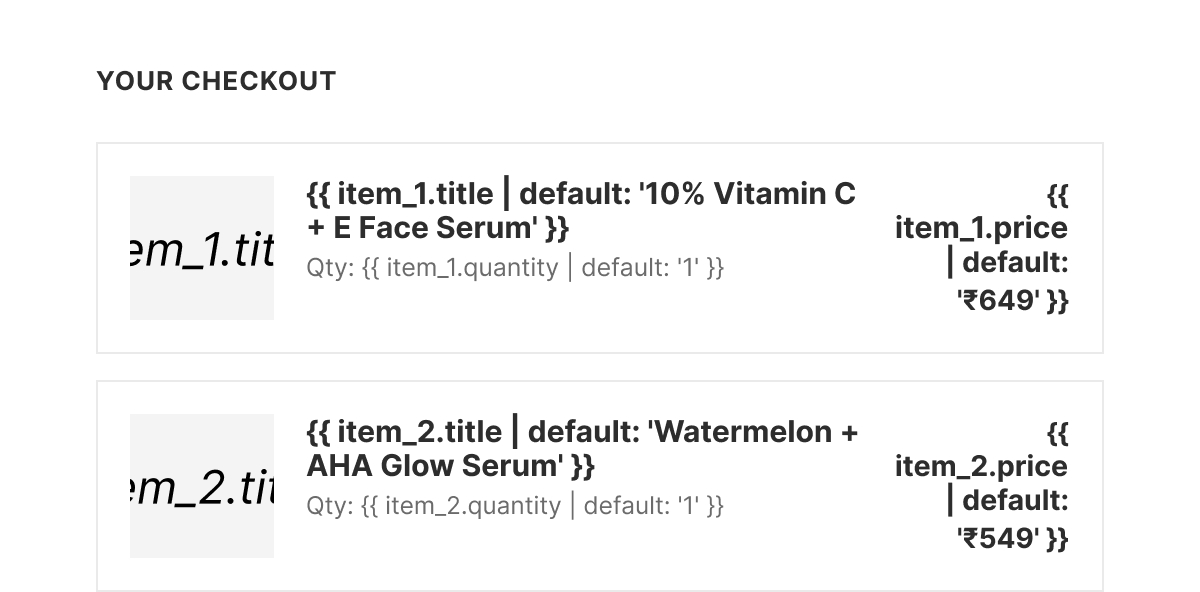
Dynamic checkout contents, a simple "your checkout has been saved" reassurance, and a direct return-to-checkout CTA — no persuasion needed yet, since intent at this stage is already at its highest pre-purchase level.

Email 2 — Objections + Reassurance

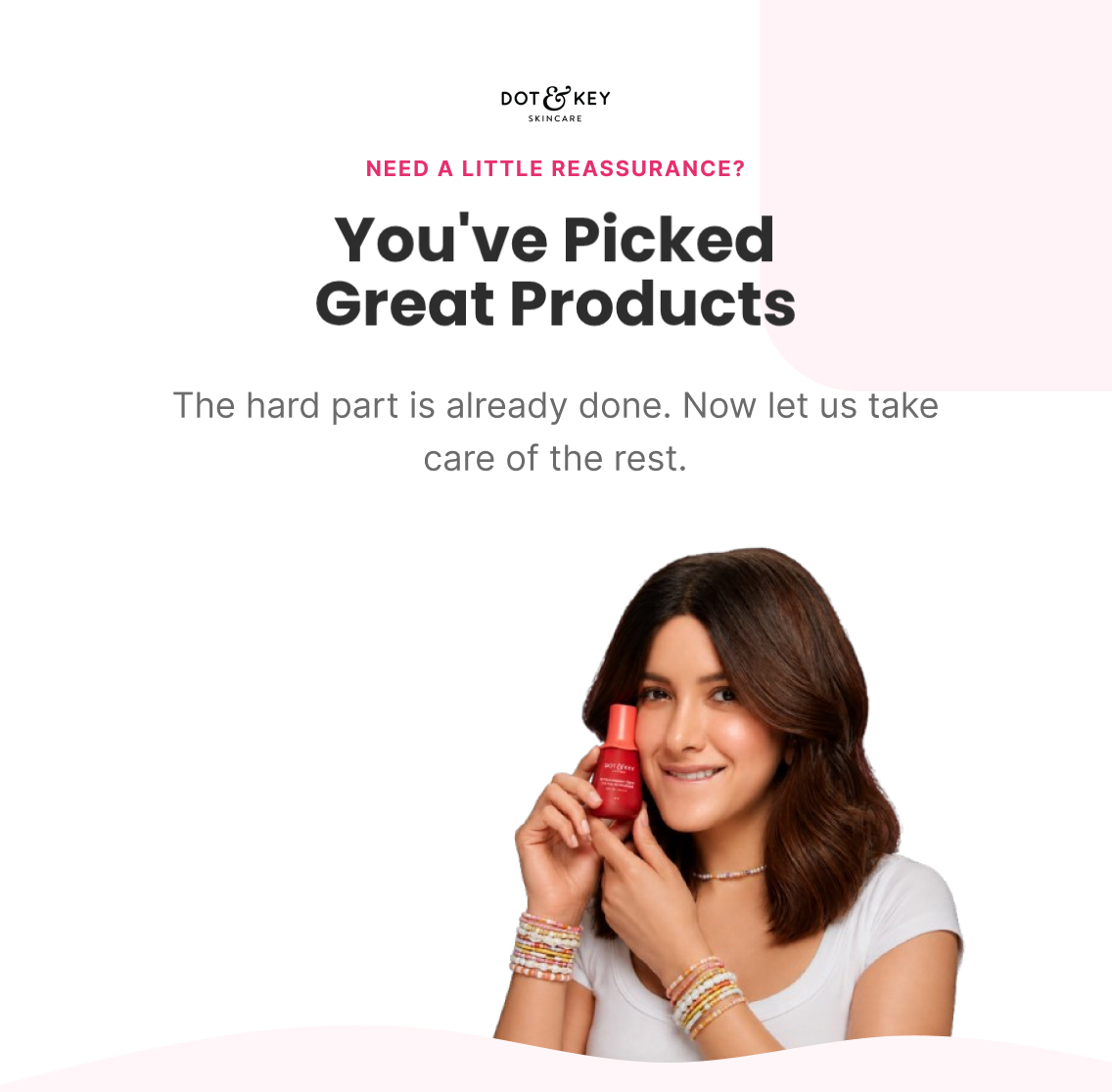
Subject: “You've picked great products”

Preview: “Need a little reassurance?”

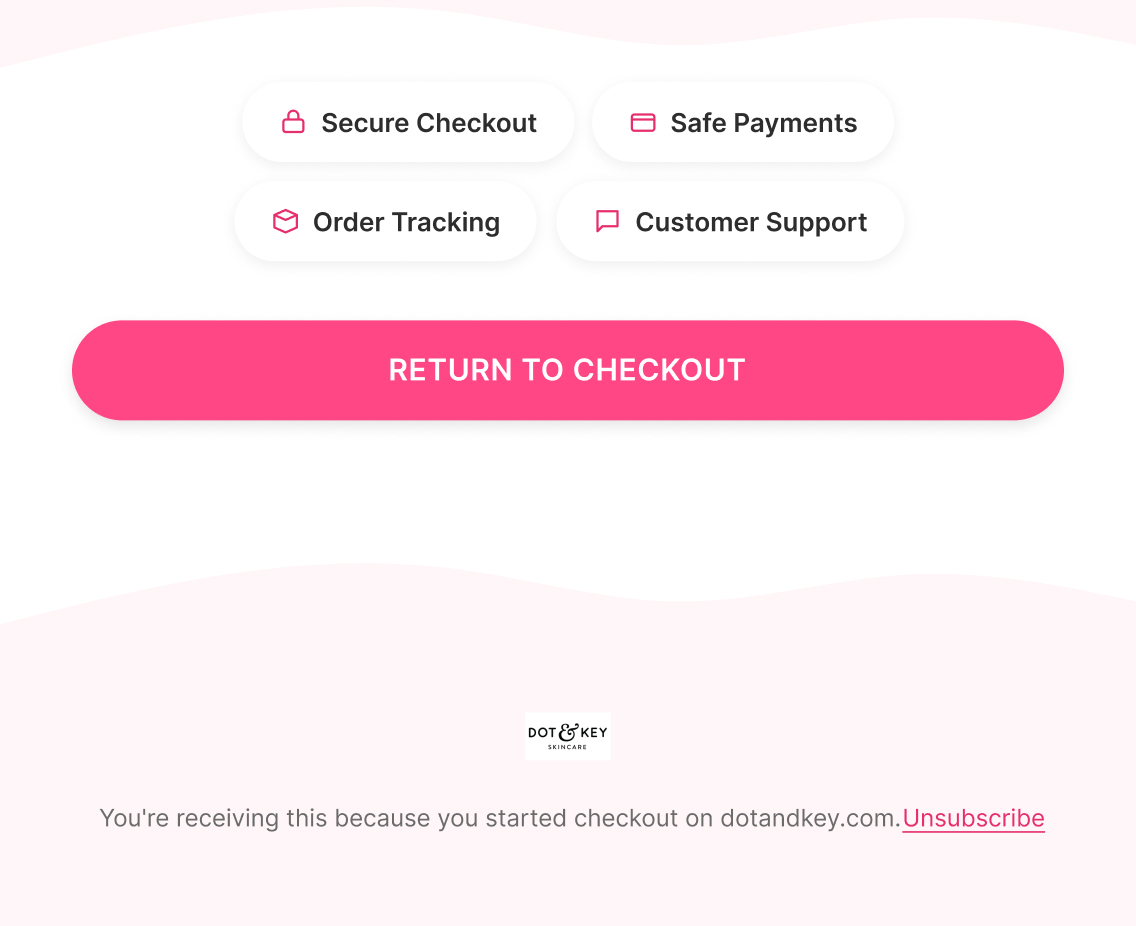
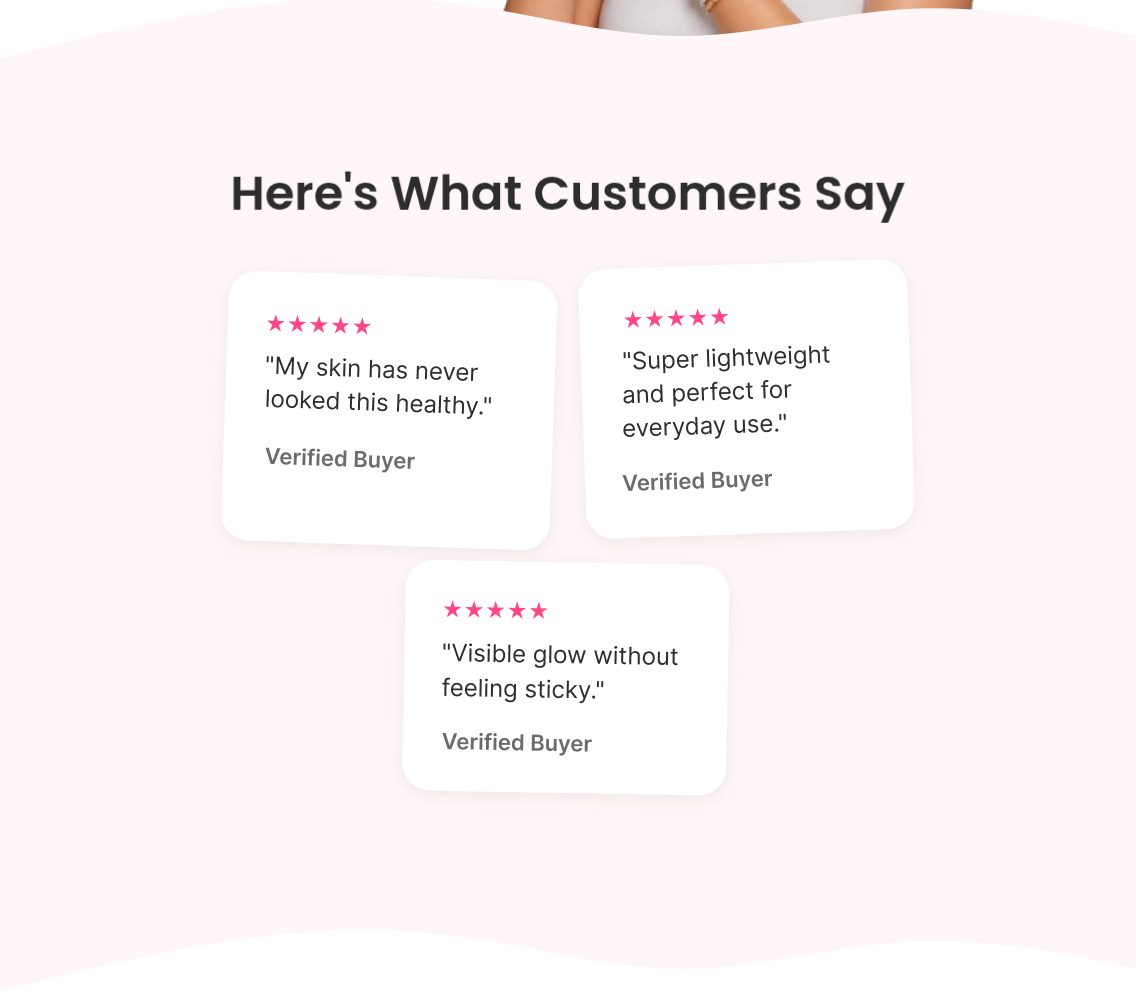
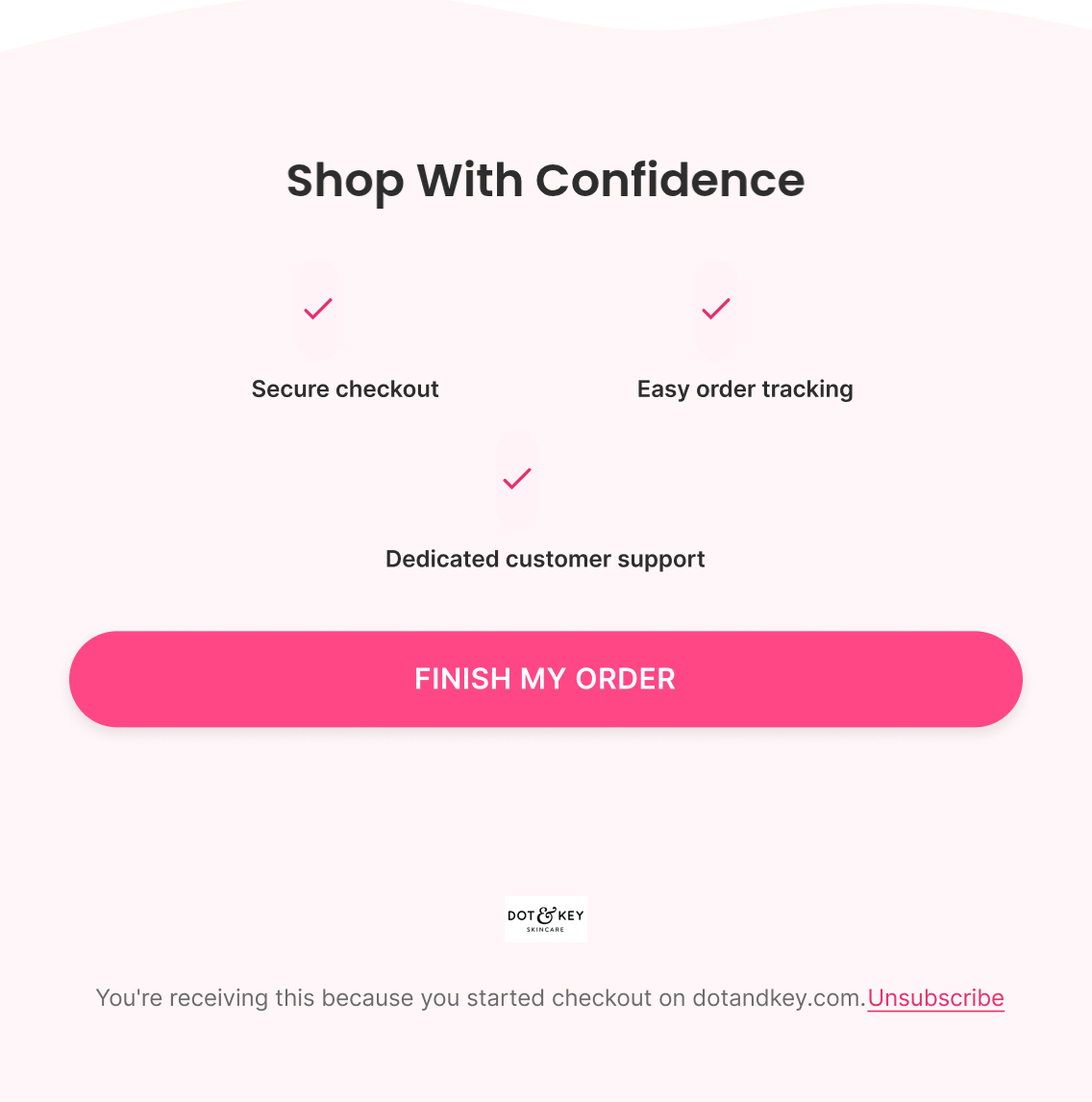
"The hard part is already done" framing, three reviews addressing product quality and everyday wearability, then trust markers specific to completing an order (secure checkout, easy order tracking, dedicated support) — resolving logistics-based hesitation rather than product-based hesitation, since by checkout the product decision is already made.

Email 3 — Incentive + Urgency Begins

Subject: “Don't forget your welcome offer”

Preview: “It's still waiting for you”

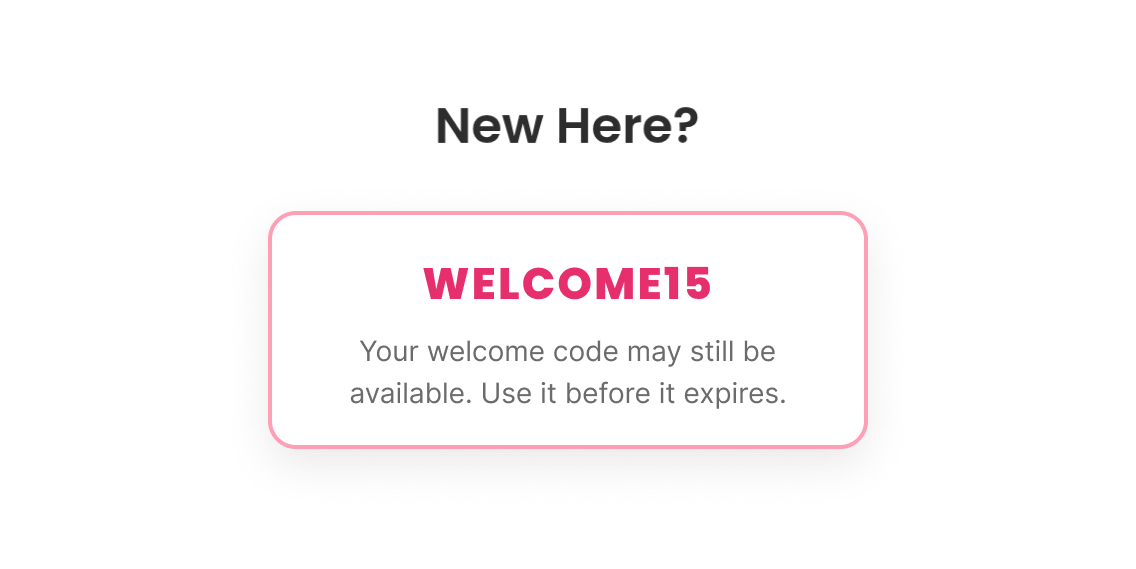
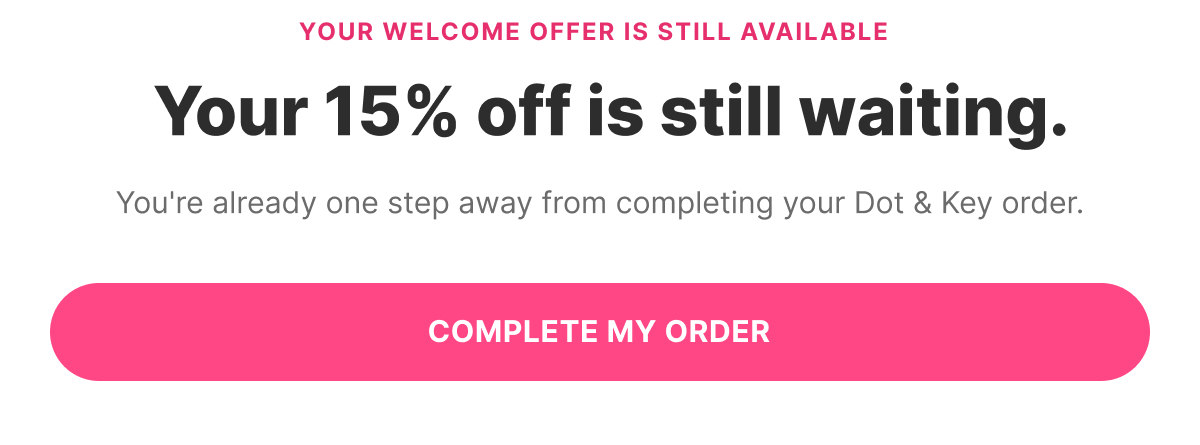
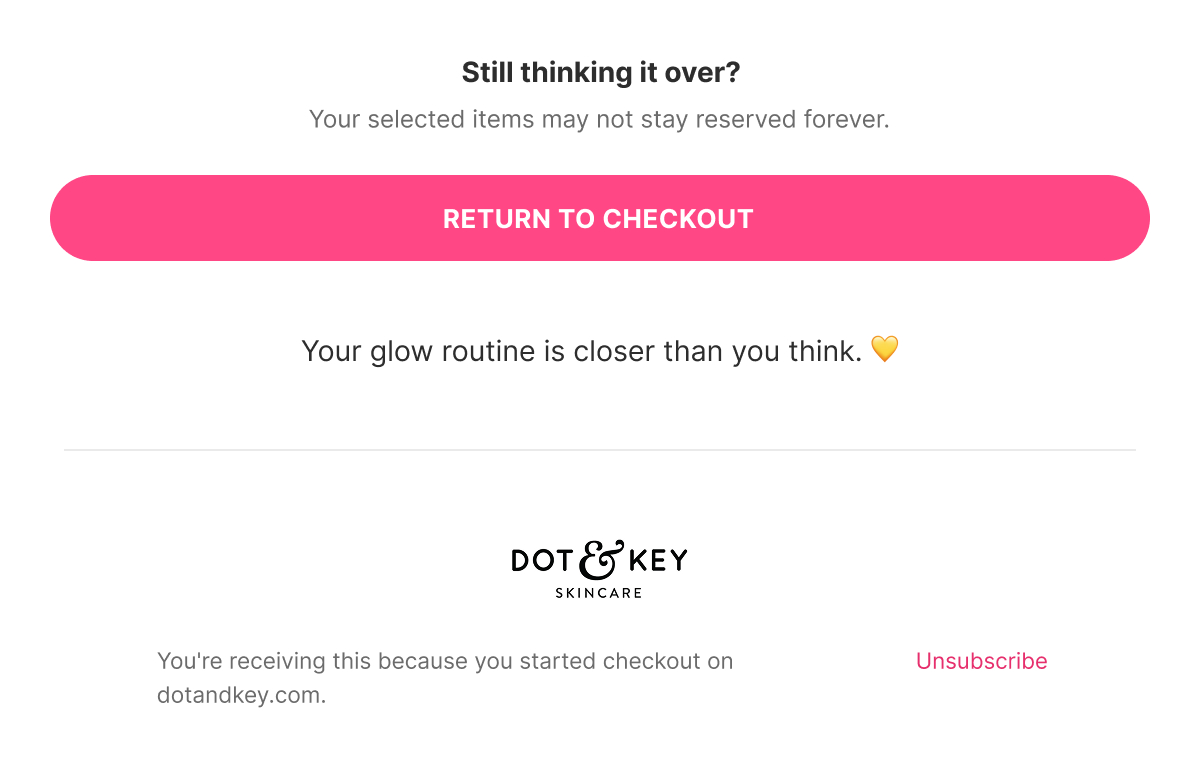
For eligible first-time customers, a direct nudge that the WELCOME15 code is still available and applies to what's already in checkout — framed as a reminder, not a new offer — with the first mention of gentle urgency ("your selected items may not stay reserved").

Email 4 — Final Call + Last Chance

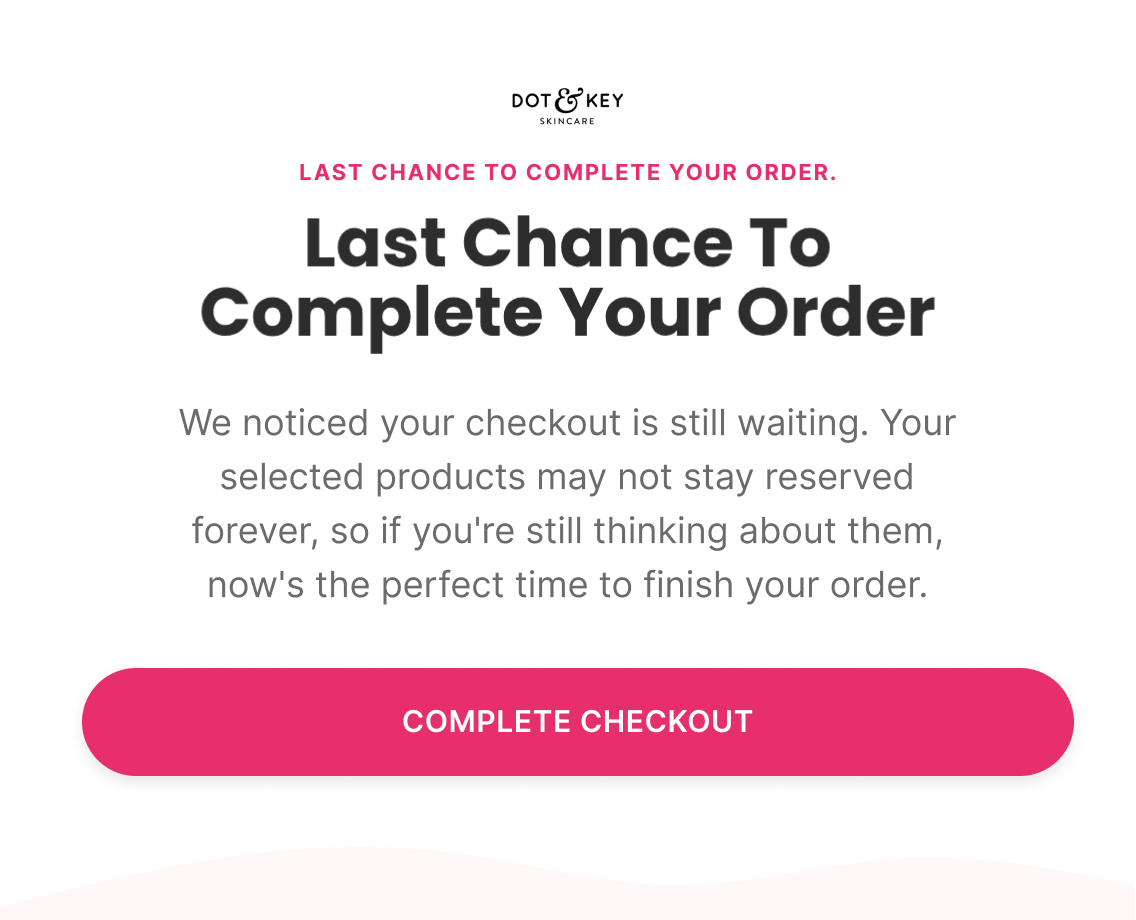
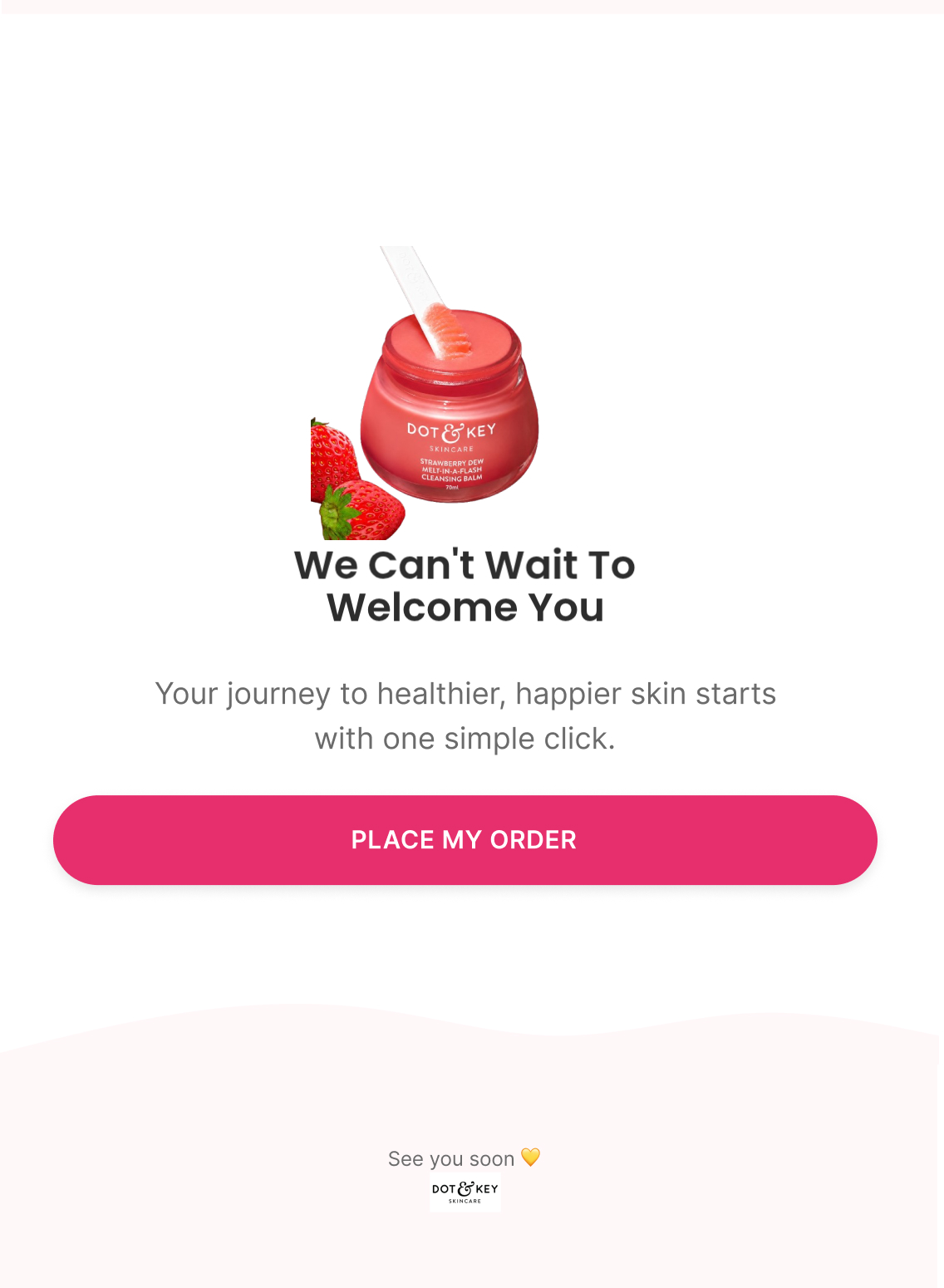
Subject: “Last chance to complete your order”

Preview: “Your checkout is about to expire”

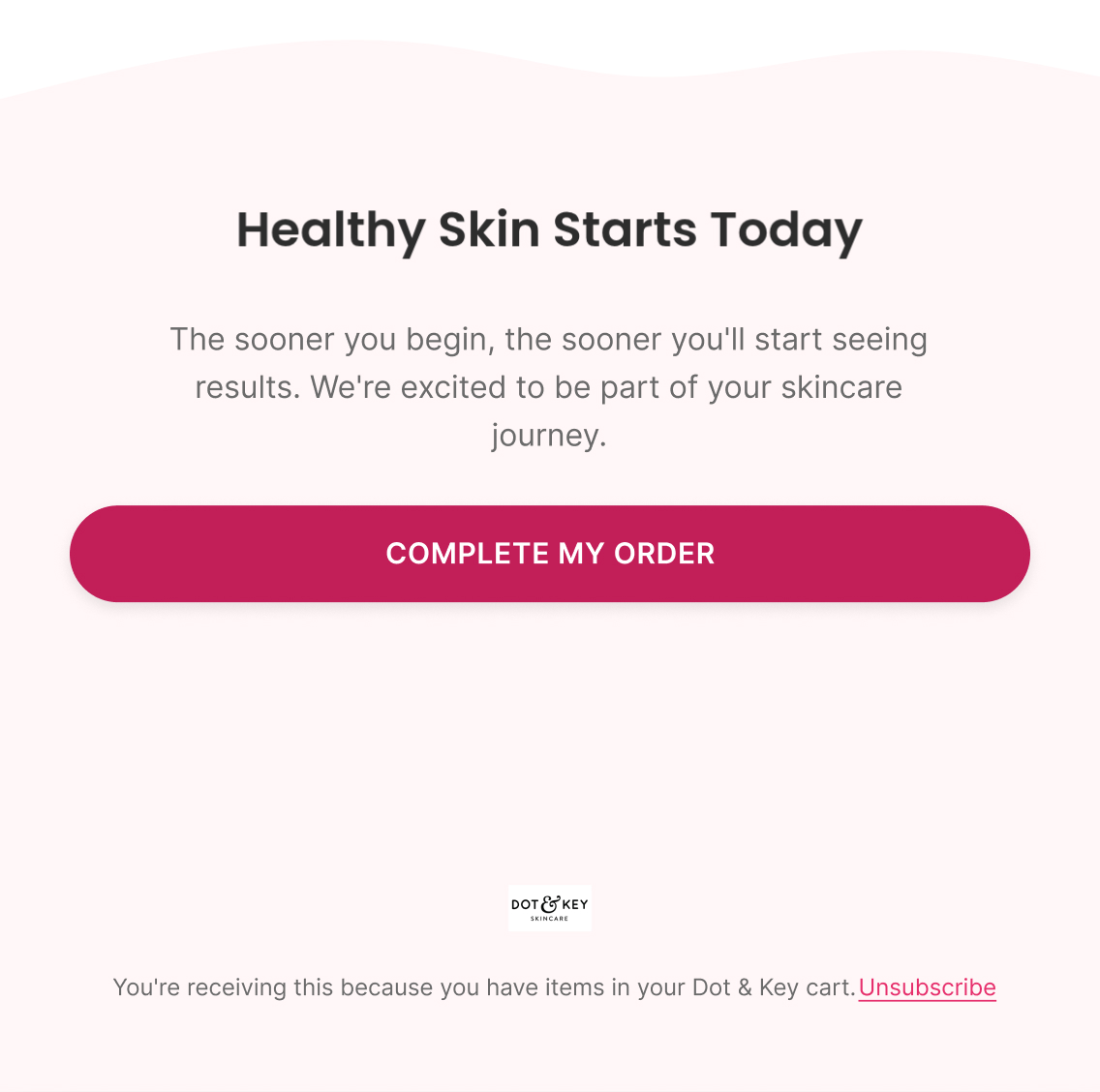
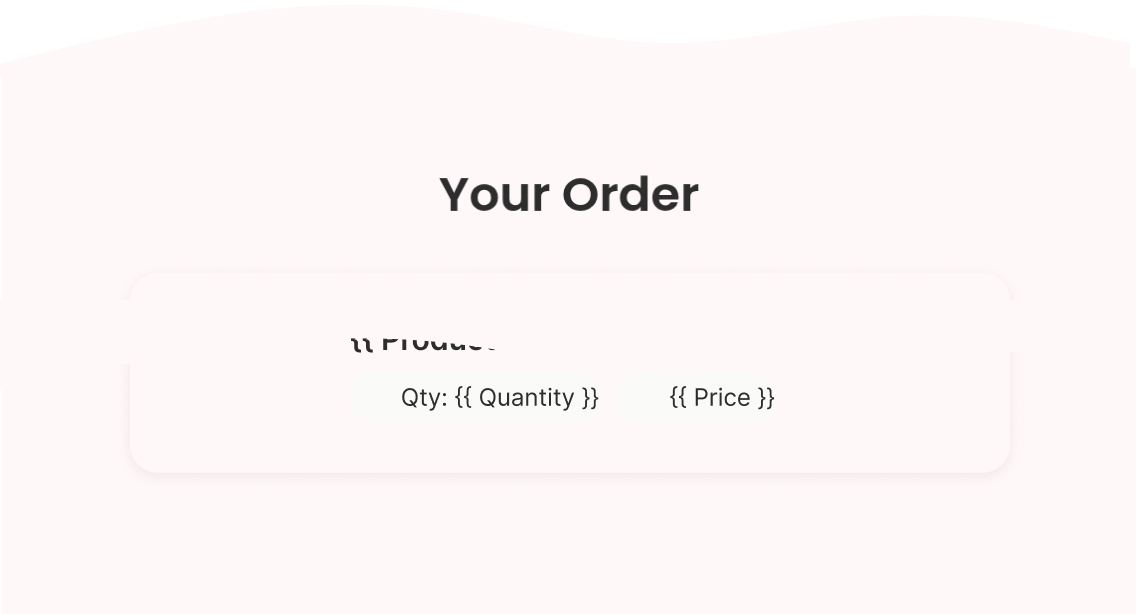
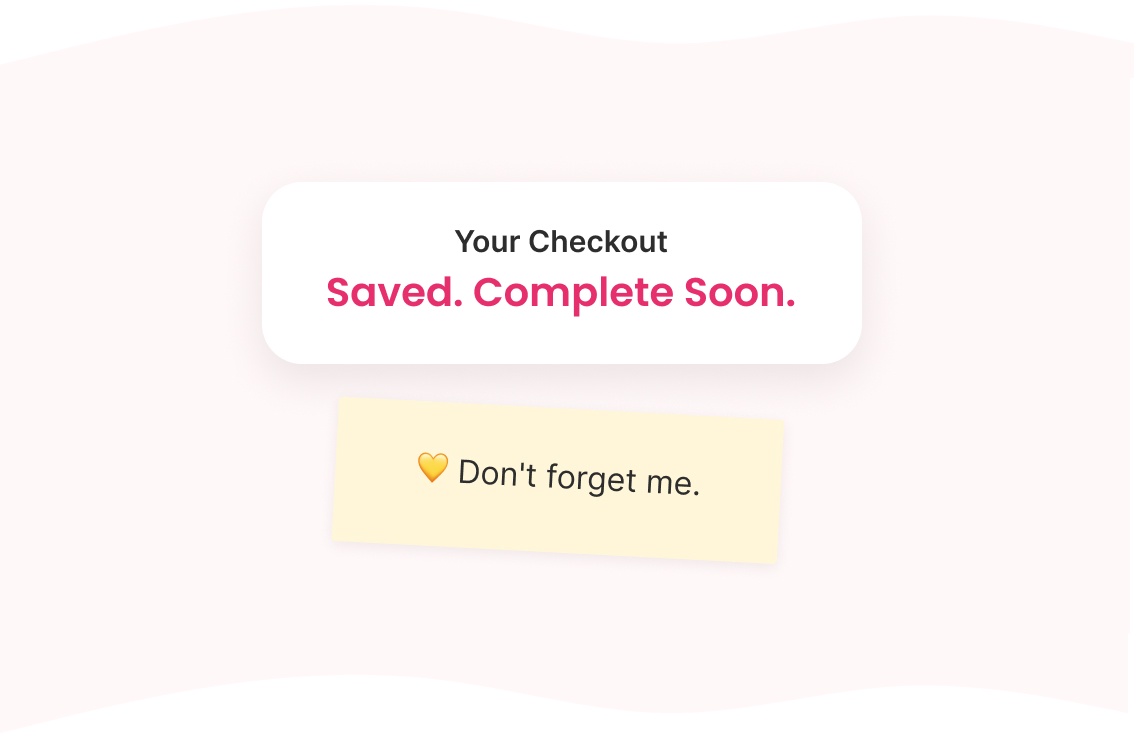
Pure urgency, no new information — dynamic checkout contents, one closing line on why now is the right moment ("your journey to healthier skin starts with one simple click"), and a single CTA.

Klaviyo — How It Actually Works

Trigger

Checkout Started

Delay

30 minutes → 12-18 hours → 36 hours → 60 hours

Flow filters

  • Removed if an order is placed since entering — this is the only progression left to check for, since Checkout Started is already the highest pre-purchase intent signal

Re-entry

Not within 30 days of a previous Checkout Abandonment entry

Conditional splits

  • Purchased before? — same logic as Cart Abandonment; the WELCOME15 mention in Email 3 only shows to first-time customers

Segments

  • Checkout abandoners

Exclusions

  • Completed checkout
  • Cancelled checkout

Dynamic product blocks

  • Checkout Items
  • Checkout Summary

Personalisation

  • First Name
  • Cart Items
  • Checkout URL
A/B Testing — How It Improves

Top priority tests

  • Dynamic checkout/product block moved to the absolute top of E1
  • E1 angle: "Order ready / one click away" vs. softer messaging
  • Offer escalation: no discount for past buyers in E1–E2, welcome offer for non-buyers from E1, stronger offer in E3
  • Standard discount vs. mystery discount in E3
  • 3-email vs. 4-email sequence (adding a final-urgency touch)

Primary metric

Checkout Recovery Rate (purchases ÷ checkout-abandonment recipients)

Diagnostic

High clicks + low checkout completion → the email did its job, investigate checkout UX/payment/shipping/fees, not the copy.

Post-Purchase Flow

5 emails
Figma — What I Designed
Strategy — Why It Exists

Objective

Turn first-time buyers into repeat customers

Flow Progression

  • Thank You + Founder Email
  • Product Usage + Education
  • More Value + Social + Community
  • Cross Sell + Complementary Products
  • Founder Check-In + Soft Reorder

Outcome

Help customers get better results, strengthen brand loyalty, and naturally introduce the next purchase.

Copy — What The Customer Sees

Email 1 — Thank You + Founder Email

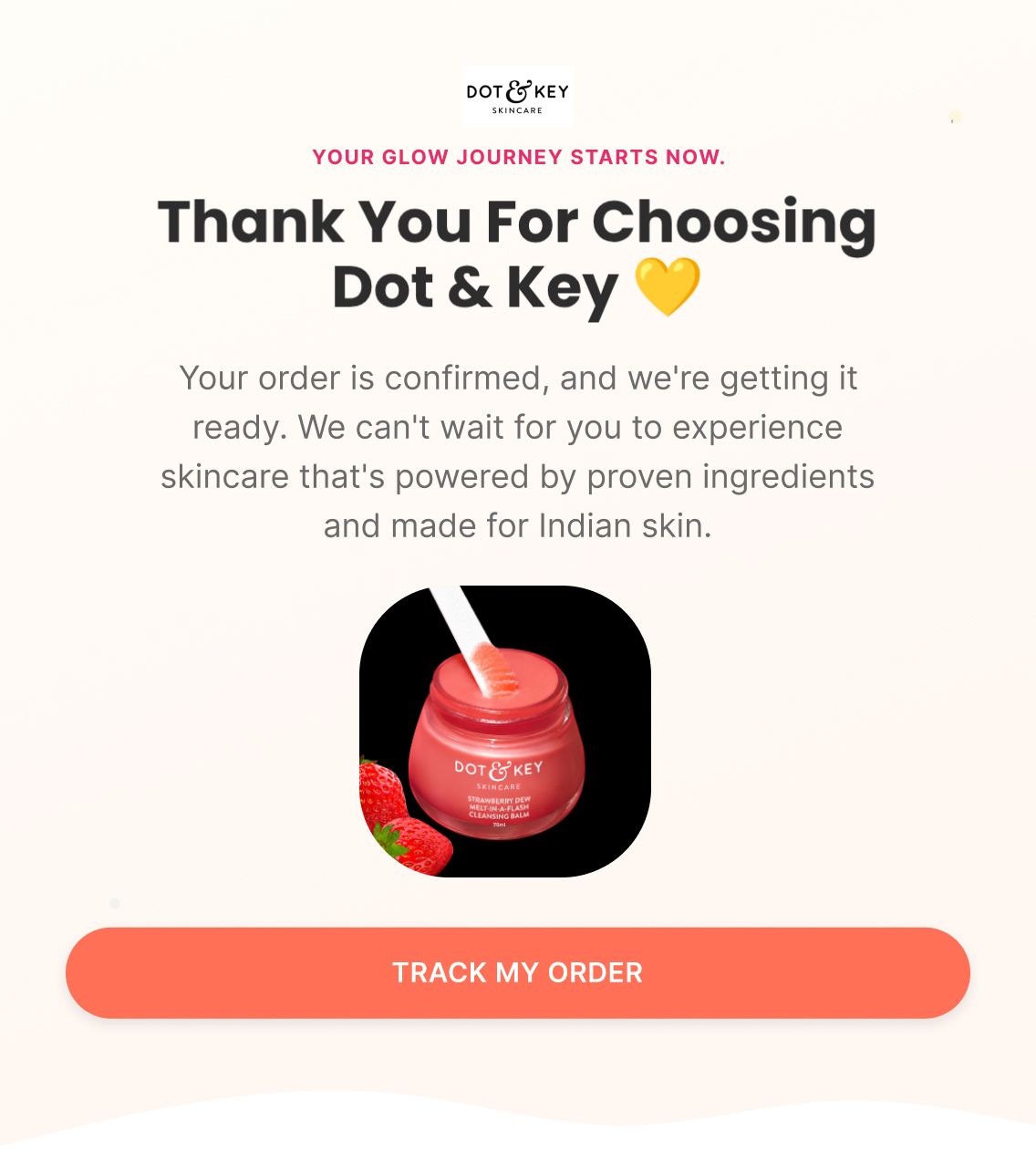
Subject: “Thank you for choosing Dot & Key”

Preview: “Your glow journey starts now”

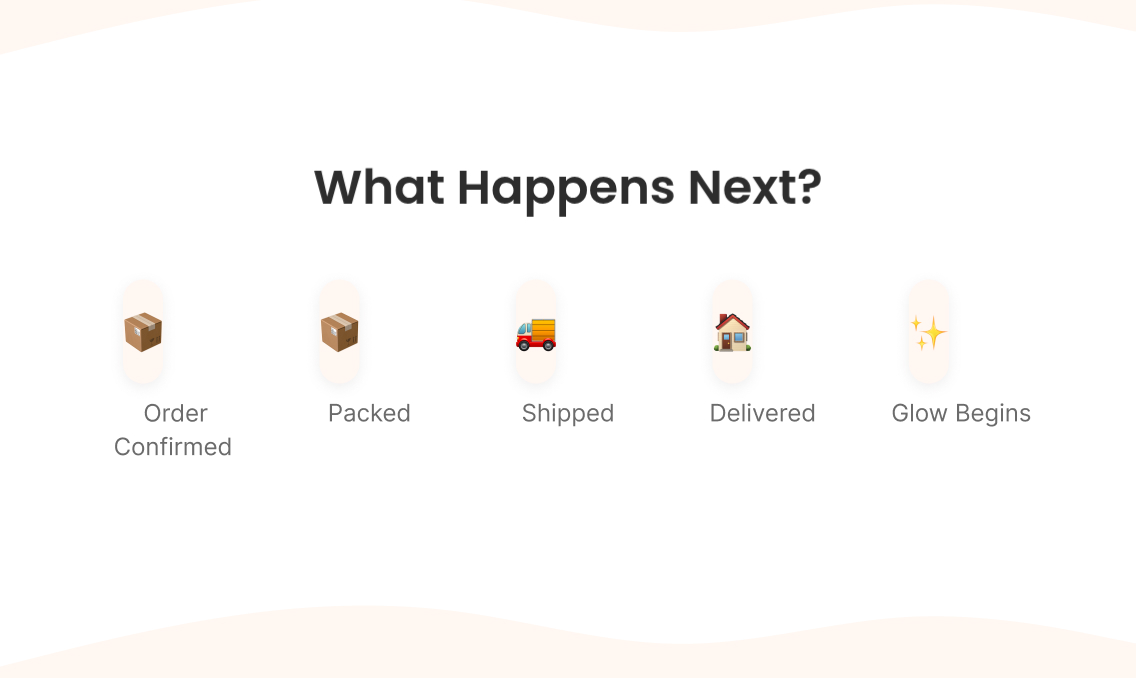
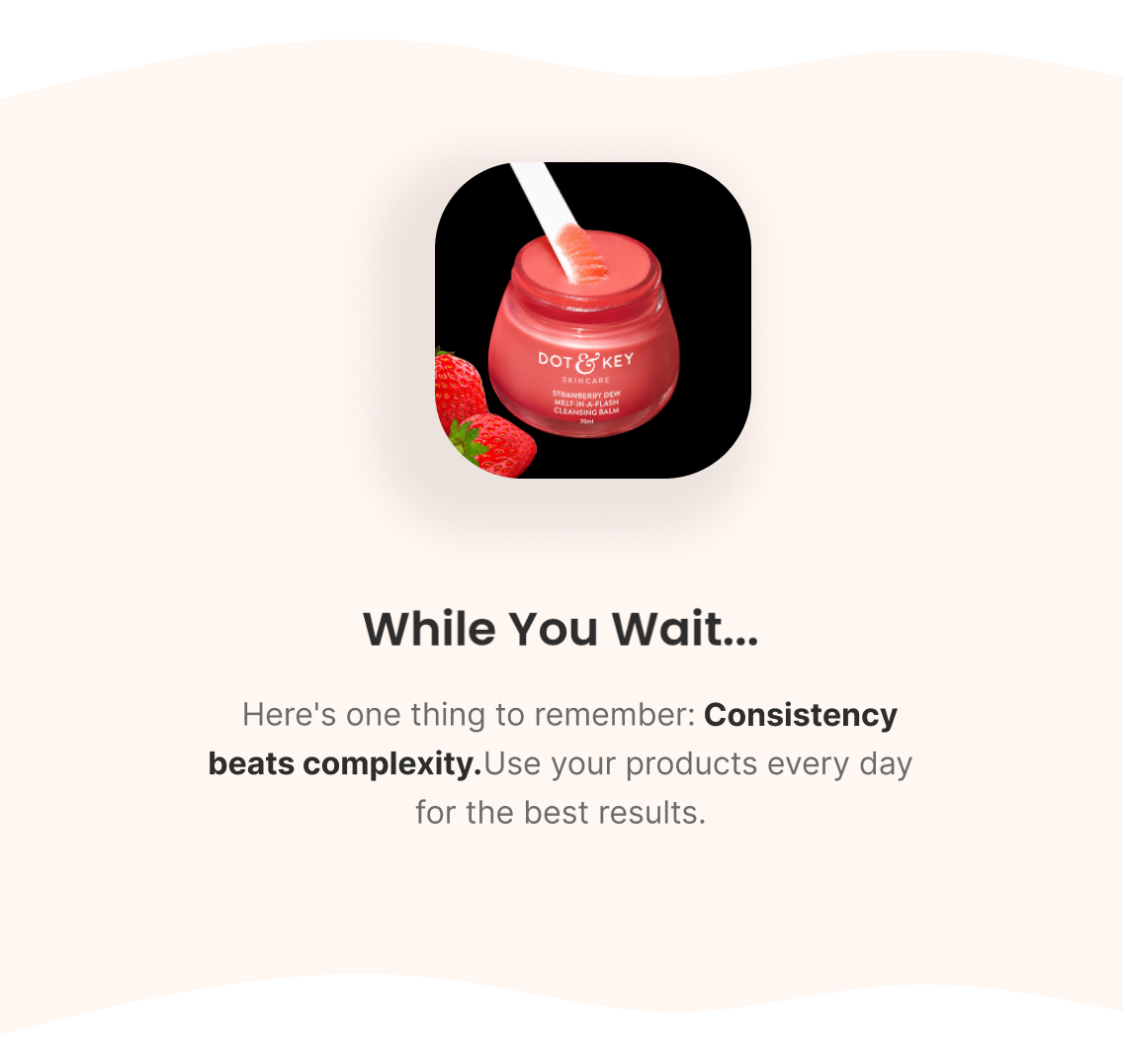
Order confirmation blended with a first-person note — not a generic receipt — reducing any buyer's-remorse moment by confirming the choice was a good one, setting expectations for what happens next (packed → shipped → arriving), and closing on one piece of advice worth remembering: consistency beats complexity.

Email 2 — Product Usage + Education

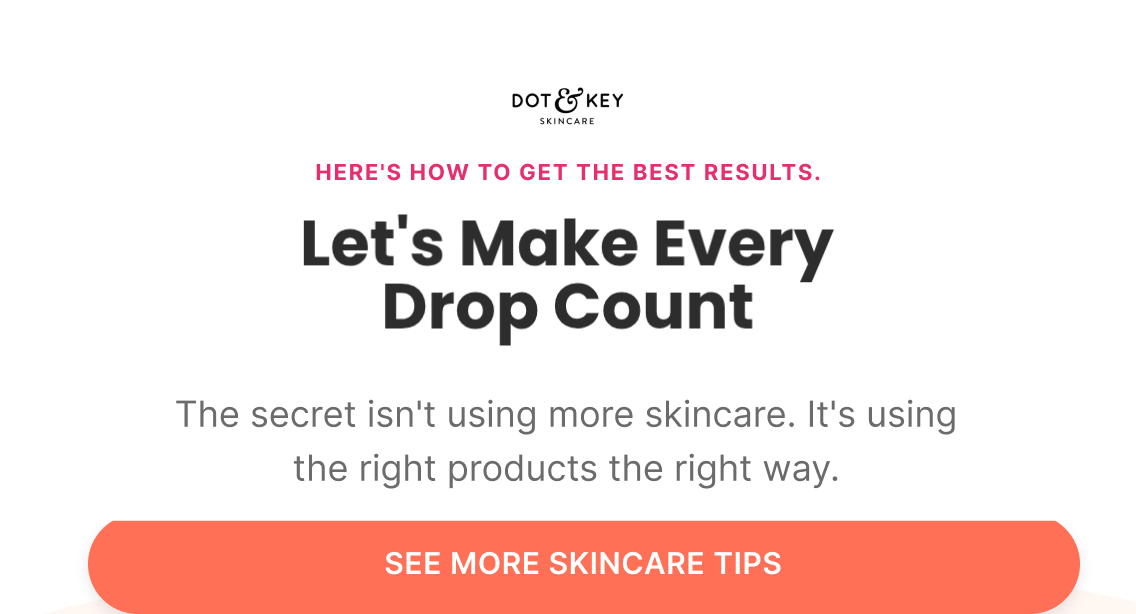
Subject: “Let's make every drop count”

Preview: “Here's how to get the best results”

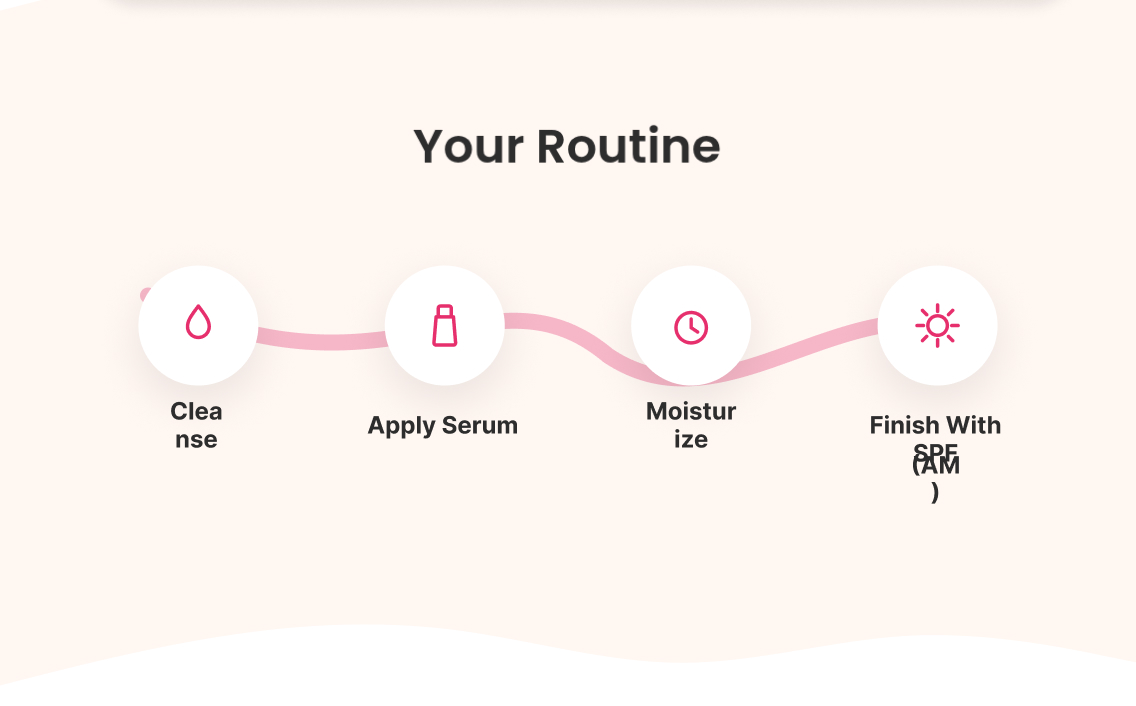
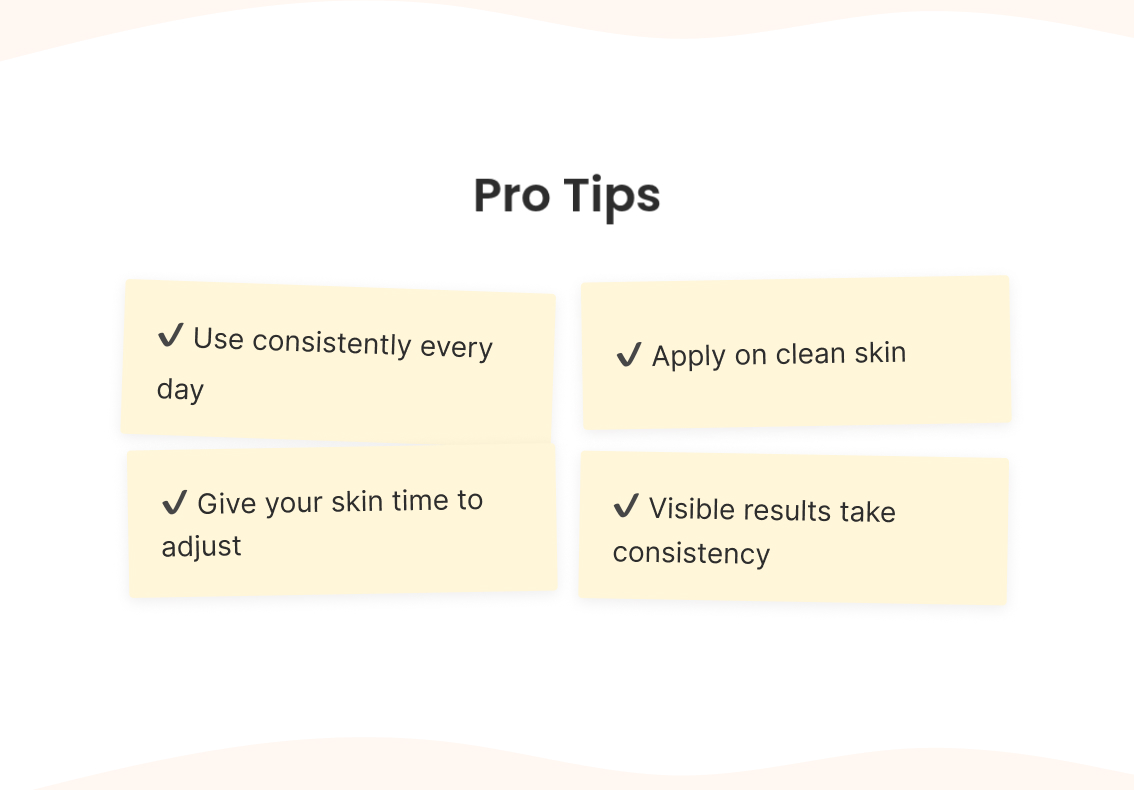
A simple 4-step routine order (Cleanse → Serum → Moisturize → SPF), with pro tips on consistency, applying to clean skin, and giving the skin time to adjust — genuinely useful, not another sales pitch.

Email 3 — More Value + Social + Community

Subject: “Small steps. Big glow.”

Preview: “How's your skin feeling?”

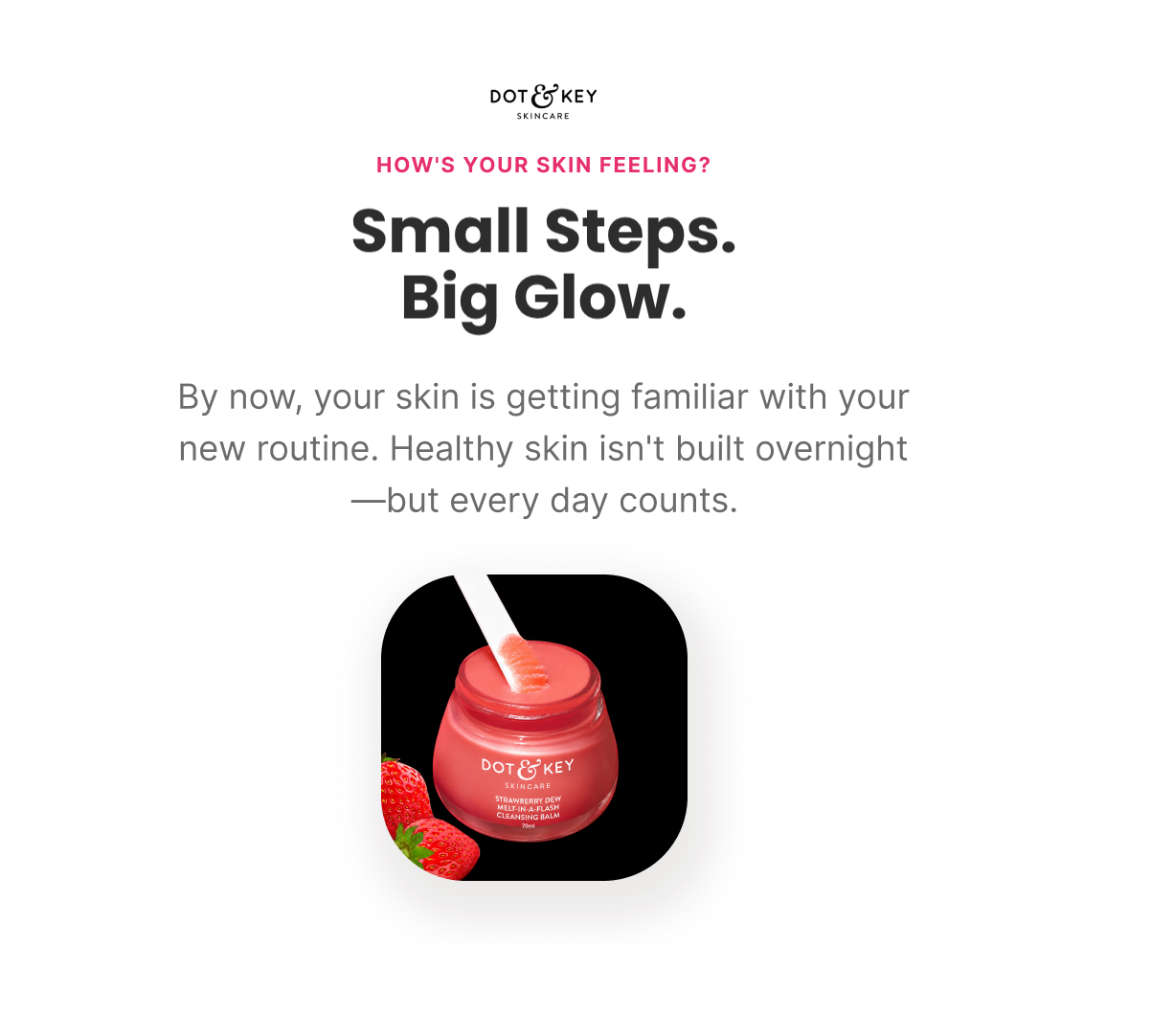
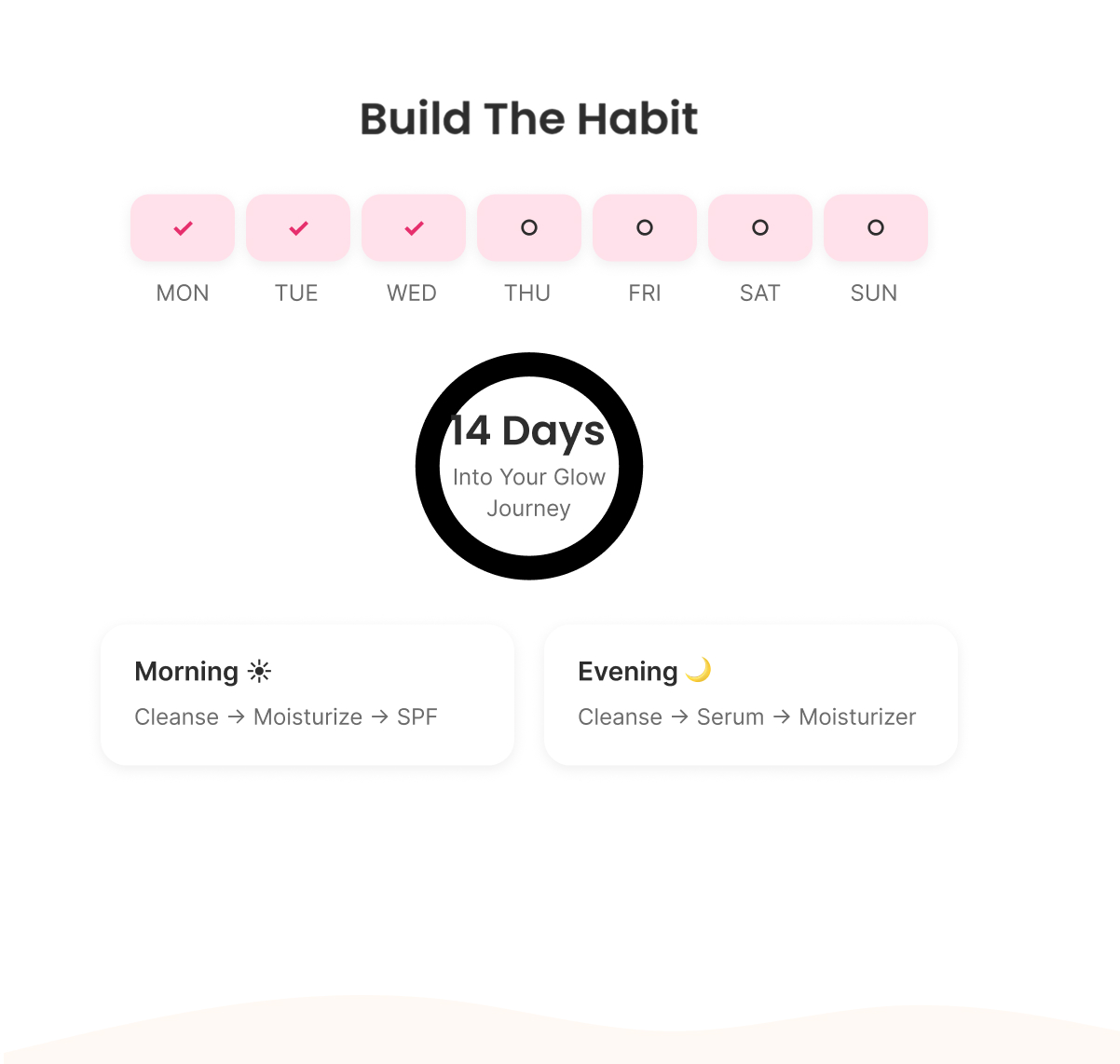
A gentle check-in on early progress (hydration, softness, glow), reinforcing that results build gradually, a simple AM/PM routine breakdown, and light community framing — the customer isn't doing this alone, thousands are following the same routine.

Email 4 — Cross Sell + Complementary Products

Subject: “Great products work even better together”

Preview: “Complete your routine”

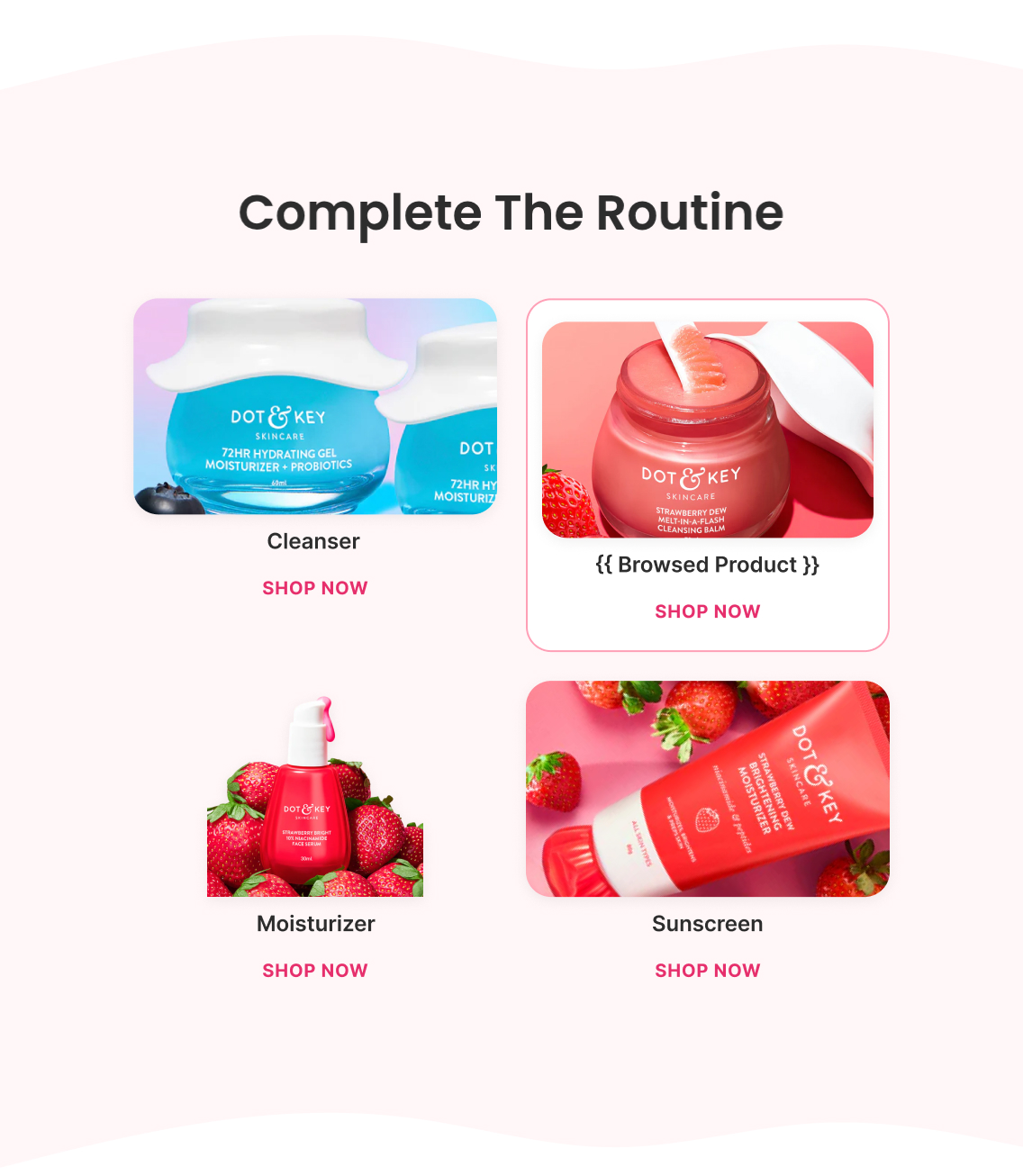
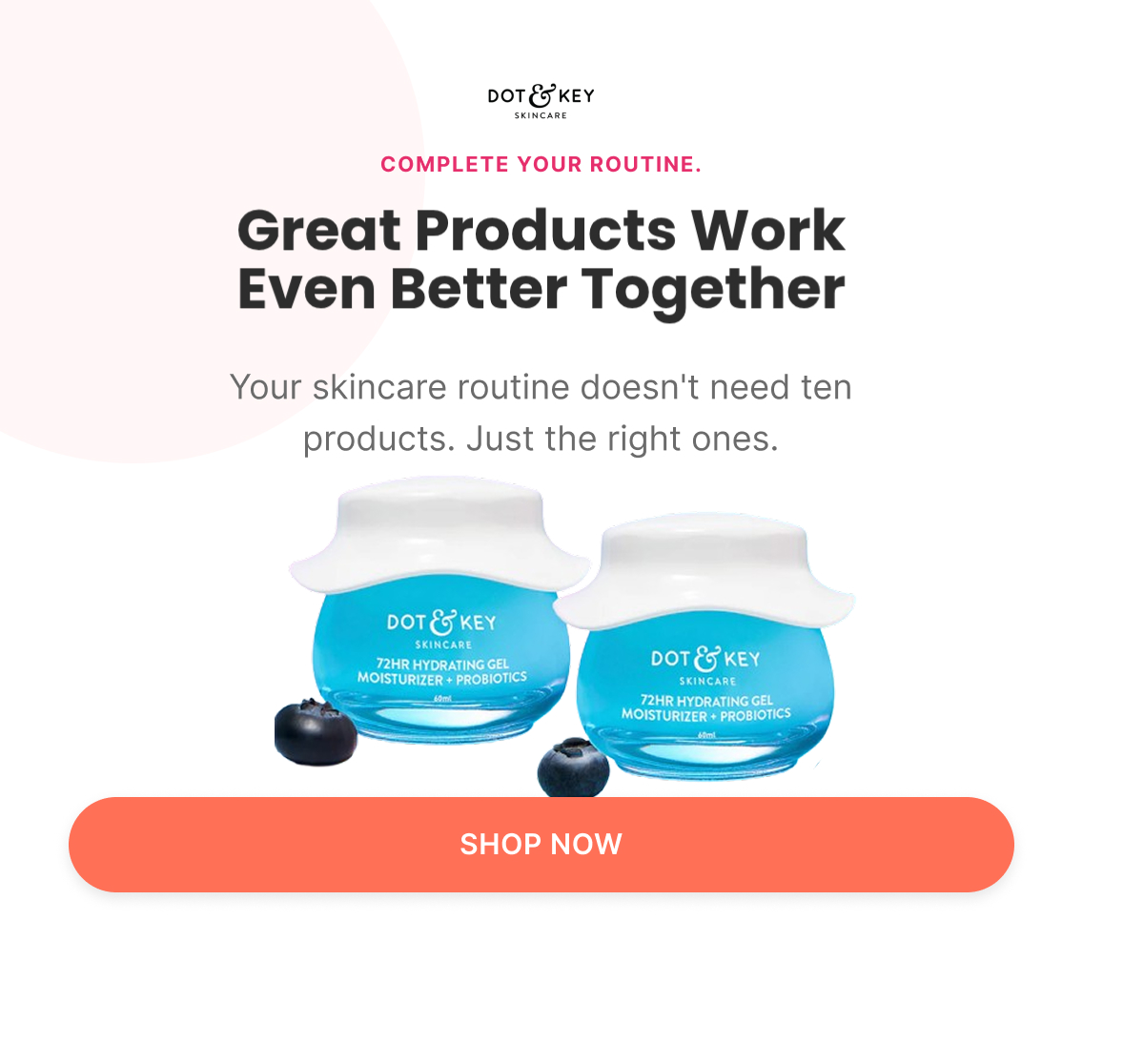
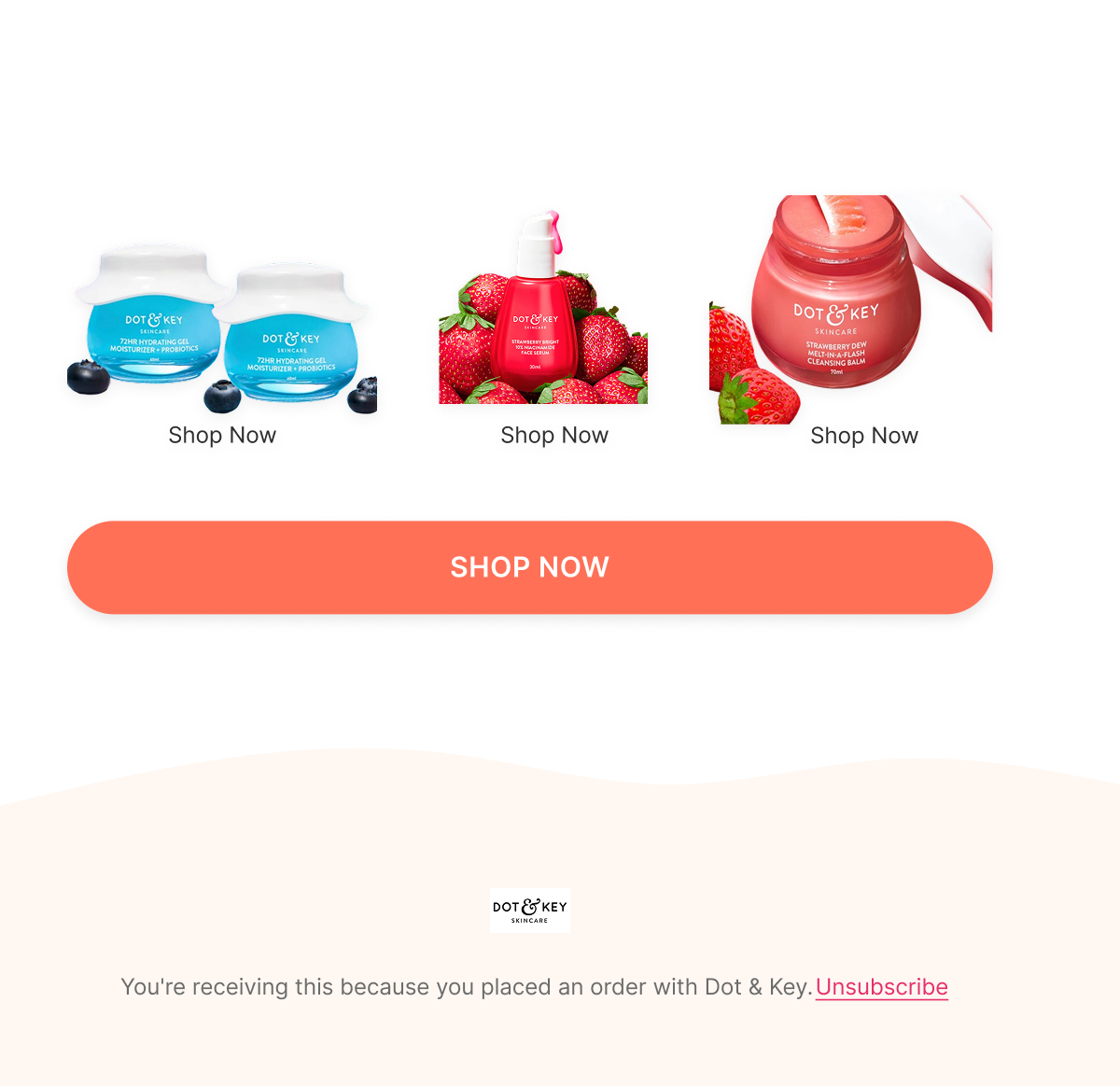
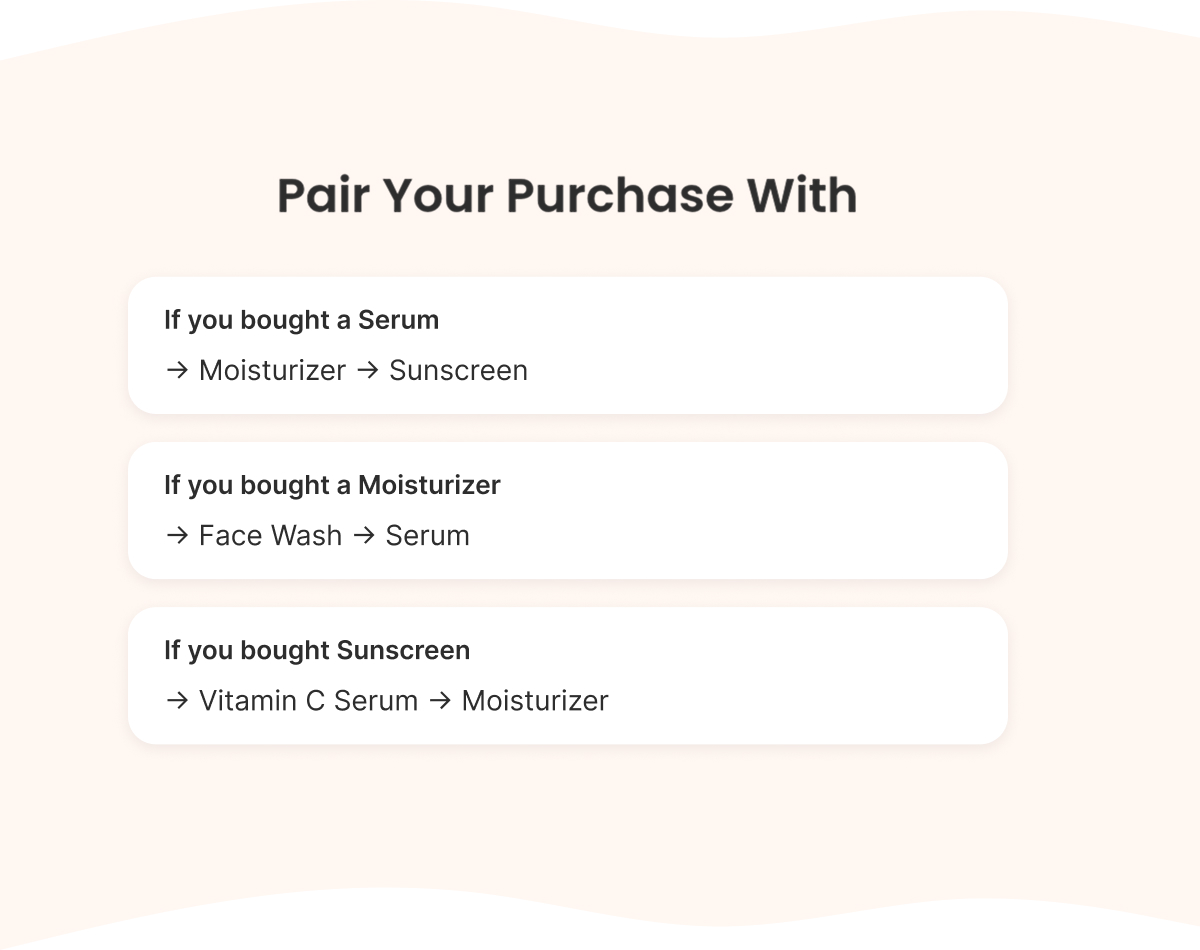
Conditional cross-sell based on what was purchased (serum → moisturizer + sunscreen; moisturizer → face wash + serum; sunscreen → Vitamin C serum + moisturizer), framed as routine-completion rather than an unrelated upsell.

Email 5 — Founder Check-In + Soft Reorder

Subject: “How's your Dot & Key routine going?”

Preview: “We'd love your feedback”

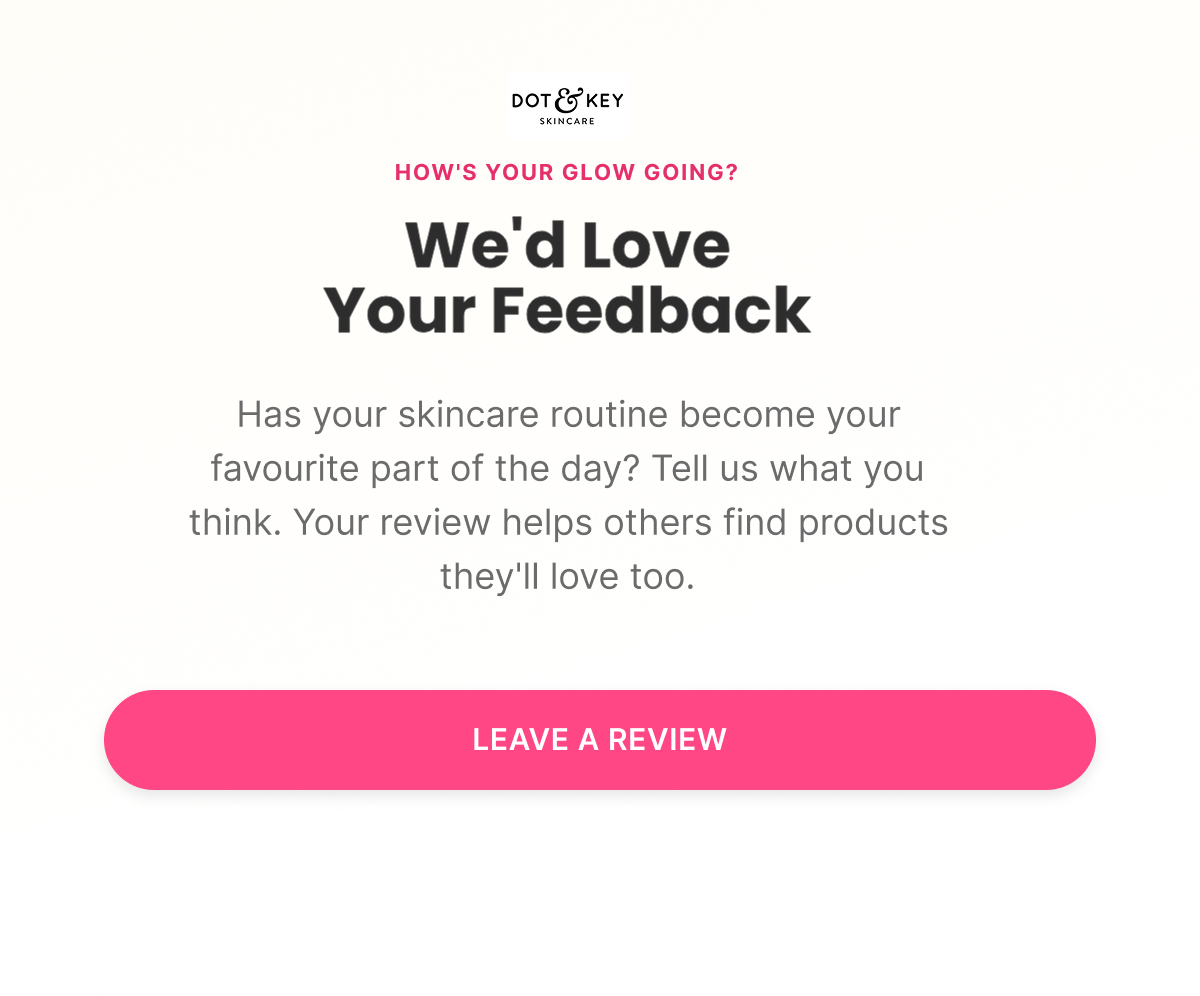
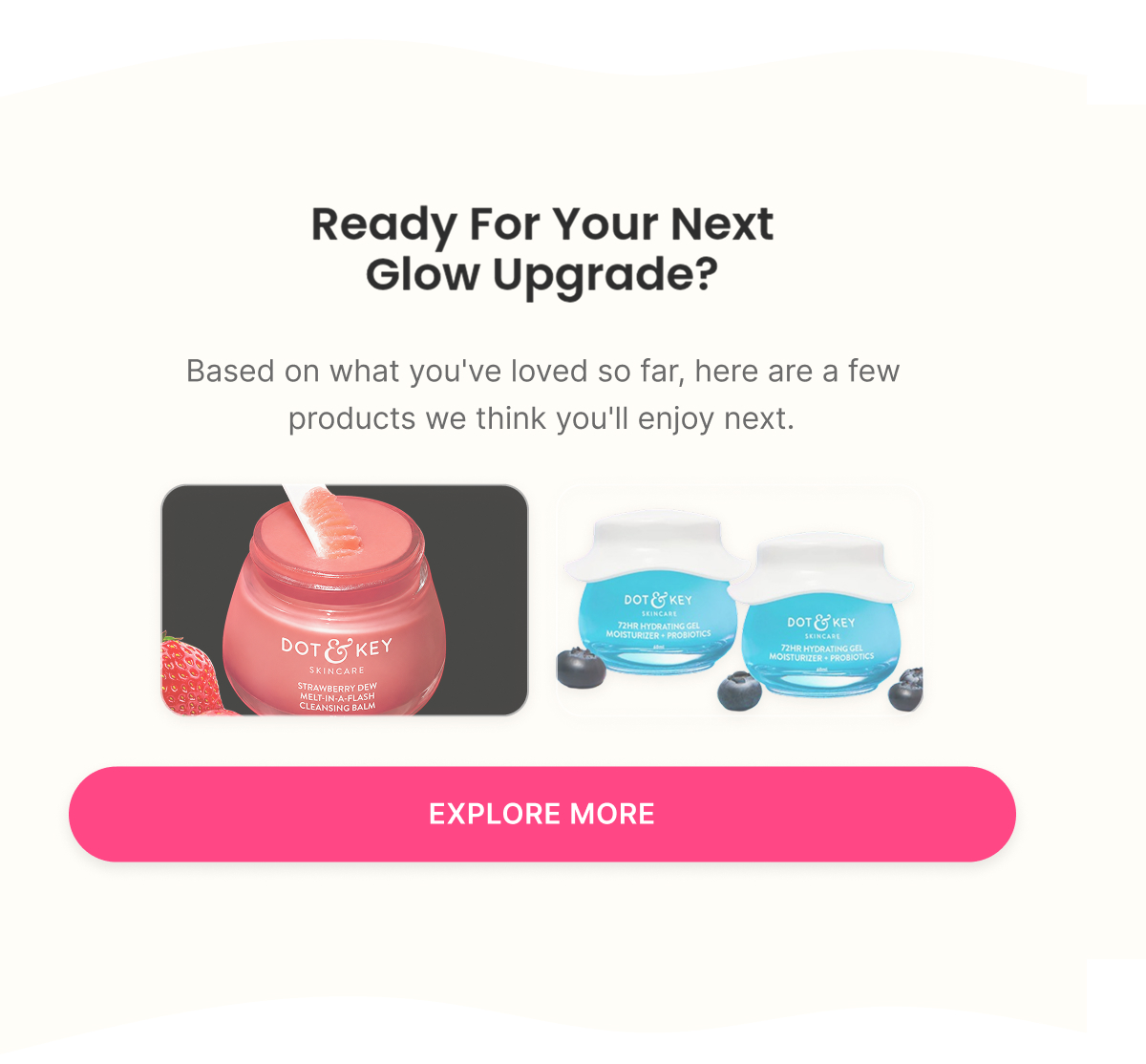
A founder-voice check-in on whether the routine has become a genuine daily habit, an invitation to leave a review, and a soft nudge toward replenishing or trying the next product based on what's already been loved — framed as "ready for your next glow upgrade," not a hard reorder push.

Klaviyo — How It Actually Works

Trigger

Placed Order

Delay

Immediate → 2-3 days post-delivery → 10-14 days → 21-30 days → 35-45 days

Flow filters

  • None — the purchase itself is the reason for the flow, so there's nothing further to check eligibility against

Re-entry

A new entry per new order, so a repeat customer experiences the relationship-building sequence again after each purchase

Conditional splits

  • What did they buy? — Email 4's cross-sell recommendation branches by product category purchased, and Email 5's "next upgrade" suggestion follows the same logic

Segments

  • Customers
  • First-time Buyers
  • Repeat Buyers

Exclusions

  • Refunded orders
  • Cancelled orders

Dynamic product blocks

  • Complementary Products
  • Frequently Bought Together
  • Personalized Recommendations

Personalisation

  • First Name
  • Purchased Product
  • Order Number
  • Loyalty Status
A/B Testing — How It Improves

Top priority tests

  • E2: product-specific usage education ("How to use your {{Product Name}}") vs. generic routine education
  • E2: usage tips vs. "3 mistakes to avoid" framing
  • E3: habit formation vs. results-focused angle
  • E4: one complementary product vs. full 4-step routine
  • E5: review-first vs. repurchase-first ordering

Primary metric

Repeat Purchase Rate + revenue per post-purchase recipient

Core logic

Optimize for satisfied customers who engage, review, and buy again — not for clicks alone.

Winback Flow

4 emails
Figma — What I Designed
Strategy — Why It Exists

Objective

Re-engage inactive customers

Flow Progression

  • Check In + Offer #1
  • Reminder + Same Offer
  • Offer #2 + New Angle
  • Last Chance + Final Reactivate

Outcome

Reconnect with inactive customers using multiple messaging angles before they become permanently inactive.

Copy — What The Customer Sees

Email 1 — Check In + Offer #1

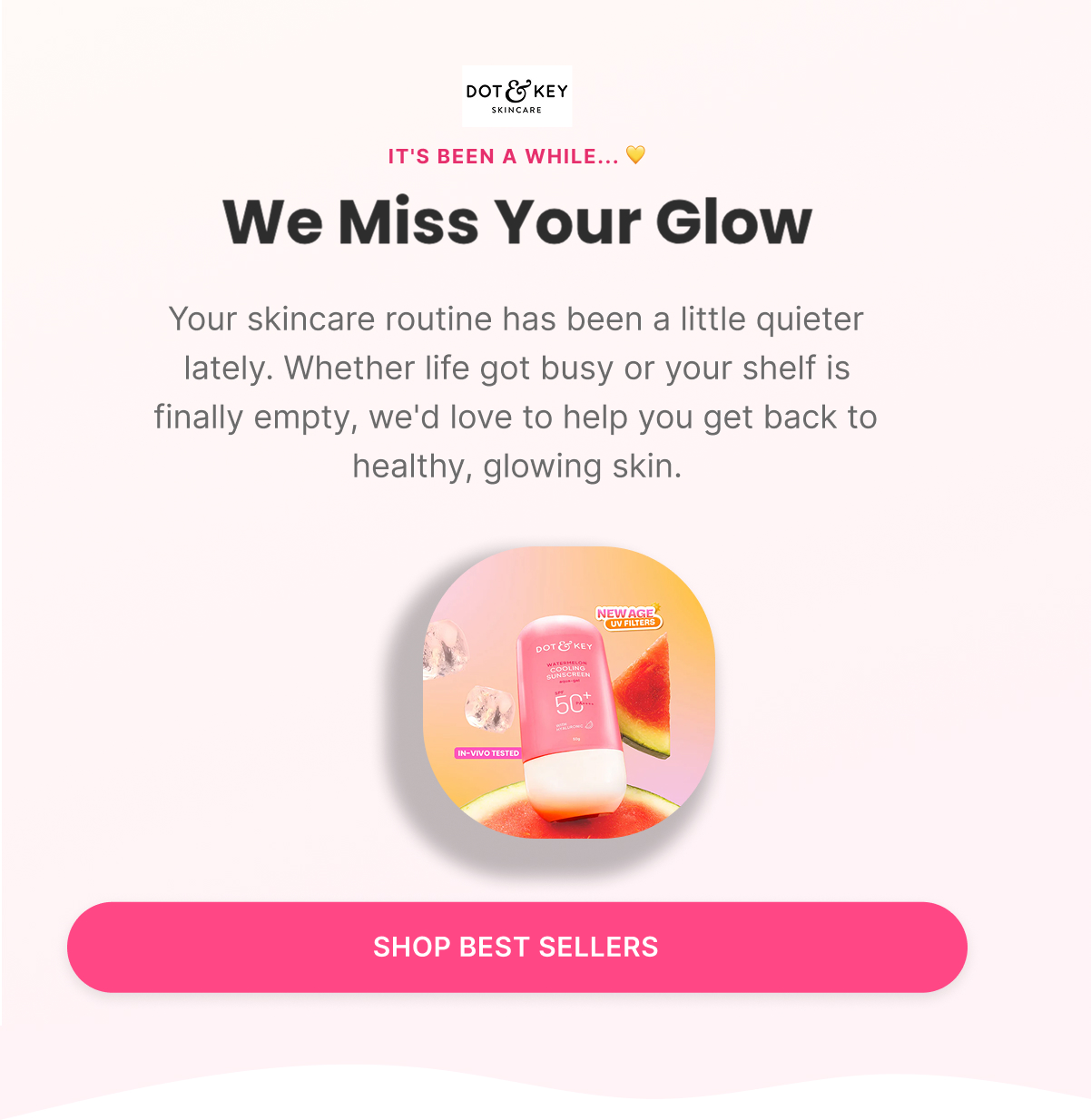
Subject: “We miss your glow”

Preview: “It's been a while...”

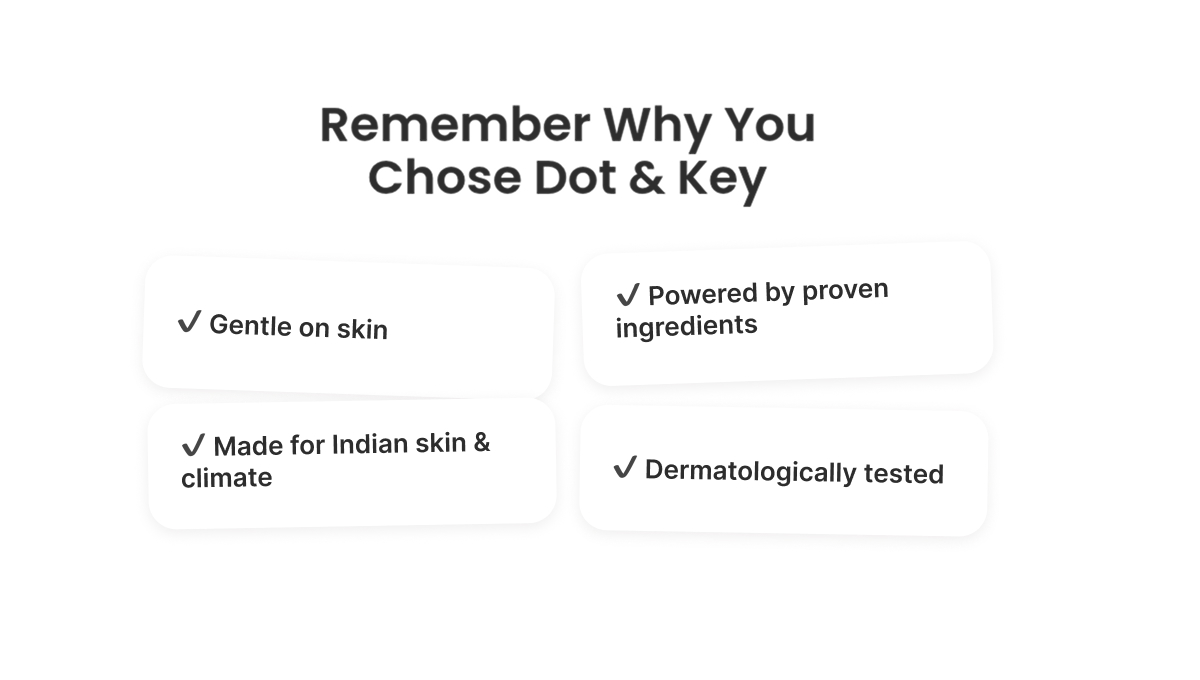
An emotional reconnection — acknowledging the routine has gone quiet, reminding them why they chose Dot & Key in the first place (gentle, ingredient-led, made for Indian skin and climate) — closing with a first, low-key reactivation code ("something to make coming back easier") rather than leading with the discount.

Email 2 — Reminder + Same Offer

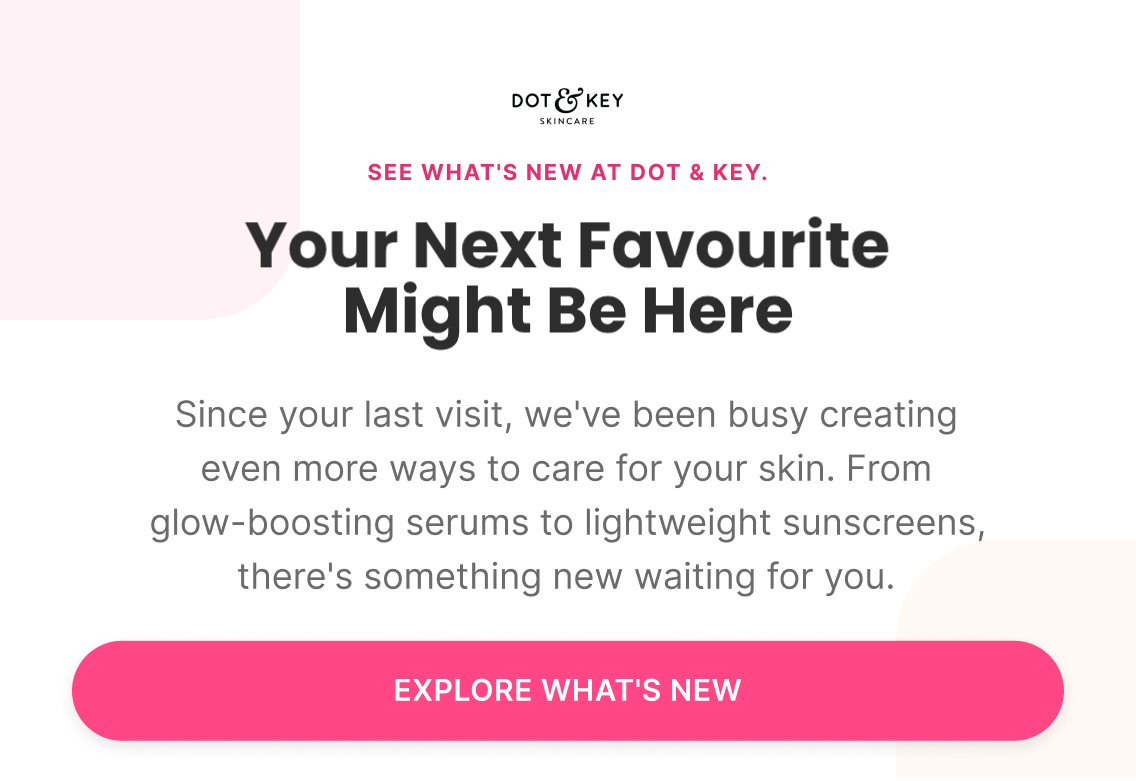
Subject: “Your next favourite might be here”

Preview: “See what's new at Dot & Key”

Curiosity-led — new launches and current best sellers since their last visit — with a simple reminder of the same reactivation code from Email 1, kept consistent rather than escalated.

Email 3 — Offer #2 + New Angle

Subject: “Because you loved…”

Preview: “Picked just for you”

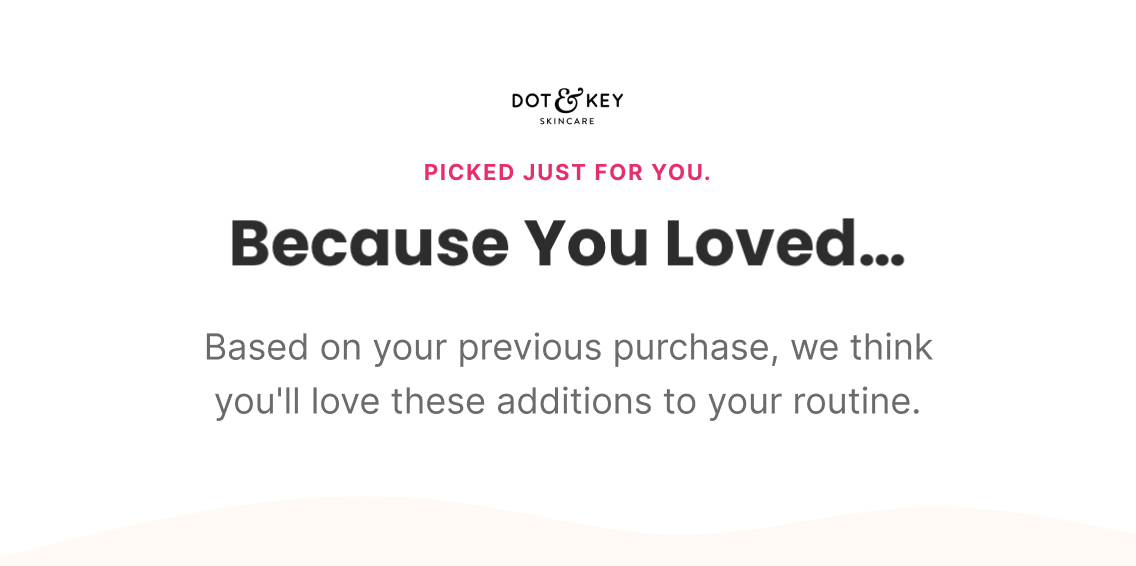
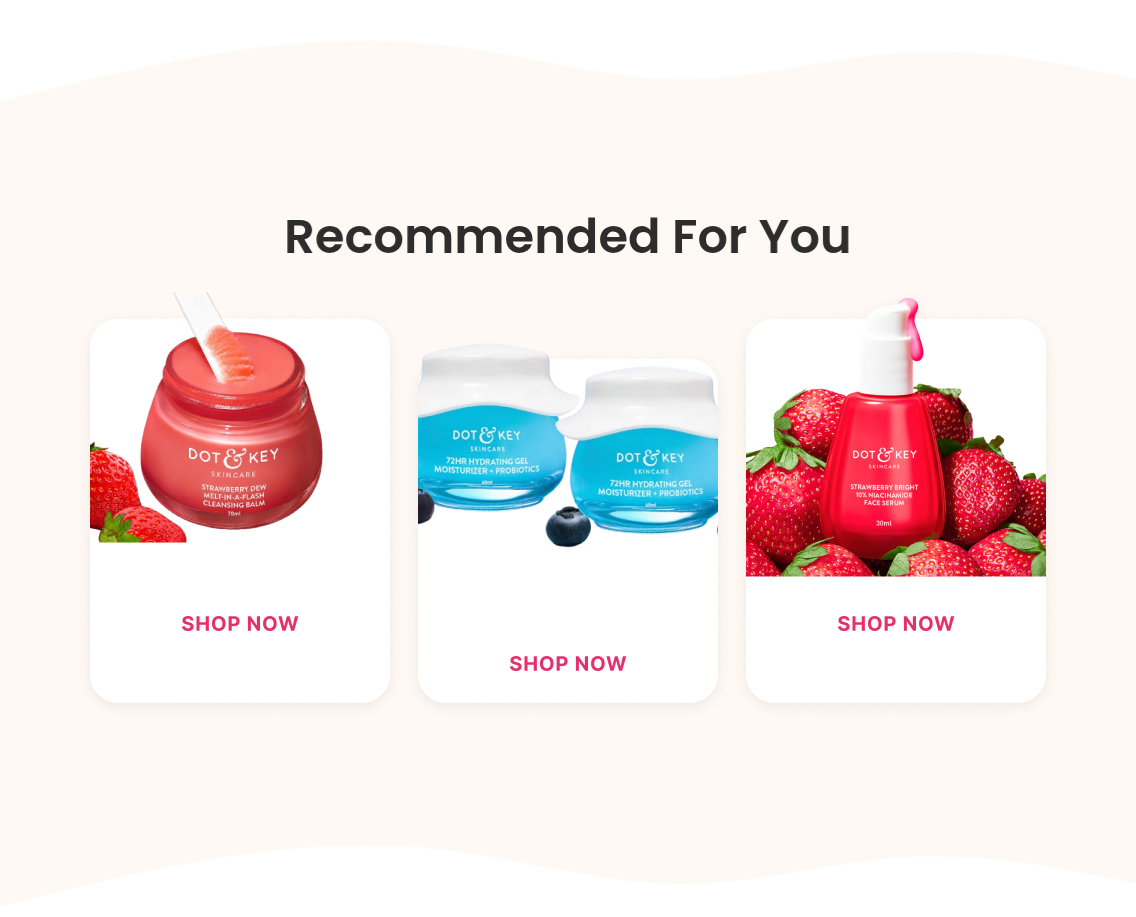
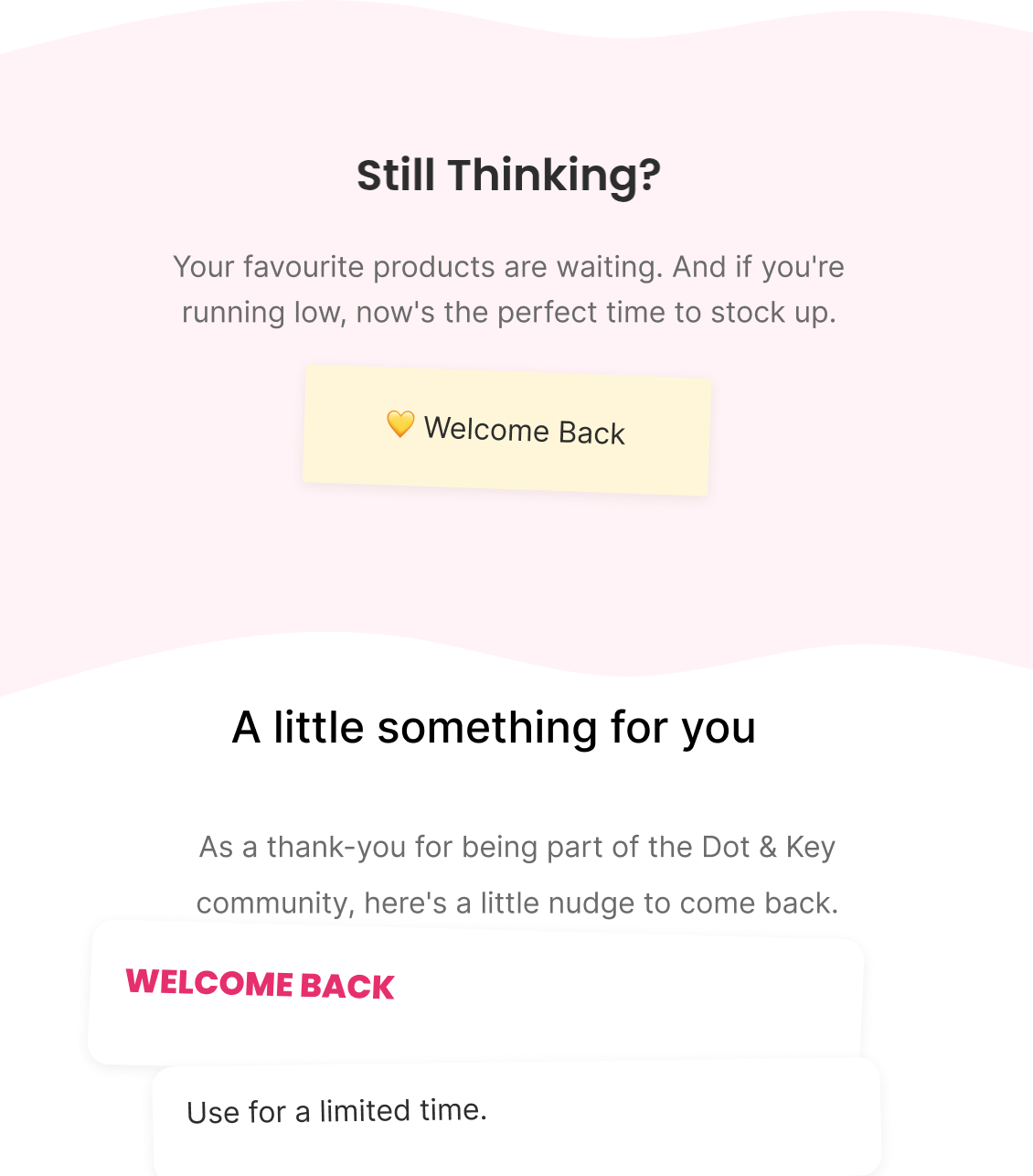
Personalized product recommendations based on their previous purchase, paired with a second, differently-angled offer tied specifically to that recommended product — a product-specific incentive rather than a repeat of the storewide code, giving them a fresh reason rather than the same one twice.

Email 4 — Last Chance + Final Reactivate

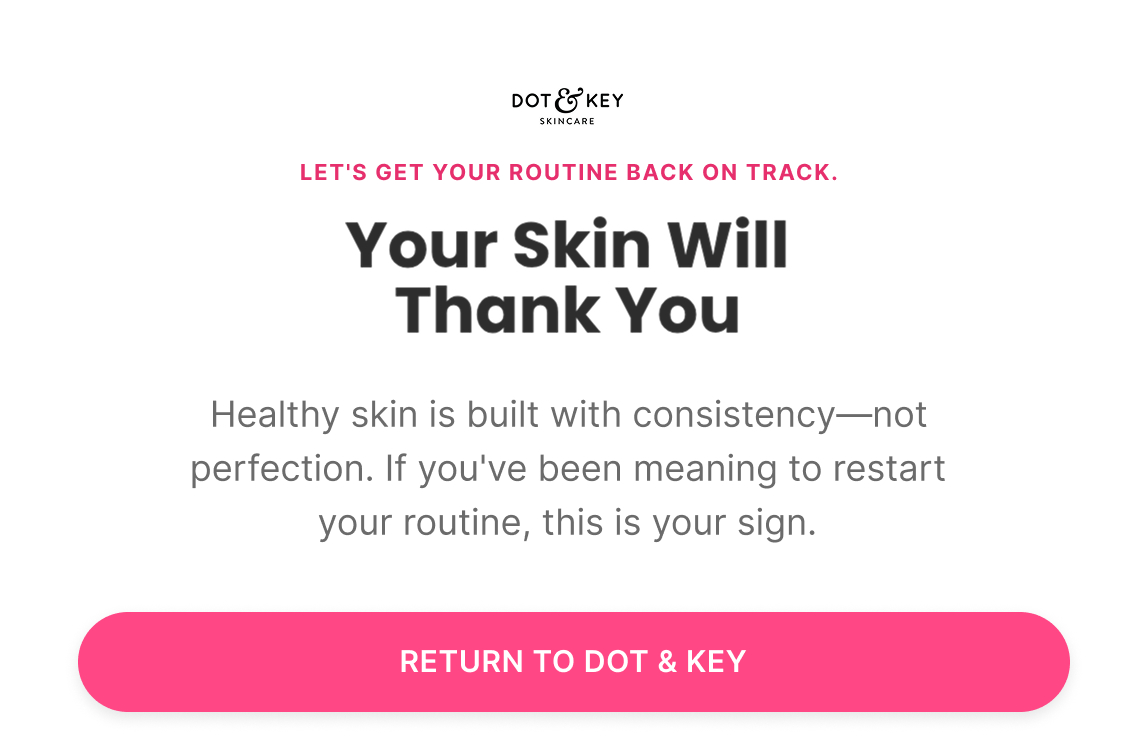
Subject: “Your skin will thank you”

Preview: “Let's get your routine back on track”

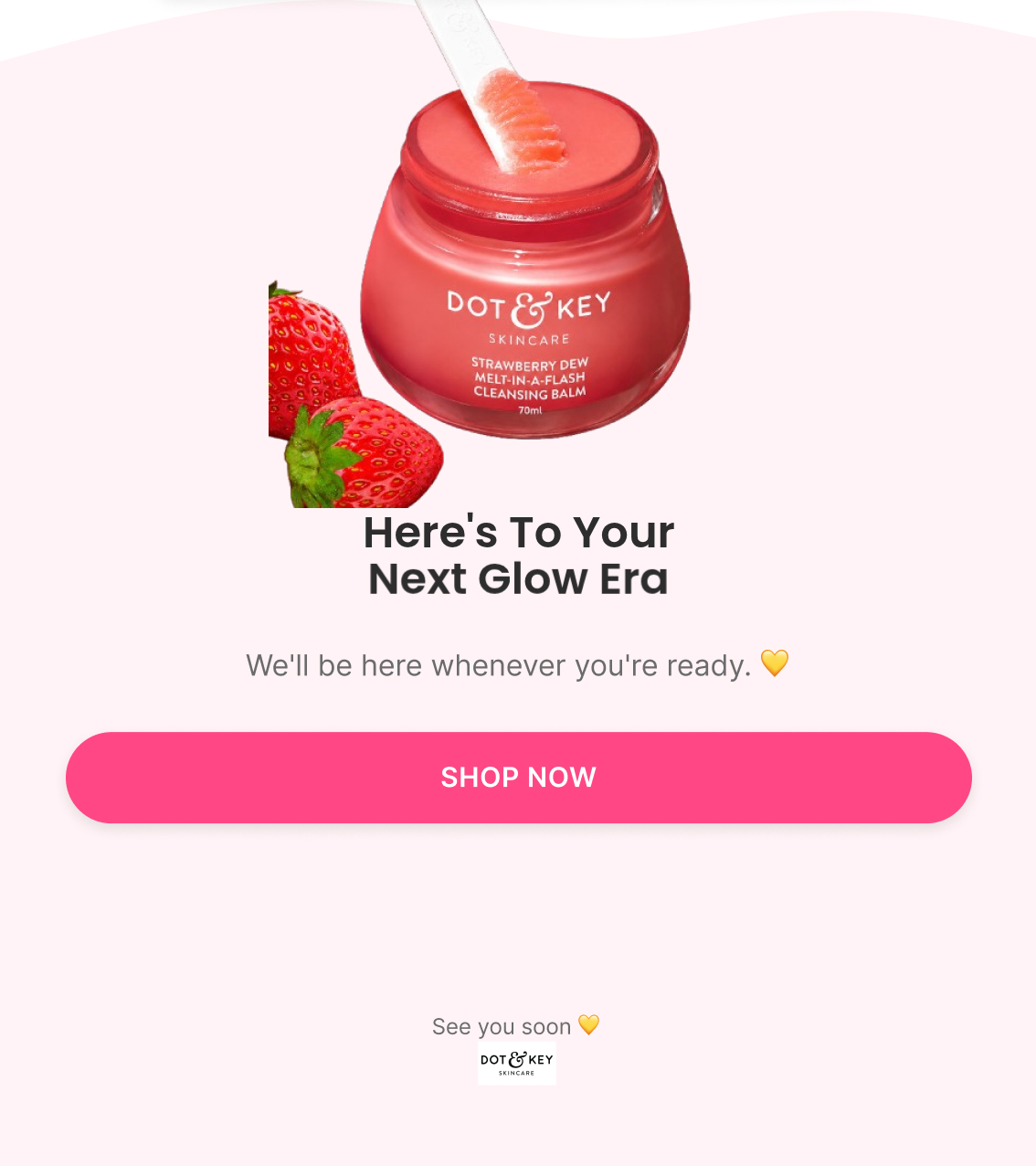
Final, direct urgency on the Email 3 offer specifically — "still thinking?" framing, a reminder that consistency (not perfection) is what rebuilds results, and one last clear CTA before the flow ends.

Klaviyo — How It Actually Works

Trigger

Last order reaches roughly 60 days old (approximately 2x the average buying cycle)

Delay

Day 0 → Day 3 → Day 7 → Day 10

Flow filters

  • Removed if a new purchase happens since entering — the moment they buy again, the reactivation goal is achieved and further winback messaging is no longer relevant

Re-entry

Not applicable within the same lapse period — a customer only needs to go through one winback attempt per period of inactivity

Conditional splits

  • Previous product/category purchased — Email 3's recommendation and Email 3-4's offer angle both branch off what they bought before

Segments

  • Lapsed Customers

Exclusions

  • Recent purchasers
  • Suppressed profiles

Dynamic product blocks

  • Previously Purchased Collection
  • New Arrivals
  • Personalized Recommendations

Personalisation

  • First Name
  • Last Purchased Product
  • Days Since Last Purchase
A/B Testing — How It Improves

Top priority tests

  • Offer type: % off vs. ₹ off vs. store credit vs. BOGO vs. free gift — highest-priority test in this flow
  • E1: offer-first vs. emotional reconnection framing
  • E3: if the first offer didn't convert, try a completely different offer (not the same discount reworded)
  • E4 final urgency framing on the second offer specifically
  • Segment by one-time buyer / repeat buyer / high-LTV — reactivation value differs by segment

Primary metric

Reactivation rate + revenue per recipient

Timing rule

Average time to repeat purchase × 3 = Win-Back entry point — establish the lapse window before testing send-day variations.

Sunset Flow

2 emails
Figma — What I Designed
Strategy — Why It Exists

Objective

Make one final attempt before suppressing inactive subscribers

Flow Progression

  • Stay With Us? + Re-engagement
  • Suppression + Remove Inactive

Outcome

Give inactive subscribers one final opportunity to re-engage before removing them from future marketing communications.

Copy — What The Customer Sees

Email 1 — Stay With Us? + Re-engagement

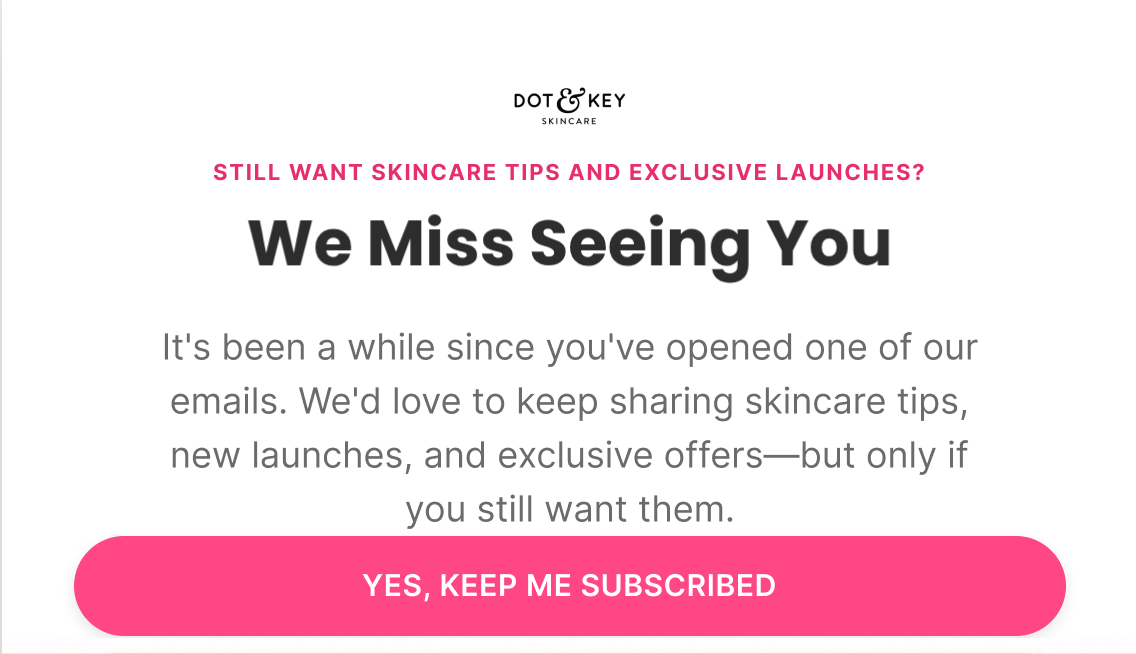
Subject: “We miss seeing you”

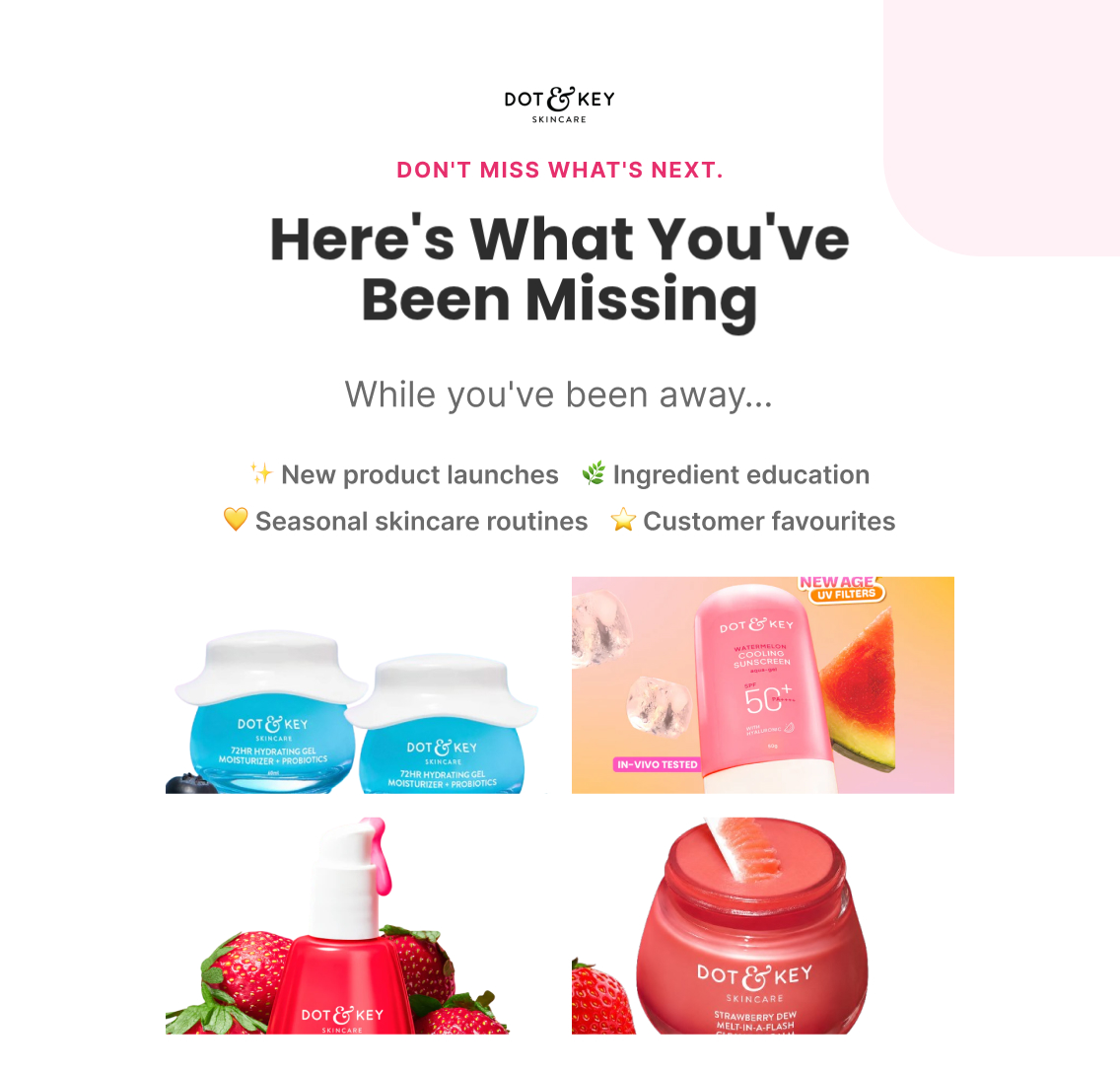
Preview: “Still want skincare tips and exclusive launches?”

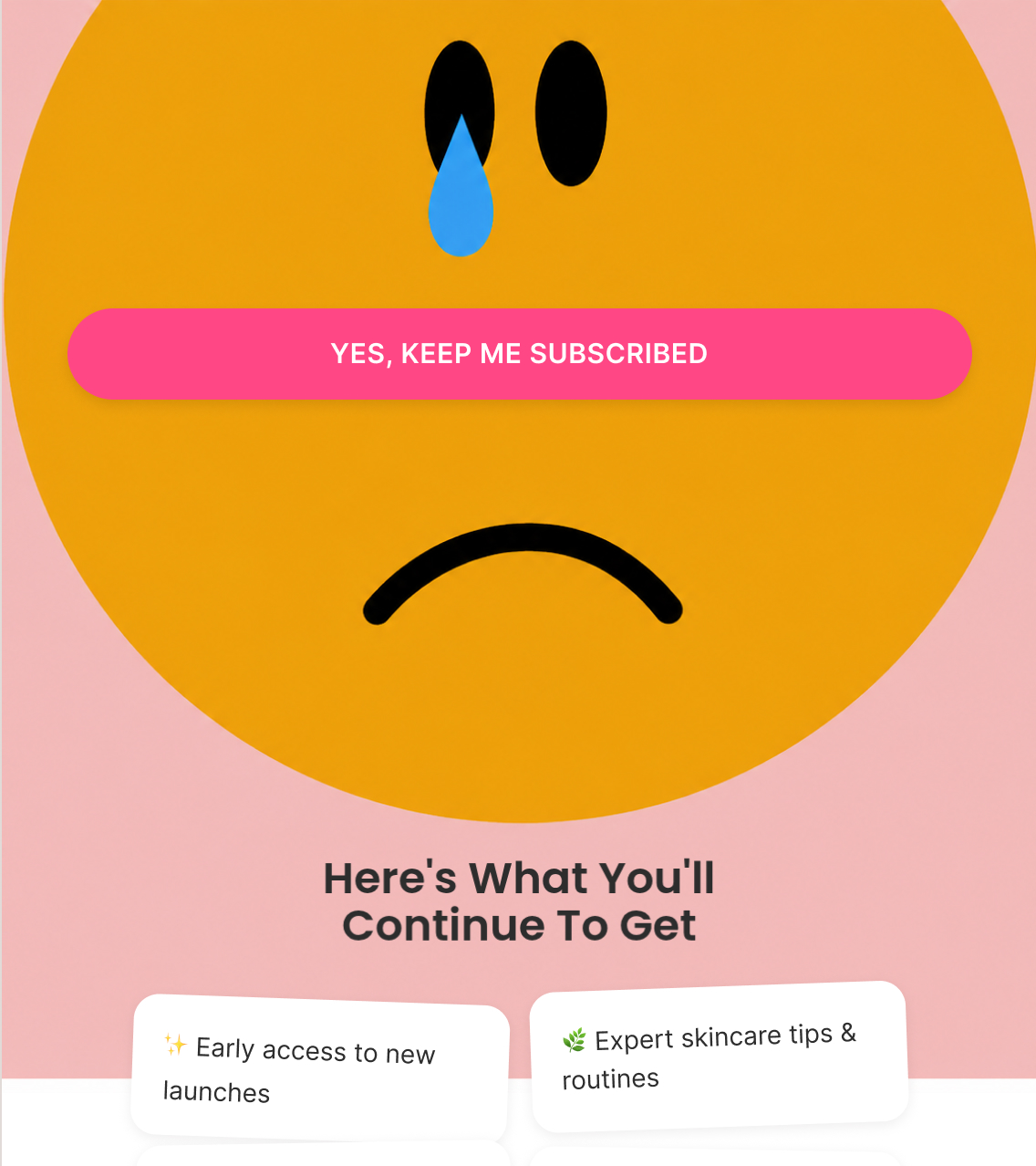
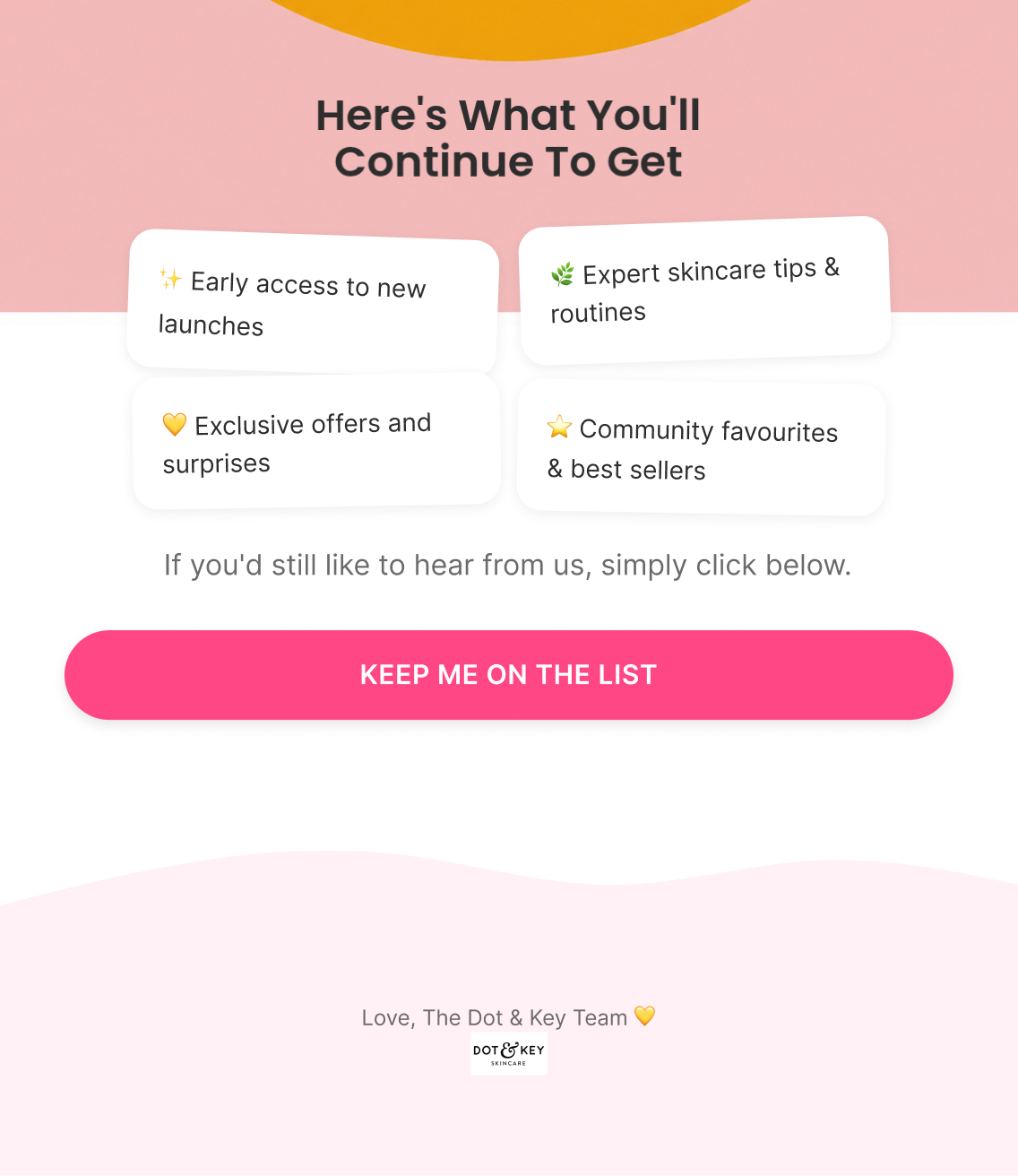
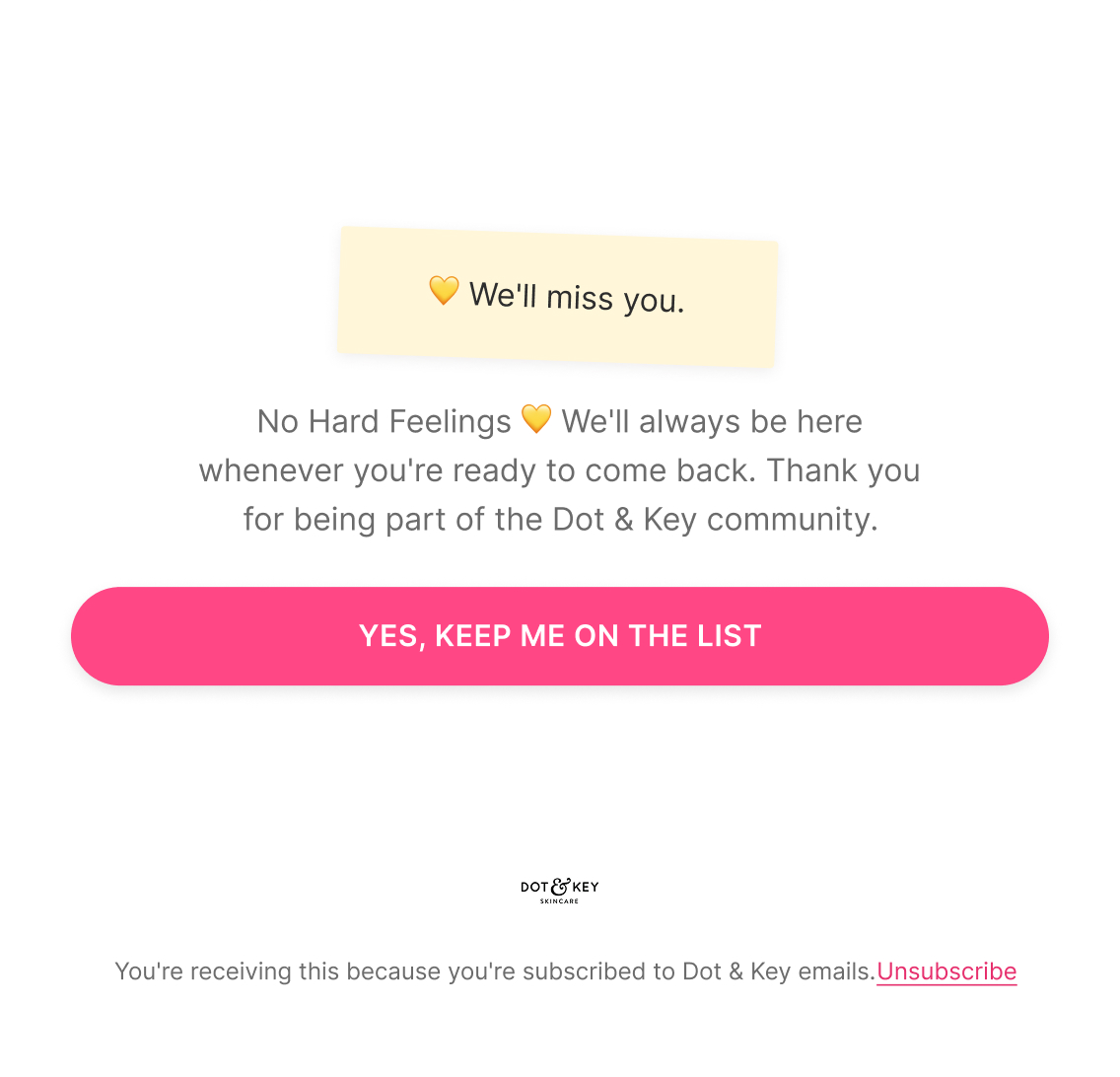
A direct, low-guilt permission check — "we'd love to keep sharing tips, new launches, and offers, but only if you still want them" — paired with a clear list of what staying subscribed continues to include (early access, expert tips, exclusive offers, community favourites), closing on a single "Keep Me On The List" action.

Email 2 — Suppression + Remove Inactive

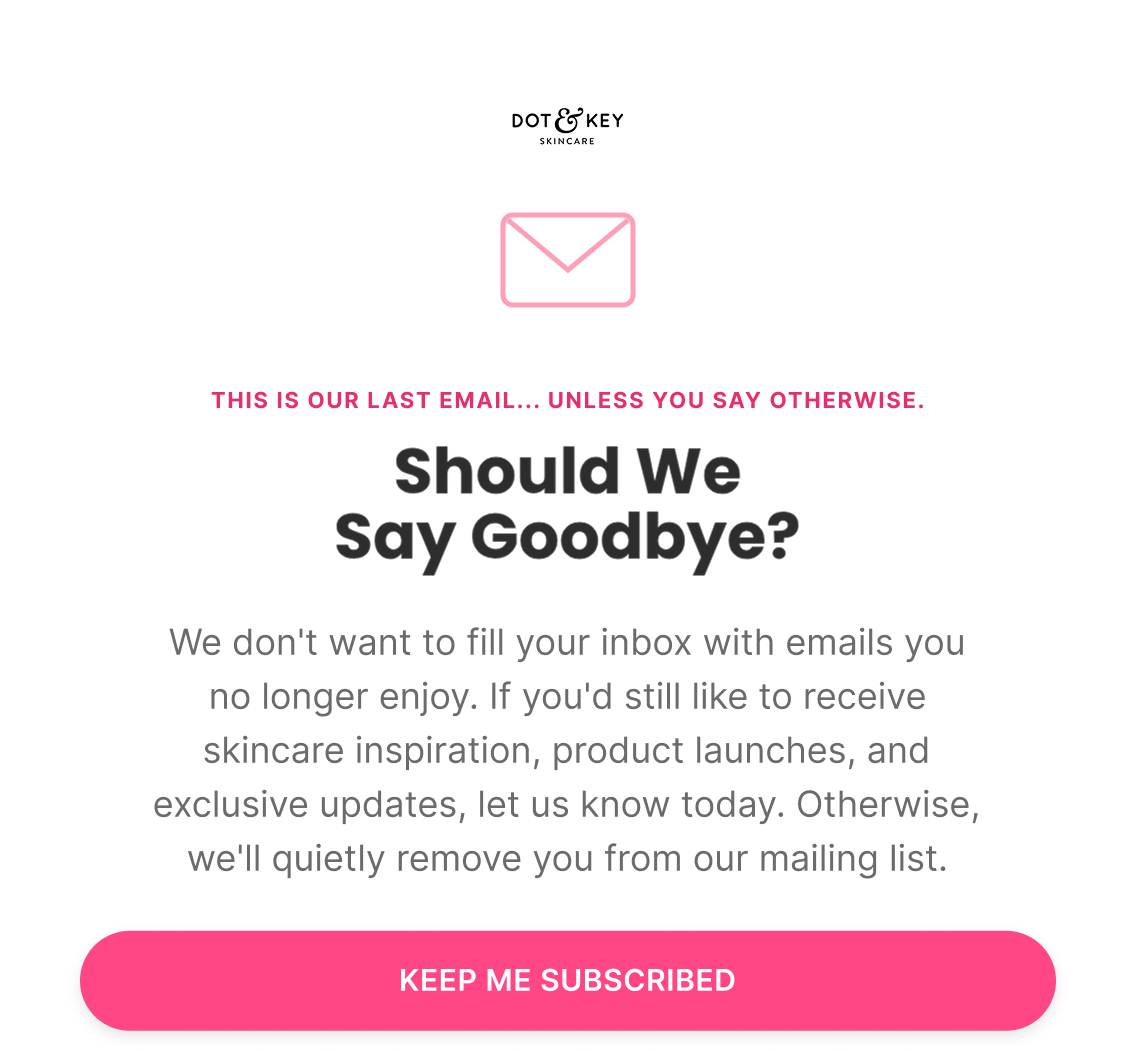
Subject: “Should we say goodbye?”

Preview: “This is our last email... unless you say otherwise”

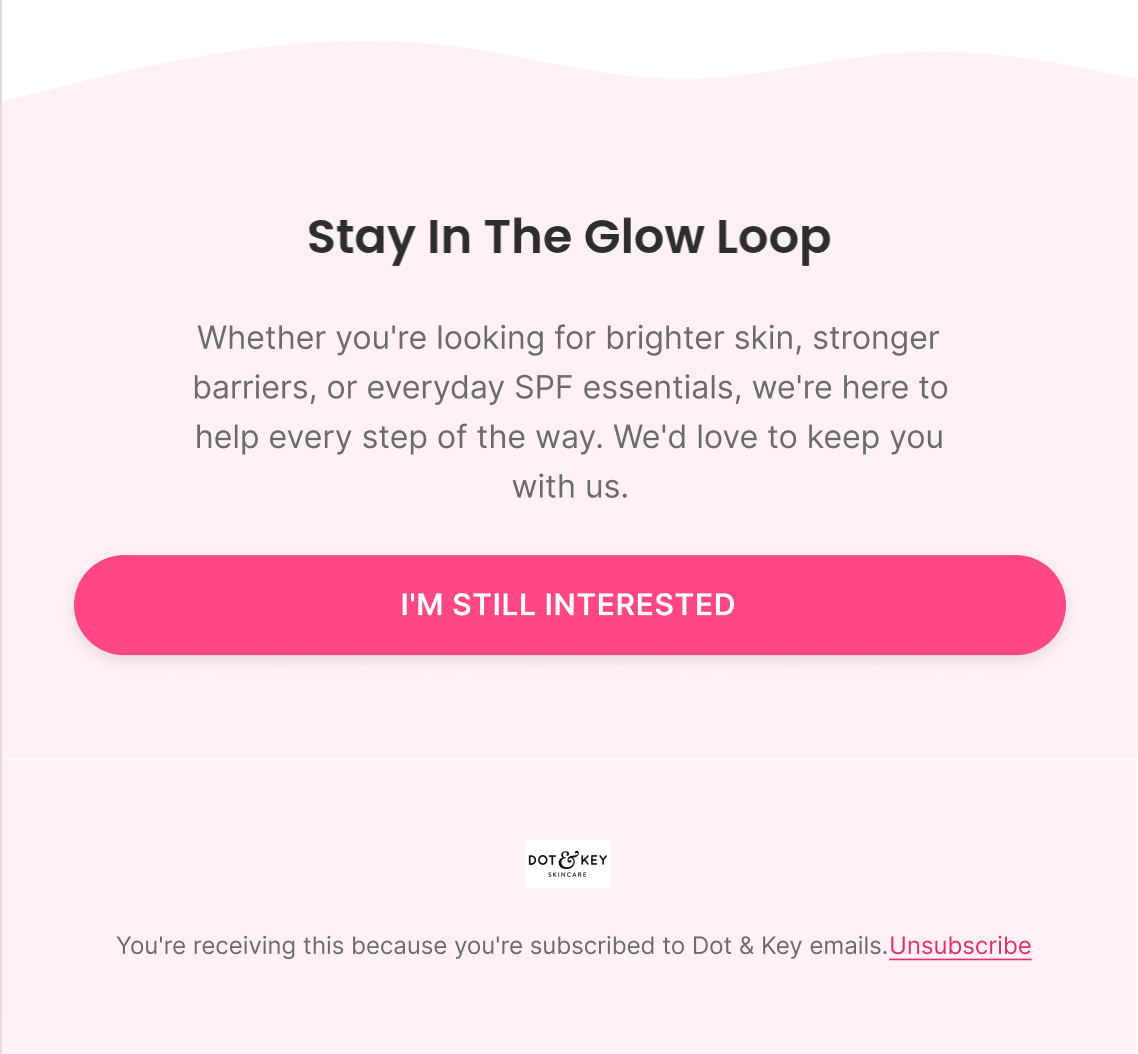
The final notice before suppression — clearly states that without a response, they'll be quietly removed from future sends, framed with "no hard feelings" rather than a guilt-driven last-chance discount. This email is itself the suppression trigger, sent to the still-subscribed profile before removal — not a message sent after suppression, which wouldn't reach anyone.

Klaviyo — How It Actually Works

Trigger

No email open in 120 days

Delay

Day 0 → Day 7-10

Flow filters

  • None — the point of this flow is engagement decay itself, not a behavioral progression to check against

Re-entry

Not applicable — once suppressed, the profile exits future sunset cycles

Segments

  • Inactive Subscribers

Exclusions

  • Recent purchasers
  • Active engaged subscribers

Dynamic product blocks

  • Best Sellers
  • New Products

Personalisation

  • First Name

Exit logic

  • Anyone who clicks "Keep Me On The List" on either email exits the flow immediately and re-enters standard sending
A/B Testing — How It Improves

Top priority tests

  • E1-only vs. multi-email Sunset — flow-architecture test, not a copy test
  • Permission-first ("Do You Still Want To Hear From Us?") vs. value-first E1
  • Explicit removal ("We're Removing You From Our List") vs. softer final notice in E2
  • What counts as "saved": CTA click vs. open vs. click+subsequent engagement
  • One CTA ("Keep Me Subscribed") vs. two explicit choices (subscribe / unsubscribe)

Primary metric

Re-engagement rate + suppression rate — not clicks alone

Note

The winner isn't the version with the most clicks — it's the version that keeps genuinely interested subscribers and confidently suppresses the rest.

Review Request Flow

2 emails
Figma — What I Designed
Strategy — Why It Exists

Objective

Collect authentic customer reviews once there's been enough time to actually form an opinion, without relying on an incentive to get there.

Flow Progression

  • Gratitude Request + Product Recap
  • Community Reminder + Final Ask

Outcome

Higher-quality, more detailed reviews than an incentivized or too-early request would produce, while reinforcing that feedback genuinely shapes the brand rather than existing as a formality.

Copy — What The Customer Sees

Email 1 — Gratitude Request + Product Recap

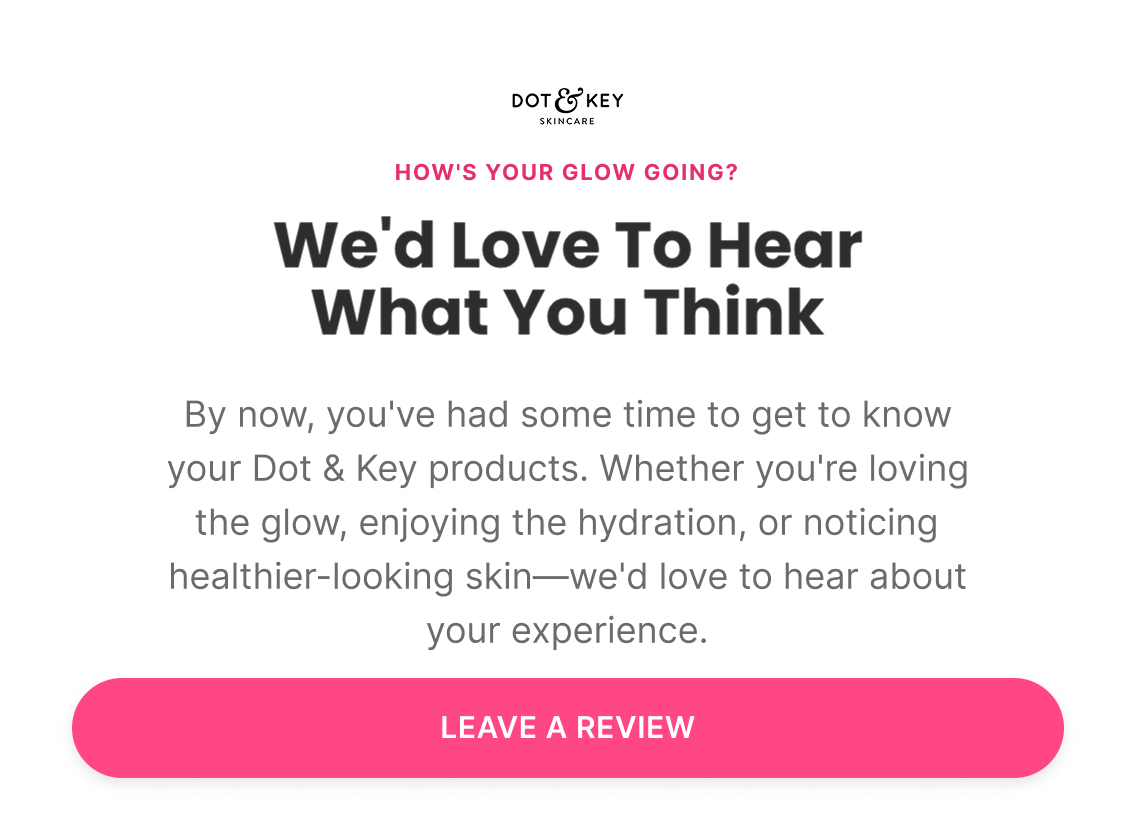
Subject: “We'd love to hear what you think”

Preview: “How's your glow going?”

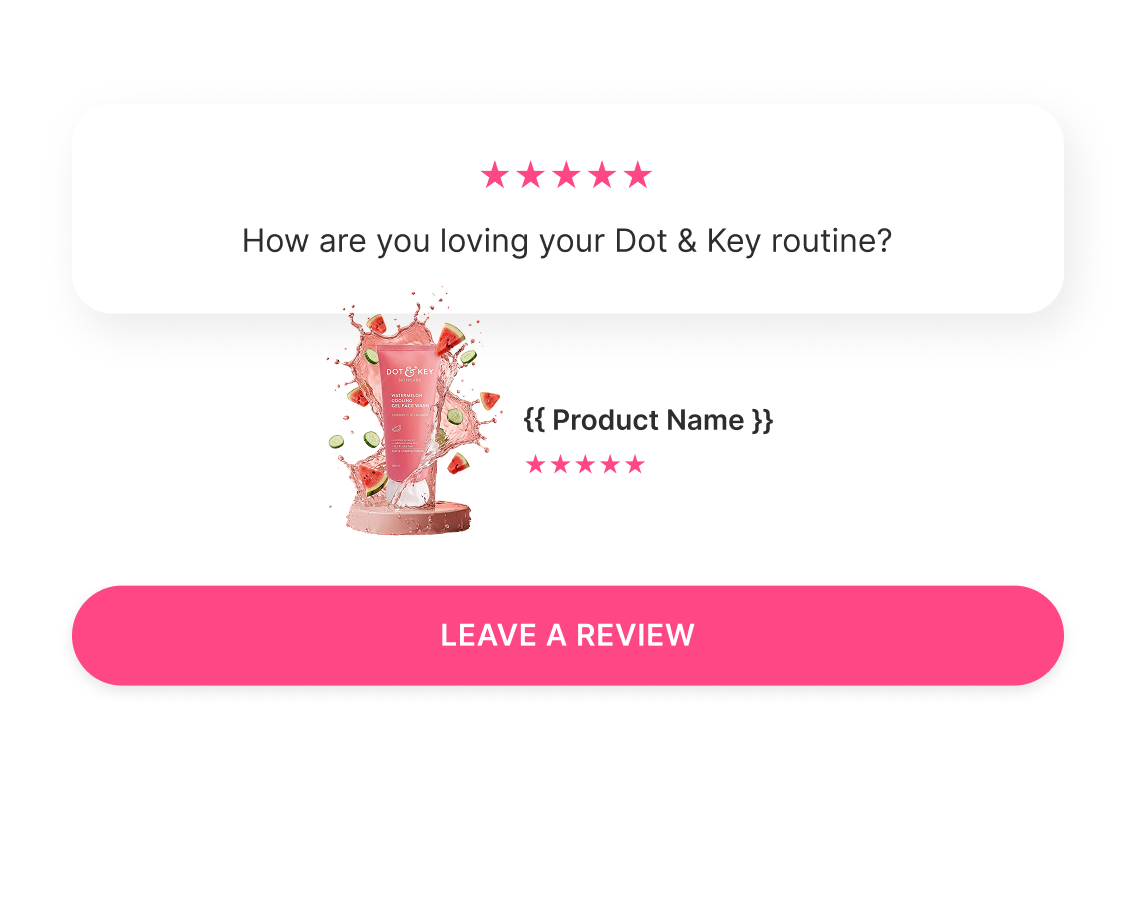
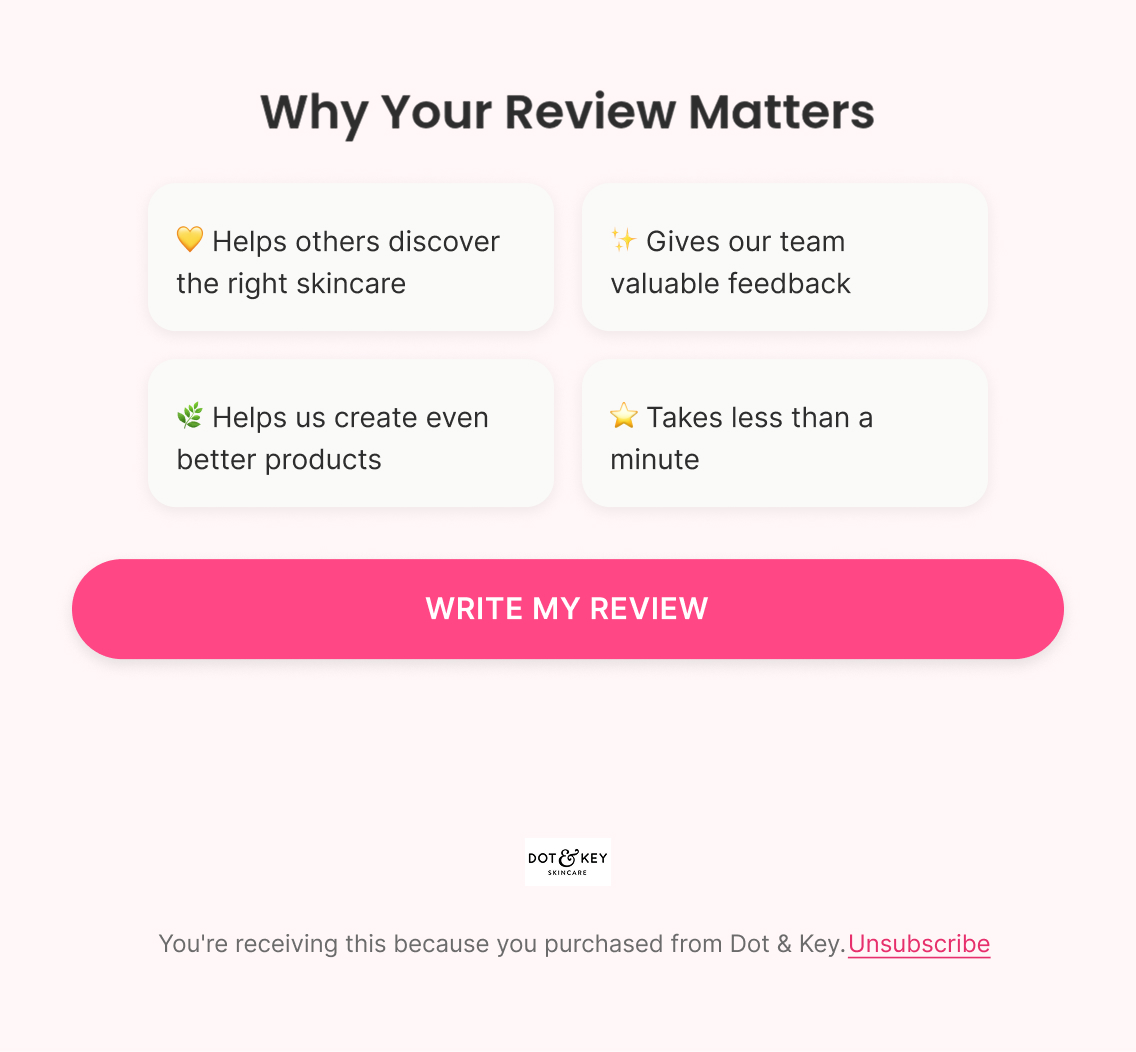
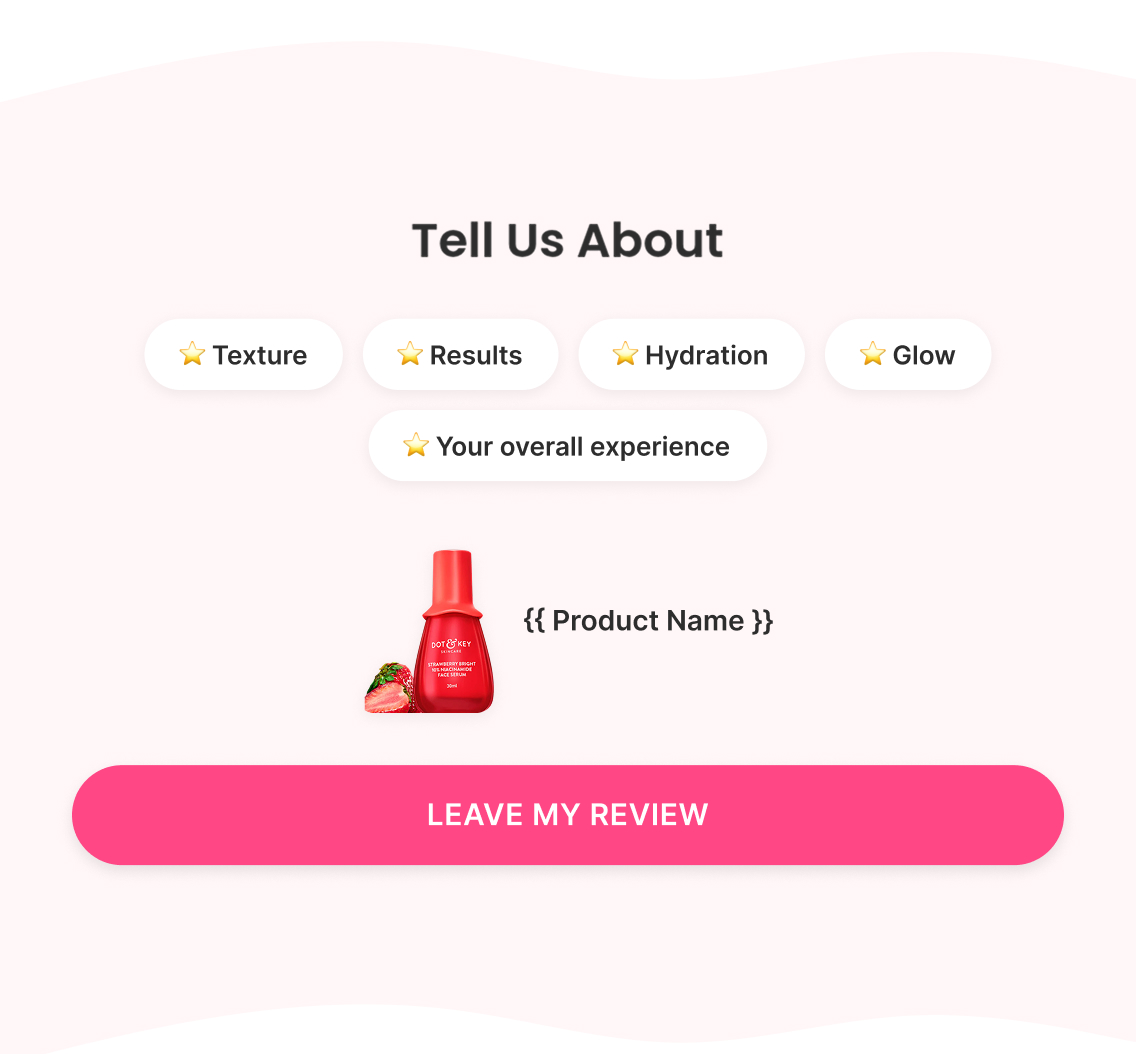
Warm, gratitude-led ask — no discount attached to the request, since a bought review is a weaker asset than an honest one. Recaps the exact product purchased ({{ Product Image }}, {{ Product Name }}, star rating), explains simply why the review matters (helps others choose the right skincare, gives the team real feedback, helps improve future products), and closes on a single "Write My Review" CTA.

Email 2 — Community Reminder + Final Ask

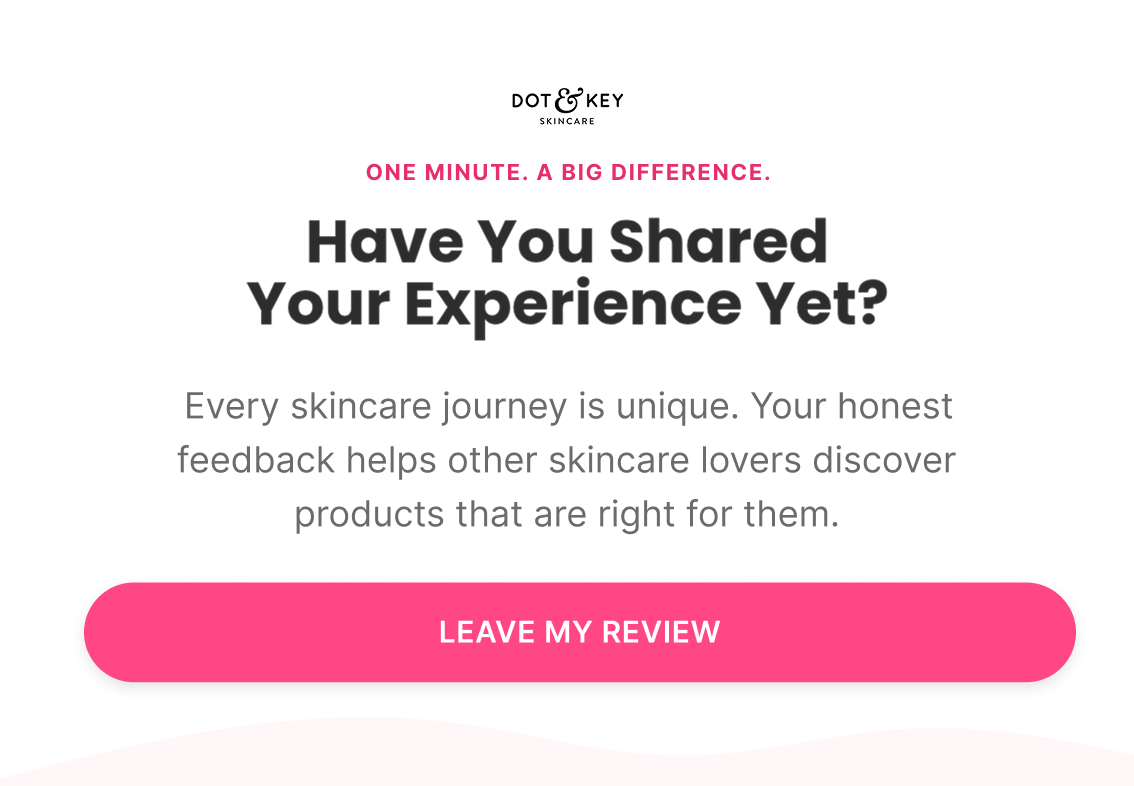
Subject: “Have you shared your experience yet?”

Preview: “One minute. A big difference.”

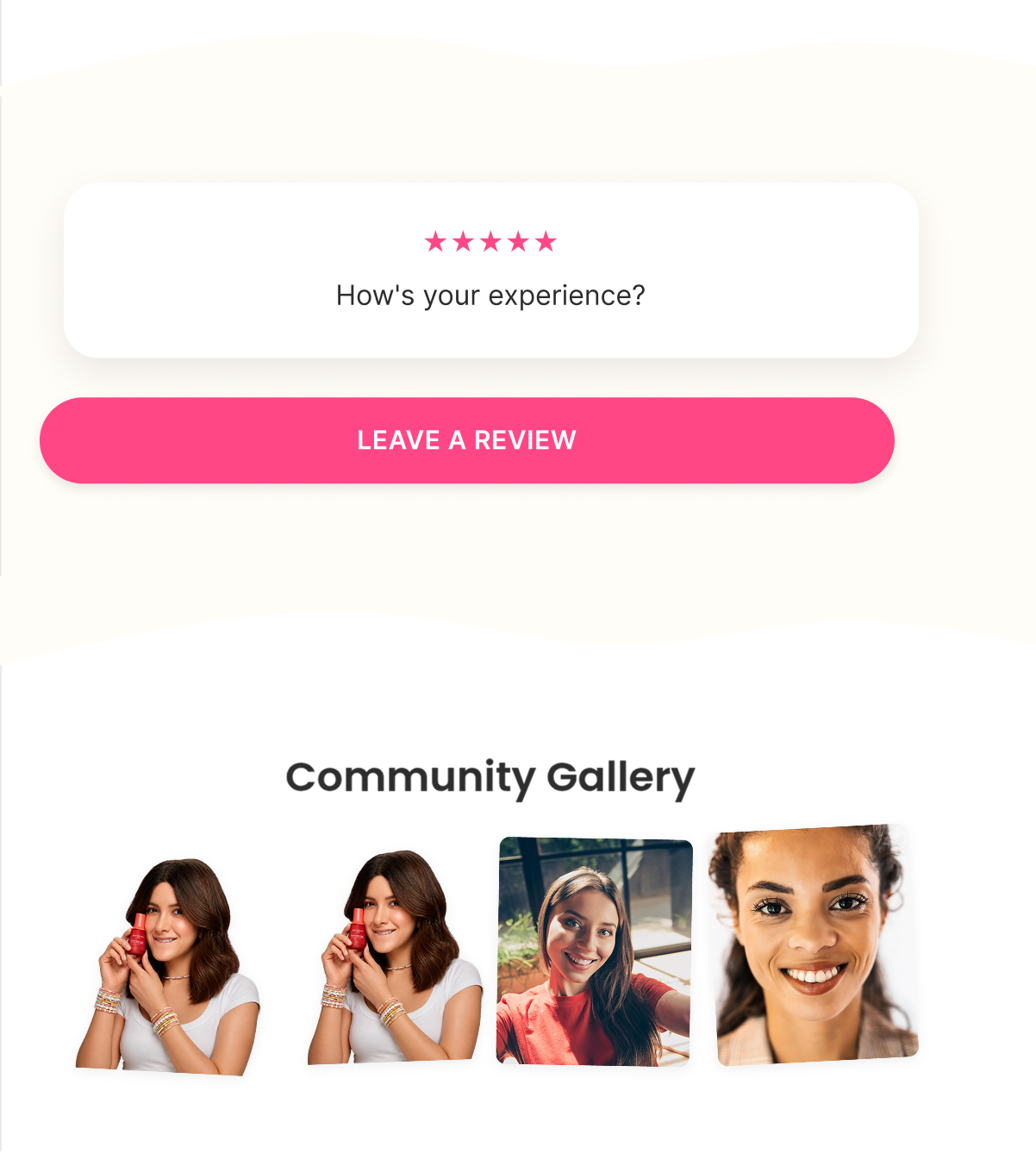
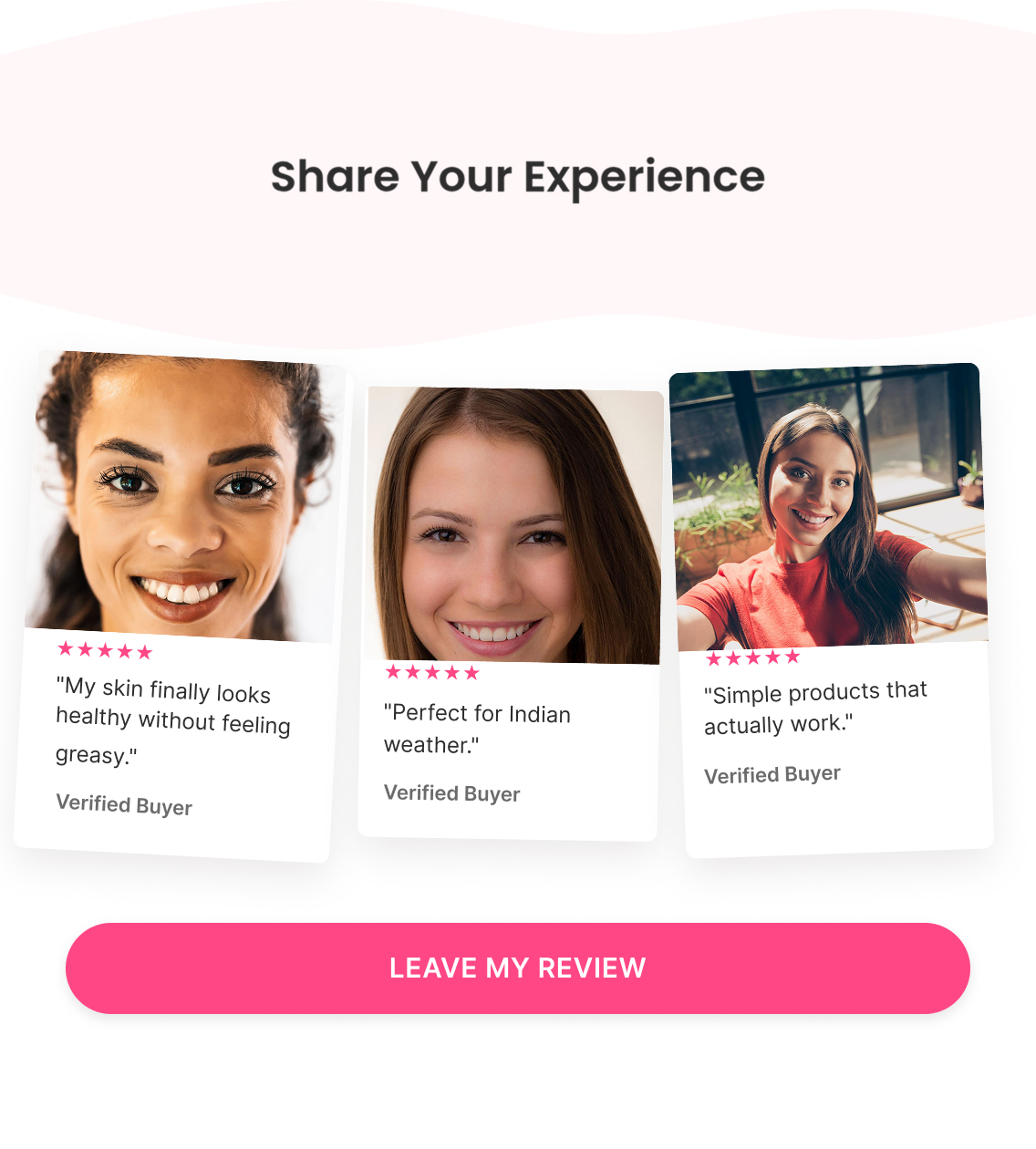
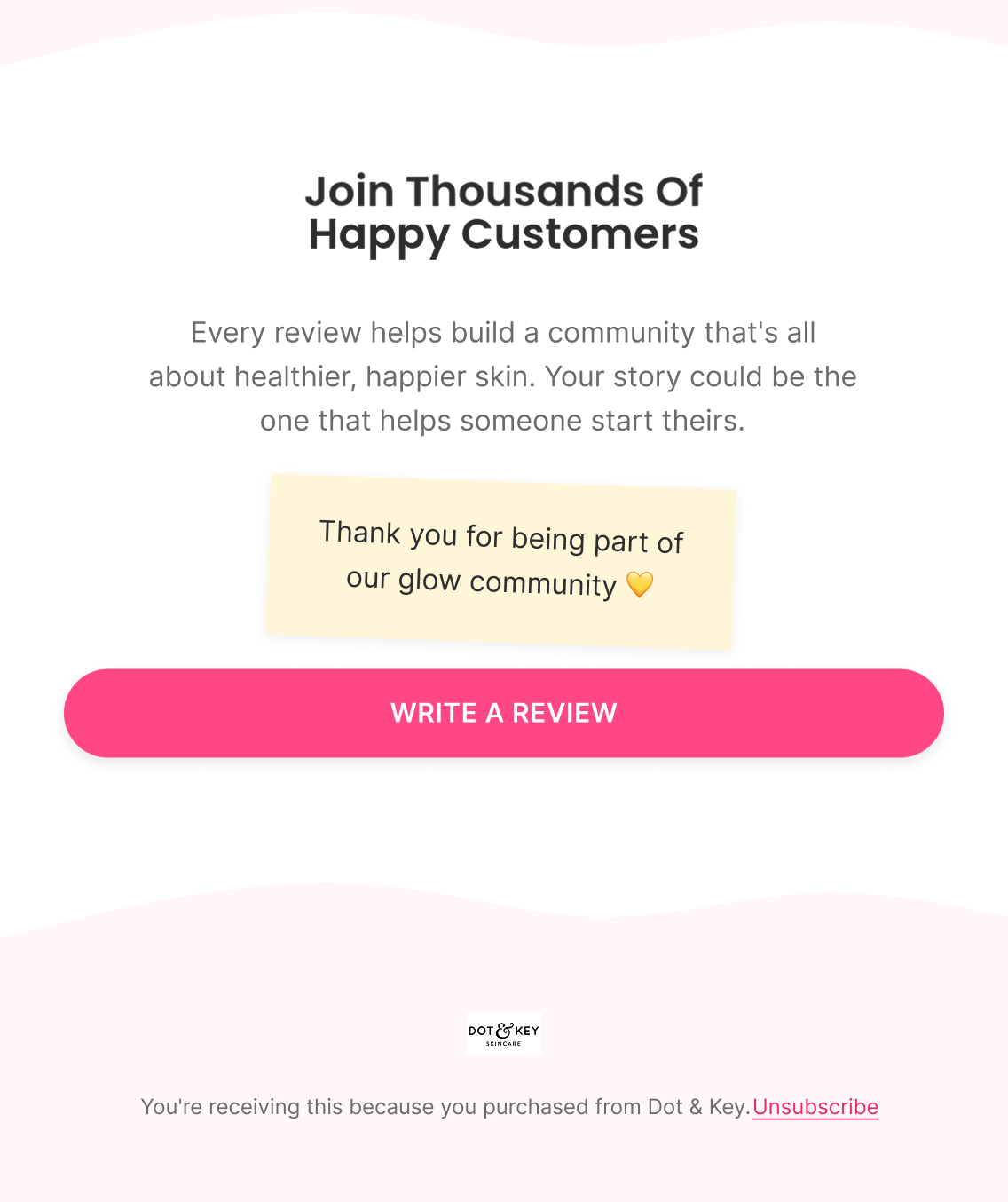
A gentler reminder framed around community contribution rather than obligation — "your story could be the one that helps someone start theirs." Prompts specific angles to comment on (texture, results, hydration, glow, overall experience) and closes with "Join Thousands Of Happy Customers" before the final CTA.

Klaviyo — How It Actually Works

Trigger

Placed Order, offset by the expected product-experience window (enough time to have actually used it and formed an opinion, not triggered off delivery day)

Delay

Once the product-experience window has passed → 5-7 days after Email 1

Flow filters

  • Removed if a review has already been left since entering — no point asking twice

Re-entry

Not applicable within the same order cycle — one review request sequence per purchase, not per session or email open

Personalisation

  • Product Image
  • Product Name
  • Direct link to that specific product's review page — not a generic "leave feedback" link that dumps the customer on the homepage
A/B Testing — How It Improves

Top priority tests

  • Timing of the first request — enough usage time to give meaningful feedback without the experience going stale
  • Direct link straight to the review page vs. review-platform → full form (friction reduction)
  • Product-specific request ("How is {{Product Name}} working for your skin?") vs. generic
  • Guided review with prompts (texture, hydration, glow) vs. open-ended "tell us what you think"
  • One email vs. two — measure whether E2 generates incremental reviews, not just opens/clicks

Primary metric

Review Submission Rate (reviews submitted ÷ recipients)

Note

Email CTR ≠ review conversion — a great CTR with poor completion means the review process itself has friction, not the email.

Popups

Acquisition and signup experiences — welcome popups, exit intent, multi-step forms, and offer capture.

Welcome Popup

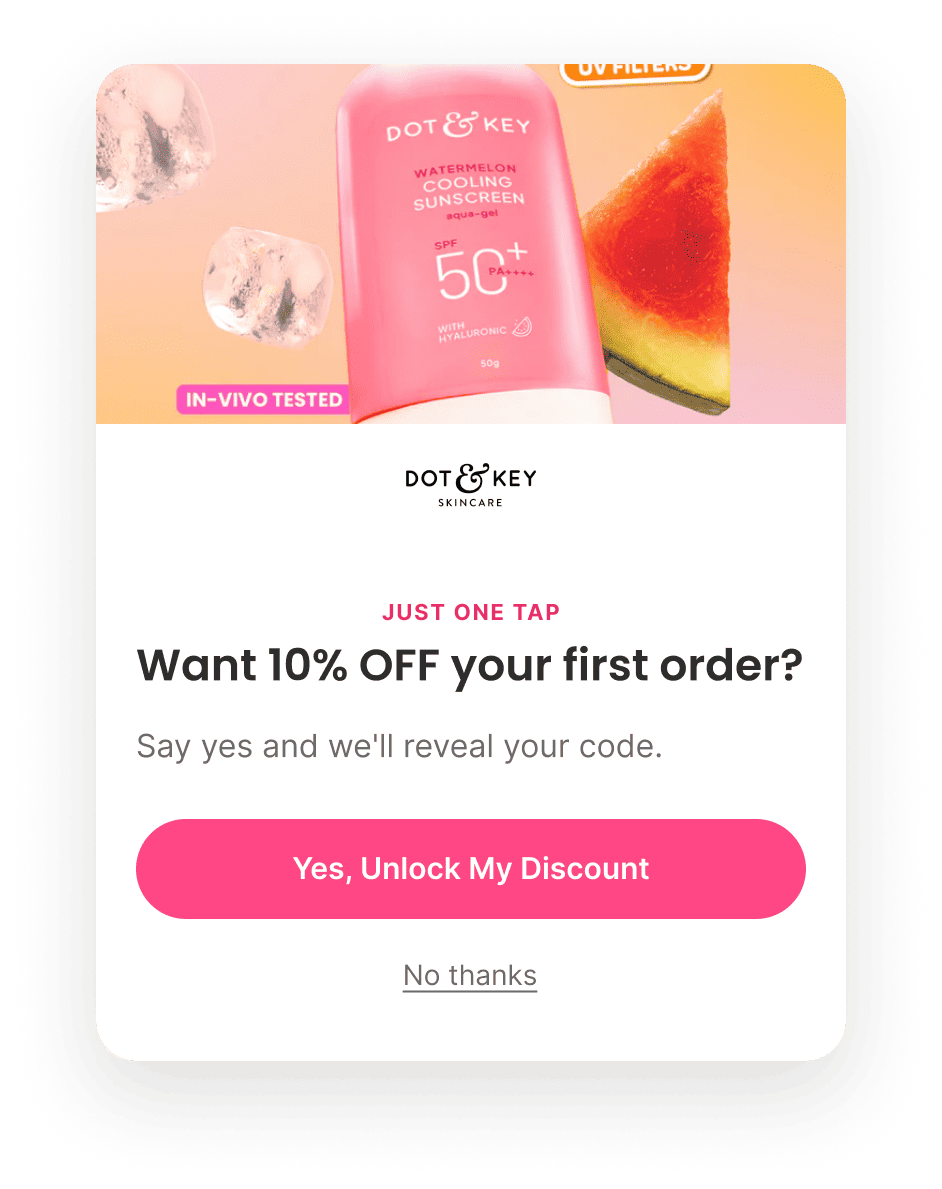
4-step signup
Figma — What I Designed
Welcome Popup
Welcome Popup
Welcome Popup
Welcome Popup
Strategy — Why It Exists

Objective

Convert an anonymous visitor into an email and SMS subscriber with minimal friction, using progressive commitment instead of a single upfront form.

Flow Progression

  • Step 1 — Micro-commitment (Yes/No)
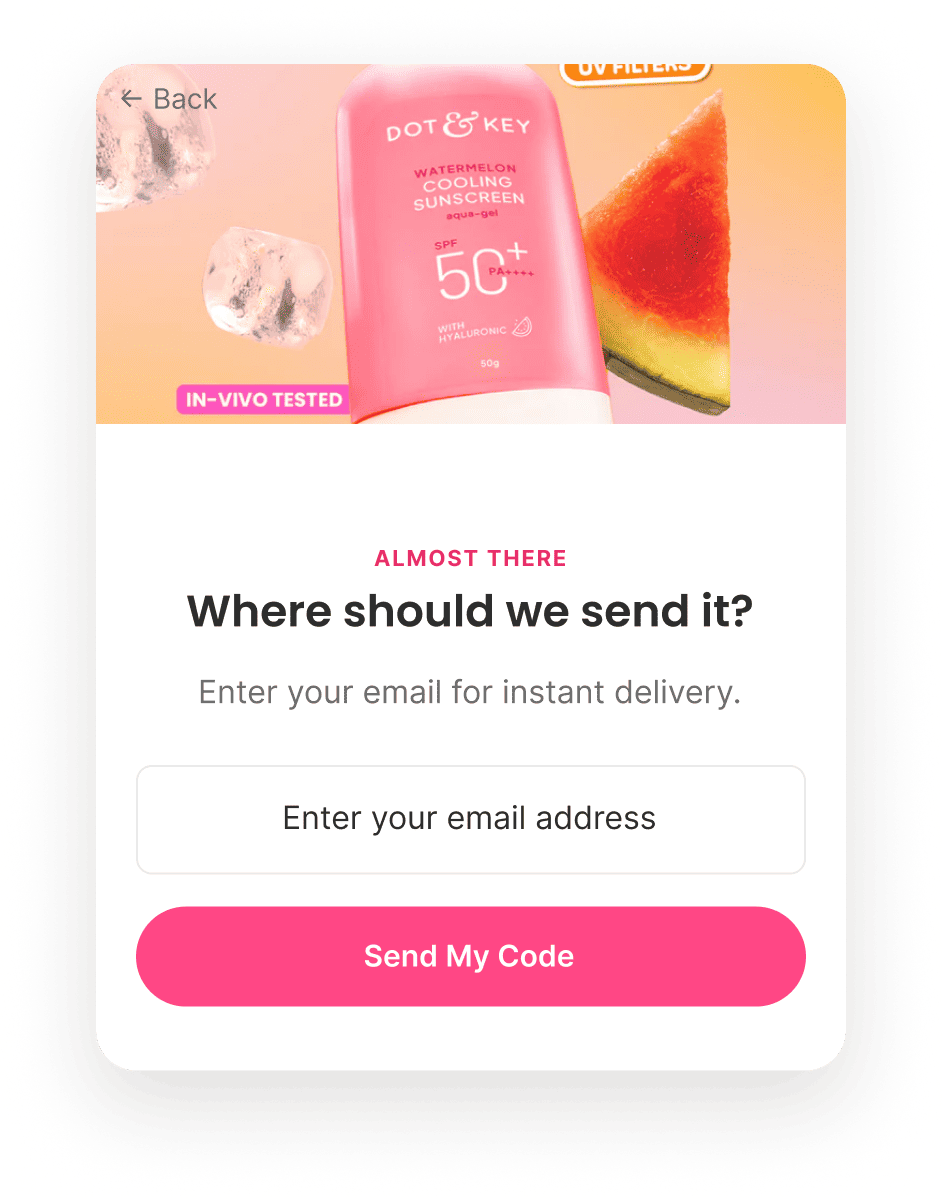
  • Step 2 — Email capture
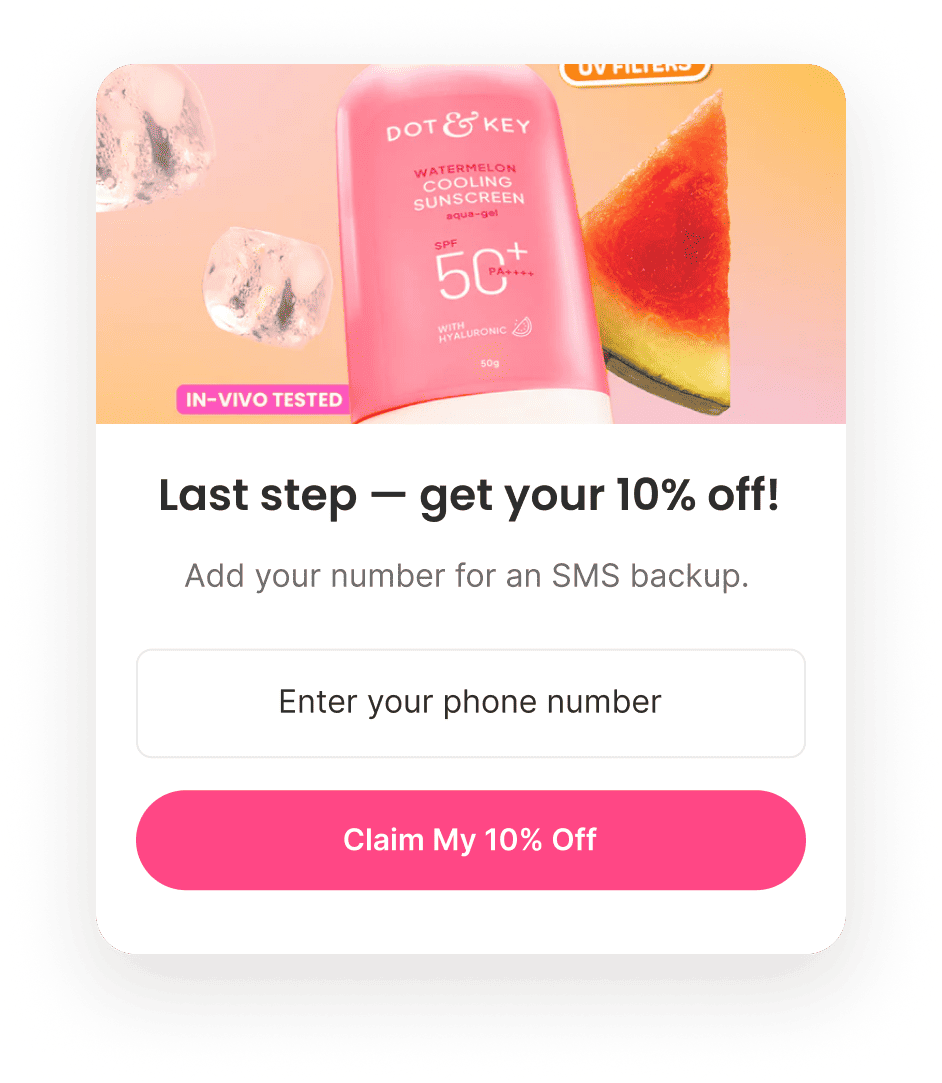
  • Step 3 — SMS capture (optional, framed as a backup)
  • Step 4 — Confirmation

Outcome

Higher completion rate than a single-field signup form, because each step asks for only one small decision instead of one large one.

Copy — What The Customer Sees
Step 1 — Micro-commitment "Want 15% off your first skincare routine?" — Yes, Unlock My Discount / No thanks. No email field yet — this step is a decision, not a data request.
Step 2 — Email capture "Where should we send your discount?" — framed around instant delivery and minimal effort, since the visitor has already said yes.
Step 3 — SMS capture "Add your number as a backup for your discount code" — positioned as insurance for the offer they already claimed, not a separate SMS marketing ask, which keeps the request from feeling like a second sale.
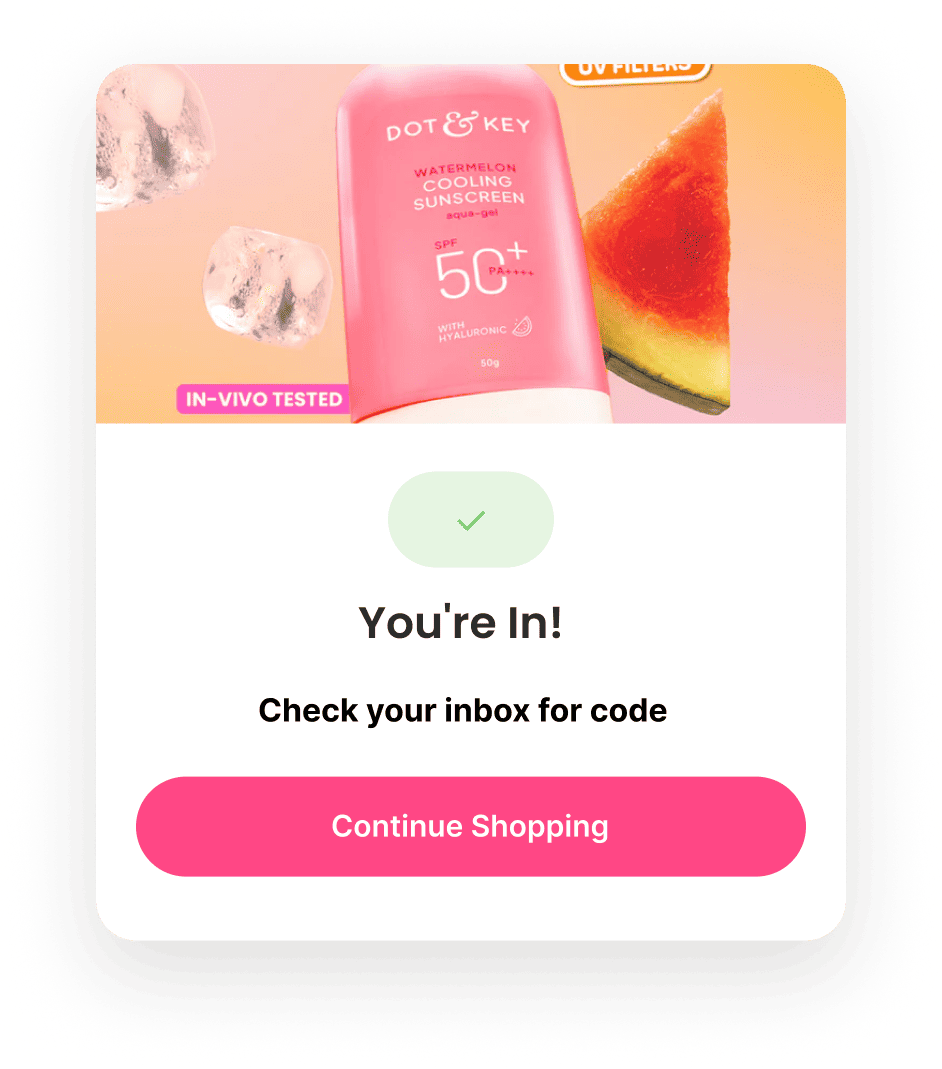
Step 4 — Confirmation "You're in!" — confirms the subscription, reassures that the code is on its way, and returns the visitor to shopping with the incentive already in hand.
Klaviyo — How It Actually Works

Trigger

Step 1 "Yes" click starts profile creation; Step 2 email submission is the actual subscribe event

Flow filters

  • None on entry — every visitor who completes Step 2 becomes a subscriber and feeds into the Welcome Flow trigger

Conditional splits

  • No conditional split — the mechanic itself (progressive commitment) does the conversion work; branching by visitor type isn't needed at this stage since there's no behavioral data yet to branch on

Segments

  • SMS subscribers (Step 3 completers) get tagged separately so SMS-specific sends can target only that group, without assuming every email subscriber also wants SMS
A/B Testing — How It Improves

Top priority tests

  • Offer: 10% off vs. ₹X off vs. free gift with purchase — highest-leverage variable, tested first
  • Progressive commitment ("Yes, Unlock My Discount" → email) vs. direct email capture
  • Core angle: savings vs. skincare outcome ("Your glow starts here") vs. product discovery
  • SMS step wording — only after email capture is optimized
  • Step 4 confirmation destination: Continue Shopping vs. Bestsellers vs. Find Your Routine

Primary metric

Email Opt-in Rate (email submissions ÷ popup impressions)

Testing order

Offer → mechanism → angle → framing → friction → SMS → CTA → design. Sequential, one variable at a time — each winner becomes the new control.

Klaviyo / Implementation

  • Smart Sending: OFF for all abandonment flows (Cart, Checkout, Browse) to avoid skipping high-intent emails.
  • UTM Parameters: Automatically append UTM tags to every email.
  • Send Time Optimization: Disabled for triggered flows; use fixed delays instead.
  • Email Frequency: Allow flows to override campaign cadence for high-intent events.
  • Exit Conditions: Automatically remove anyone who completes the flow goal (typically "Placed Order") before subsequent emails.
  • Dynamic Recommendations: Use Klaviyo catalog feeds for viewed products, cart contents, complementary products, and personalized recommendations wherever applicable.

Design Systems

Colours

CTA Pink 500 #FF4785
CTA Pink 700 #C21E58
CTA Pink 100 #FFE1EA
Ink #1F1F1F
Charcoal #2D2D2D
Off-white #FAFAF8
Strawberry #F26D6D
Niacinamide #8FD3C1
Hyaluronic #66D9E8
Vitamin C #FFD54A

Typography

H1: Poppins · 600 · 40px/1.1 · #2D2D2D

H2: Poppins · 600 · 28px/1.2 · #2D2D2D

H3 / Section Title: Inter · 600 · 15px/1.2 · #2D2D2D

Eyebrow: Inter · 700 · 11px/1.2 · Uppercase · 0.08em tracking · #E62F6C

Badge Text: Inter · 600 · 13px/1.2 · Uppercase · #C21E58

Body — Large: Inter · 400 · 18px/1.5 · #6B6B6B

Body — Medium: Inter · 400 · 16px/1.55 · #2D2D2D

Body — Small: Inter · 400 · 14px/1.5 · #6B6B6B

Fine Print: Inter · 400 · 12px/1.4 · #999999

Link / Button Label: Inter · 600 · 15px/1.2 · Uppercase tracking · #1F1F1F

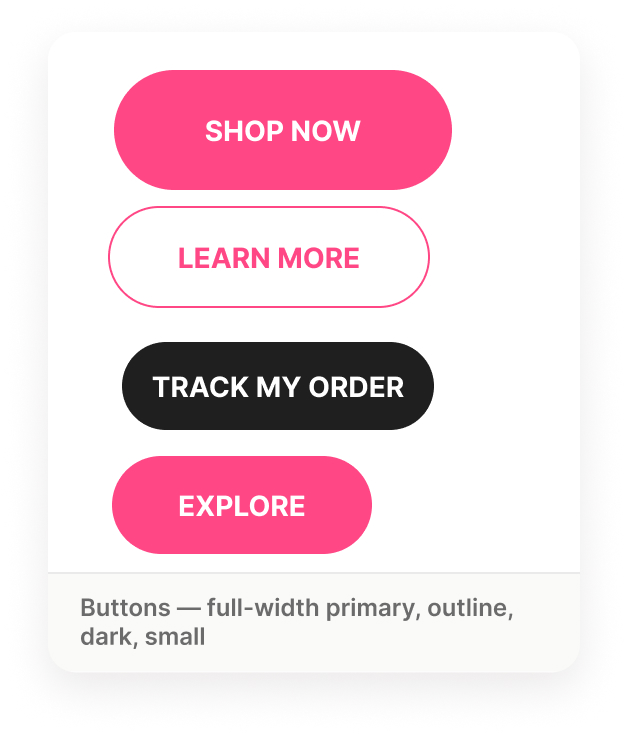
Buttons

Button variants

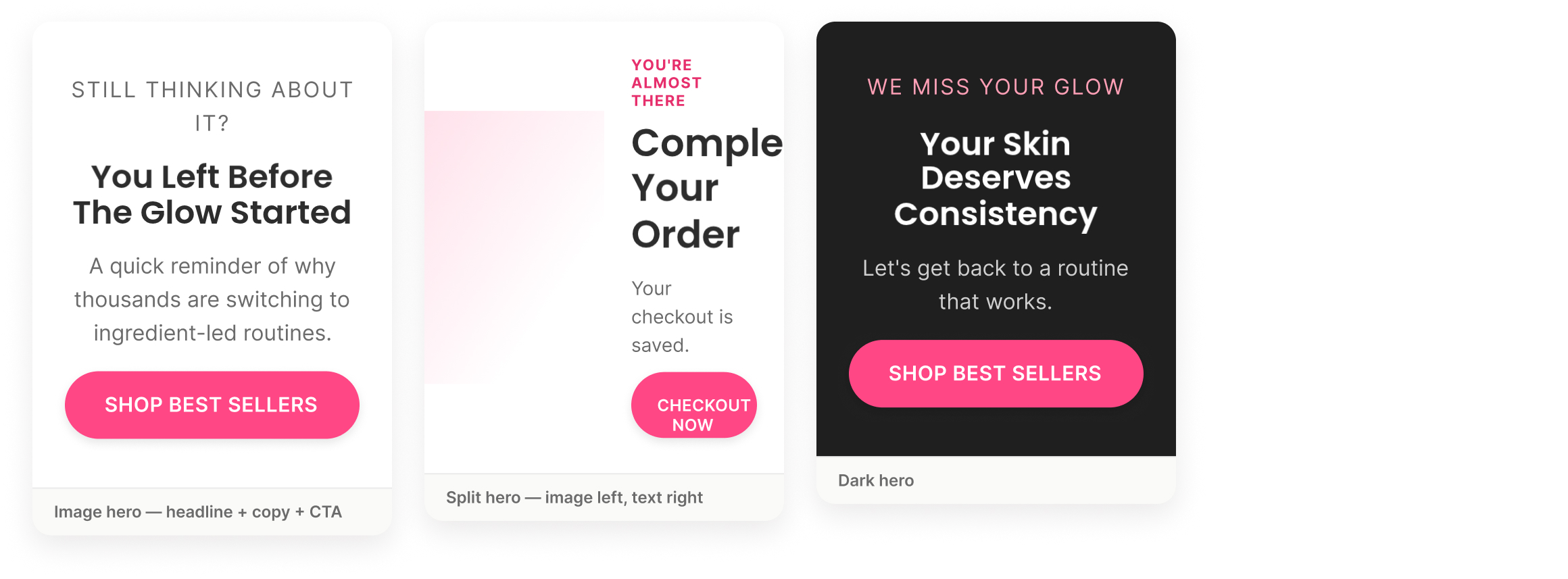
Hero Layouts

Hero layout variants

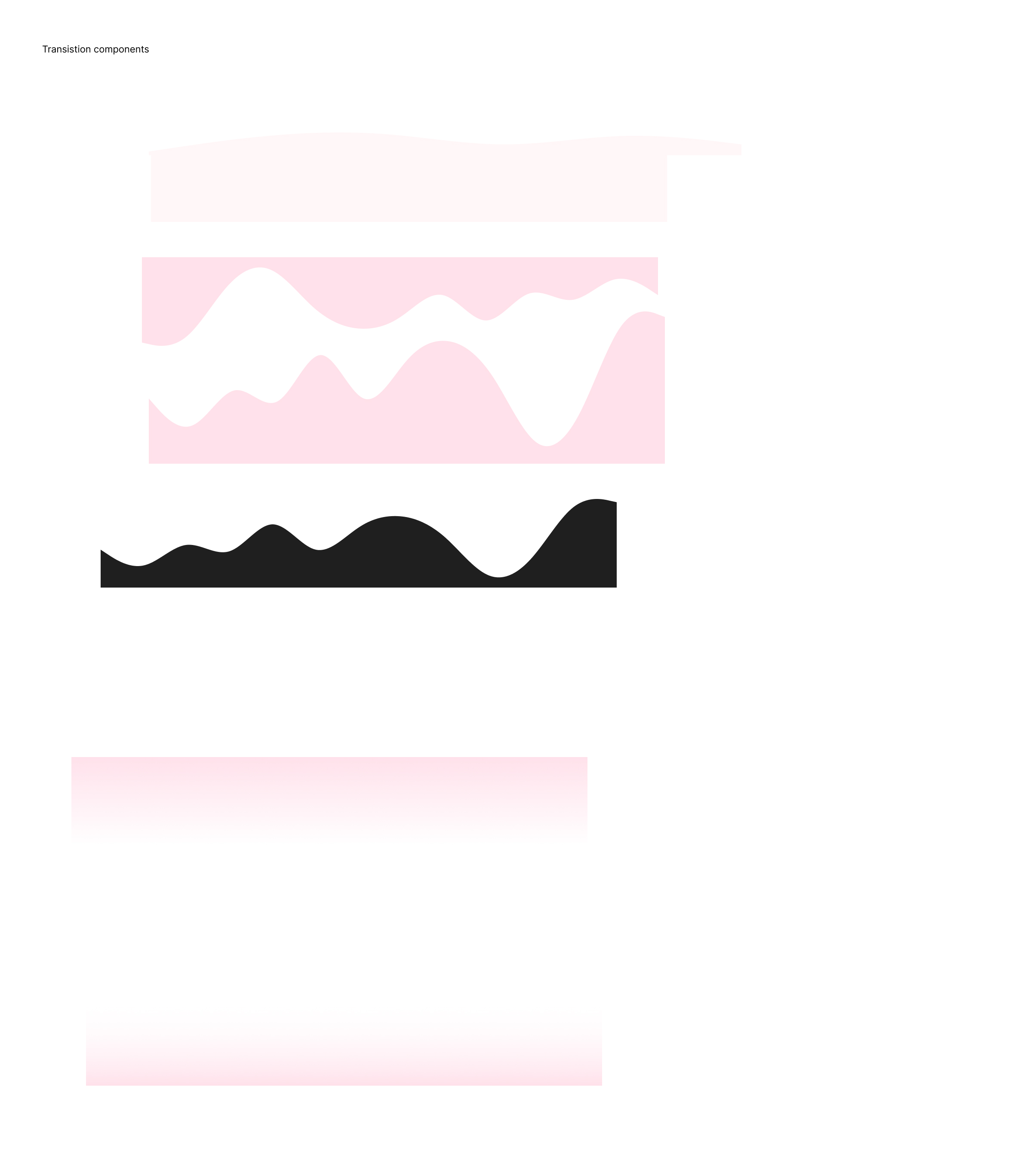
Section Dividers

Section divider / transition variants

Footer Component

Footer component

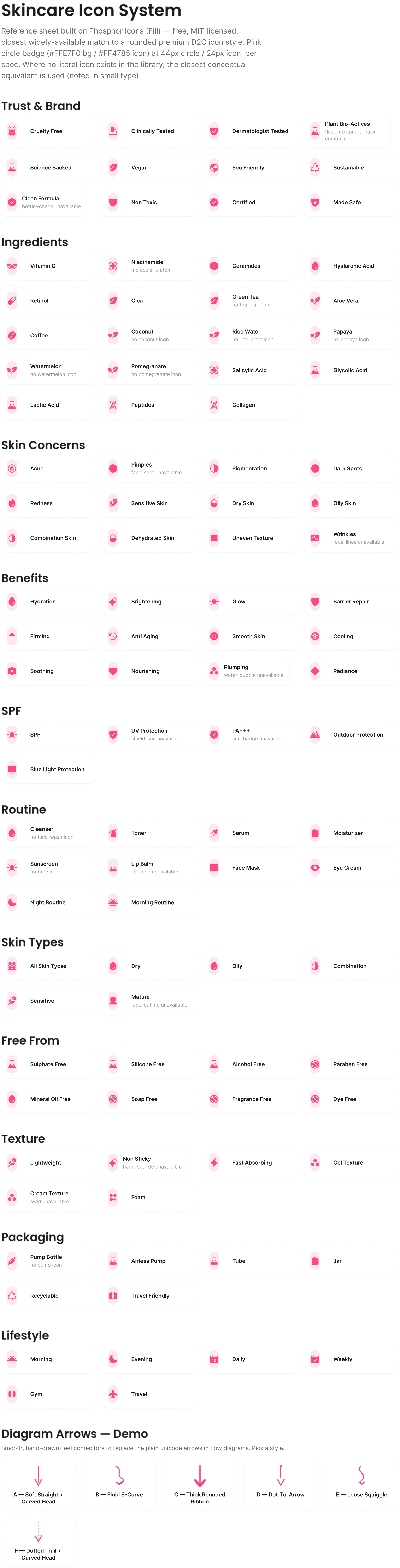
Skincare Icon System

150+ icons across trust, ingredients, concerns, benefits, SPF, routine, and packaging.

Skincare icon system reference sheet

Process

Brief → Strategy → Copy → Design → Klaviyo → QA → Optimize

01

Brand Assets & Overview

I review the brand, product range, customer, visual language, competitor activity, and existing customer journey before making design decisions.

02

Lifecycle Flow Strategy

I map customer moments, select the right flows, define the objective of each email, and identify the action the customer should take next.

03

Copy

I shape the message through subject lines, preview text, hooks, headlines, body-copy direction, and clear calls to action.

04

Design Brief

I turn strategy into a focused brief covering audience, objective, message, offer, required sections, visual direction, and mobile needs.

05

Design System & Email Design

I use reusable Figma components to create on-brand, mobile-first email flows and campaigns that are efficient to produce and easy to update.

06

Klaviyo Build

I prepare the flow logic, triggers, delays, filters, conditional splits, segments, product blocks, and template requirements for clean implementation.

07

QA

I check audience, logic, links, offers, personalisation, visuals, mobile rendering, legal requirements, and test-send details before launch.

08

Measurement & Next Test

I define what success should look like, which metrics to review, and what should be tested next.

Portrait of Yash
About / Hire Me

Lifecycle Email Specialist

I'm Yash.

I specialise in lifecycle email production for ecommerce and retention teams—the point where a good retention strategy has to become a finished, client-ready email.

My work sits across strategy interpretation, copy direction, email design, Klaviyo logic, and QA.

Dot & Key is one of those self-initiated systems: built to demonstrate how I think, how I structure lifecycle work, and how I move a brief toward execution.

I'm looking for teams that care more about the quality of the work and how independently it gets done than about a padded résumé.

If you have a retention brief that needs someone who can take it further without constant handholding, I'd like to see it.

Core Strengths

  • • Conversion-focused ecommerce email design in Figma
  • • Lifecycle-flow and campaign email production
  • • Mobile-first layout, visual hierarchy, and CTA clarity
  • • Shopify / DTC customer-journey understanding
  • • Klaviyo-ready flow logic, templates, and QA
  • • Reusable email design systems and organised handoff
  • • Clear remote communication and reliable delivery
More Work

Additional Work

Additional ecommerce builds that show how I approach email beyond one brand or one lifecycle system.
Project

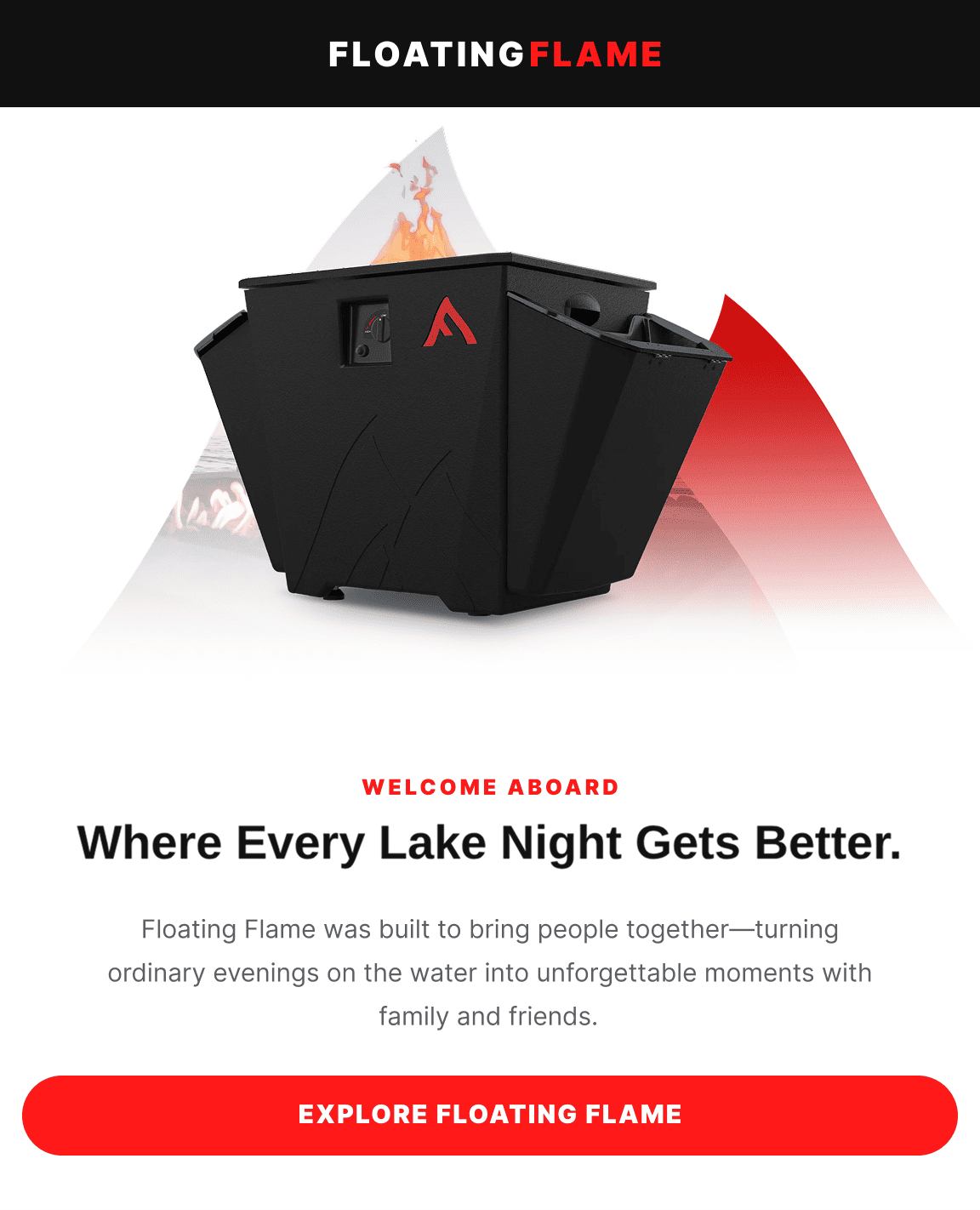
Floating Flame

A lifecycle email system for a premium portable fire pit brand, taking customers from first product discovery to confident purchase while increasing repeat revenue through post-purchase education, cross-sells, and seasonal outdoor campaigns.
Welcome flow — Email 1
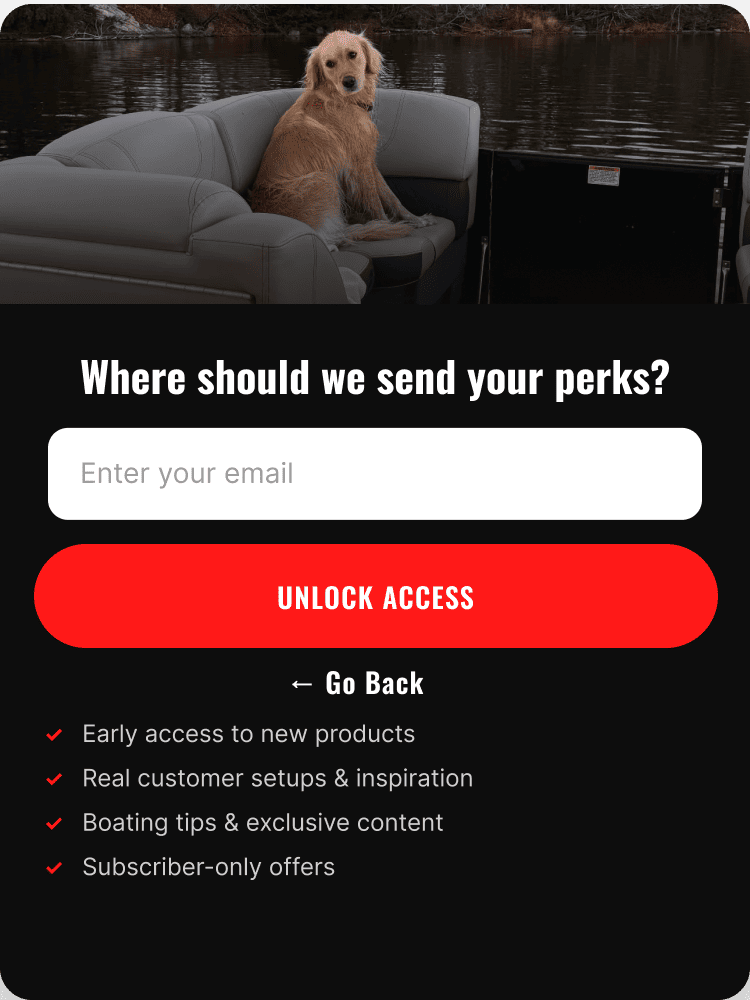
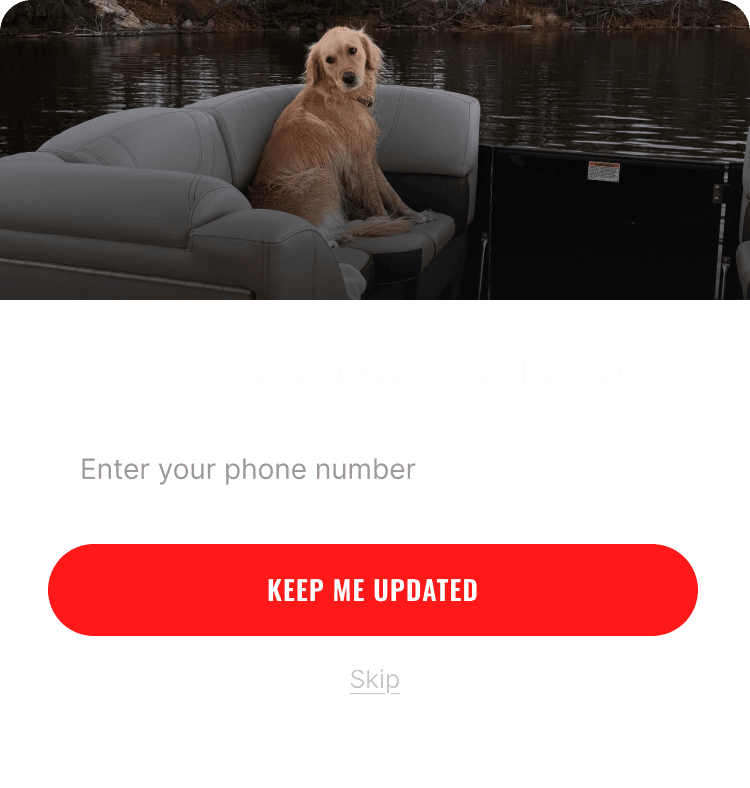
Popup — Step 1
Popup — Step 2
Popup — Step 3
Project — Supporting Work

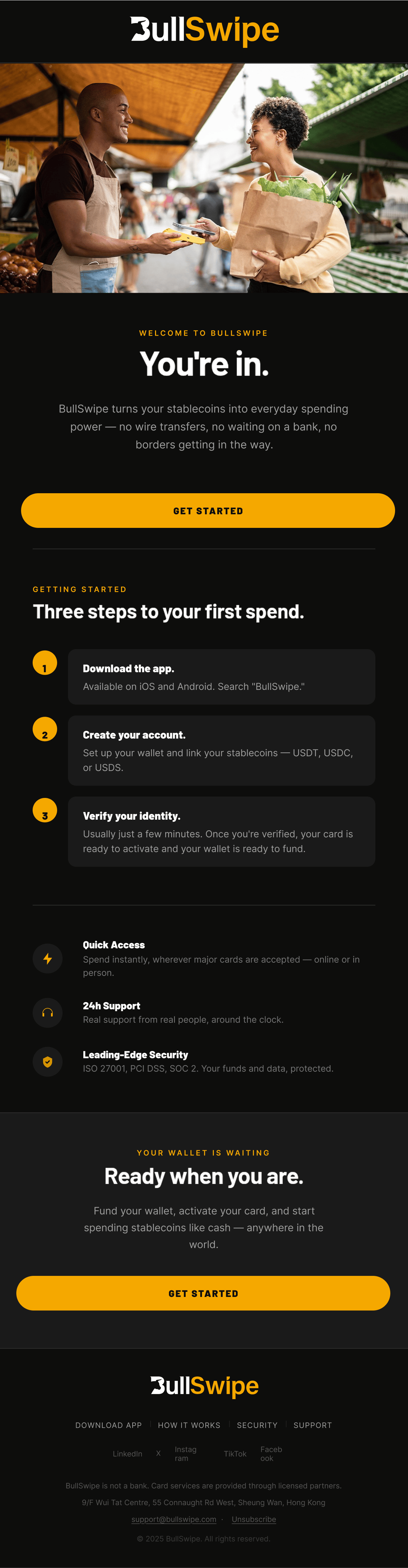
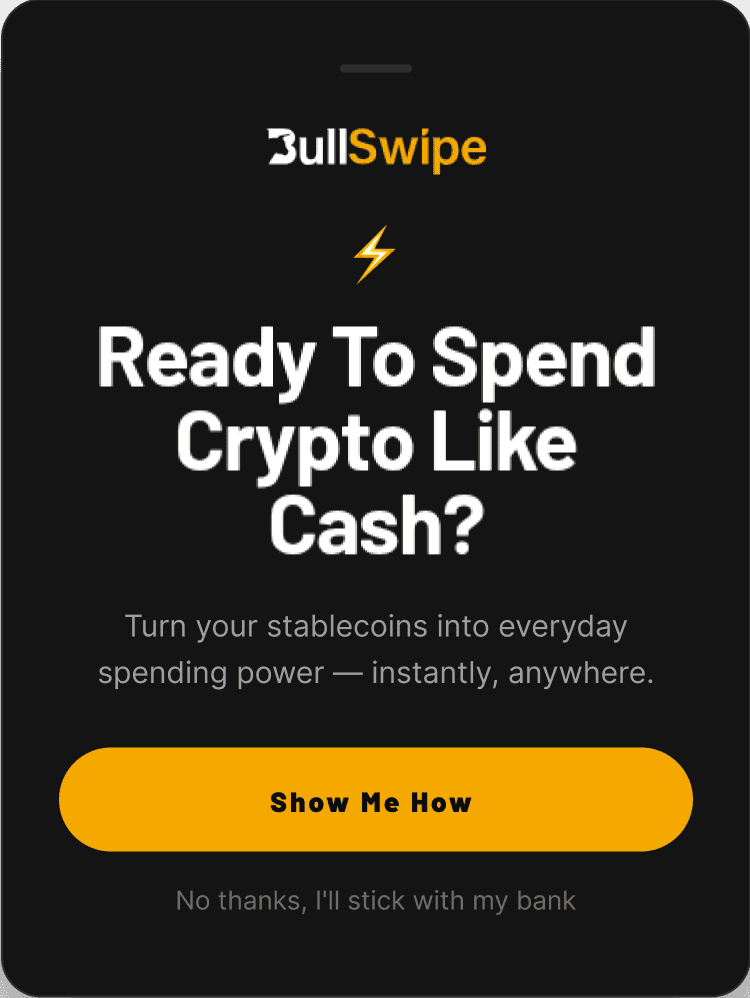
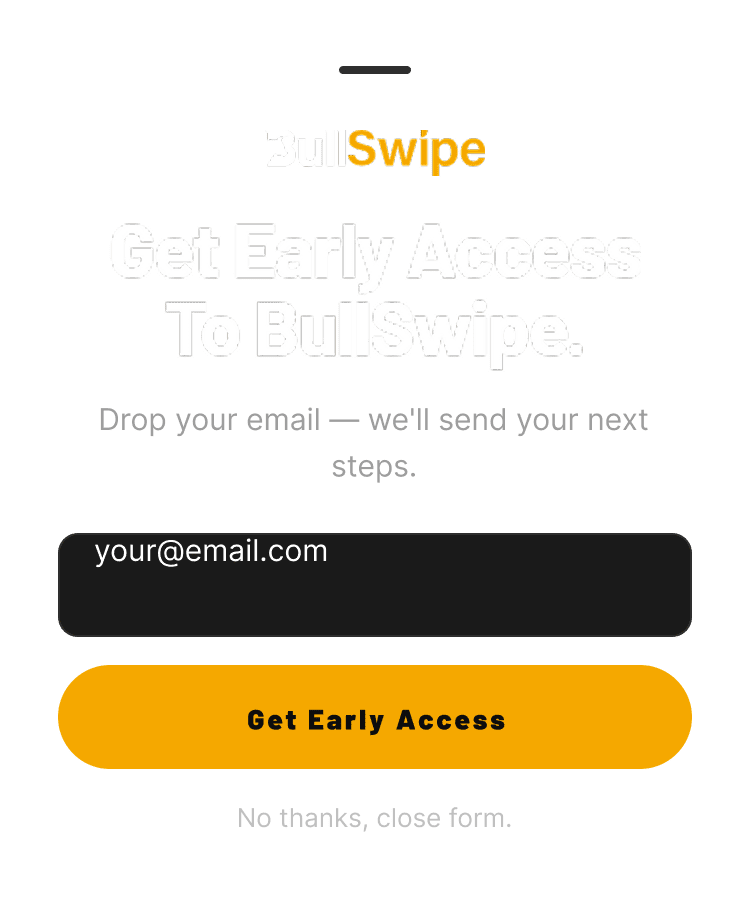
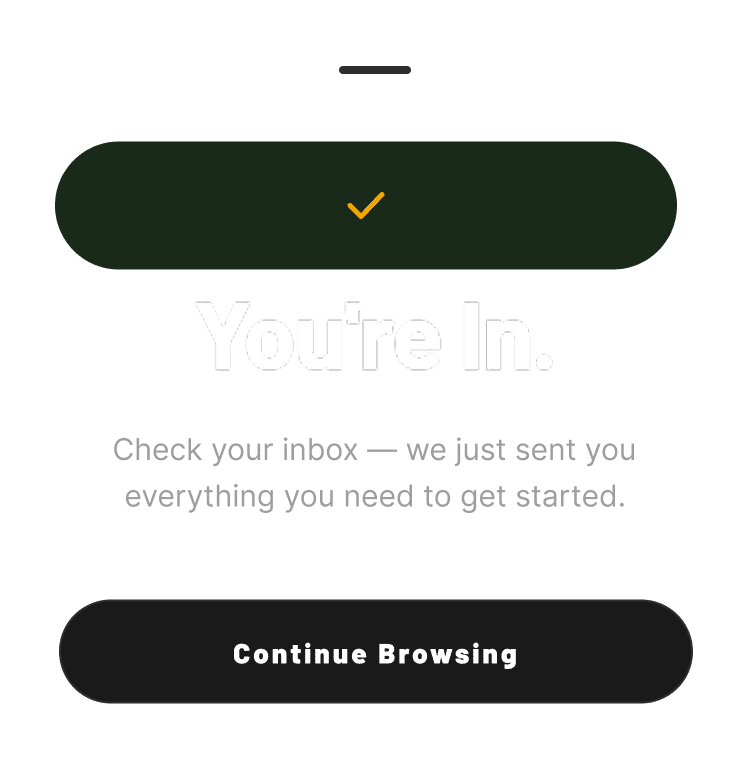
BullSwipe

A fintech lifecycle email system built to guide new users from account creation and identity verification to confidently spending crypto in the real world, while increasing long-term engagement through product education, feature adoption, security updates, and transactional journeys.

Welcome flow — Email 1
Popup — Step 1
Popup — Step 2
Popup — Step 3

Contact

Available for lifecycle email production with ecommerce and retention teams.

Email

yvyashvarma@gmail.com

LinkedIn

Figma Portfolio

Time-Zone Overlap

US & UK Time Zone Compatible

My offer to you (free trial)

Get a popup and welcome flow for free — or any 5 emails for free, with strategy, A/B testing, and optimizations. If you like what I do, we can proceed with the rest of the foundational builds and campaigns / campaign calendars.