BullSwipe
A fintech lifecycle email system for a crypto-to-fiat payments platform, guiding new users from signup through identity verification to spending stablecoins like everyday cash, while driving long-term engagement through activation, education, and re-engagement flows.
The Challenge
New users discover BullSwipe but need to trust a crypto payments platform enough to complete identity verification and fund their wallet before they can spend a single stablecoin.
The Goal
Help the email programme move signups from account creation through verification to a funded wallet and first real-world spend, then keep users engaged long after their first transaction.
My Role
Lifecycle strategy, copy direction, email design, Klaviyo-ready build logic, and QA.
Key Deliverables
- • Welcome flow
- • Site abandonment flow
- • Browse abandonment flow
- • Account/card setup abandonment flows
- • Post-activation flow
- • Review request flow
- • Winback flow
- • Sunset flow
- • Campaign calendar
- • Klaviyo build plan
Brand Assets & Customer Overview
The thinking before the email work.
Company Overview
- Industry: Financial Technology (FinTech)
- Founded: 2024
- Headquarters: Canada; legal entity BullSwipe Limited, Hong Kong
- Platform: crypto wallet, virtual & physical payment cards, automatic crypto-to-fiat conversion, cross-border transfers
What BullSwipe Offers
- Crypto wallet for storing supported digital assets
- Virtual payment card generated instantly for online purchases
- Physical payment card for in-store spending worldwide
- Automatic crypto-to-fiat conversion at the point of purchase
- Cross-border money transfers and remittance services
- Apple Pay and Google Pay support for compatible virtual cards
Target Audience
- Crypto holders who want to spend digital assets in everyday transactions
- Digital nomads and international users making cross-border payments
- Users seeking an alternative to traditional banking for payments and remittances
Key Positioning
- "Crypto spending simplified"
- Spend crypto anywhere Visa/Mastercard is accepted
- Fast onboarding and instant virtual cards
- Global accessibility without traditional banking friction
Flows designed based on the buyer’s journey.
Flow Map

Welcome Flow
5 emails • Guide new subscribers from introduction to first purchaseFlow Progression
Outcome
Introduce the brand, educate new subscribers, answer objections, build trust, and encourage a confident first purchase.
Site Abandonment Flow
2 emails • Re-engage visitors who left the website earlyFlow Progression
Outcome
Bring visitors back to the site, highlight popular products, and offer assistance before purchase intent disappears.
Browse Abandonment Flow
4 emails • Move product viewers toward adding items to cartFlow Progression
Outcome
Reinforce product value, resolve hesitation, and encourage customers to return and continue shopping.
Cart Abandonment Flow
4 emails • Recover abandoned carts before intent fadesFlow Progression
Outcome
Address buying concerns, strengthen purchase motivation, and recover abandoned carts.
Checkout Abandonment Flow
4 emails • Help customers complete checkoutFlow Progression
Outcome
Remove final barriers to purchase and encourage customers to complete their order.
Post-Purchase Flow
5 emails • Turn first-time buyers into repeat customersFlow Progression
Outcome
Help customers get better results, strengthen brand loyalty, and naturally introduce the next purchase.
Winback Flow
4 emails • Re-engage inactive customersFlow Progression
Outcome
Reconnect with inactive customers using multiple messaging angles before they become permanently inactive.
Sunset Flow
2 emails • Make one final attempt before suppressing inactive subscribersFlow Progression
Outcome
Give inactive subscribers one final opportunity to re-engage before removing them from future marketing communications.
Copy
How strategy became messaging.
Strategy & Copy — Popup
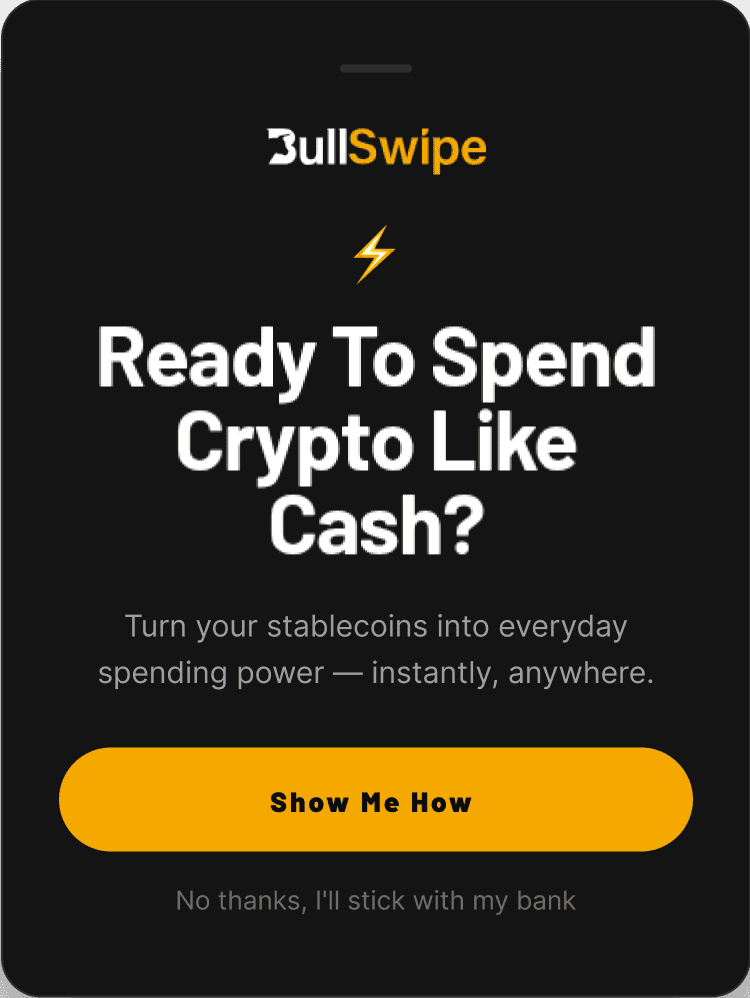
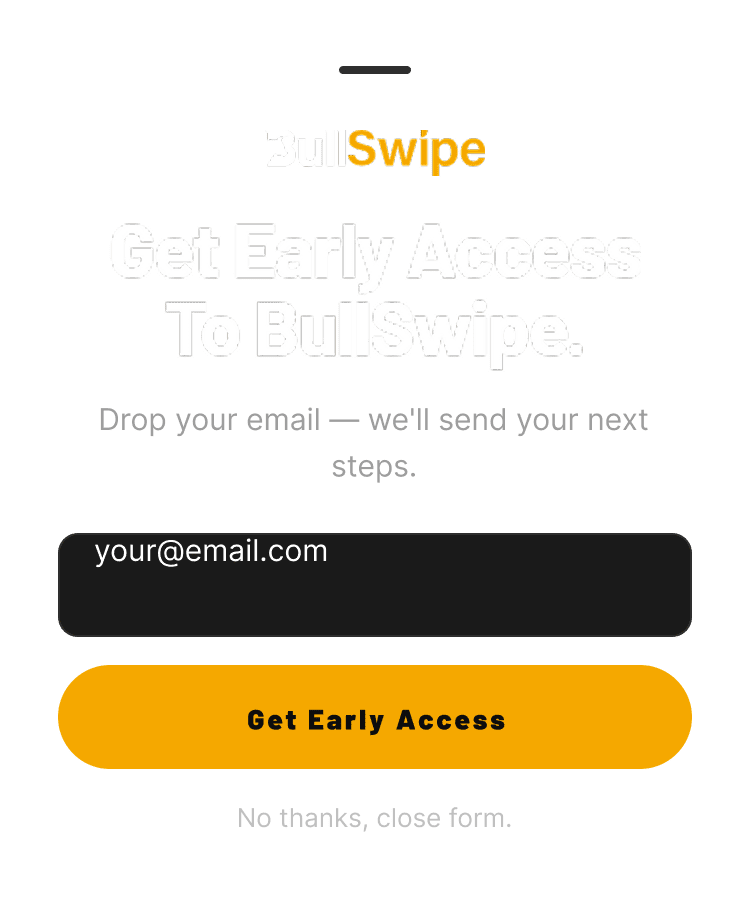
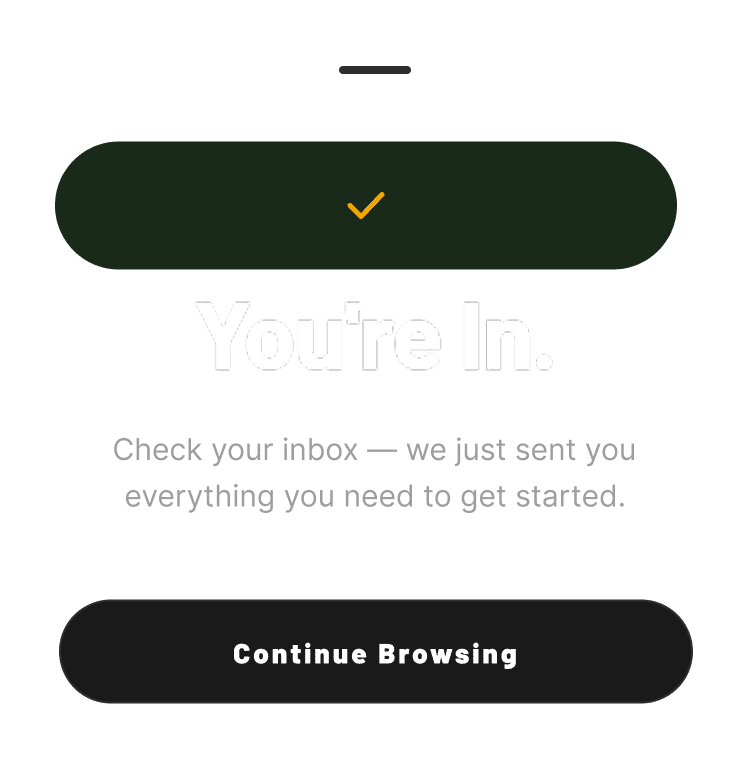
Capture an email address as the first conversion point, leading with a clear value hook before ever asking for personal information.
Final Popup Design
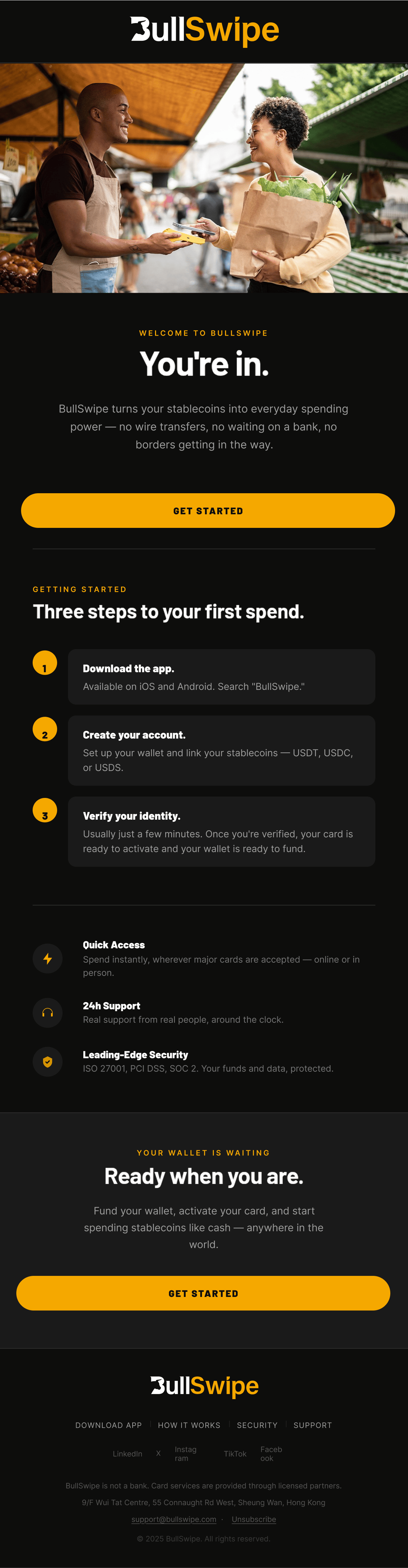
Strategy & Copy — Welcome Email 1
- Objective:
- Welcome new users immediately after signup and set clear expectations for the three steps between them and spending crypto like cash.
- Target customer:
- New signup, hasn't completed identity verification or funded a wallet yet
- Subject line:
- “Welcome to BullSwipe — here's what's next”
- Preview text:
- “Three steps between you and spending crypto like cash.”
- Hook:
- You're in.
- Headline:
- “Welcome to BullSwipe.”
- Body-copy direction:
- Explain what BullSwipe actually does in plain terms — convert USDT/USDC into a spendable balance instantly, spend anywhere major cards are accepted, move money across borders without the usual fees — then lay out the 3-step path to activation: download the app, create your account, verify your identity.
- Primary CTA:
- Get Started
- Offer / angle:
- None — activation-focused, not promotional.
Design Brief
The brief used before designing each email or campaign.
Email objective
Get newly signed-up users to activate their account and make their first stablecoin-to-cash purchase
Target audience
New signup, account created but not yet verified or activated
Customer context
First email in the Welcome flow, sent immediately after signup
Key message
Three simple steps stand between signup and spending stablecoins like cash
Offer or angle
None — activation-focused, not promotional
Required sections
Hero, 3-step visual (Download → Create Account → Verify), CTA, trust row, footer
Visual direction
Lifestyle photography of someone tapping the BullSwipe card at a café or market abroad; a clean card mockup on gradient works as a fallback if no lifestyle photography exists yet
Product / image assets
Lifestyle photo or card mockup, 3 numbered step icons, trust-row icons (Quick Access, 24h Support, Leading-Edge Security)
Primary CTA
Get Started
Mobile requirements
3-step visual stacks vertically; CTA button full-width, high-contrast, positioned above the fold
Other design briefs for this brand
Additional briefs follow the same template for each remaining campaign and flow email — available on request or in the linked brief document.
Campaign Calendar
Klaviyo-Ready Build Logic
Welcome Flow (5 Emails)
Trigger
Subscribed to Email List
Delay
Immediate → 1 day → 2 days → 2 days → 3 days
Flow filters
- Has not placed an order since starting this flow
Conditional splits
- Has viewed a product since subscribing?
- Welcome offer claimed vs not claimed (optional)
- Quiz completed vs not completed (if quiz exists)
Segments
- New subscribers
- Email subscribers only
- No purchase
Exclusions
- Existing customers
- Unsubscribed profiles
- Suppressed profiles
Dynamic product blocks
- Best Sellers
- Personalized recommendations
- Recently viewed products (if available)
Personalisation
- First Name
- Discount Code
- Signup Source
- Quiz Result (optional)
Site Abandonment Flow (2 Emails)
Trigger
Active on Site
Delay
1 hour → 2 days
Flow filters
- Has not viewed a product since entering flow
- Has not placed an order
Conditional splits
- New visitor vs Returning visitor
- Mobile vs Desktop (optional)
Segments
- Site visitors
- No product viewed
Exclusions
- Purchased after trigger
- Entered Browse Abandonment
- Existing customers (optional)
Dynamic product blocks
- Best Sellers
- Trending Products
- New Arrivals
Personalisation
- First Name
- Homepage recommendations
Browse Abandonment Flow (4 Emails)
Trigger
Viewed Product
Delay
45 min → 1 day → 2 days → 3 days
Flow filters
- Has not Added to Cart
- Has not Started Checkout
- Has not Placed Order
Conditional splits
- First-time visitor vs Returning customer
- Product category viewed
- High-value product vs Low-value product
Segments
- Product viewers
Exclusions
- Purchased viewed product
- Added item to cart
- Entered Cart Flow
Dynamic product blocks
- Viewed Product
- Related Products
- Similar Products
Personalisation
- First Name
- Viewed Product Name
- Product Image
- Product Price
Cart Abandonment Flow (4 Emails)
Trigger
Added to Cart
Delay
1 hour → 12 hours → 2 days → 4 days
Flow filters
- Has not Started Checkout
- Has not Placed Order
Conditional splits
- Cart value above free shipping threshold
- First purchase vs Returning customer
- Cart contains bundle vs Single item
Segments
- Cart abandoners
Exclusions
- Started checkout
- Purchased
- Empty cart
Dynamic product blocks
- Cart Items
- Complementary Products
Personalisation
- First Name
- Cart Items
- Cart Value
- Free Shipping Status
Checkout Abandonment Flow (4 Emails)
Trigger
Started Checkout
Delay
1 hour → 12 hours → 24 hours → 48 hours
Flow filters
- Has not placed order
Conditional splits
- First-time customer vs Repeat customer
- Cart value above discount threshold
- Shipping country
Segments
- Checkout abandoners
Exclusions
- Completed checkout
- Cancelled checkout
Dynamic product blocks
- Checkout Items
- Checkout Summary
Personalisation
- First Name
- Cart Items
- Checkout URL
Post Purchase Flow (5 Emails)
Trigger
Placed Order
Delay
Immediate → 3 days → 10 days → 21 days → 45 days
Flow filters
- Order fulfilled (for education emails if needed)
Conditional splits
- First Order vs Repeat Order
- Product Purchased
- Subscription vs One-time Purchase
- Order Value
Segments
- Customers
- First-time Buyers
- Repeat Buyers
Exclusions
- Refunded orders
- Cancelled orders
Dynamic product blocks
- Complementary Products
- Frequently Bought Together
- Personalized Recommendations
Personalisation
- First Name
- Purchased Product
- Order Number
- Loyalty Status
Winback Flow (4 Emails)
Trigger
Placed Order
Delay
90 Days After Last Purchase
Flow filters
- Has not placed another order
- Has not entered another Winback Flow recently
Conditional splits
- High LTV vs Low LTV
- Product previously purchased
- VIP Customer
Segments
- Lapsed Customers
Exclusions
- Recent purchasers
- Suppressed profiles
Dynamic product blocks
- Previously Purchased Collection
- New Arrivals
- Personalized Recommendations
Personalisation
- First Name
- Last Purchased Product
- Days Since Last Purchase
Sunset Flow (2 Emails)
Trigger
Segment Entry
Delay
Immediate → 7 days
Entry segment example
- Has not opened email in 90-180 days
- Has not clicked in 90-180 days
- Has not purchased in 180+ days
Flow filters
- Still inactive
Conditional splits
- Opened first email?
- Clicked first email?
Segments
- Inactive Subscribers
Exclusions
- Recent purchasers
- Active engaged subscribers
Dynamic product blocks
- Best Sellers
- New Products
Personalisation
- First Name
Exit logic
- If subscriber opens or clicks any email → Remove from flow
- If subscriber remains inactive after final email → Add to Suppressed Segment (or suppression workflow, depending on account policy)
Global Flow Settings
- Smart Sending: OFF for all abandonment flows (Cart, Checkout, Browse) to avoid skipping high-intent emails.
- UTM Parameters: Automatically append UTM tags to every email.
- Send Time Optimization: Disabled for triggered flows; use fixed delays instead.
- Email Frequency: Allow flows to override campaign cadence for high-intent events.
- Exit Conditions: Automatically remove anyone who completes the flow goal (typically "Placed Order") before subsequent emails.
- Dynamic Recommendations: Use Klaviyo catalog feeds for viewed products, cart contents, complementary products, and personalized recommendations wherever applicable.
Pre-Send QA
- Correct audience and segment
- Trigger and flow logic checked
- Exclusions checked
- Subject line and preview text checked
- Personalisation checked
- Discount or offer checked
- Links and buttons checked
- Mobile layout checked
- Image quality and loading checked
- Footer, legal text, and unsubscribe checked
- Test-send check
What I Would Measure and Test Next
A complete ecommerce email system.
This case study shows how I move from brand understanding and customer journey strategy to copy, Figma email design, Klaviyo-ready flow logic, and pre-send QA.